

Cloudflare Turnstile Settings
Cloudflare Turnstile is free and usually invisible: most customers never click anything. Your site does not need to use Cloudflare. The tab applies only when Cloudflare Turnstile is the provider on the General tab. Open Configuration → Cloudflare Turnstile.
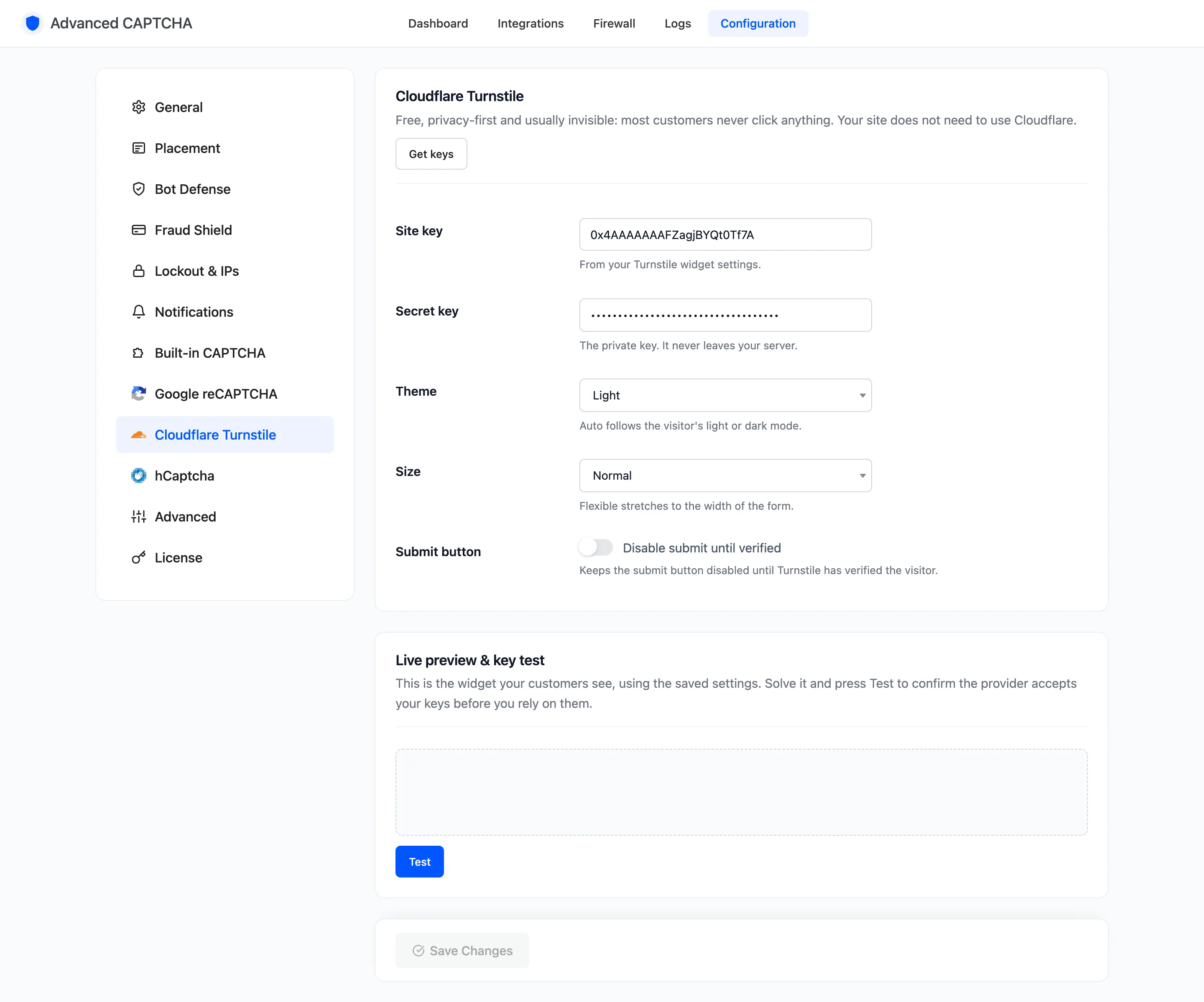
Get keys opens the Turnstile section of your Cloudflare dashboard.
Fields
Section titled “Fields”- Site key: from your Turnstile widget settings.
- Secret key: the private key. It never leaves your server.
- Theme: Auto (default) follows the visitor’s light or dark mode. Or Light or Dark.
- Size: Normal (default), Flexible or Compact. Flexible stretches to the width of the form.
- Submit button: “Disable submit until verified”. Off by default. Keeps the form’s button greyed out until Turnstile has verified the visitor.
Live preview & key test
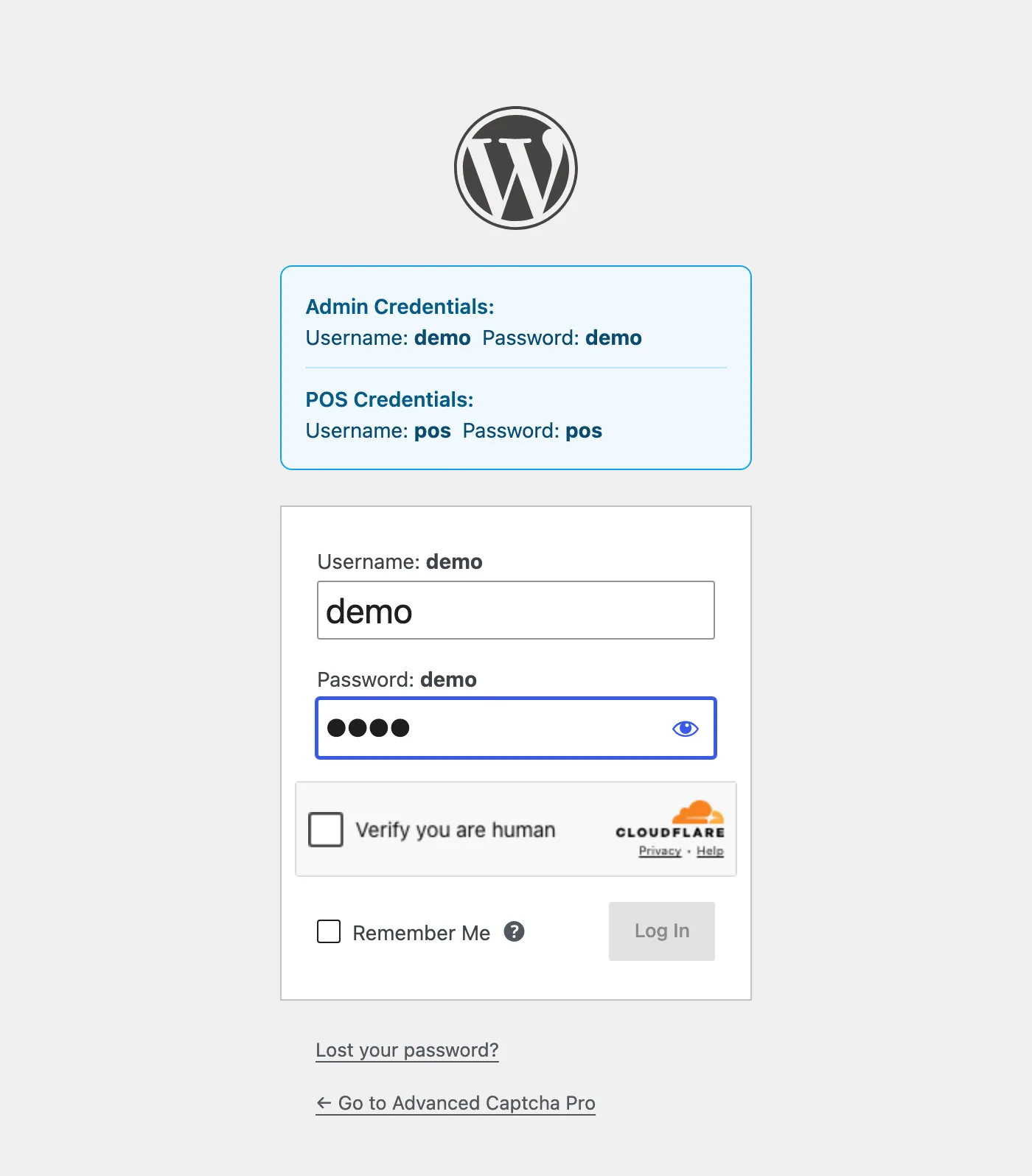
Section titled “Live preview & key test”The bottom of the tab shows the widget with your saved keys. Let it verify and press Test to confirm Cloudflare accepts the keys.
See How to Set Up Cloudflare Turnstile.
Click Save Changes at the bottom of the tab.