

How to Copy Your Settings to Another Store (Pro)
Agencies and owners of several stores can set the plugin up once and copy it everywhere. Export also makes a quick backup before you change things.
Step 1: Export on the first store
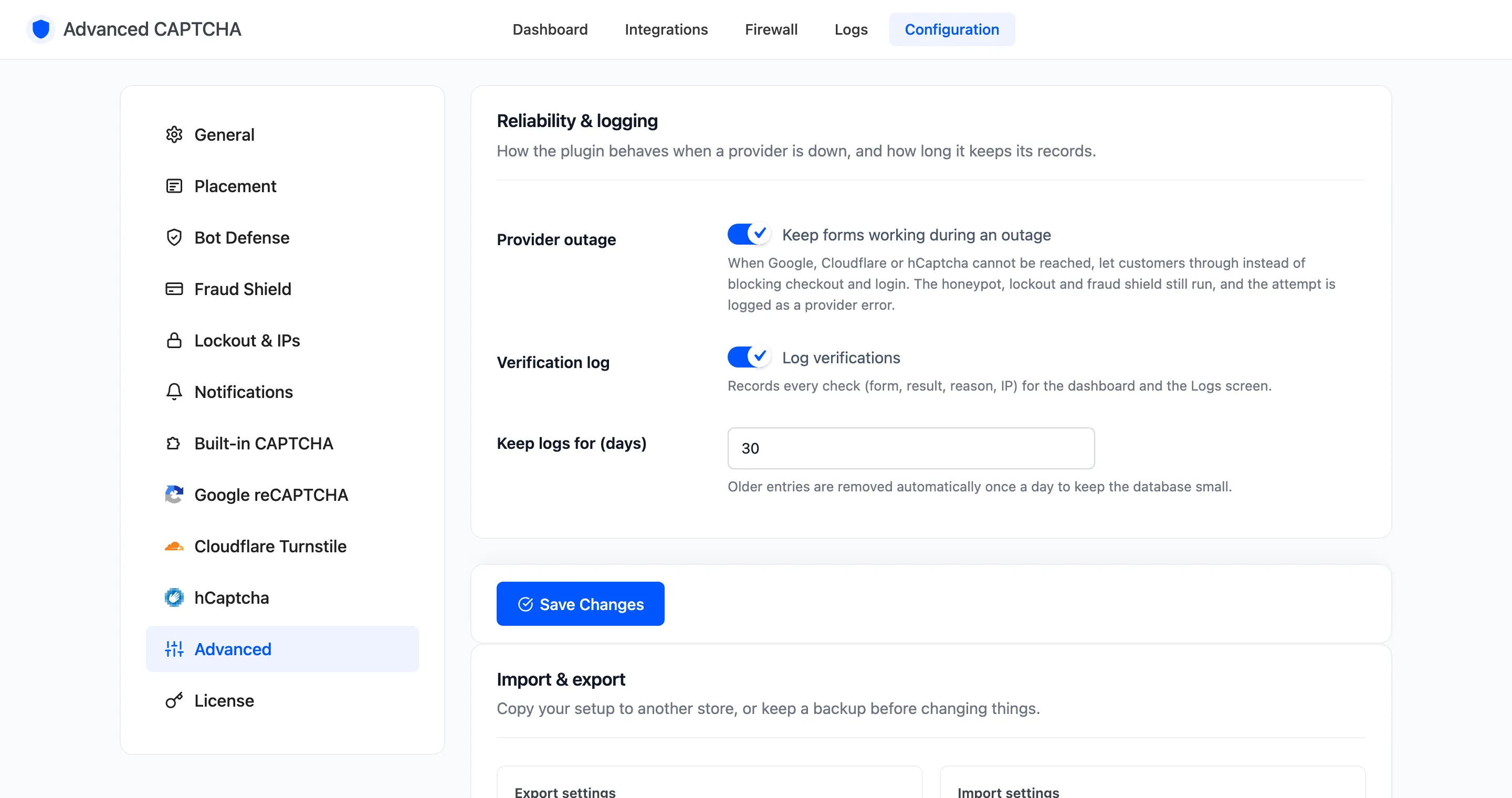
Section titled “Step 1: Export on the first store”Go to Configuration → Advanced and find Import & export.
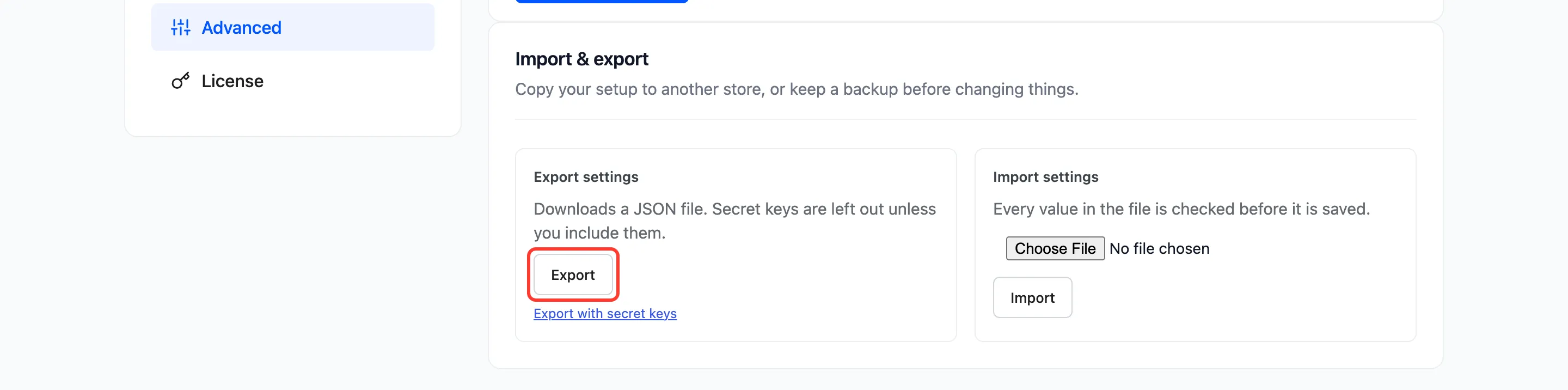
- Export downloads every setting, without secret keys. Safe to share.
- Export with secret keys includes them. Keep that file private.
The file is named after the date, for example advanced-captcha-settings-2026-10-19.json.
Step 2: Open the second store
Section titled “Step 2: Open the second store”Install the free plugin and Pro there, and open Configuration → Advanced. You need the Administrator role to import.
Step 3: Import the file
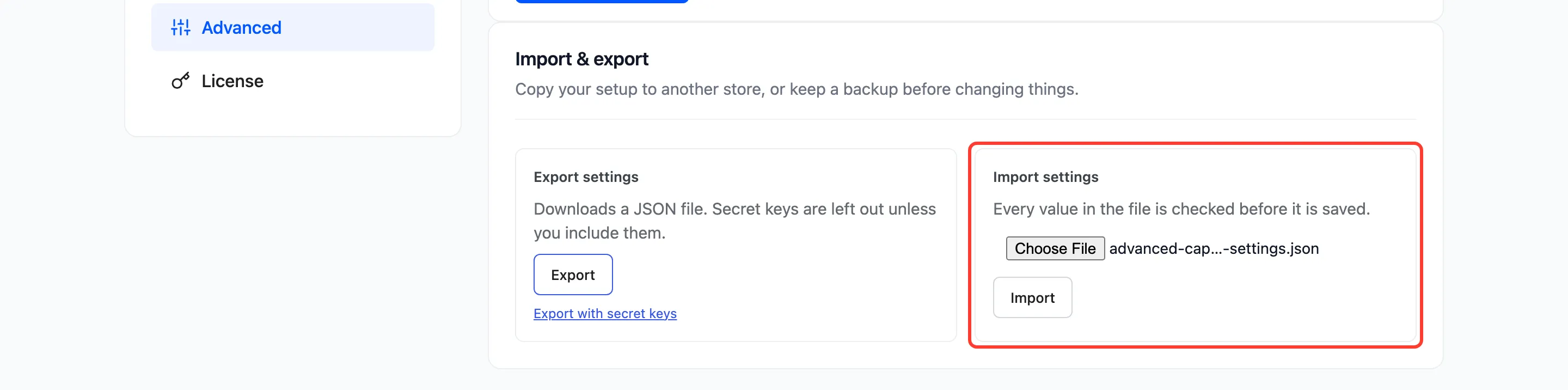
Section titled “Step 3: Import the file”Under Import settings, choose the file and click Import.
Step 4: Check the result
Section titled “Step 4: Check the result”The tab reloads with “Settings imported.”
A file that is not an Advanced CAPTCHA export is refused: “That file is not an Advanced CAPTCHA settings export.”
Things to know
Section titled “Things to know”- Every value is checked before it is saved. A setting the plugin does not know is skipped.
- Without secret keys, a hosted provider stays paused on the new store until you paste its secret key. The dashboard checklist flags it.
- Not included: the log, lockouts in progress and your license. Lists such as the block list and trusted list are settings, so they are copied.