

The Visitor Experience
This is what a shopper sees on each protected form. The shots use the Built-in CAPTCHA, which is the default. The hosted providers sit in the same place on every form.
The Built-in CAPTCHA
Section titled “The Built-in CAPTCHA”A label, the challenge, a refresh button and an answer box. The default challenge is a short sum.
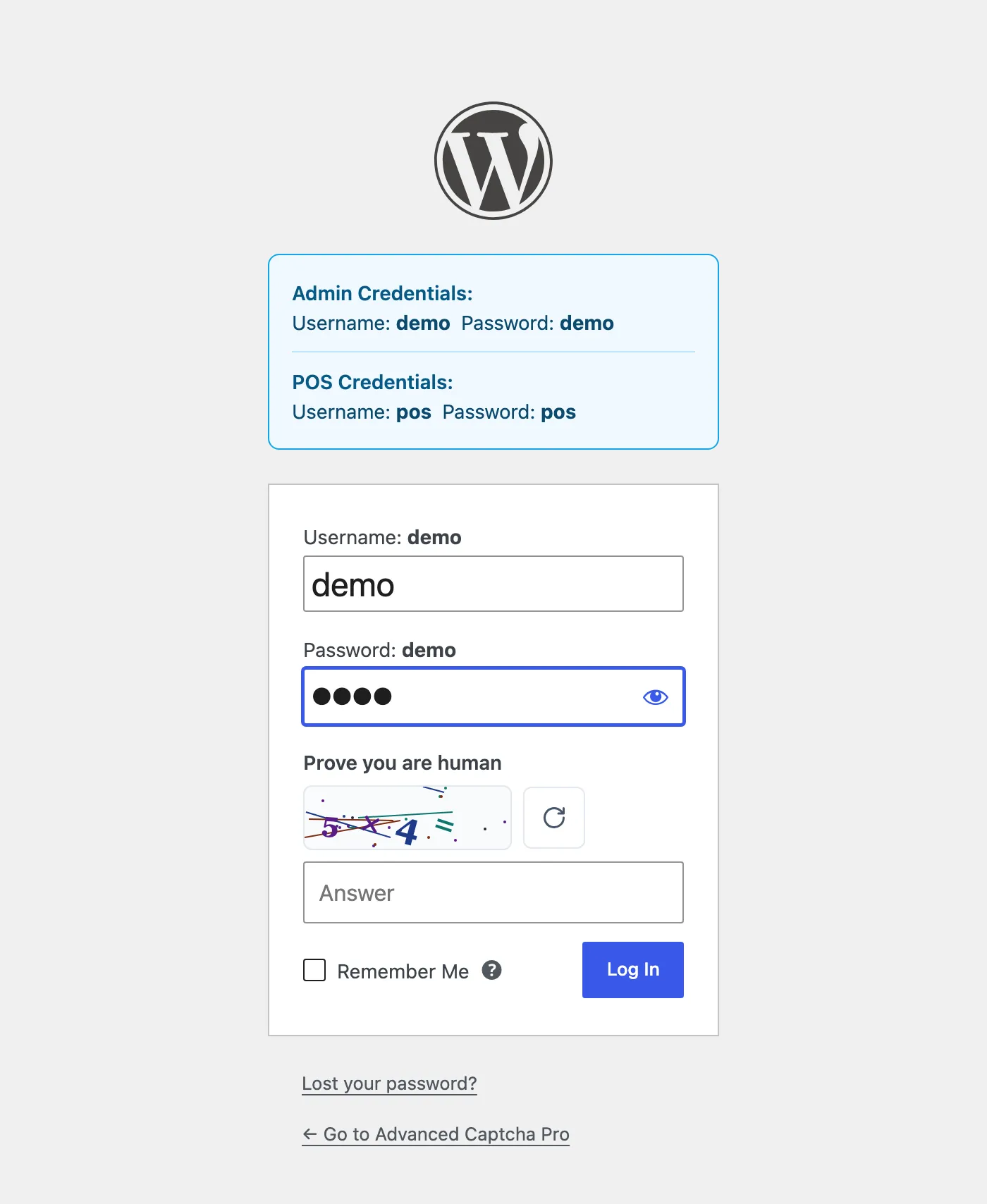
The refresh button draws a new challenge without reloading the page.
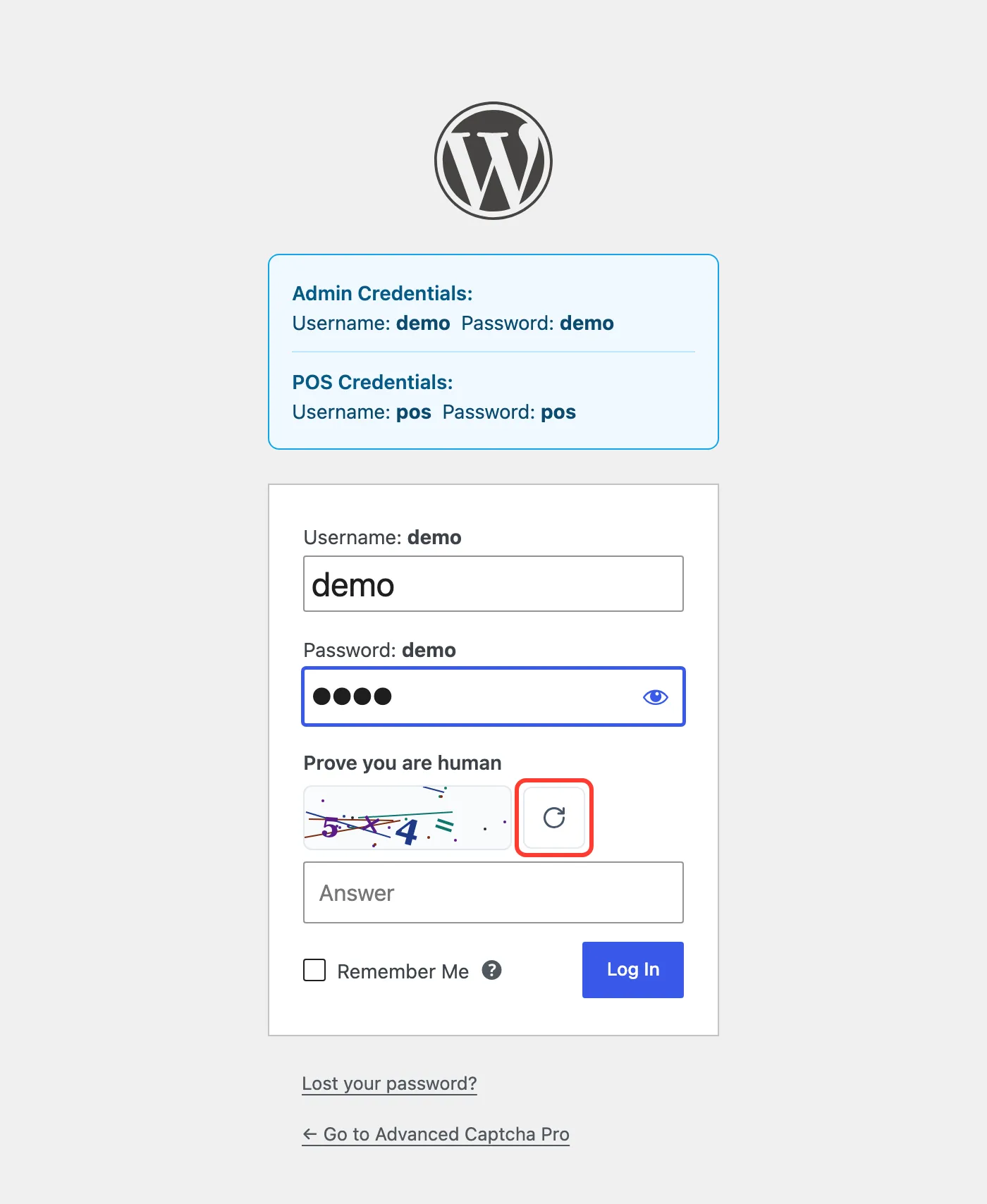
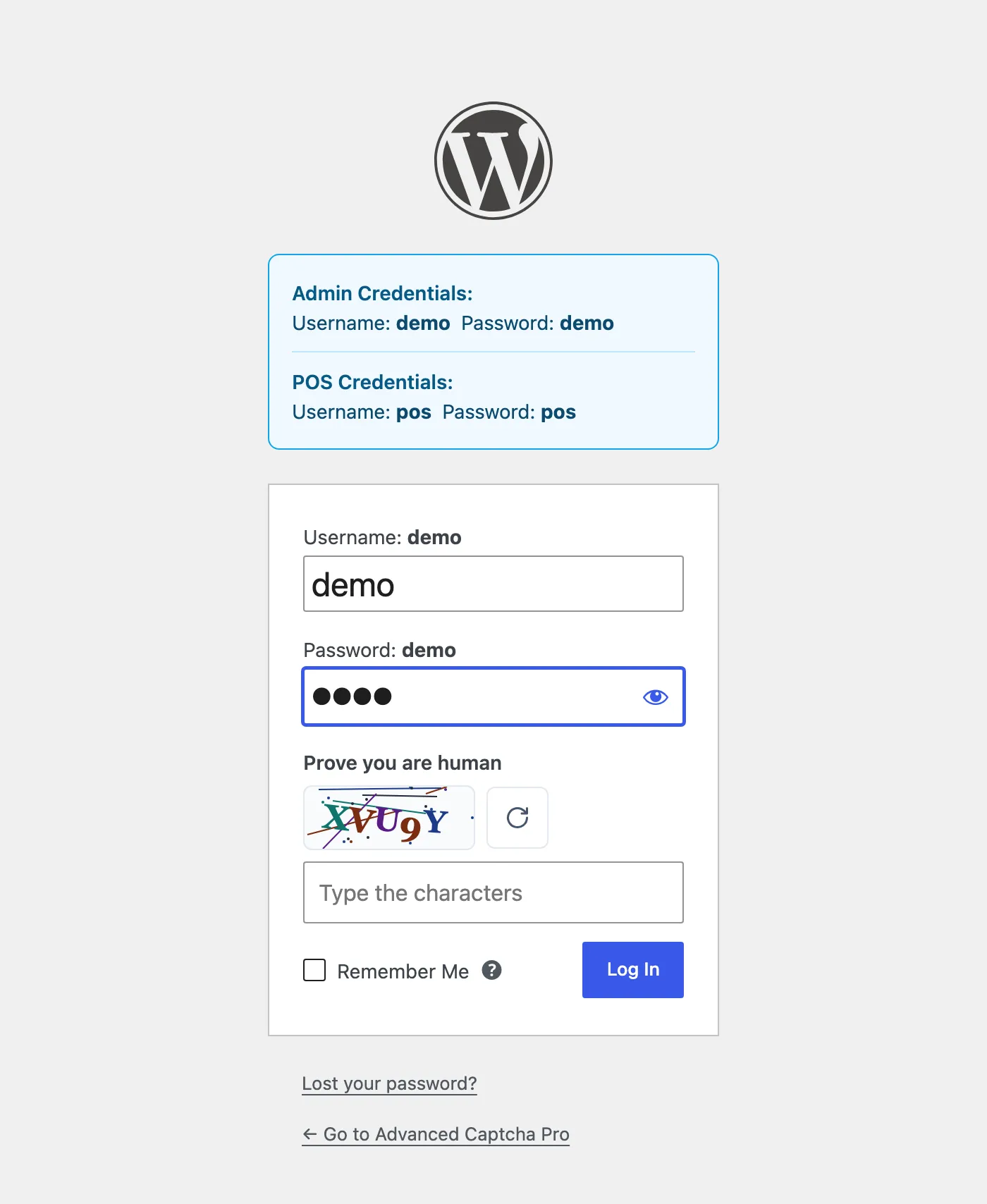
The other challenge type is five distorted characters. Letters are not case sensitive.
WordPress forms
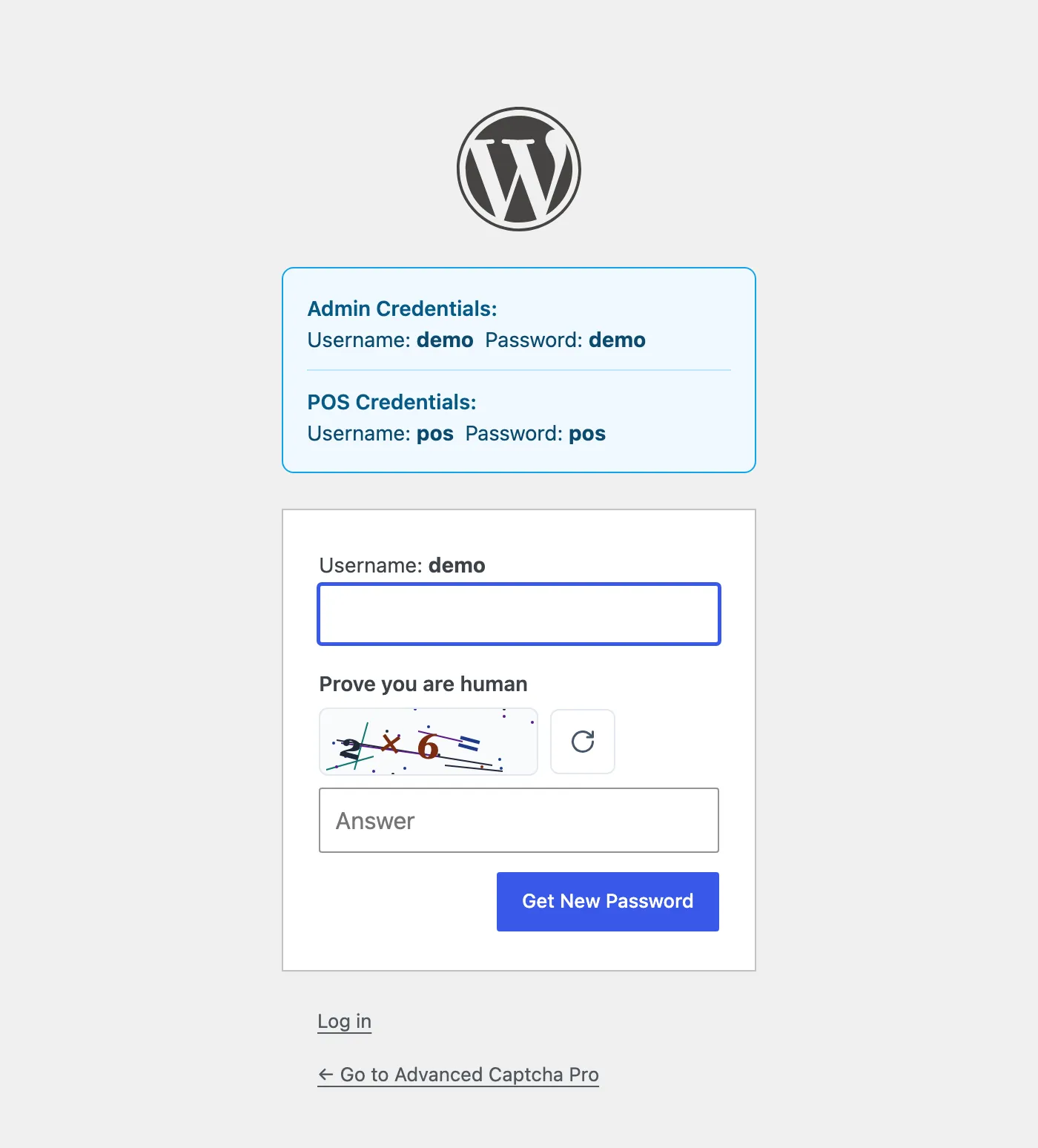
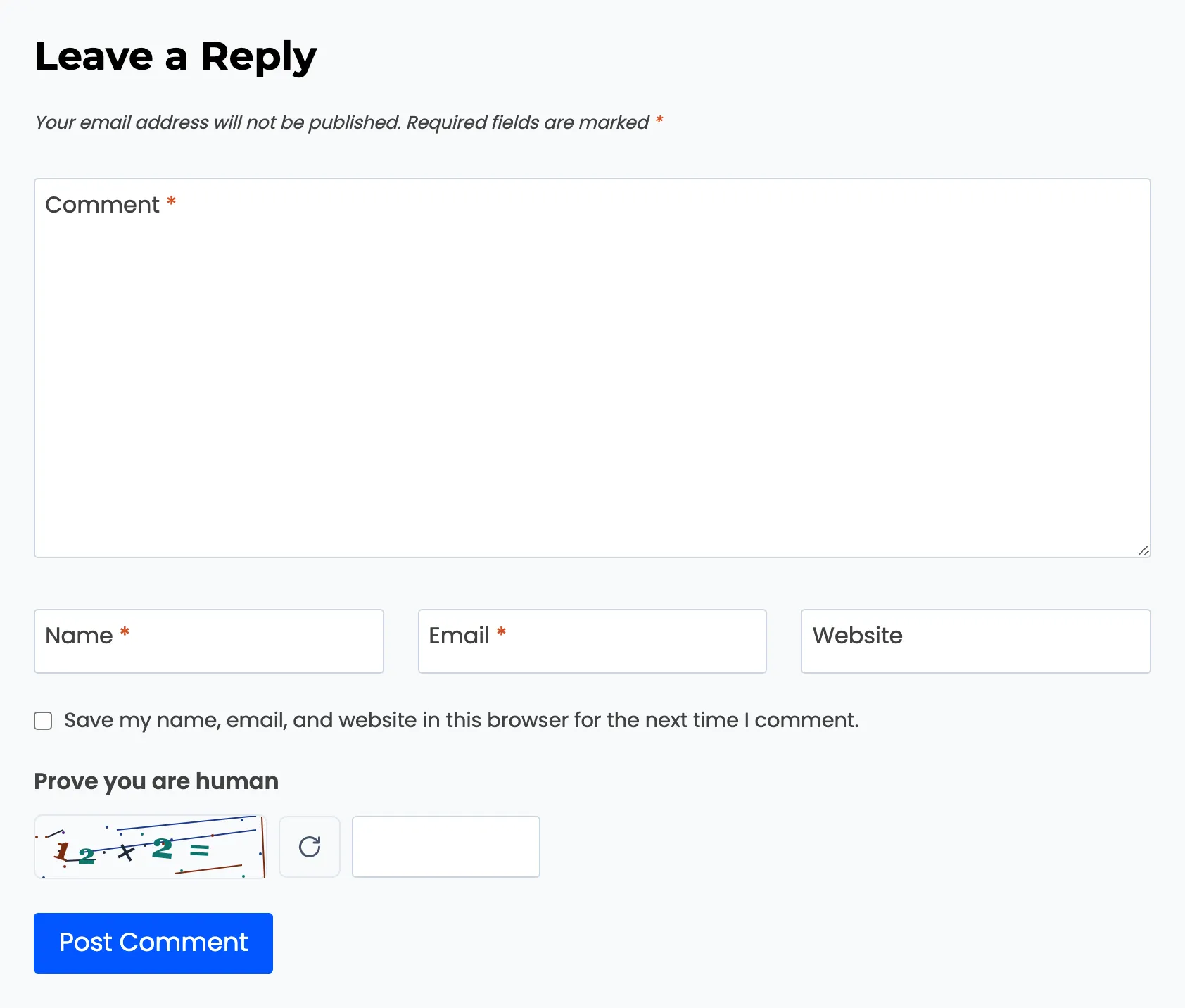
Section titled “WordPress forms”The login, registration and lost password screens at wp-login.php, and blog comments.
WooCommerce forms
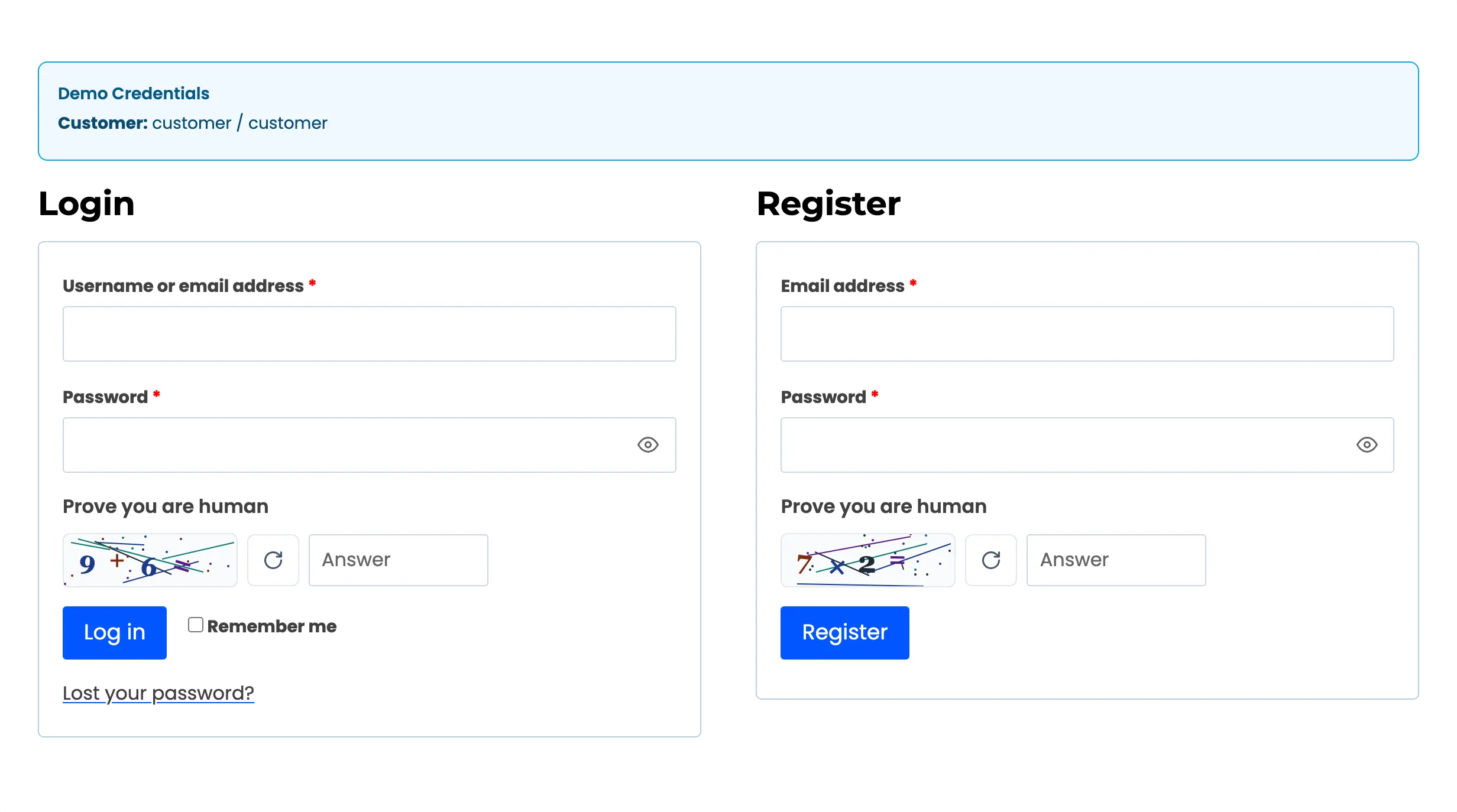
Section titled “WooCommerce forms”My Account login and registration each get their own challenge.
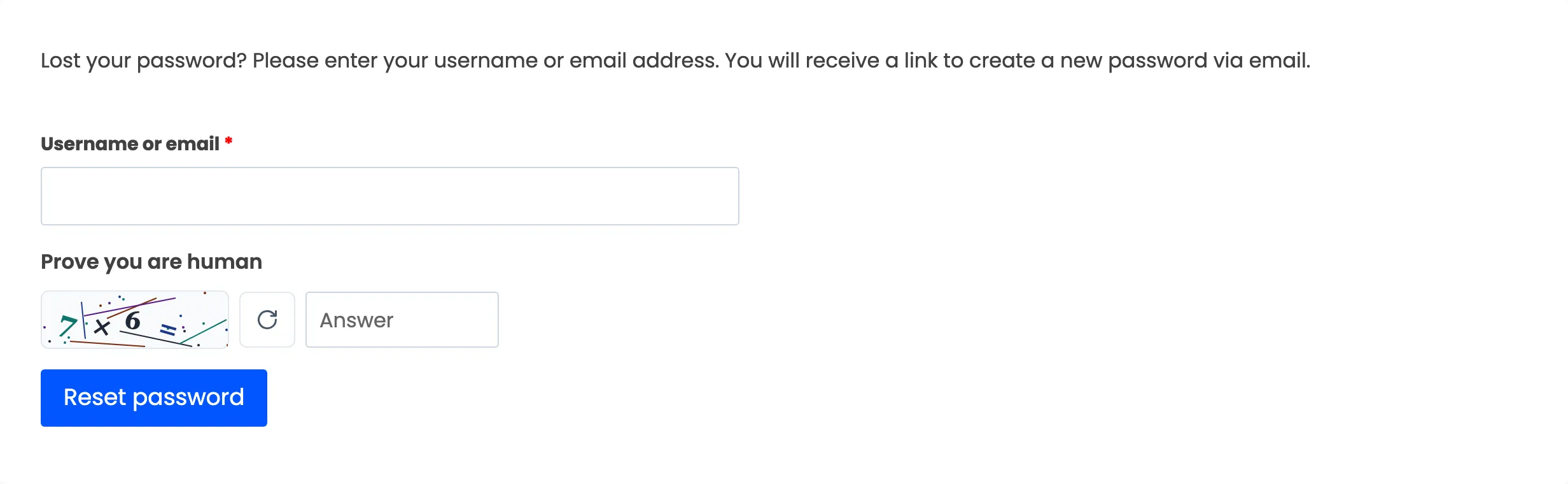
The My Account lost password form:
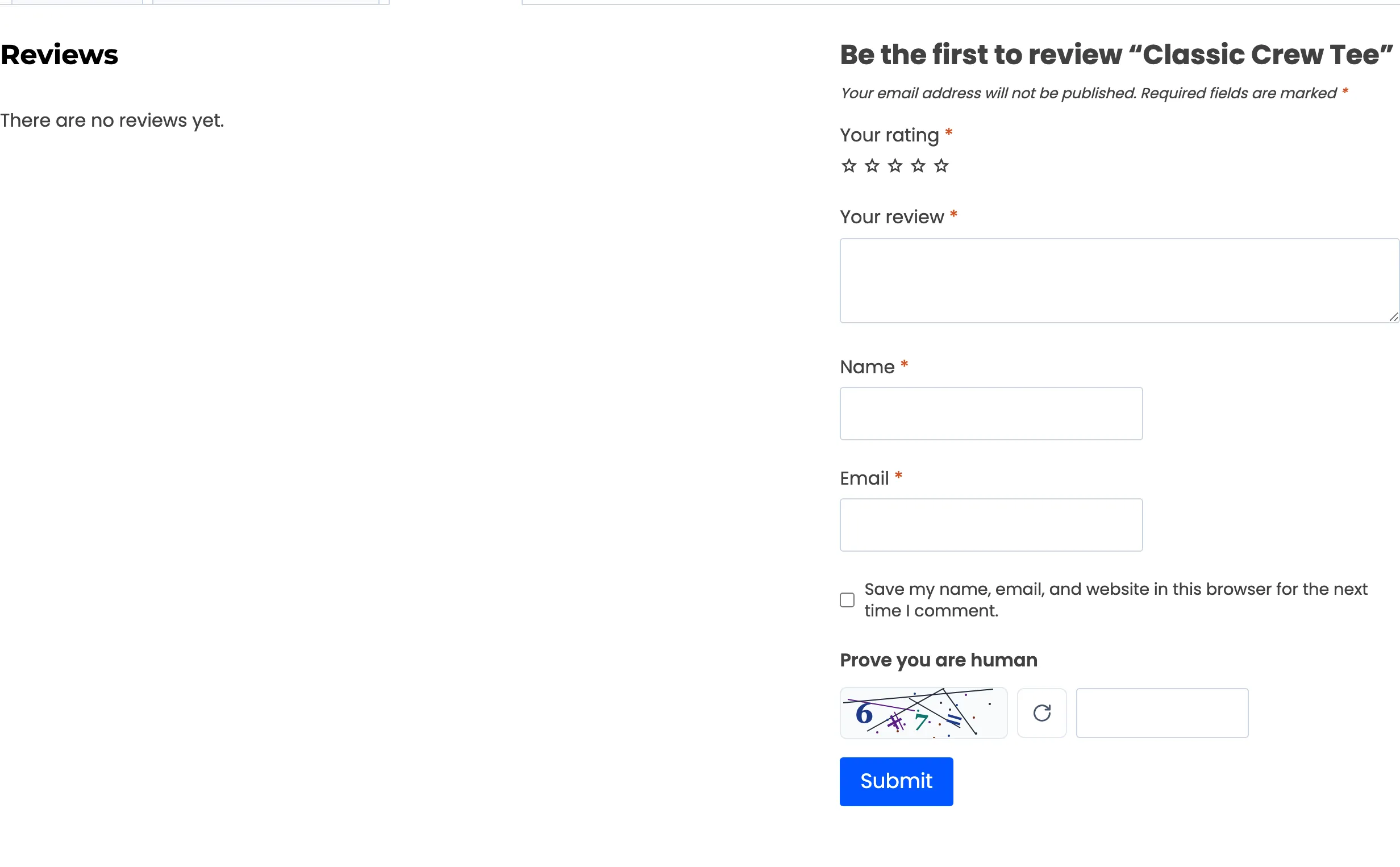
Product reviews, on the product’s Reviews tab:
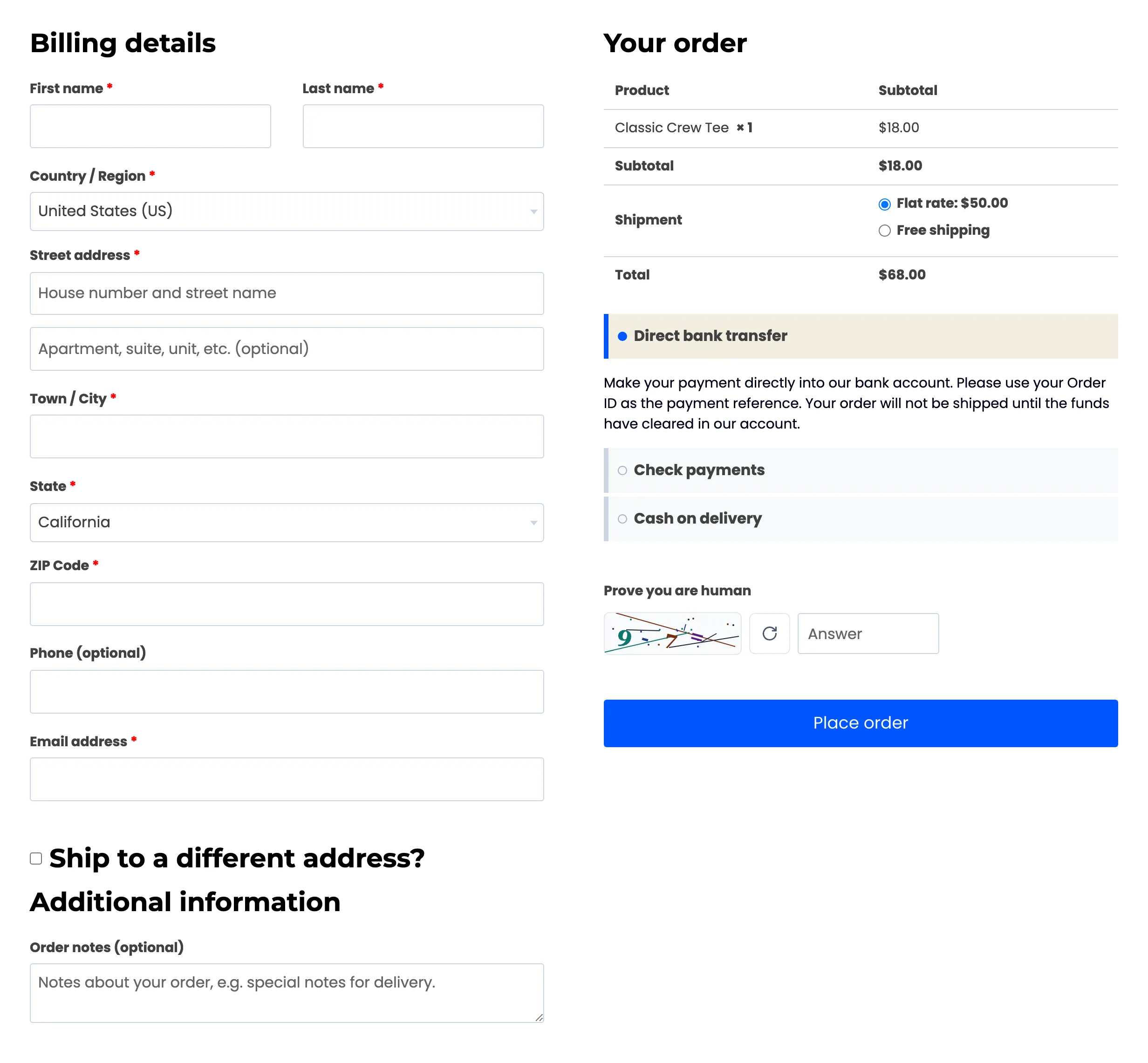
Checkout, above the Place order button by default. Guest Checkout shows it to visitors who are not signed in; signed-in customers see it only with All Users Checkout on.
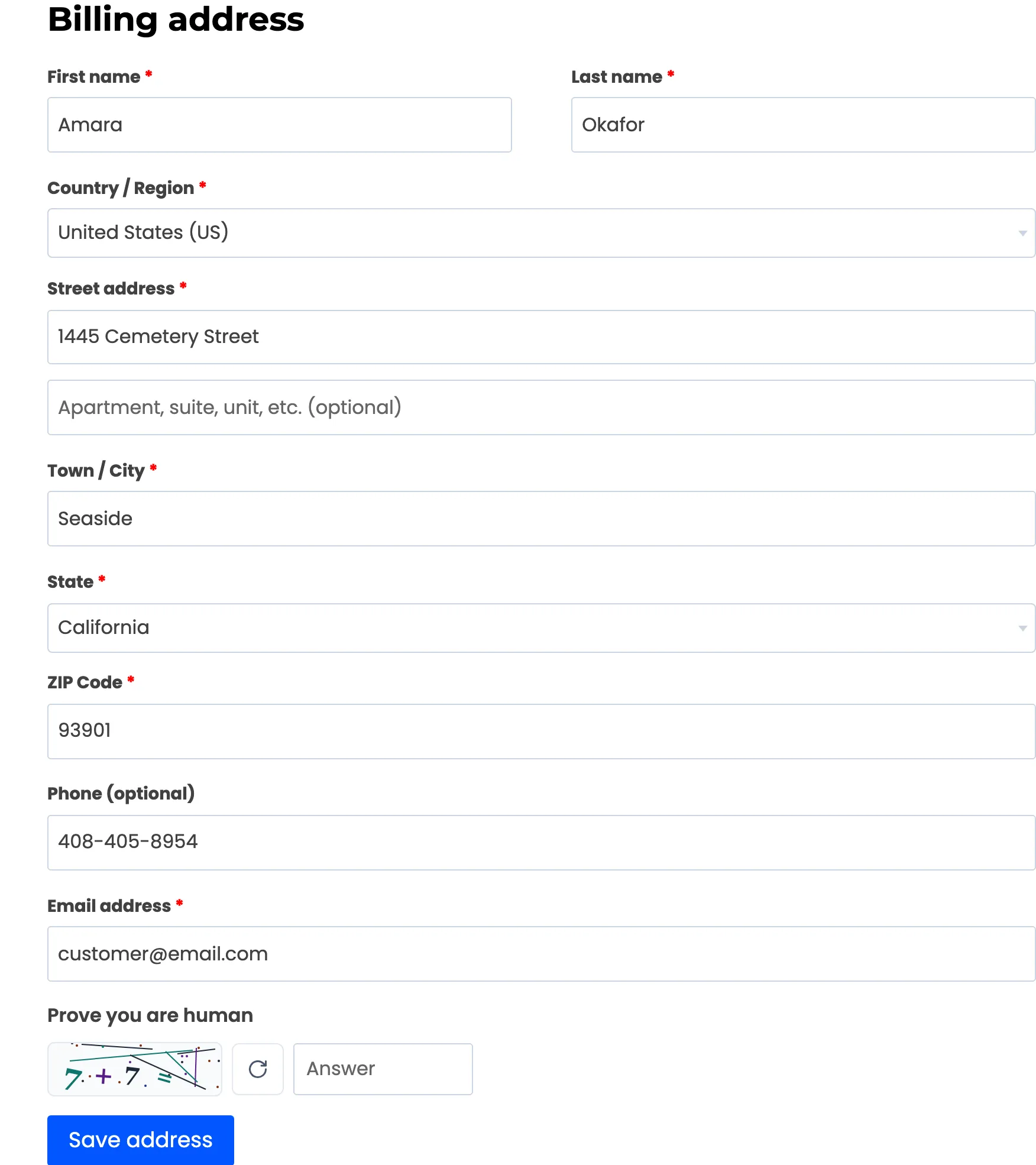
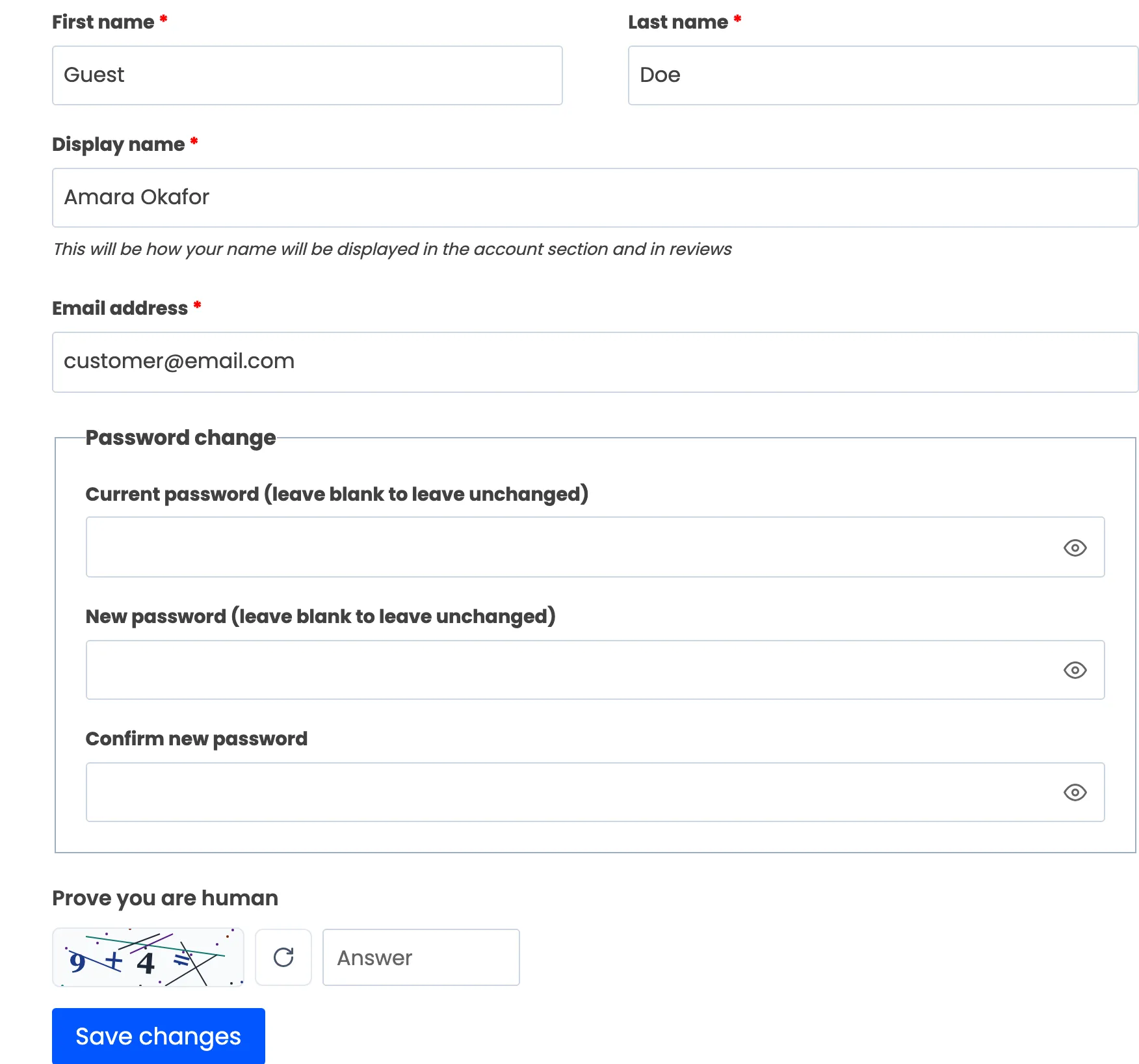
The account forms (account details, billing and shipping address, add payment method, pay for order) are off by default. Switched on, the challenge sits above each form’s save button.
Contact Form 7
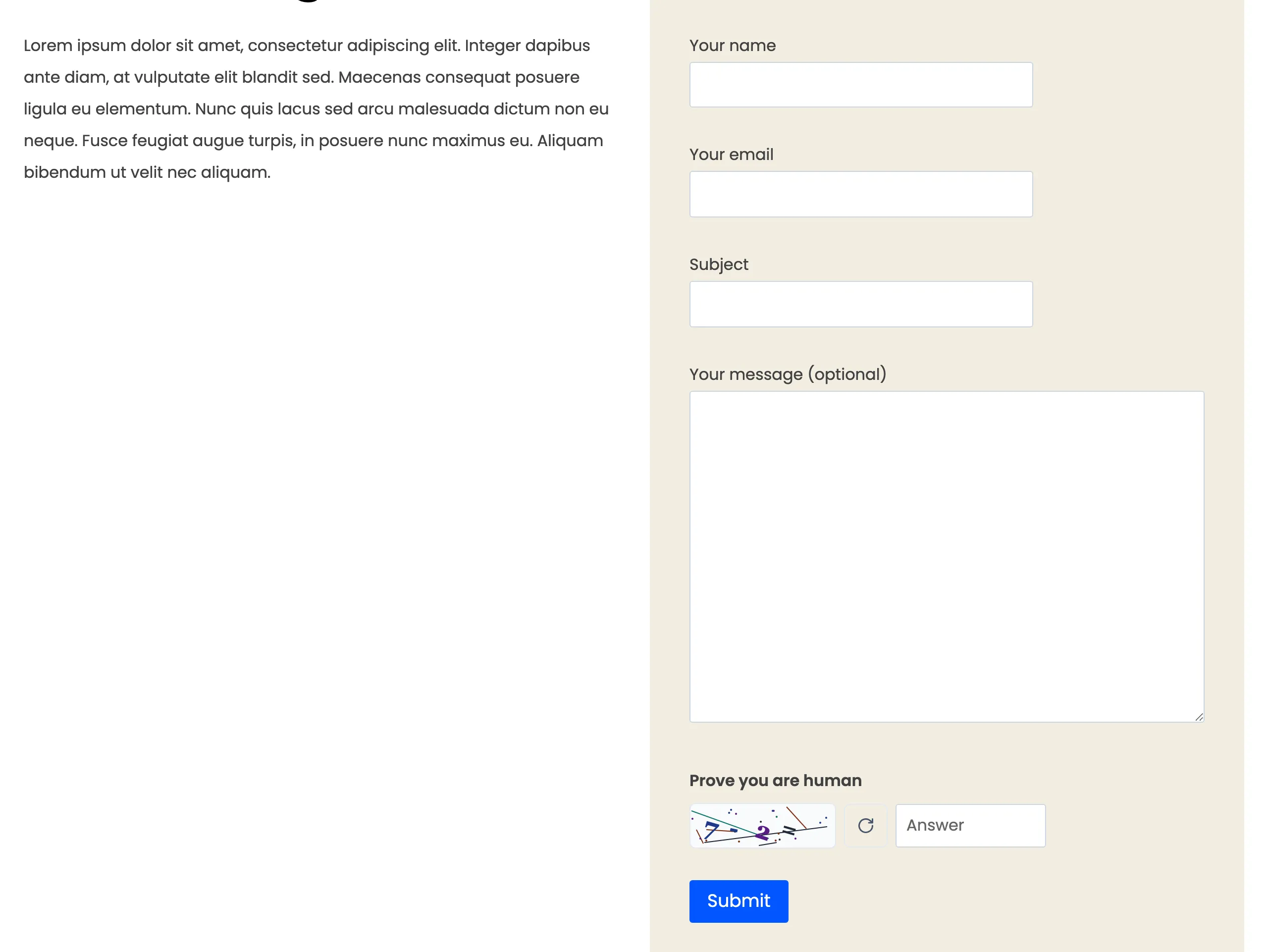
Section titled “Contact Form 7”The CAPTCHA appears where the form’s Advanced CAPTCHA tag is placed.
The hosted providers
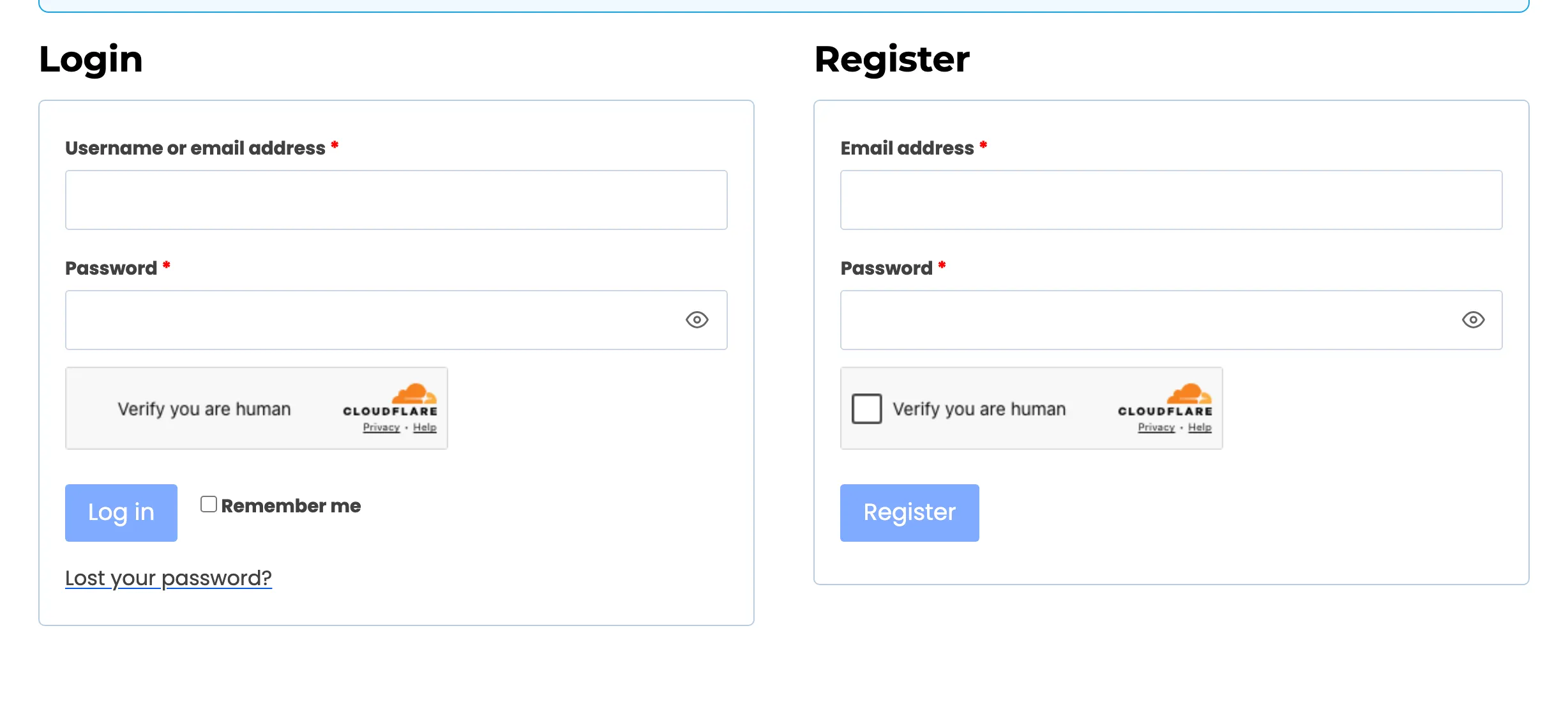
Section titled “The hosted providers”Cloudflare Turnstile usually verifies on its own; some visitors are asked to tick a box.
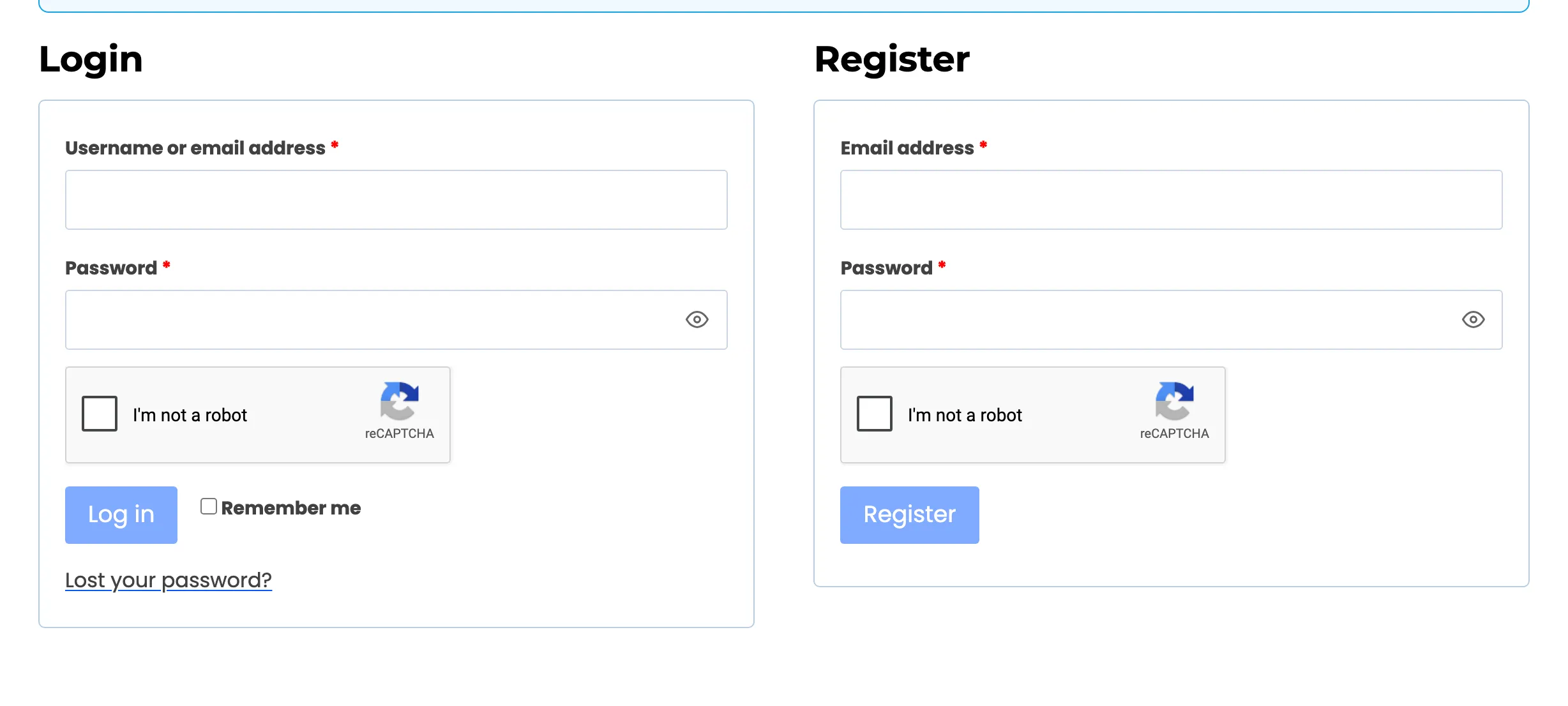
Google reCAPTCHA v2 Checkbox shows the “I’m not a robot” box. v2 Invisible and v3 show no box.
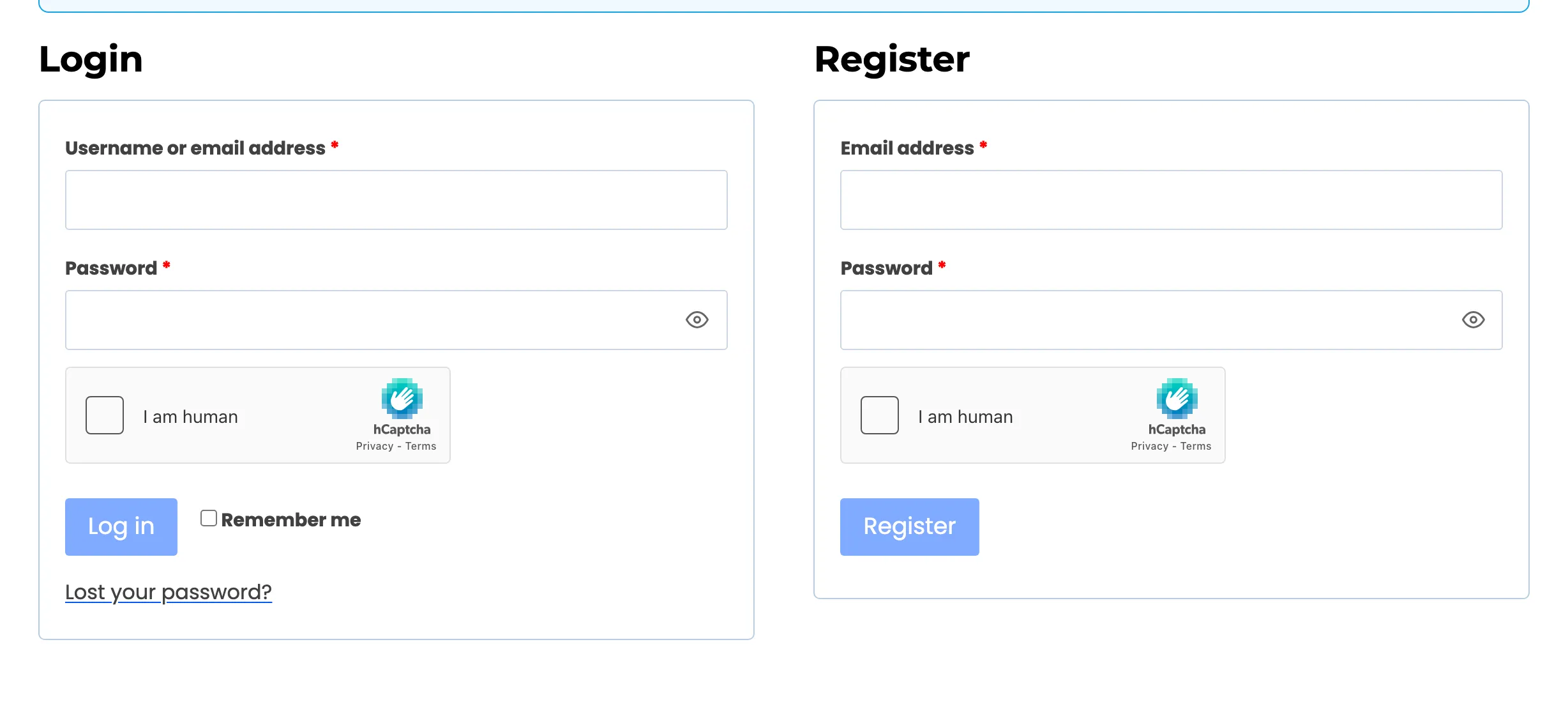
hCaptcha shows its own checkbox.
With Disable submit until verified on, the form’s button stays greyed out until the widget is solved, as the Turnstile shot shows.
When a check fails
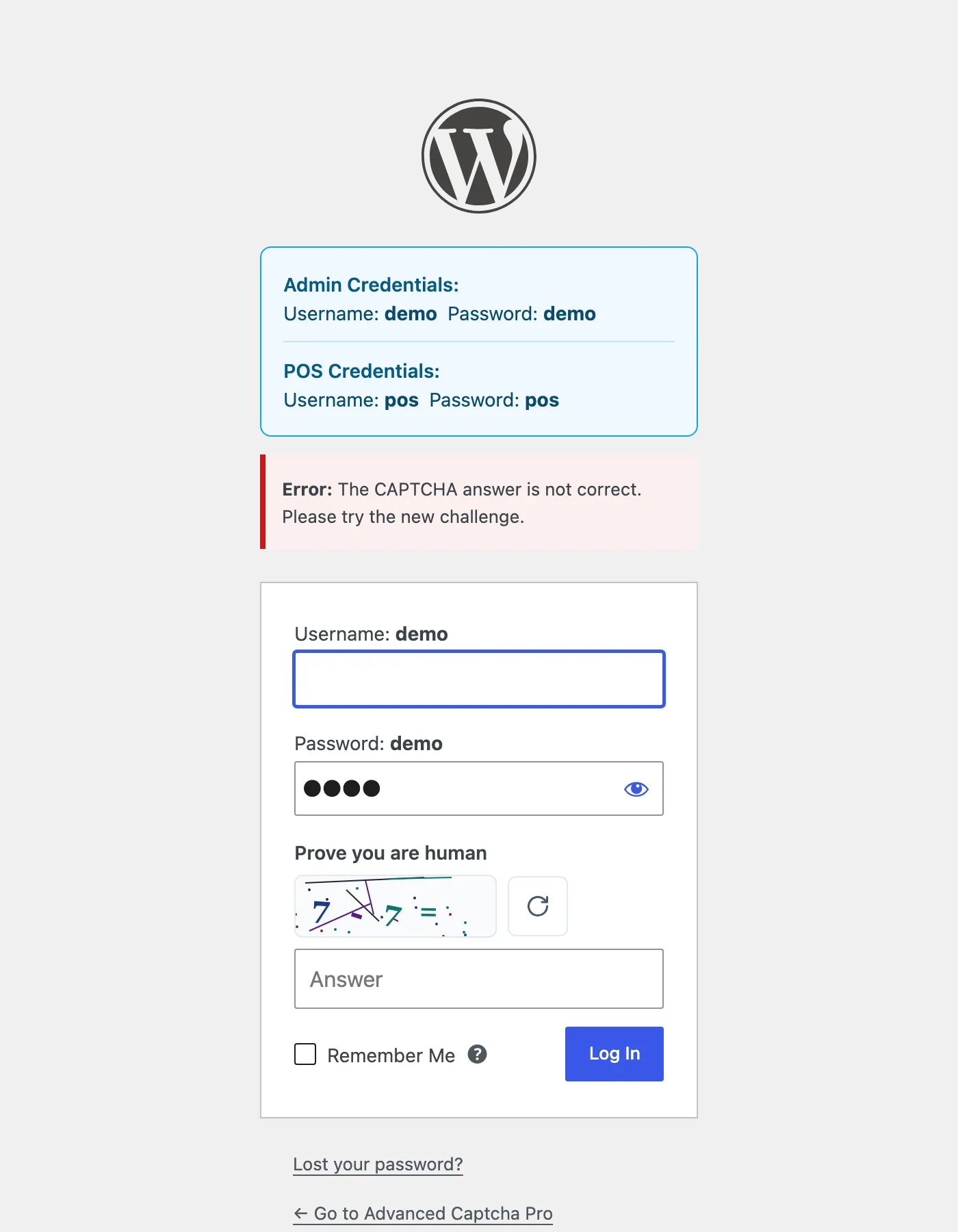
Section titled “When a check fails”Each form shows the error its own way. On wp-login.php it sits above the form:
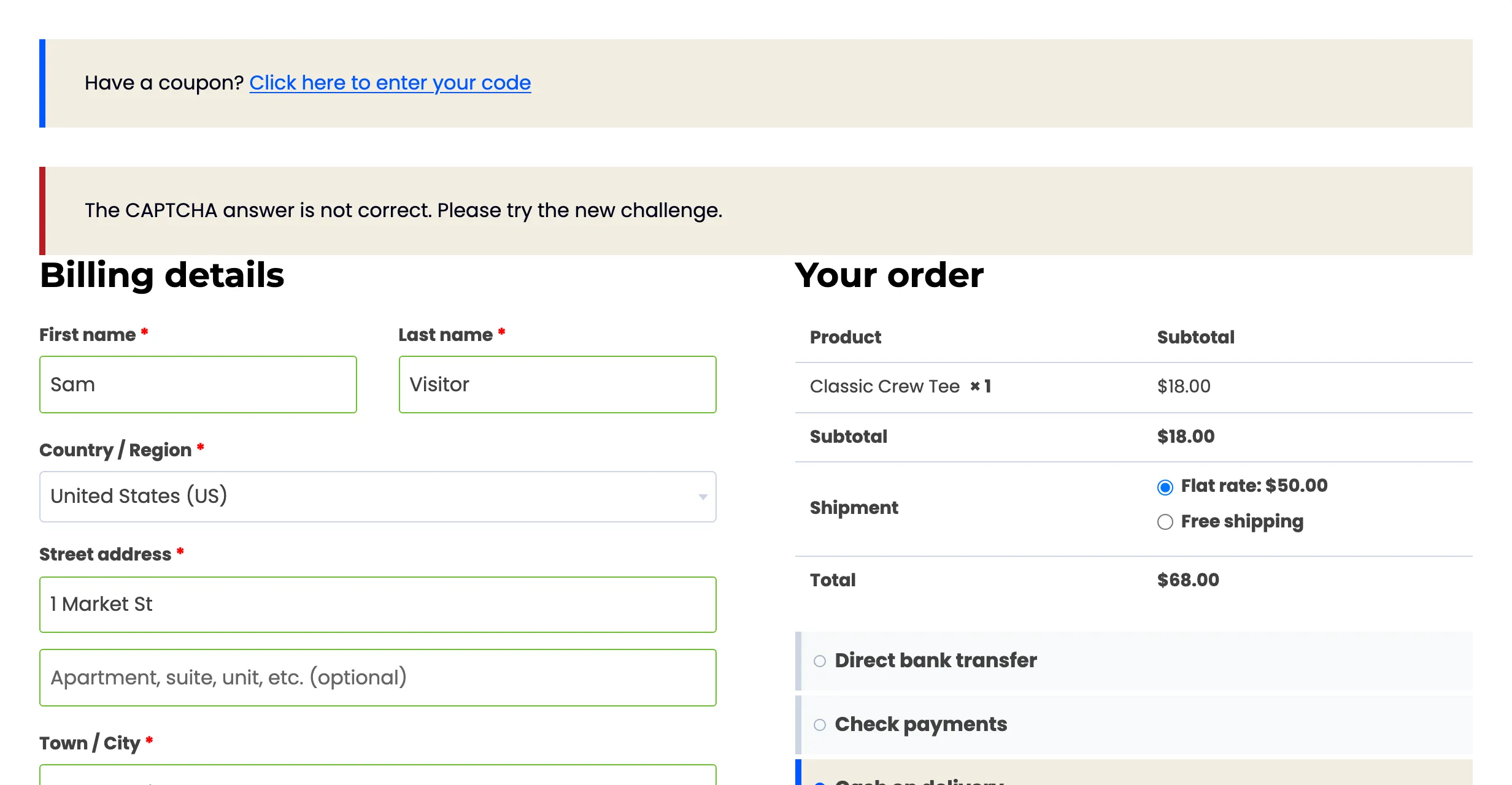
At checkout it is a store notice at the top, and the fields the shopper filled in stay filled:
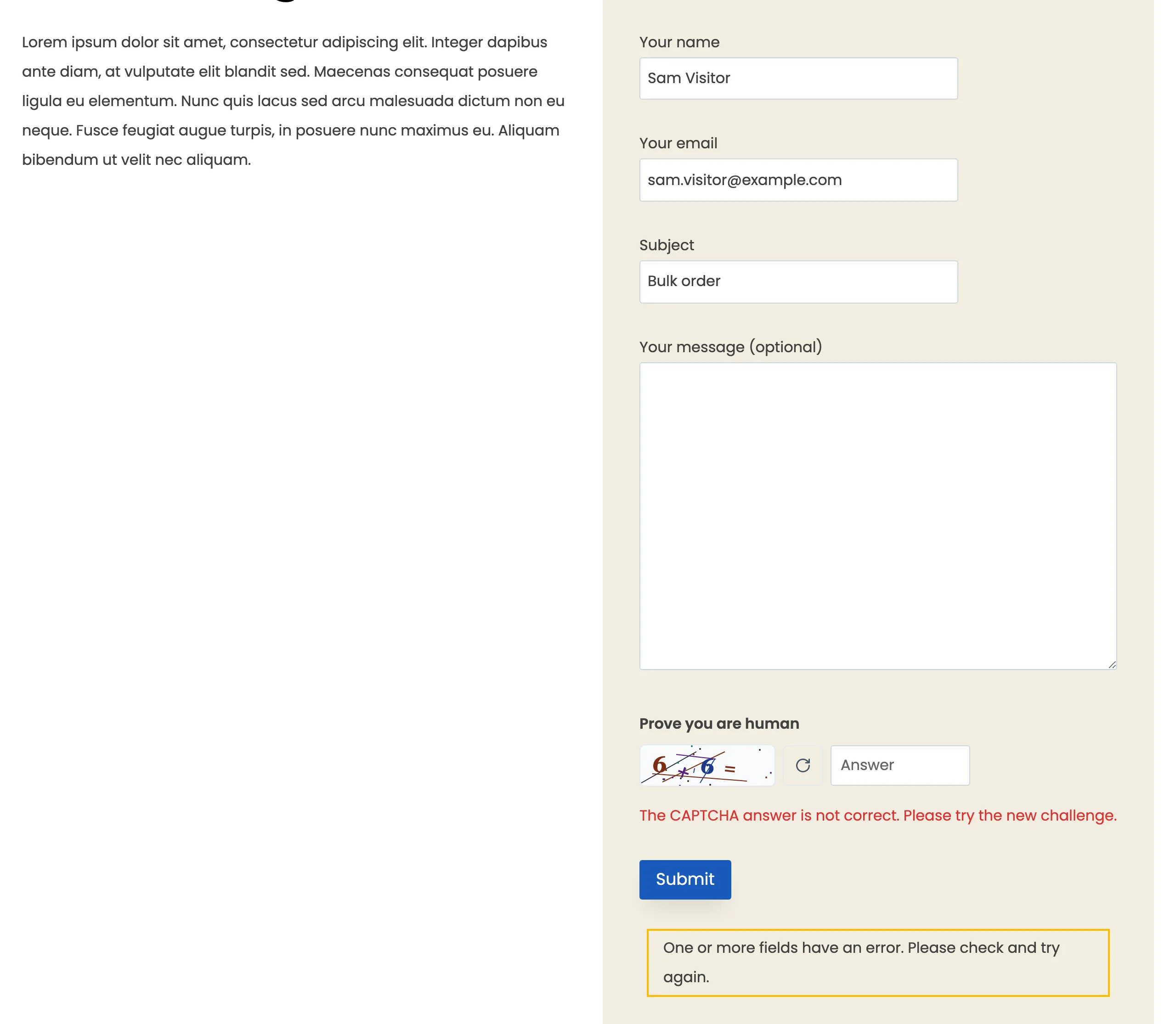
In Contact Form 7 it shows under the widget, like any field error:
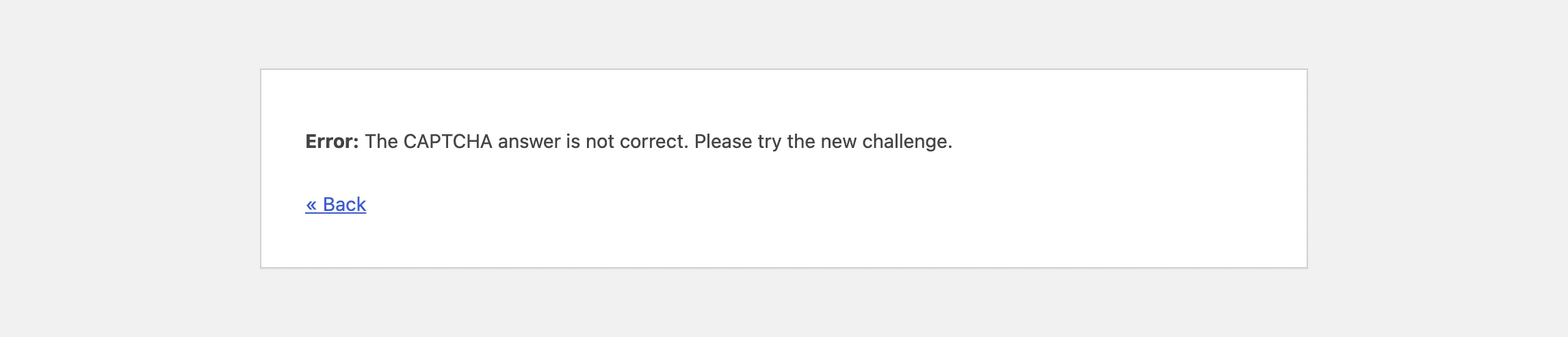
A blog comment or review that fails goes to WordPress’s own error page, with a Back link:
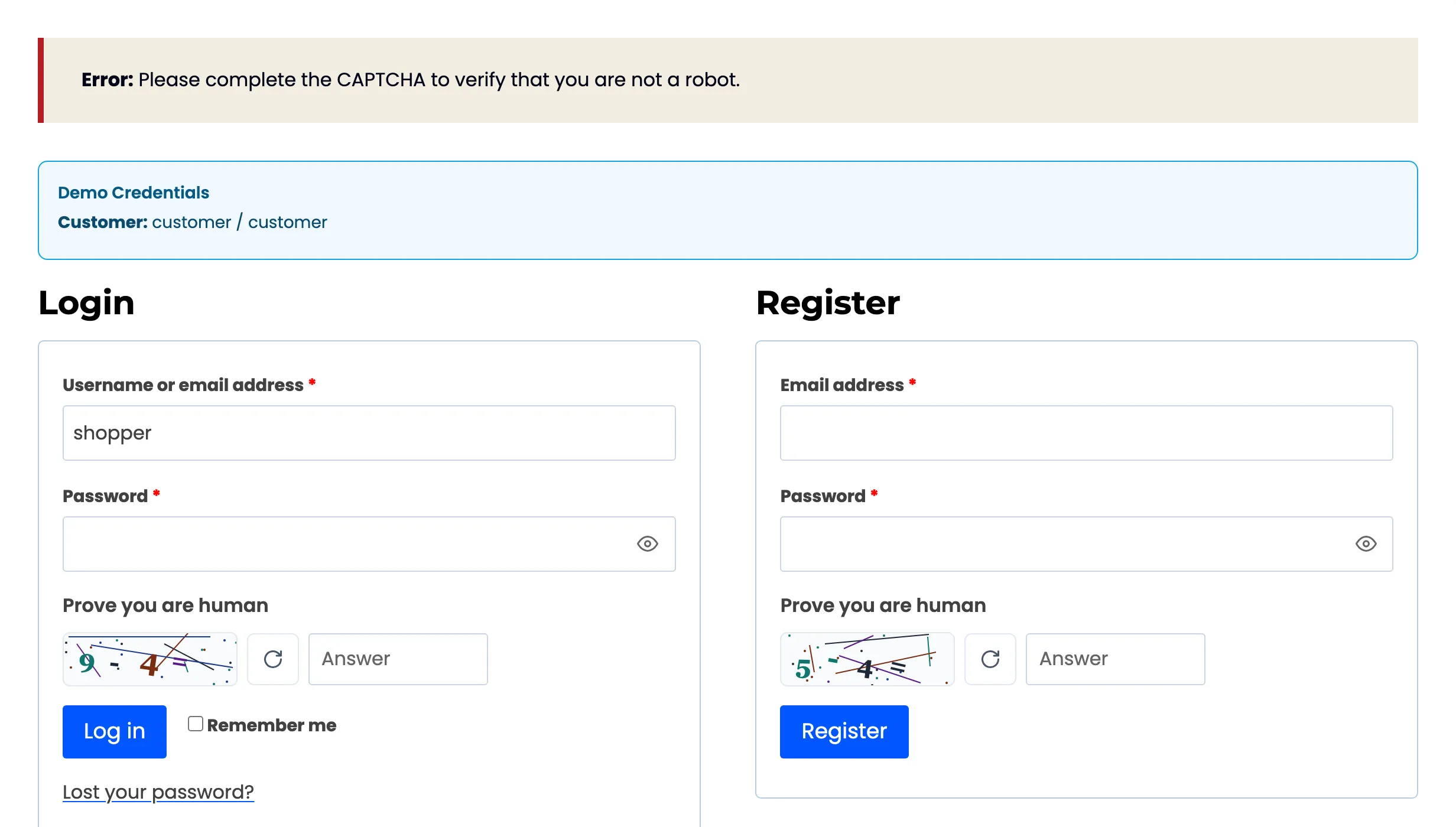
On the My Account login it is a store notice at the top. A failed CAPTCHA replaces any username or password error, so the shopper reads the CAPTCHA message and a bot learns nothing about which usernames exist.
When a visitor is locked out or blocked (Pro)
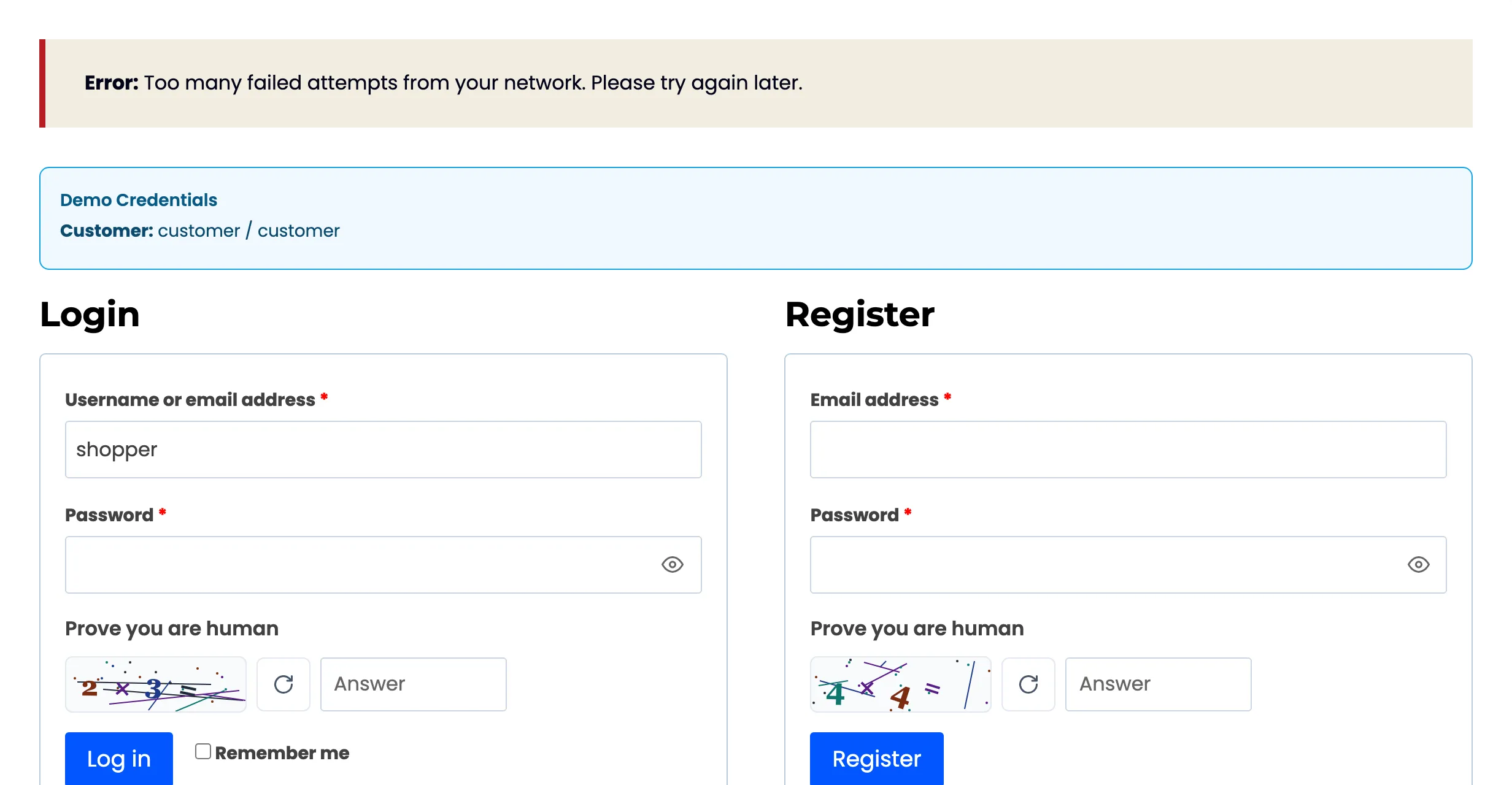
Section titled “When a visitor is locked out or blocked (Pro)”A locked-out, blocked or country-refused visitor gets the Lockout message, “Too many failed attempts from your network. Please try again later.”, on every protected form.
A visitor who is trusted
Section titled “A visitor who is trusted”A trusted role or a trusted IP sees no challenge at all, on any form. See How Protection Works.