

Placement Settings
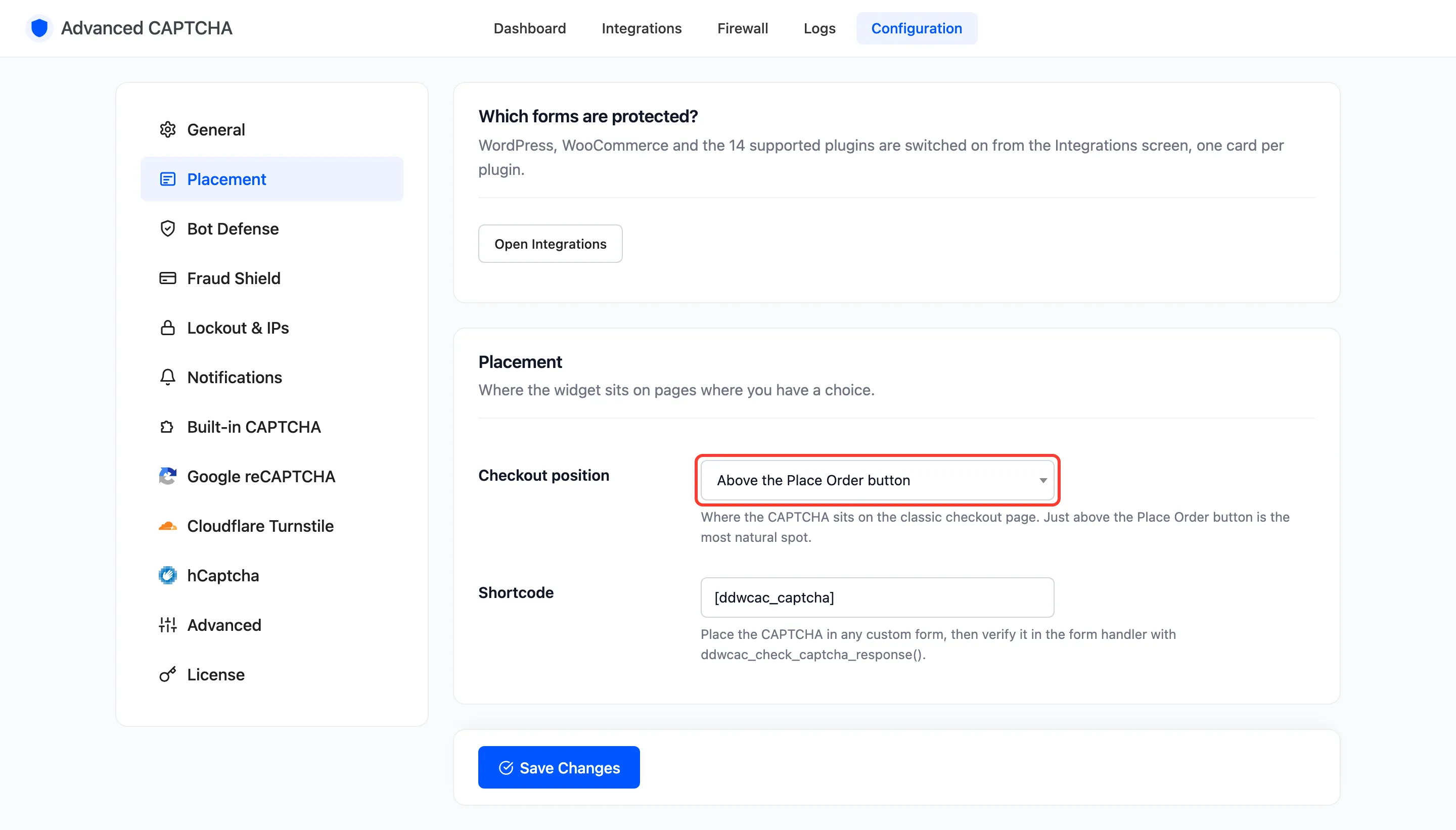
The Placement tab decides where the widget goes on pages where there is a choice. Which forms are protected is not set here: that is the Integrations screen, and Open Integrations at the top of this tab goes there. Open Configuration → Placement.
Fields
Section titled “Fields”- Checkout position: where the CAPTCHA sits on the checkout page. Default Above the Place Order button. The other choices are Below the Place Order button, Above the payment methods, Above the billing details and Below the billing details.
- Shortcode: default
[ddwcac_captcha]. Place it in any custom form to show the CAPTCHA there. You can rename it; the old name stops working when you save.
The Checkout block follows the same setting. It places the widget against its own sections: above or below Place Order, above the payment block, above the contact information or below the address.
A shortcode only shows the widget. Your form’s own handler has to check the answer, by calling
ddwcac_check_captcha_response(). See
How to Protect a Custom Form.
Click Save Changes at the bottom of the tab.