

Installing and Activating Advanced CAPTCHA
Advanced CAPTCHA is two plugins. The free plugin does the challenging. Advanced CAPTCHA Pro is an add-on that runs on top of it and does nothing on its own.
Before you start
Section titled “Before you start”- WordPress 6.5 or newer and PHP 7.4 or newer.
- WooCommerce 9.0 or newer if you want the store forms protected. Without WooCommerce, the plugin
protects the WordPress forms and the menu needs the
manage_optionscapability instead ofmanage_woocommerce.
Install the free plugin
Section titled “Install the free plugin”-
In WordPress admin, go to Plugins → Add New Plugin.

-
Search for Advanced CAPTCHA.
-
Click Install Now, then Activate.
Add Pro
Section titled “Add Pro”-
Go to Plugins → Add New Plugin and click Upload Plugin.

-
Click Choose File and pick the Pro
.zipyou downloaded. Do not unzip it first.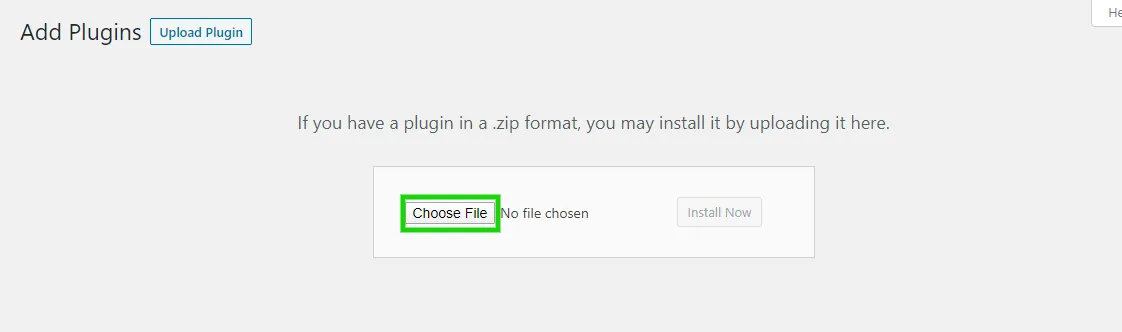
-
Click Install Now, then Activate Plugin.

If the free plugin is missing, Pro installs and activates it on the next admin page you open. Until the free plugin is active, Pro does nothing and shows “Advanced CAPTCHA Pro requires the free Advanced CAPTCHA plugin to be installed and activated.”
Run the setup wizard
Section titled “Run the setup wizard”Open DevDiggers Plugins → Advanced CAPTCHA. On a fresh install the setup wizard opens first. Updating from an older version skips it and keeps your settings.
After the wizard you land on the dashboard, with five tabs across the top: Dashboard, Integrations, Firewall, Logs and Configuration.

The Plugins screen also gives the plugin three links: Dashboard, Configuration and Setup Wizard.
Check a protected form
Section titled “Check a protected form”Open your login page (/wp-login.php) in a private window. The Built-in CAPTCHA sits above the Log
In button.
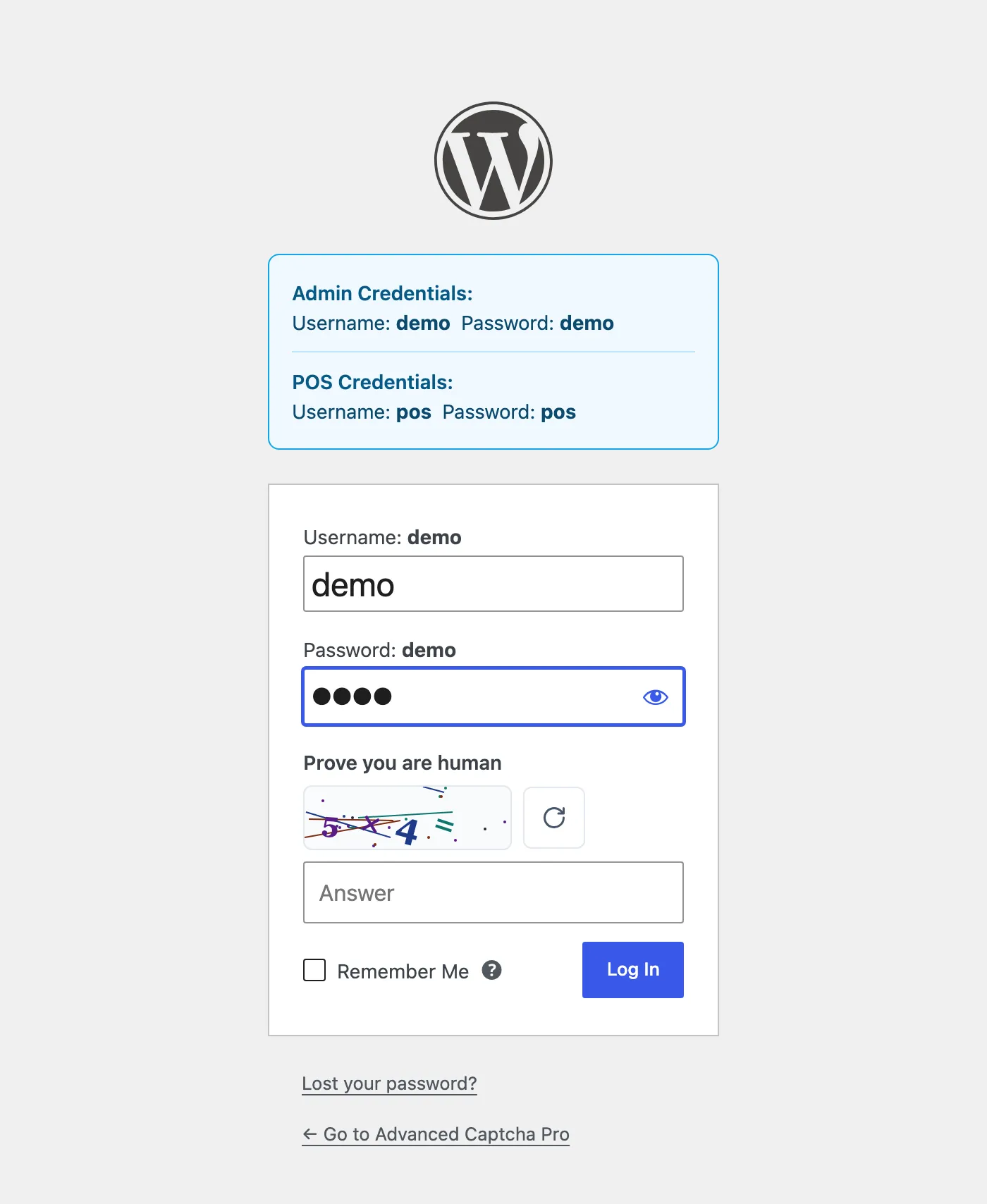
You are still signed in in your normal window, so you are not locked out while you test.
Activate your Pro license
Section titled “Activate your Pro license”The setup wizard will not move past its License step until the license is active, and Pro updates need it too. Activate it in the wizard, or later under Configuration → License. See License Activation.