

Built-in CAPTCHA Settings
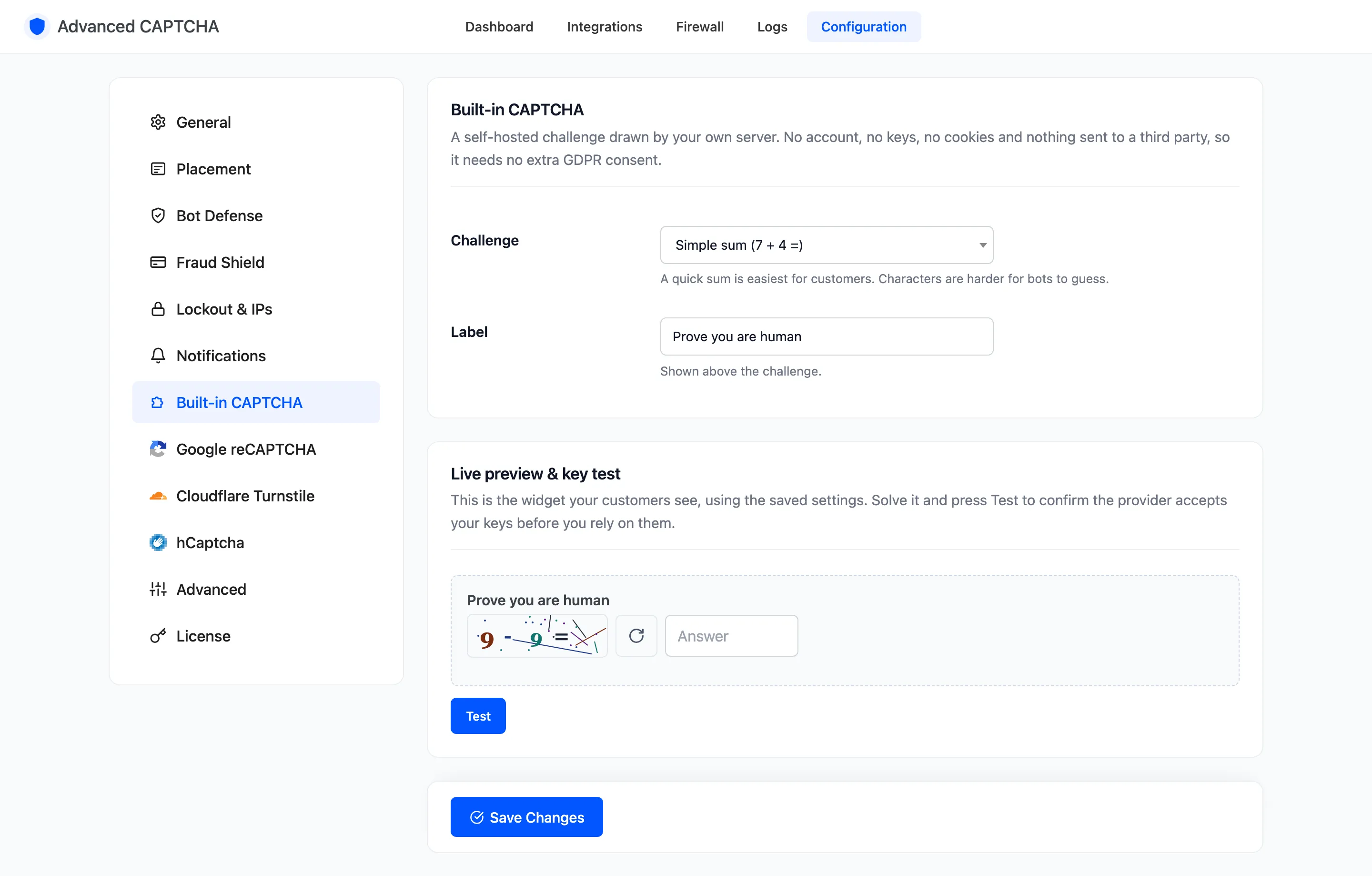
The Built-in CAPTCHA is drawn by your own server. It needs no account and no keys, sets no cookies and sends nothing to a third party, so it needs no extra GDPR consent. It is the default provider. Open Configuration → Built-in CAPTCHA.
Fields
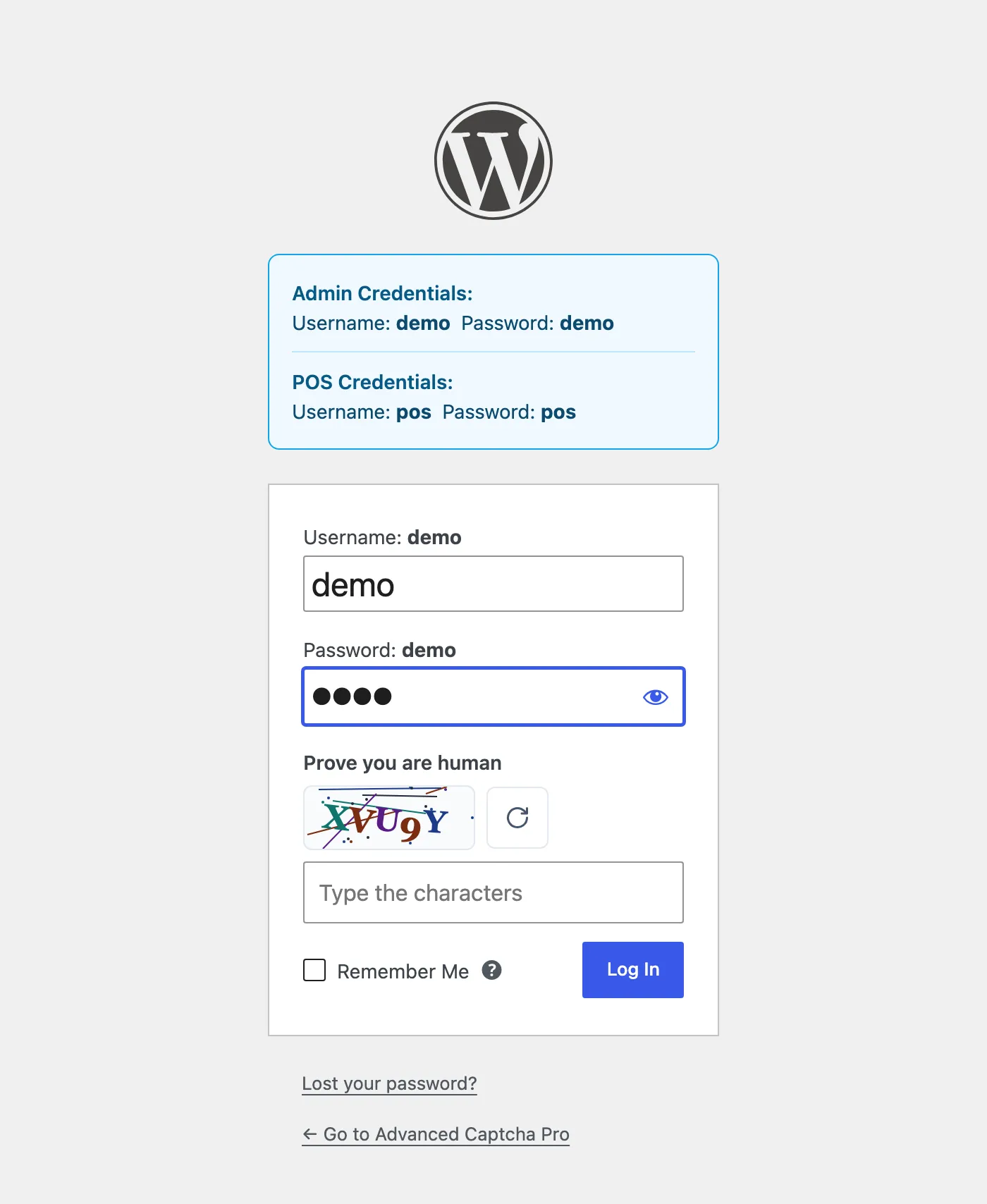
Section titled “Fields”- Challenge: default Simple sum (7 + 4 =). The other choice is Distorted characters (K7M3P). A sum is easiest for customers; characters are harder for bots to guess.
- Label: shown above the challenge. Default “Prove you are human”. An emptied box falls back to the default.
| Simple sum | Distorted characters |
|---|---|
| Two small numbers with +, − or ×. The answer box opens a number keypad on phones. | Five letters and digits. Easily confused characters (0 and O, 1 and I, L) are never used. Case does not matter. |
Live preview & key test
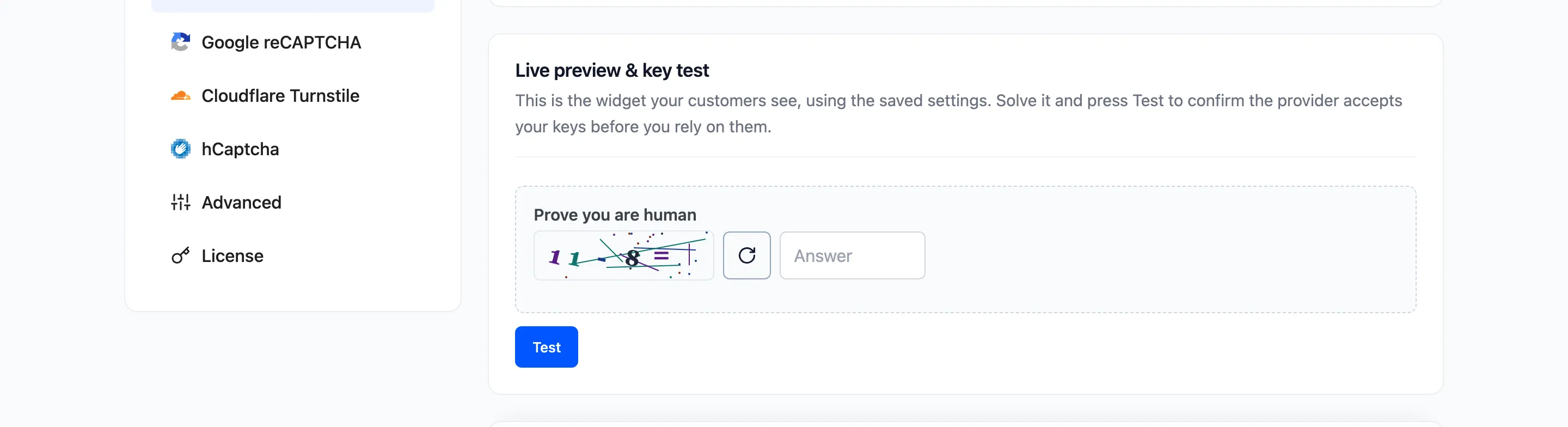
Section titled “Live preview & key test”The bottom of the tab shows the widget exactly as customers will see it, using the saved settings. Answer it and press Test to check it end to end.
How strong it is
Section titled “How strong it is”Each challenge is signed by your server, expires after 30 minutes and can be used once. The image is drawn as noisy, rotated characters, which stops simple bots. A determined bot that reads images can solve any picture CAPTCHA. Against those, the honeypot does the work, with the lockout and fraud shield in Pro.
The Built-in CAPTCHA is only used when it is the selected CAPTCHA provider on the General tab.
Click Save Changes at the bottom of the tab.