

How to Add the Install and Subscribe Buttons to a Page
The banners appear on the plugin’s own schedule. A shortcode puts the same action exactly where you want it, which is what an About page, a landing page or a footer widget needs.
Step 1: Open the Shortcodes tab
Section titled “Step 1: Open the Shortcodes tab”Go to DevDiggers Plugins → Progressive Web App → Configuration → Shortcodes.
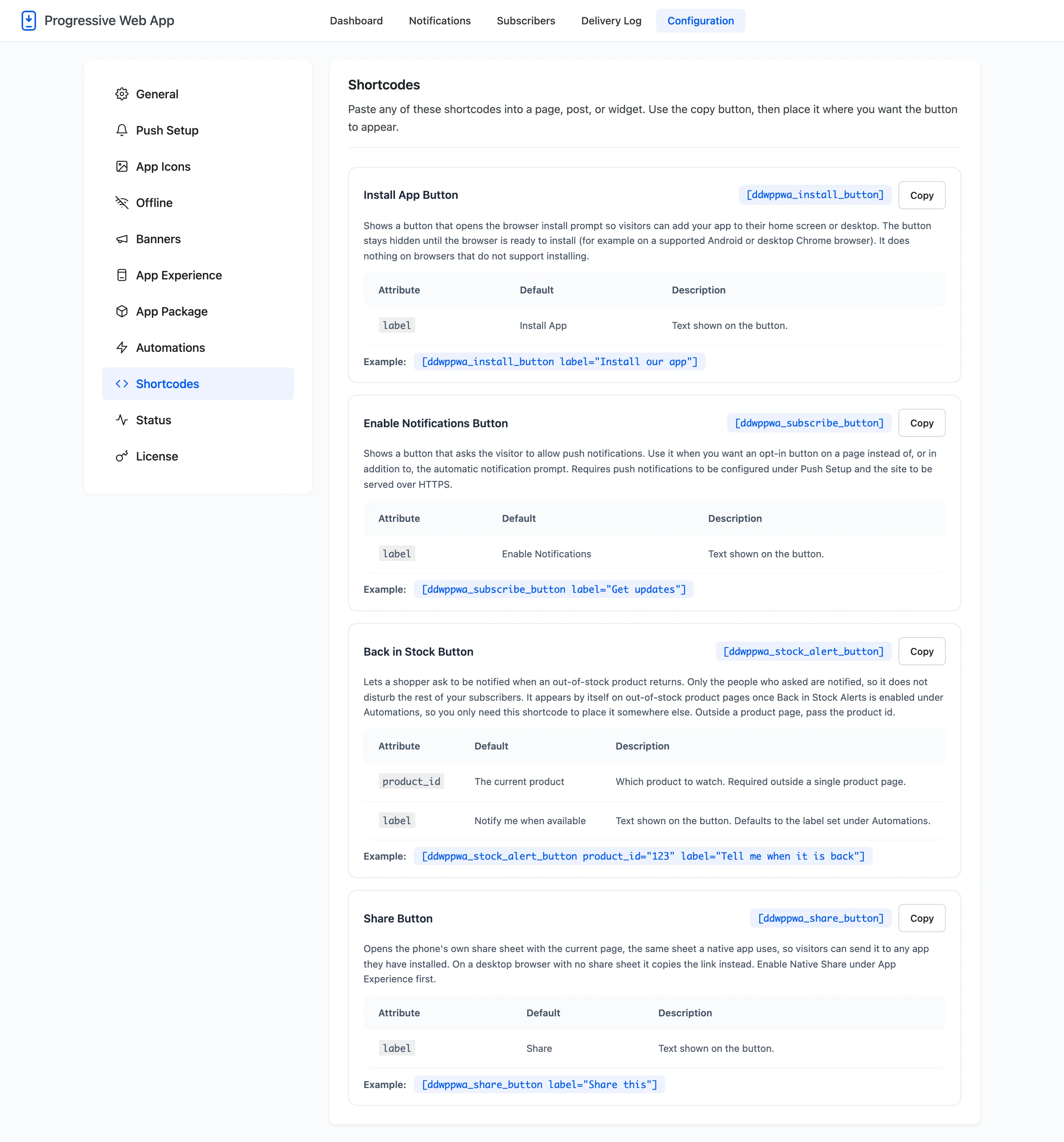
Every shortcode the plugin provides is here with its attributes, its defaults and an example.
Step 2: Copy the shortcode you want
Section titled “Step 2: Copy the shortcode you want”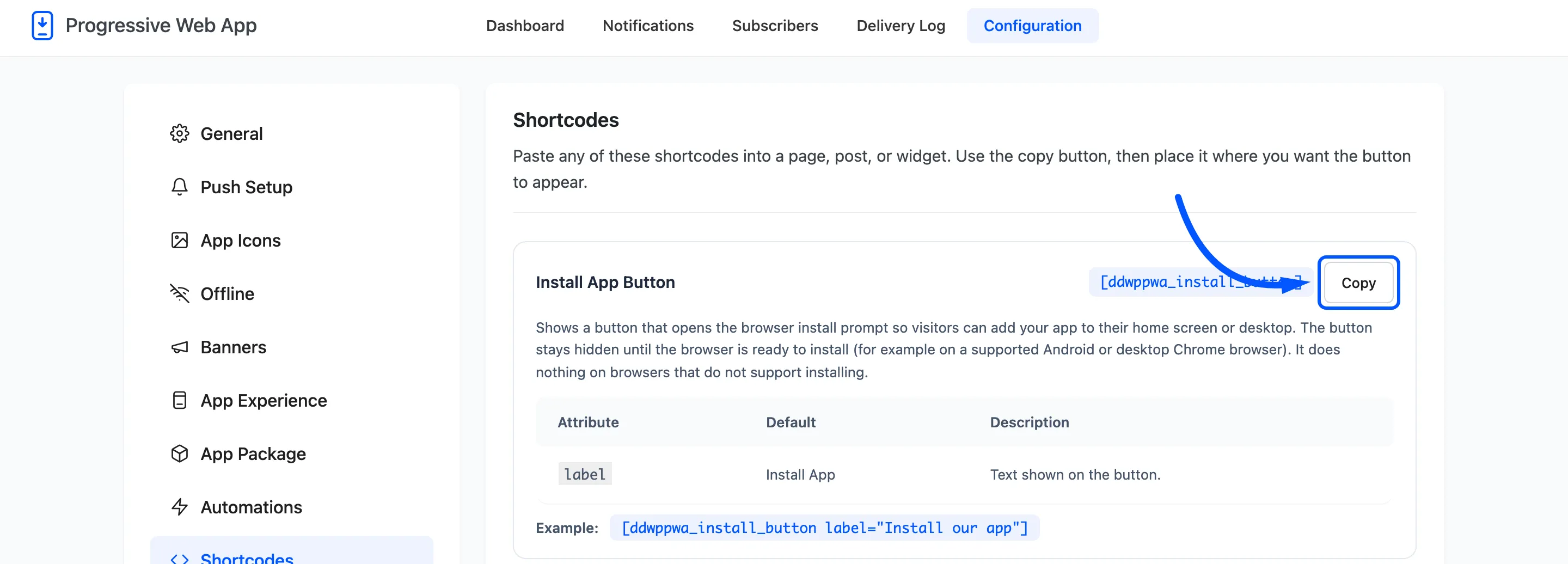
The Copy button puts the bare tag on your clipboard. Two are free.
[ddwppwa_install_button]opens the browser’s install prompt.[ddwppwa_subscribe_button]asks for notification permission.
Step 3: Paste it into a page and set the label
Section titled “Step 3: Paste it into a page and set the label”Edit any page or post, add a Shortcode block, and paste. In the classic editor, paste it straight into the content. Widgets work too, which is how you get an install button into a sidebar or a footer on every page at once.
This step happens in the WordPress editor rather than in the plugin, so there is no plugin screen to show.
Both buttons take a label attribute.
[ddwppwa_install_button label="Install our app"][ddwppwa_subscribe_button label="Get updates"]Without it they read Install App and Enable Notifications. Those are accurate and generic; something that names the benefit does better.
Step 4: Publish and check the page
Section titled “Step 4: Publish and check the page”
Why the install button is usually invisible
Section titled “Why the install button is usually invisible”This is the thing worth knowing before you file a bug.
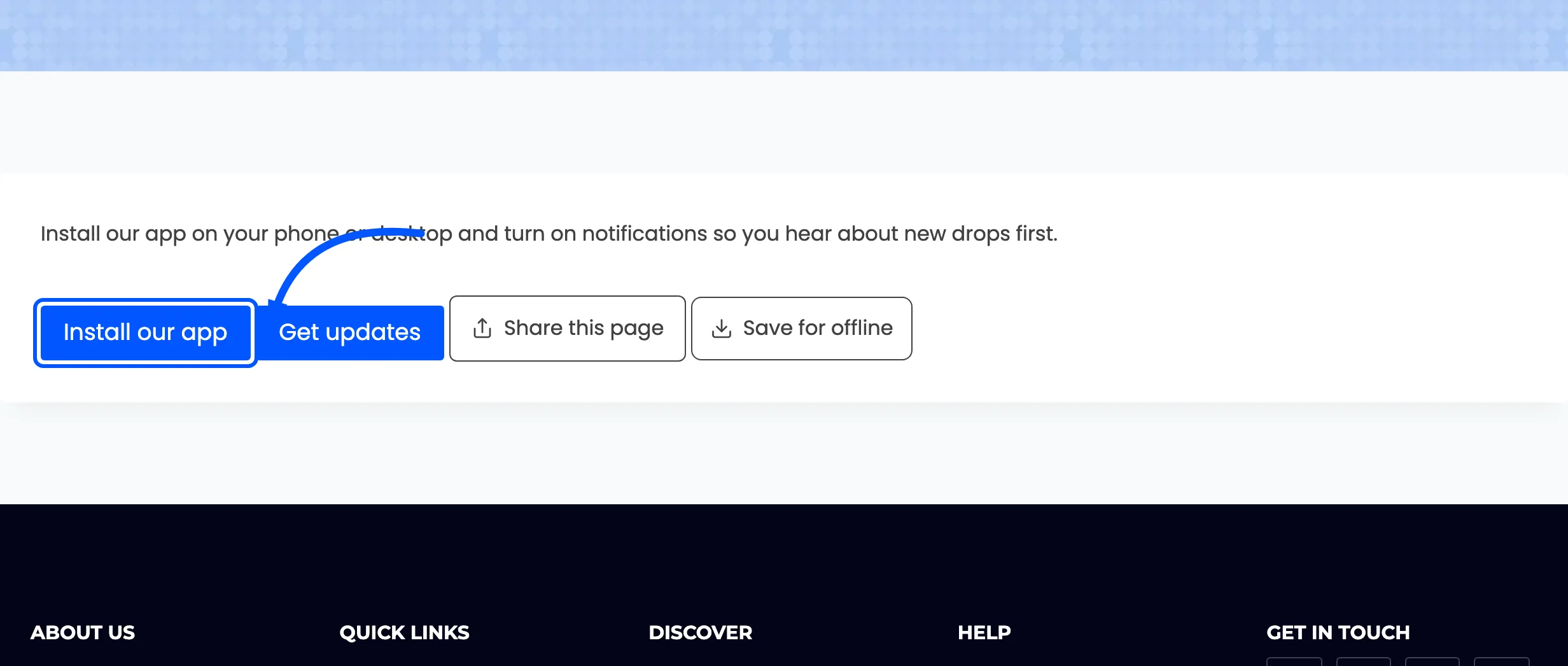
The install button stays hidden until the browser is ready to install. It appears once the browser has read your manifest, found an icon and registered the service worker. Until then it renders nothing at all.
That is deliberate: a visible Install button that does nothing when pressed is worse than no button.
So it will not appear when the app is already installed, or on Firefox desktop and Safari on a Mac. Nor will it appear while something in the Status tab is still failing.
The subscribe button has no such rule. It is always visible and asks for permission on click.
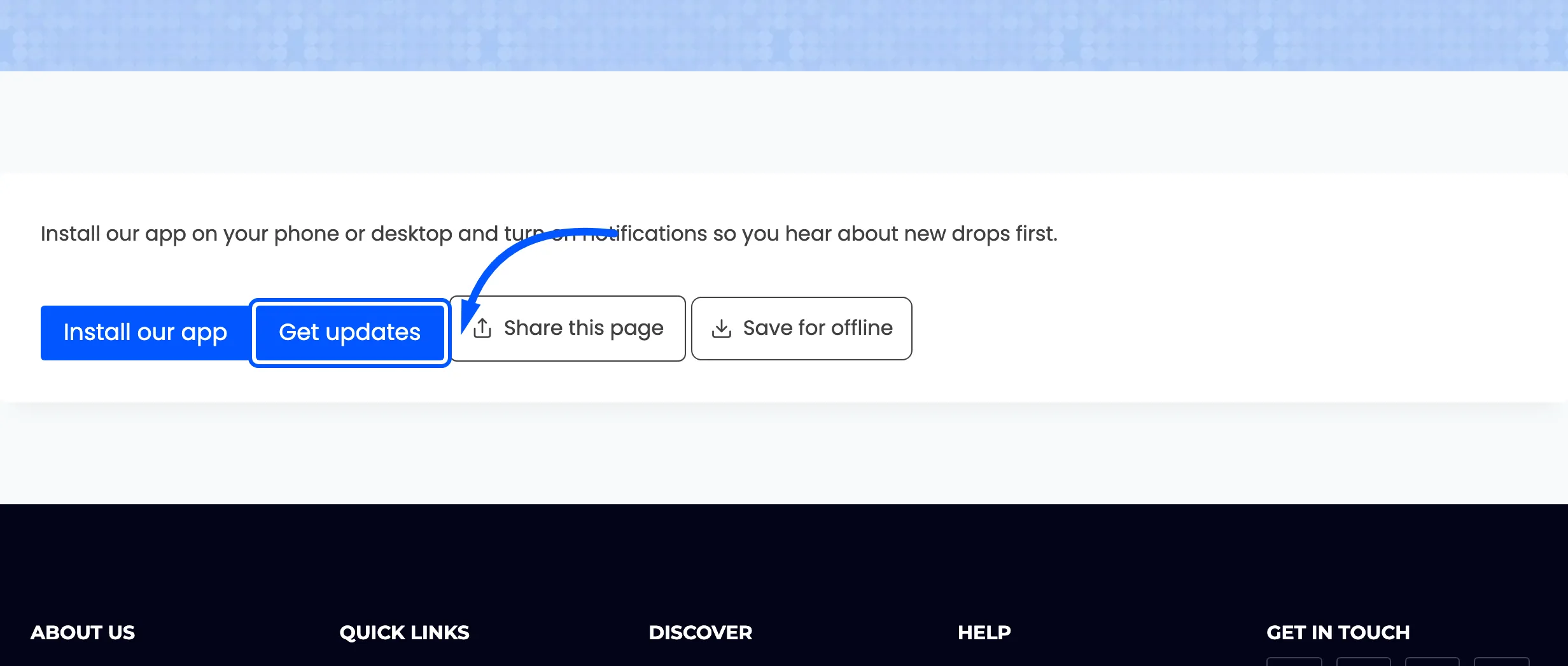
Pressing it goes straight to the browser’s permission dialog, skipping the plugin’s own prompt. That is the right behaviour for a button somebody chose to press.
The three Pro shortcodes
Section titled “The three Pro shortcodes”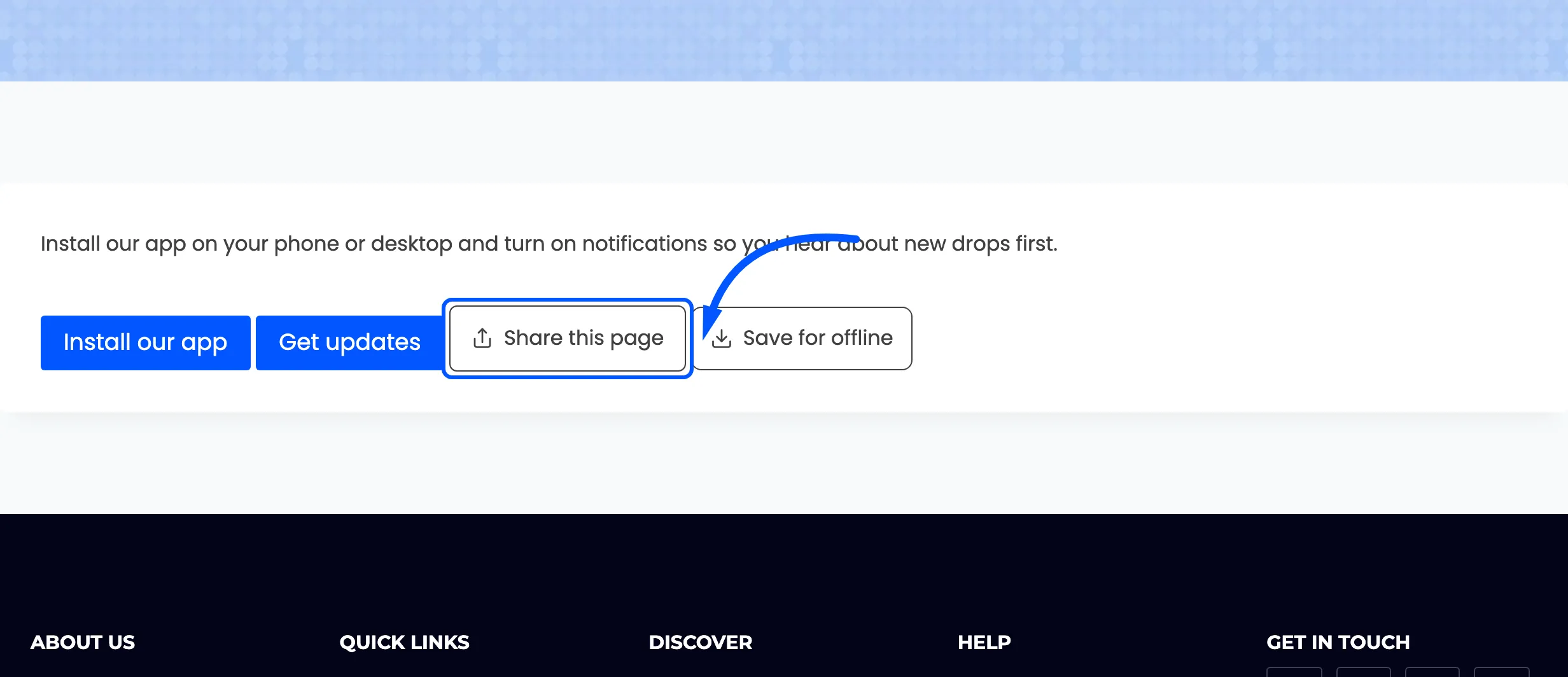
[ddwppwa_share_button] opens the phone’s own share sheet with the current page, and copies the link
on a desktop browser that has no share sheet. Enable Native Share under
App Experience first.
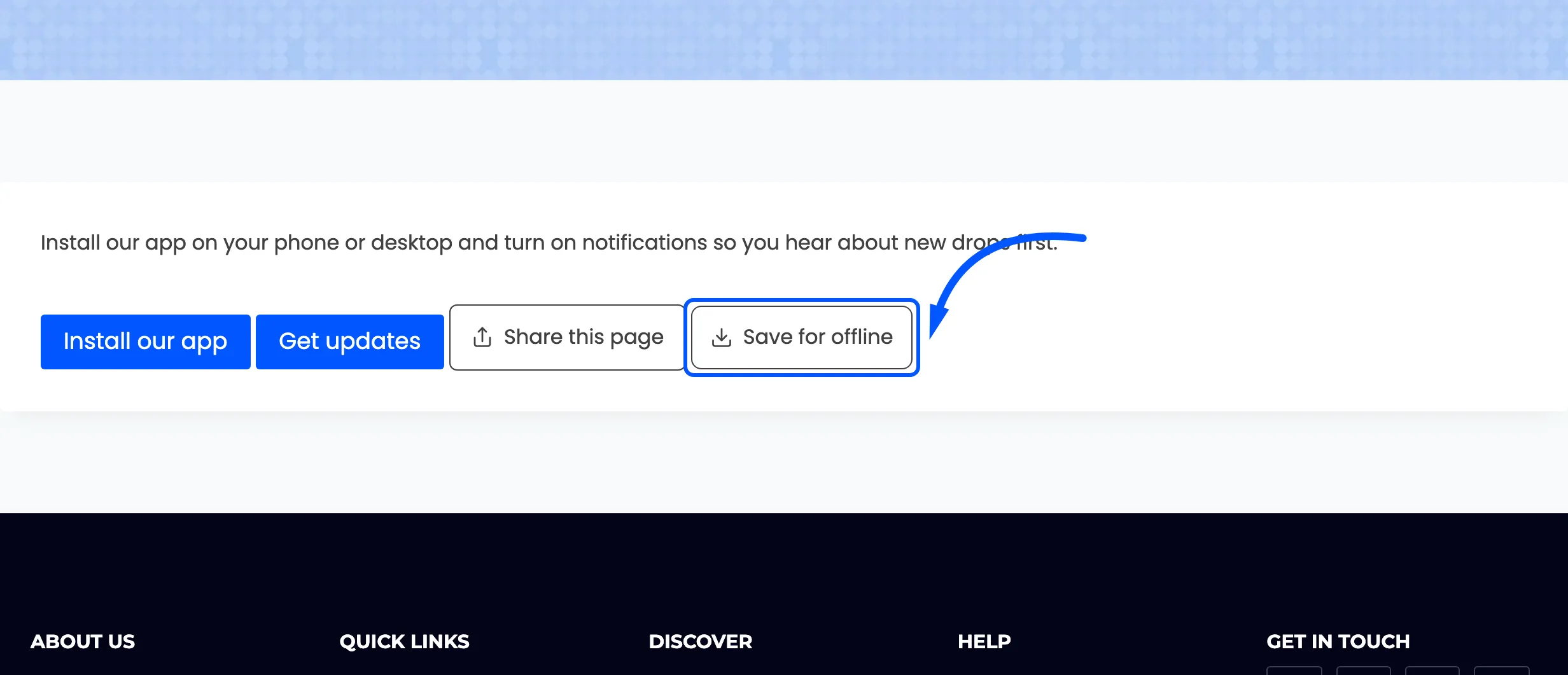
[ddwppwa_save_offline_button] stores the page on the device and lists it in the browser’s own
downloads area. Enable Save For Offline first.
[ddwppwa_stock_alert_button] lets a shopper ask to be told when an out-of-stock product returns. It
appears by itself on out-of-stock product pages once Back in Stock Alerts is on under
Automations, so the shortcode is only for placing it somewhere else.
Every shortcode is always registered
Section titled “Every shortcode is always registered”Whether or not the feature behind it is switched on. That is deliberate: an unregistered shortcode
renders as literal [ddwppwa_install_button] text on any page already using one, which is a worse
failure than a button that quietly does nothing.