

The Delivery Log
The Notifications screen is what you wrote. The Delivery Log is what actually went out, including every automation and every test.
Go to DevDiggers Plugins → Progressive Web App → Delivery Log.
The four totals
Section titled “The four totals”
- Notifications Sent: How many sends the log holds.
- Total Reach: The devices those sends reached, added up.
- Total Clicks: How many were tapped.
- Click-Through Rate: Clicks against reach.
The list
Section titled “The list”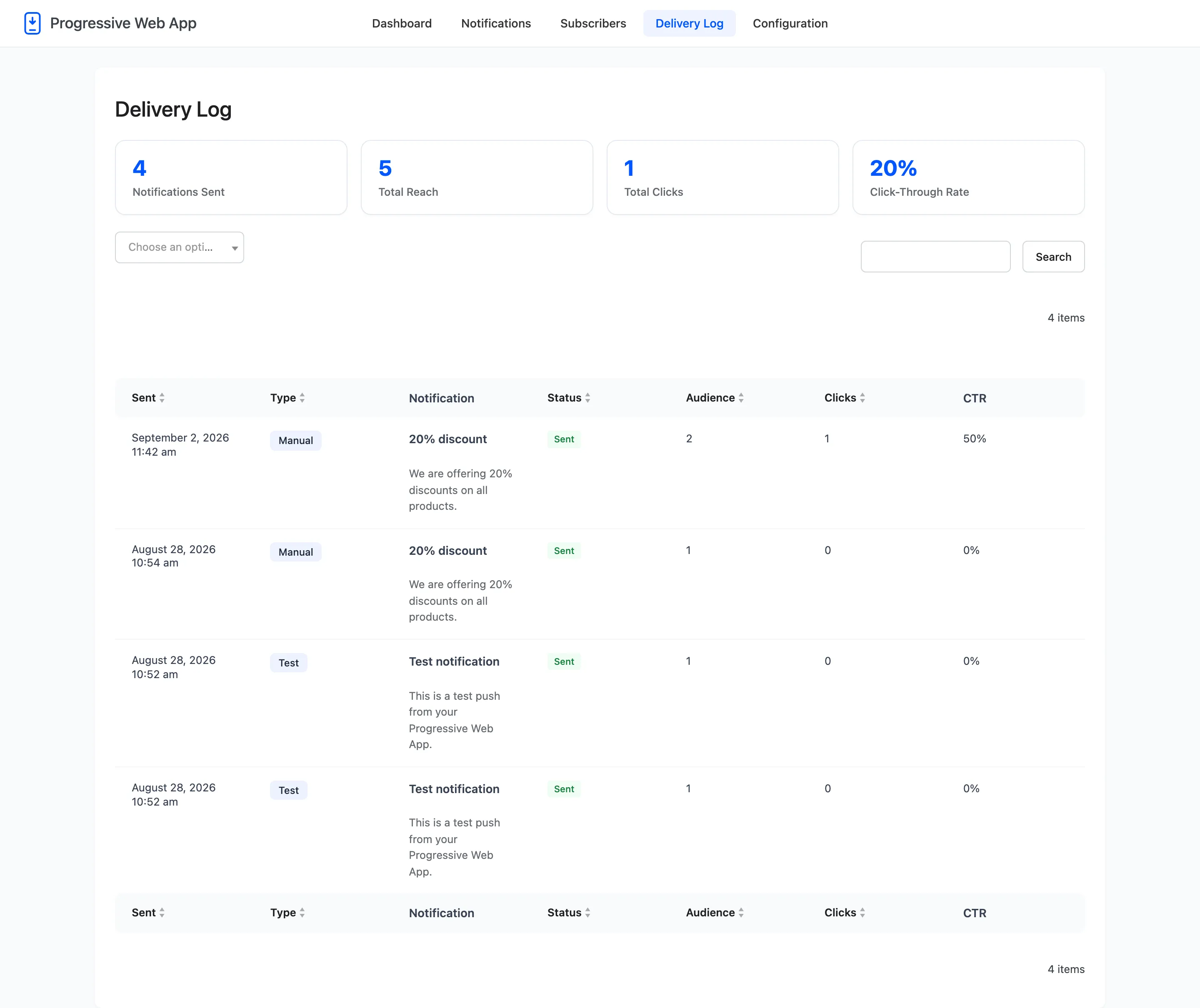
Seven columns.
- Sent: Date and time.
- Type: Which part of the plugin sent it. See the filter below.
- Notification: The title and the message that went out, as it was at the time.
- Status: Sent, Failed or Pending. Hovering a failed row shows the reason.
- Audience: How many devices it reached.
- Clicks: How many taps it received.
- CTR: Clicks against audience, or a dash when the audience was zero.
The type filter
Section titled “The type filter”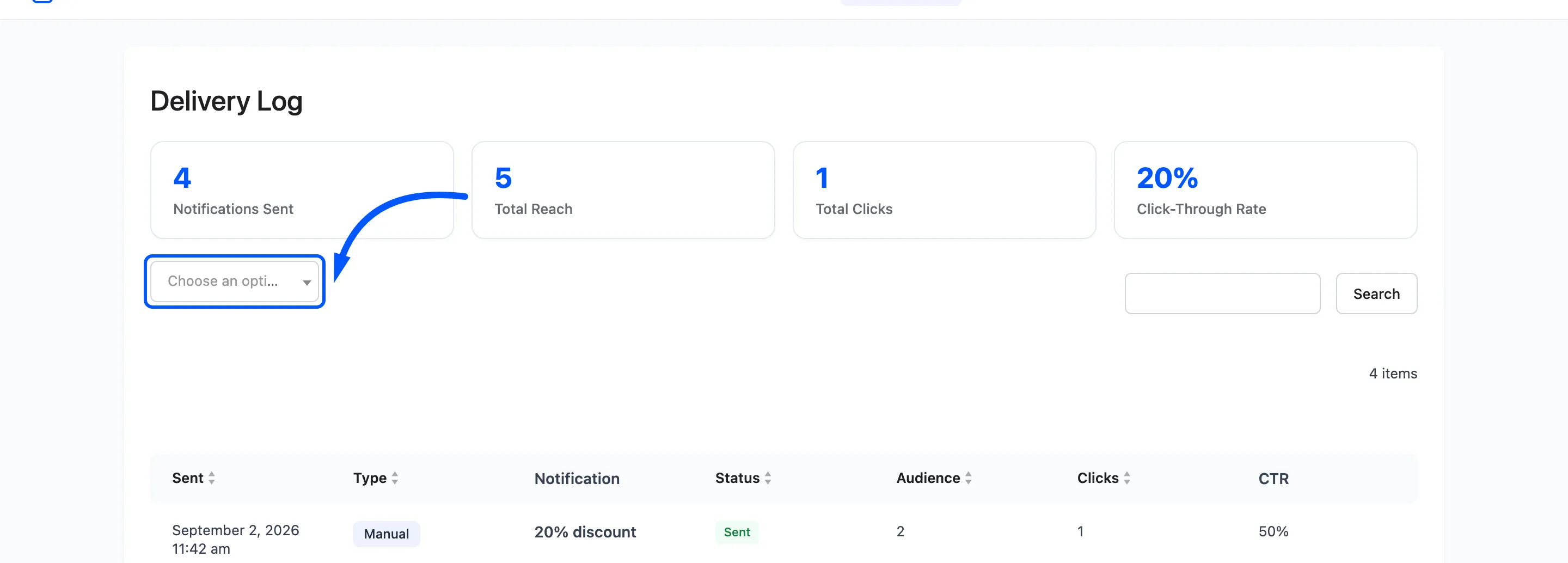
Eleven types, one per source: Manual, Test, New Post, New Product, On Sale, Back in Stock, Welcome, Digest, Order Update, Abandoned Cart and Stock Alert.
The filter is the fastest way to answer whether an automation is firing at all. If Order Update returns nothing after a week of orders, the automation is off, WooCommerce is not matching the buyer to a device, or push credentials are wrong.
The same breakdown is drawn as the Notifications by Type doughnut on the dashboard.
When a send fails
Section titled “When a send fails”The Notification was not sent message on the Notifications screen deliberately says little, because the row here says more. Hover the failed row’s status for the reason Firebase gave.
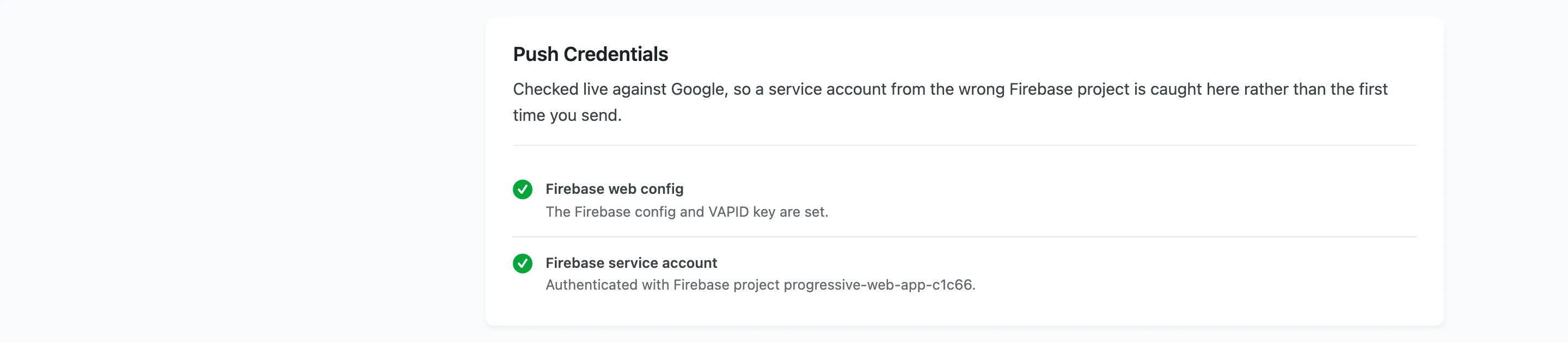
The first common one is a service account from a different Firebase project, which the Status tab catches before you ever send. The other is an audience of zero, which is not a failure at all.
Where clicks come from
Section titled “Where clicks come from”A click is counted when the visitor taps the notification and the URL opens. A notification with no URL cannot be counted, and a badly chosen URL is the usual reason a real send reports a low rate.
Analytics tracking has its own switch on the General tab. With it off the log keeps recording sends and stops counting clicks.