

Offline Settings
This tab controls the service worker: the script the browser keeps running beside your site and the reason a page still opens with no signal.
Go to DevDiggers Plugins → Progressive Web App → Configuration → Offline.
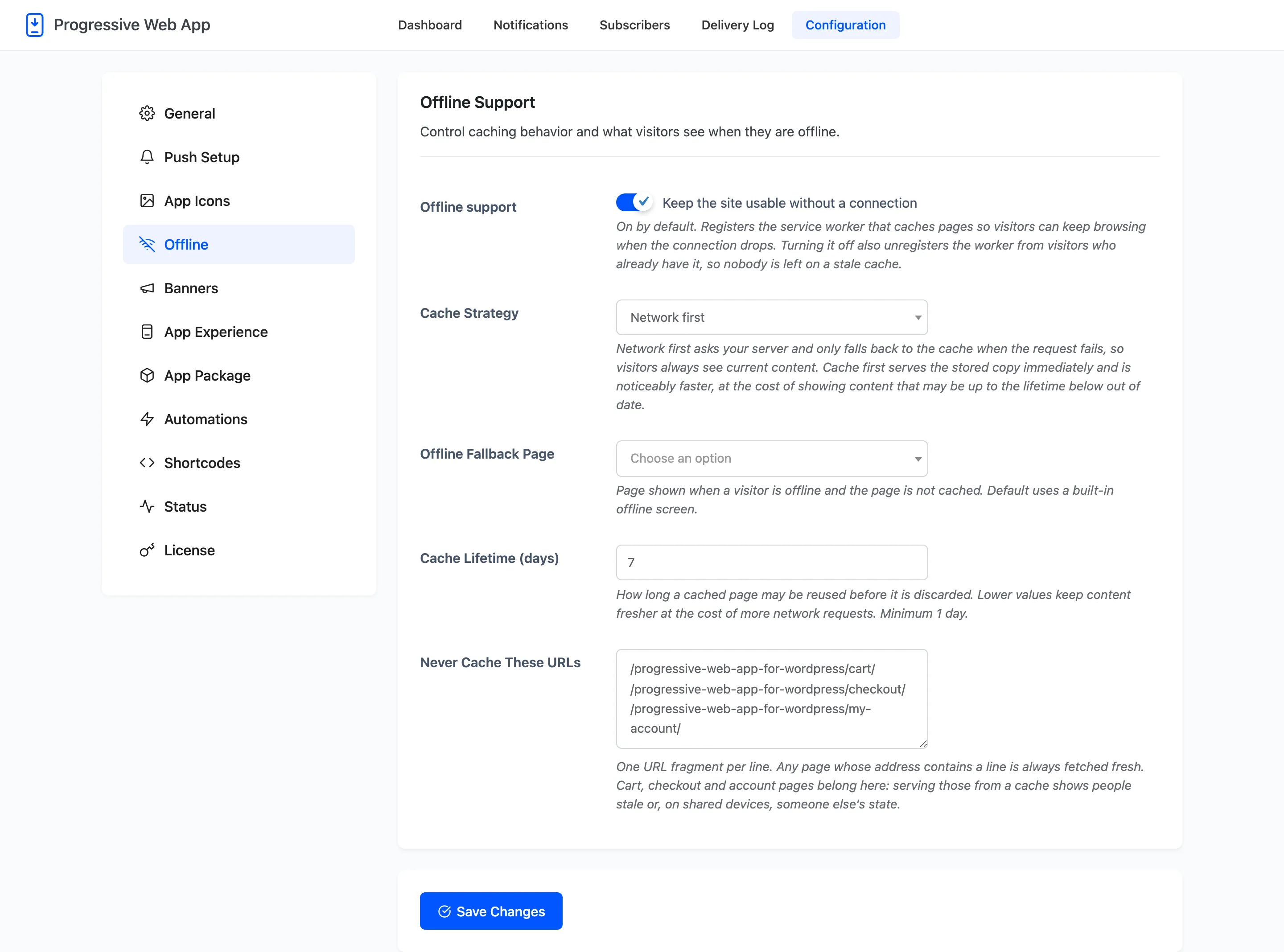
Offline Support
Section titled “Offline Support”Offline support: On by default. Registers the service worker that caches pages so visitors can keep browsing when the connection drops.
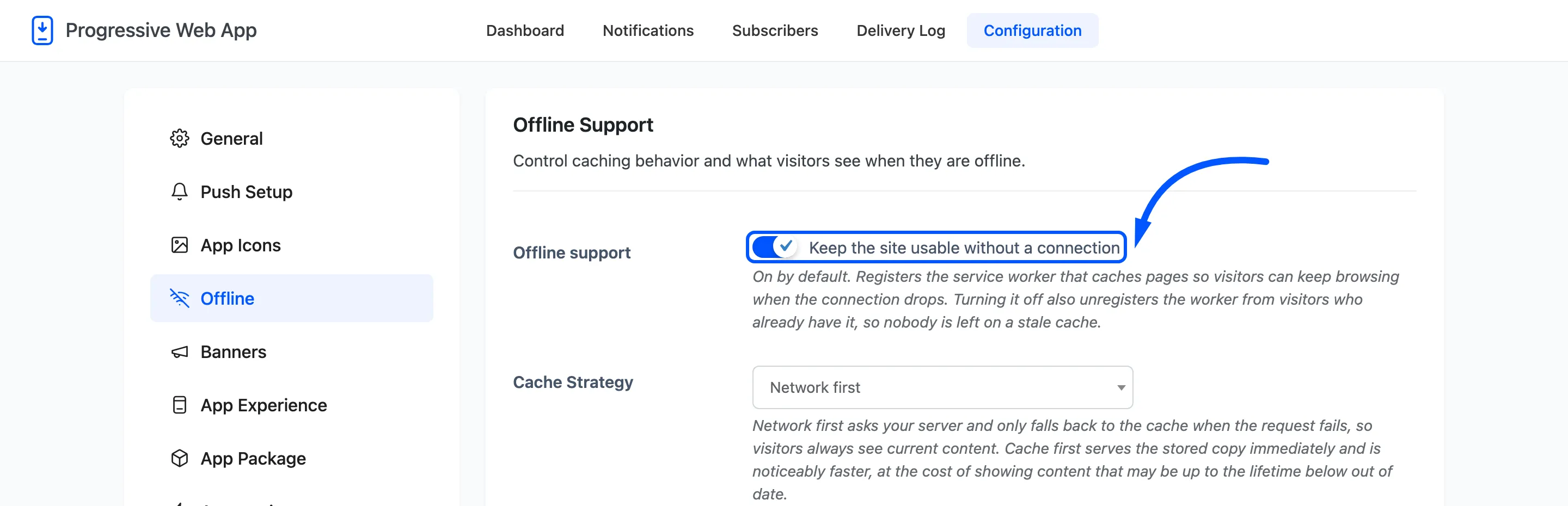
Turning it off also unregisters the worker from visitors who already have it, so nobody is left holding a stale cache. That makes this switch the first thing to try when another plugin behaves oddly and you suspect the cache.
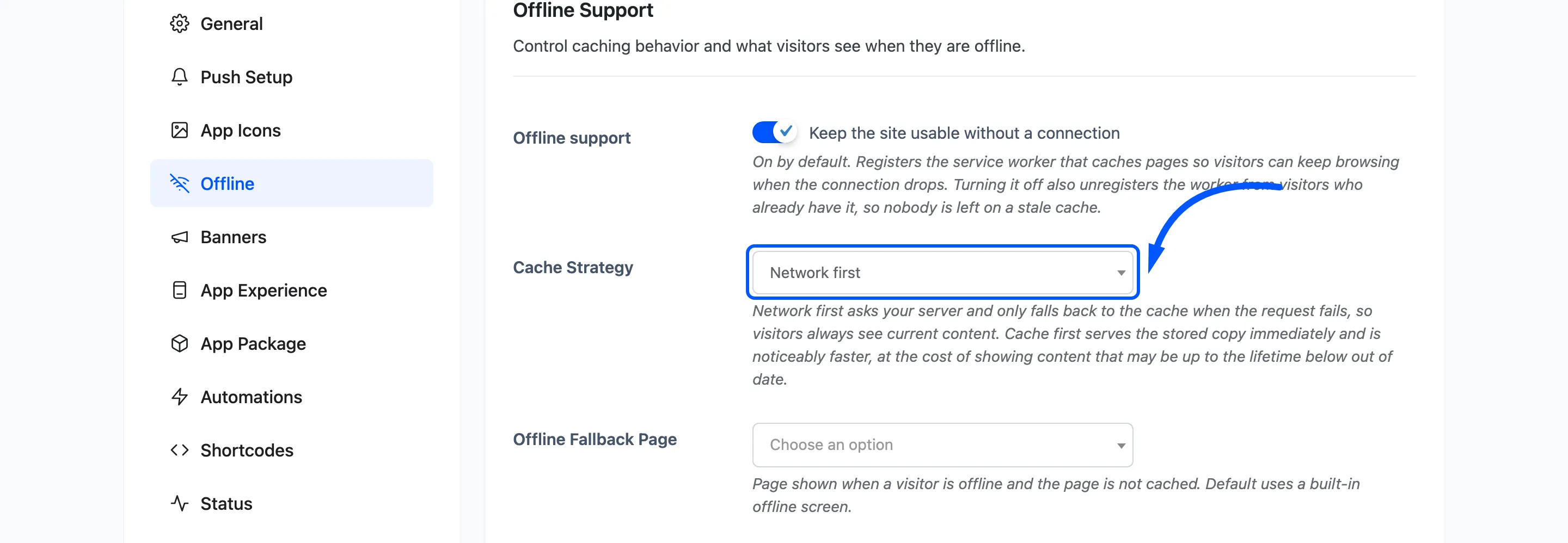
Cache Strategy: Default Network first. Your server is asked for the page and the stored copy is only used when that request fails, so nobody is shown stale content while they are online.
Offline Fallback Page: Default Default offline screen, which is a plain page the service worker draws itself. Pick any published page instead and that page is cached in advance and shown when a visitor asks for something that is not in the cache.
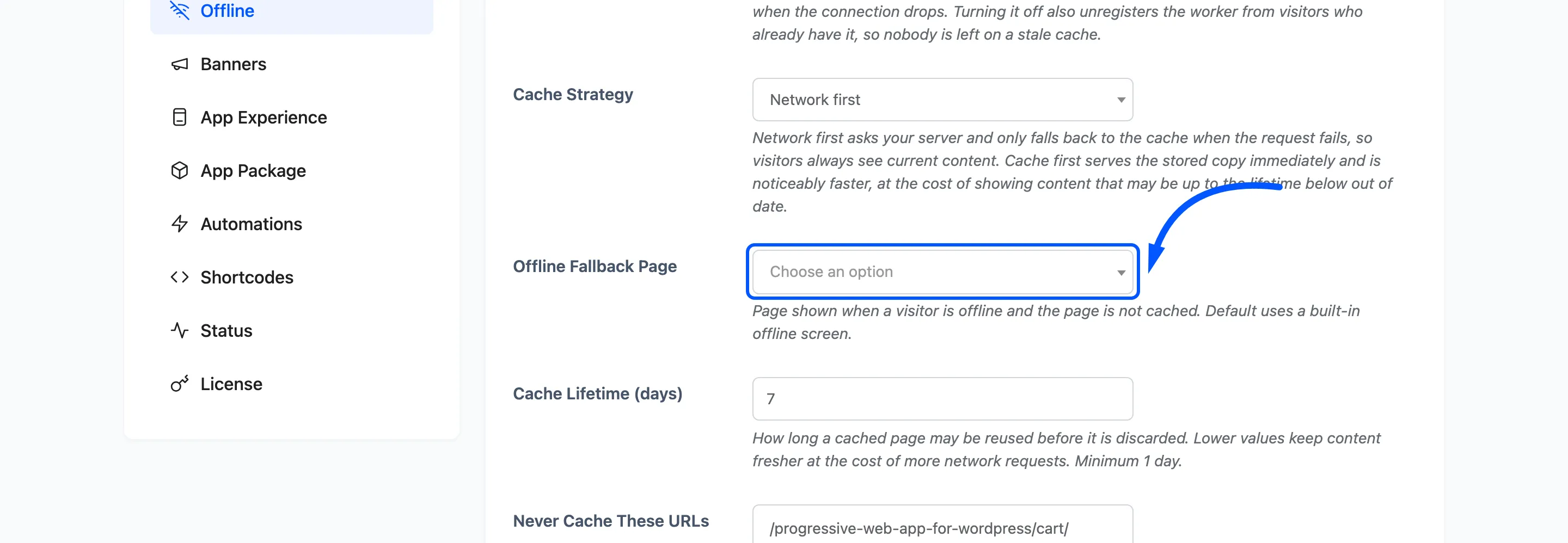
A good fallback page is short, carries no images your visitor may not have, and says plainly that the connection is gone.
Cache Lifetime (days): Default 7, minimum 1. How long a cached page may be reused before it is discarded. Lower keeps content fresher and costs more network requests.
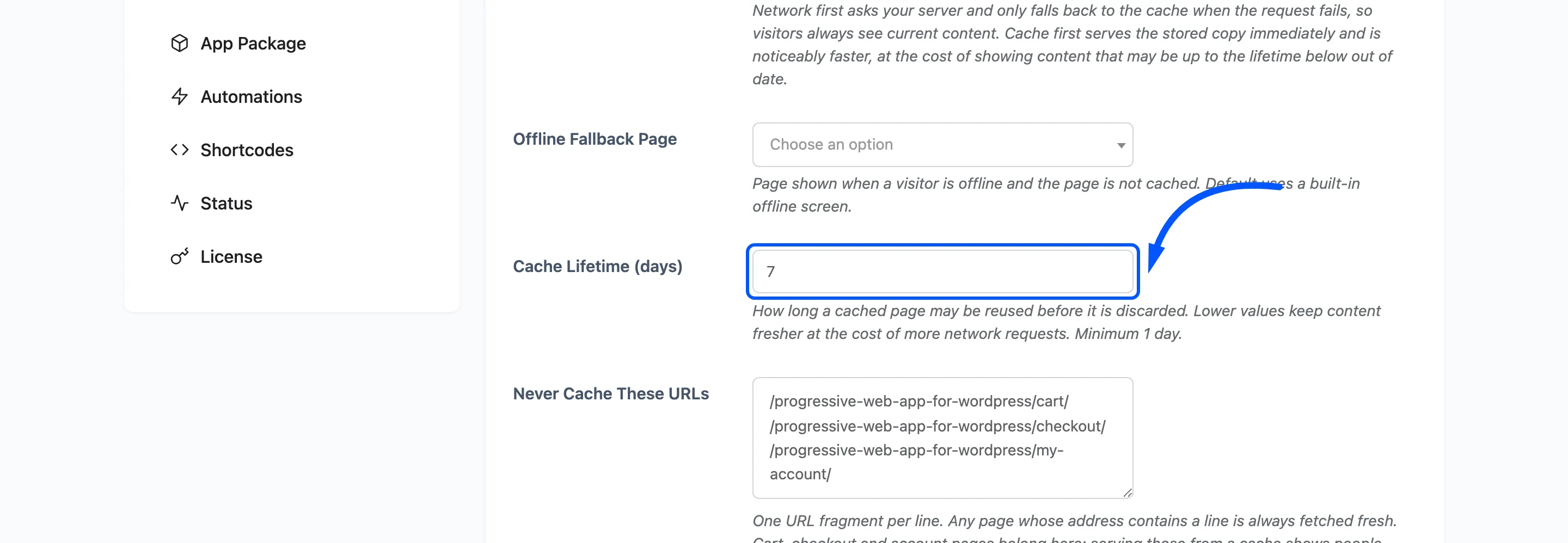
Never Cache These URLs: One URL fragment per line. Any page whose address contains a line is always fetched fresh.
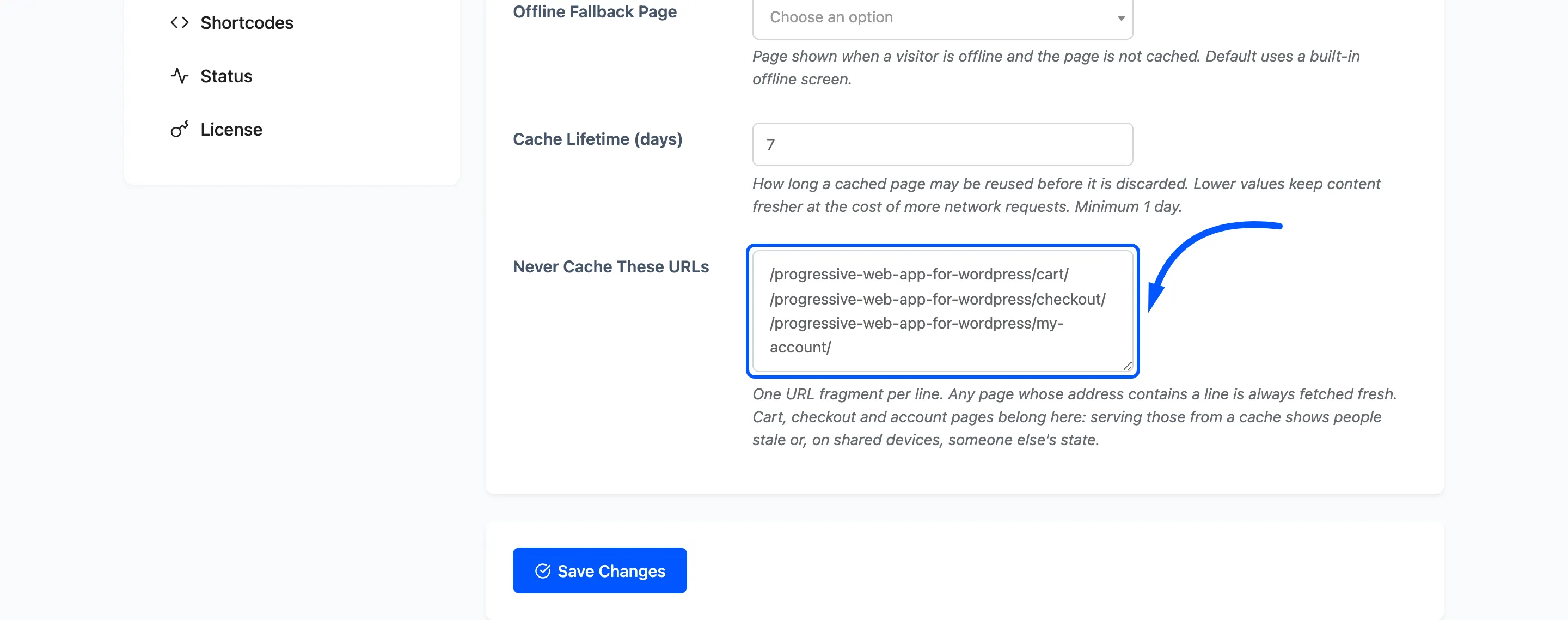
On a WooCommerce store this arrives already holding the cart, checkout and account paths, and they belong there. Those pages are different for every visitor. Serving one from a cache shows people stale totals, or on a shared device somebody else’s session.
The WordPress admin, the login screen, the REST API and admin AJAX are left alone without being told, so there is no need to list them.
What a visitor actually sees
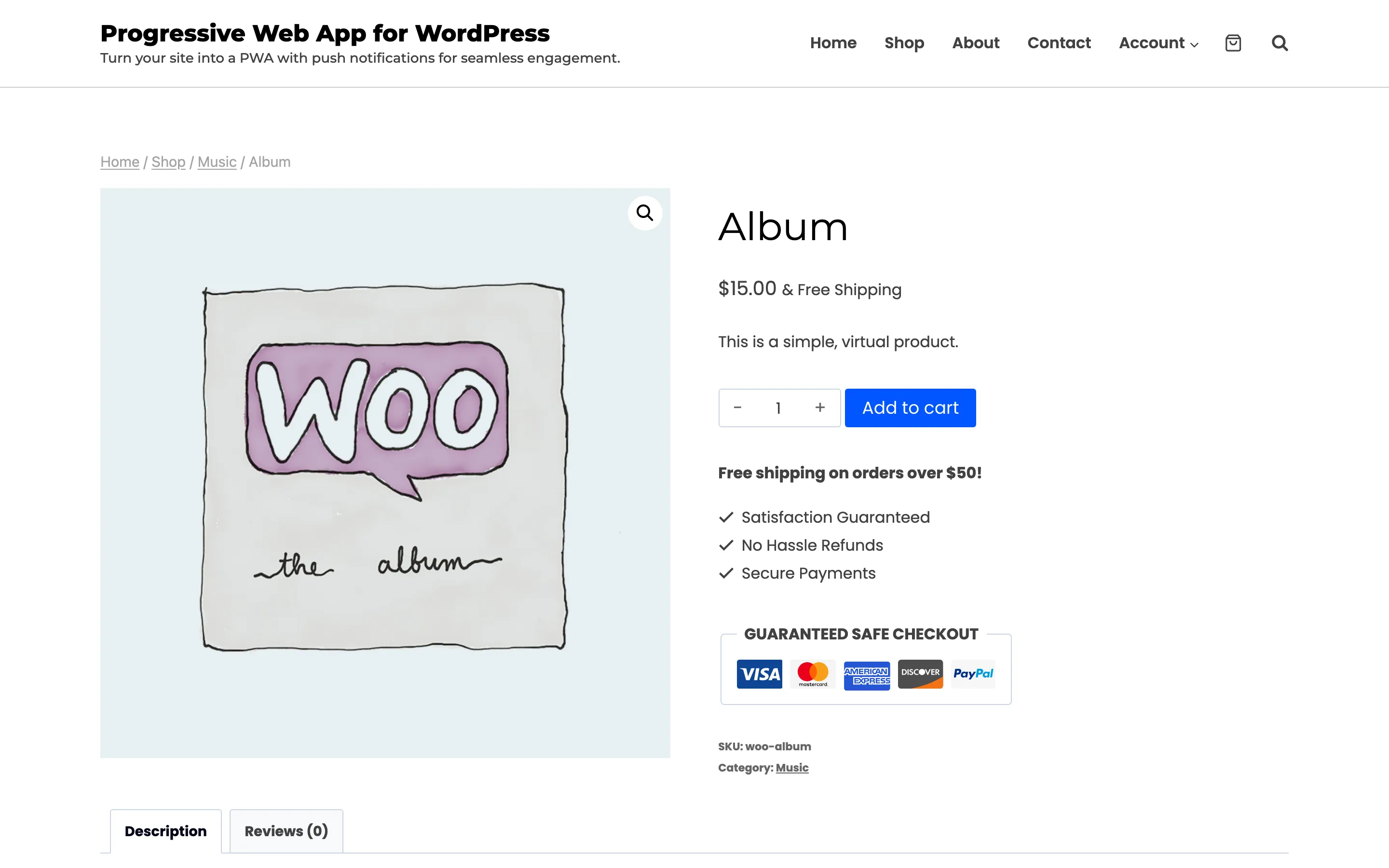
Section titled “What a visitor actually sees”Once the worker has control, a page they have already opened keeps working with the signal gone. It looks exactly as it did online.
The worker takes control on the second page view rather than the first. That is a browser rule, so a first-time visitor who loses their connection immediately is not yet covered.