

How to Use a Reward Coupon
A reward coupon works like any WooCommerce coupon, with two limits: only the customer who earned it can use it, and only once.
Step 1: Copy the code
Section titled “Step 1: Copy the code”On My Account → Share & Earn, each active coupon shows its value, its expiry date and the code as a button. Pressing the code copies it.
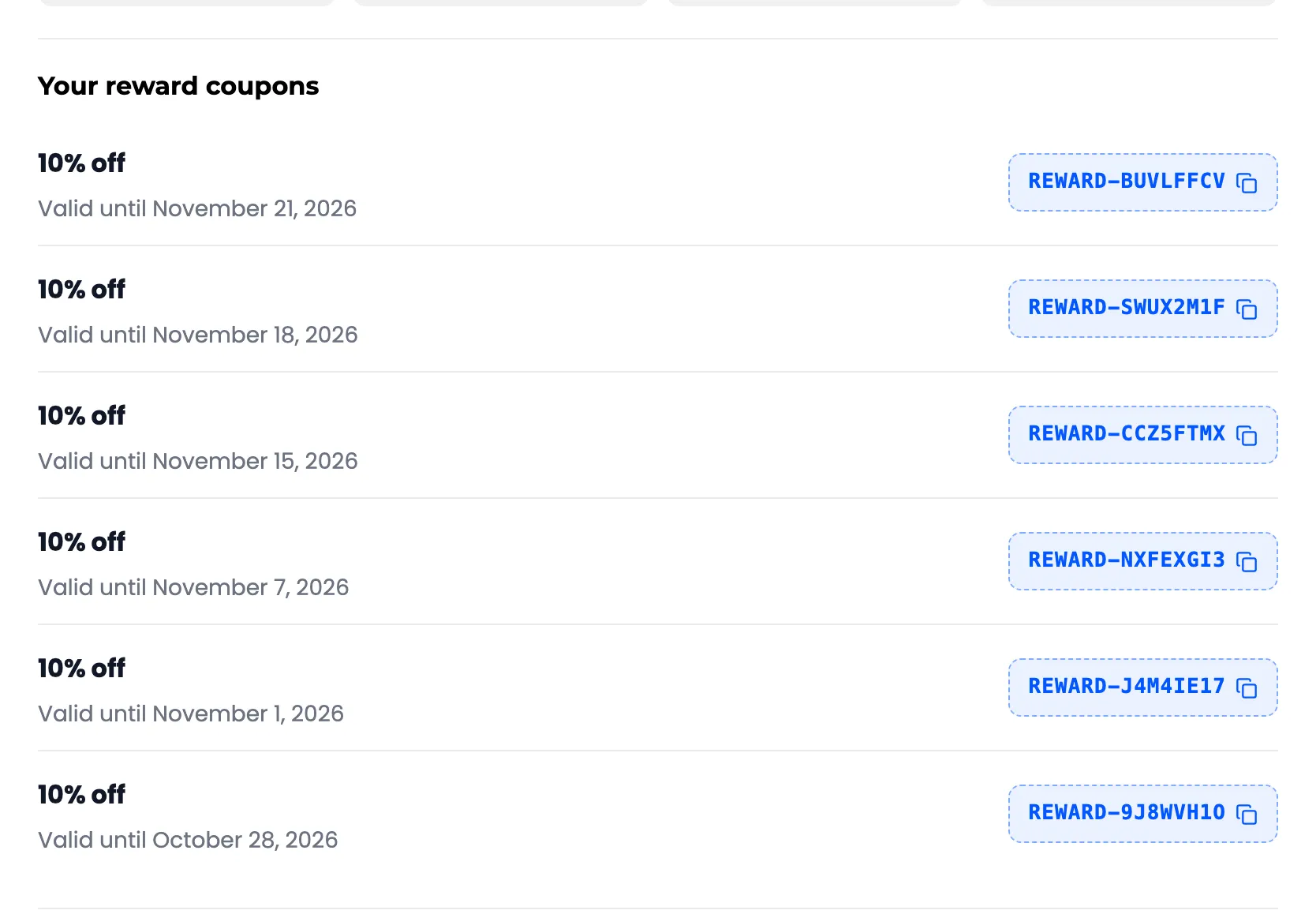
The code is also in the reward email.
Step 2: Apply it in the cart
Section titled “Step 2: Apply it in the cart”In the cart, the customer pastes the code into Coupon code and presses Apply coupon. On the demo, Amara used her 10% reward on an $18.00 mug, and the cart took $1.80 off. She had shared the mug earlier, so its Share discount sat beside it: the two add up.
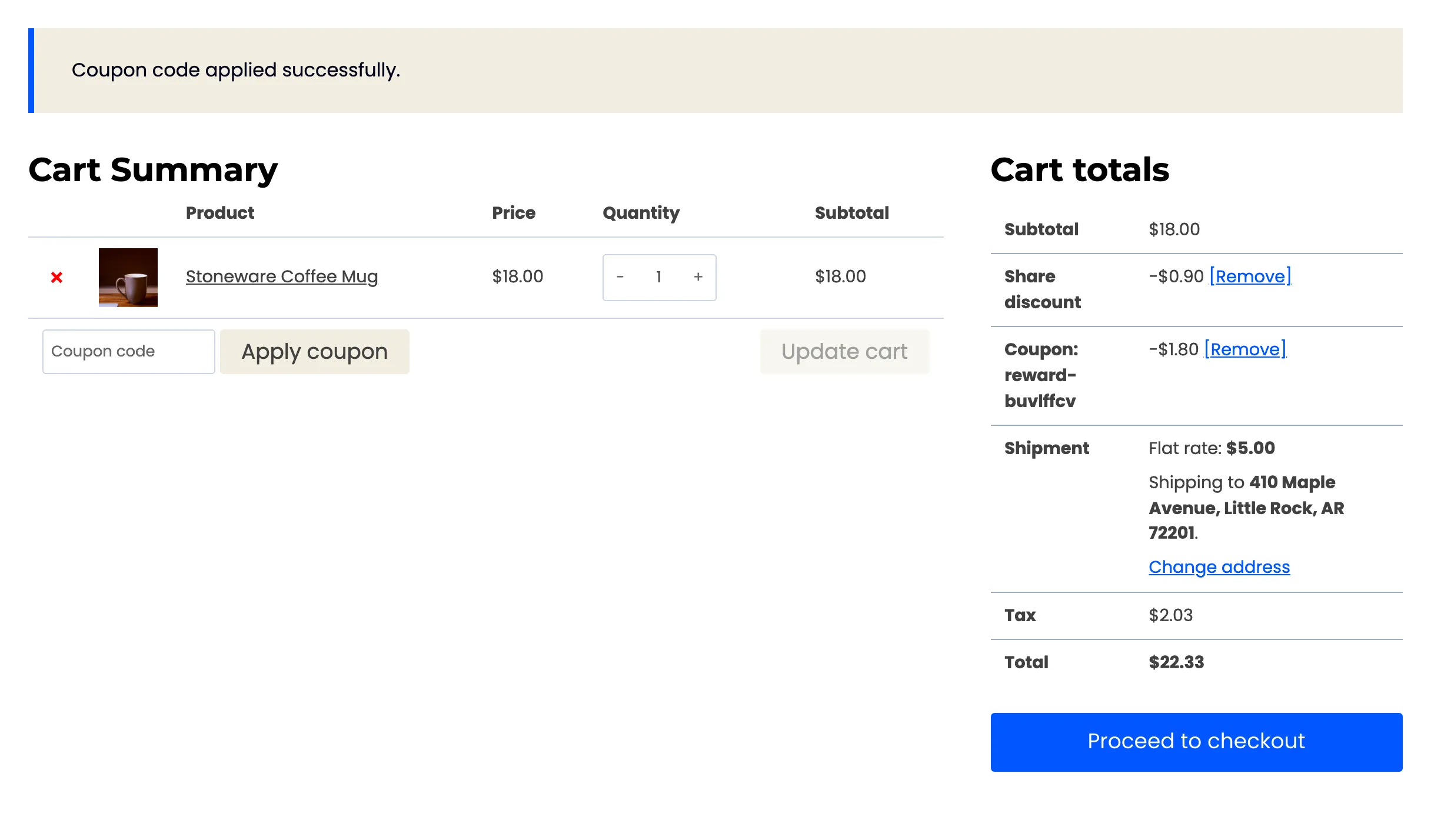
The cart shows the code itself, as Coupon: reward-…, like any store coupon.
Step 3: Place the order
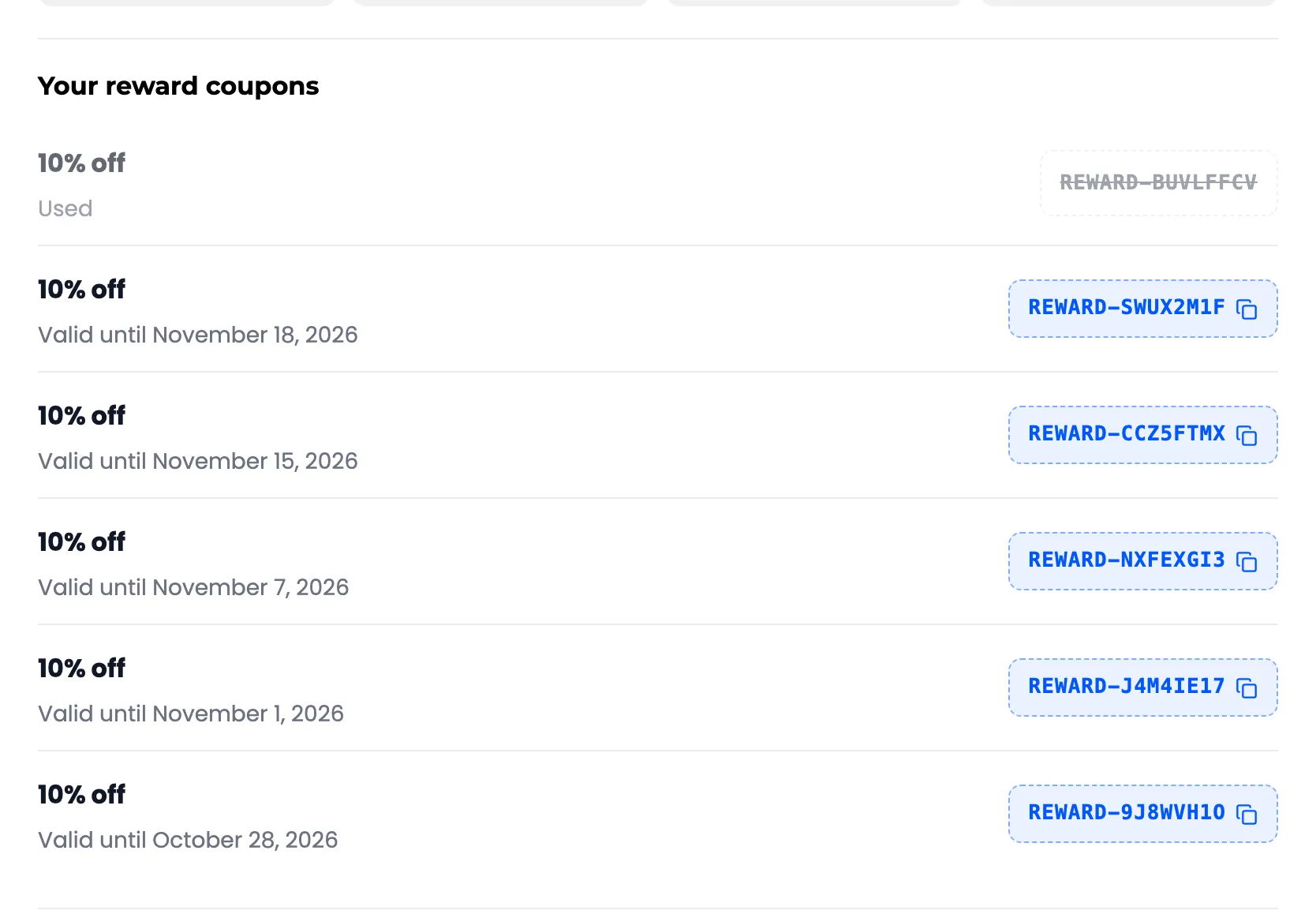
Section titled “Step 3: Place the order”Amara checked out. Back on Share & Earn, the coupon showed Used, with the code greyed out:
When a coupon is refused
Section titled “When a coupon is refused”- Another person’s email: The coupon is locked to the email the reward was issued to. WooCommerce accepts it at checkout only when the account email or the billing email matches.
- Expired: After the date shown, it reads Expired on Share & Earn.
- Below a minimum spend, if the store set one.
- With another coupon, if the store made rewards individual use.