

Shortcodes
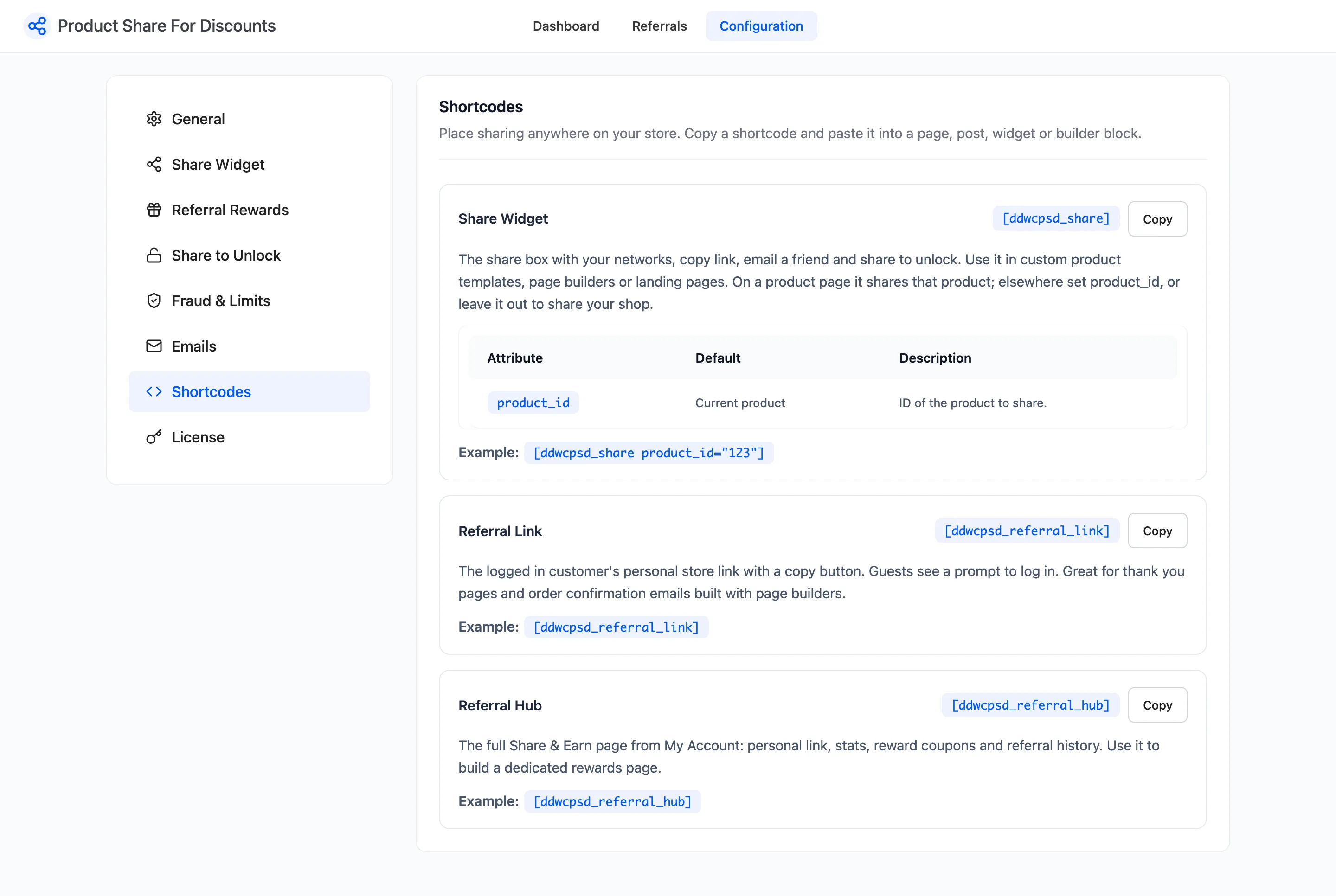
Three shortcodes put sharing anywhere on your store. Open Product Share For Discounts → Configuration → Shortcodes to copy them.
Share Widget
Section titled “Share Widget”[ddwcpsd_share product_id="34"]The same share box as on the product page, with your networks, copy link, Email a friend and share to unlock.
On a product page it shares that product. Elsewhere, set product_id, or leave it out to share your shop
page. A shop link has no Email a friend button and no share-to-unlock line, because both belong to a
product.
The 1.x shortcode [ddwcpsd_social_share_shortcode] still works and shows the same box.
Referral Link
Section titled “Referral Link”[ddwcpsd_referral_link]The signed-in customer’s personal store link, with a Copy button. Guests see a link asking them to log in. It suits thank-you pages and page-builder layouts.
Referral Hub
Section titled “Referral Hub”[ddwcpsd_referral_hub]The whole Share & Earn page from My Account: personal link, stats, reward coupons and referral history. Use it to build a rewards page outside My Account. Guests see the log-in link.
On a page
Section titled “On a page”On the demo, a page holds the referral link and a share box for the tote bag. This is what Amara sees:
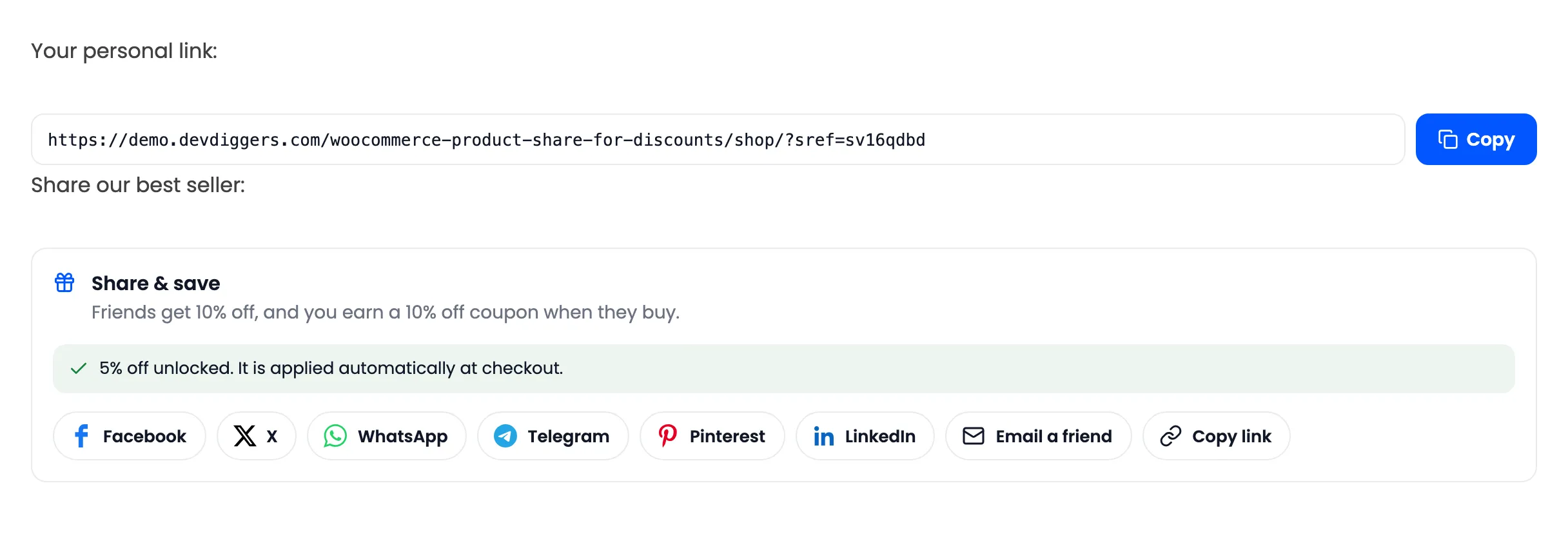
And a guest:
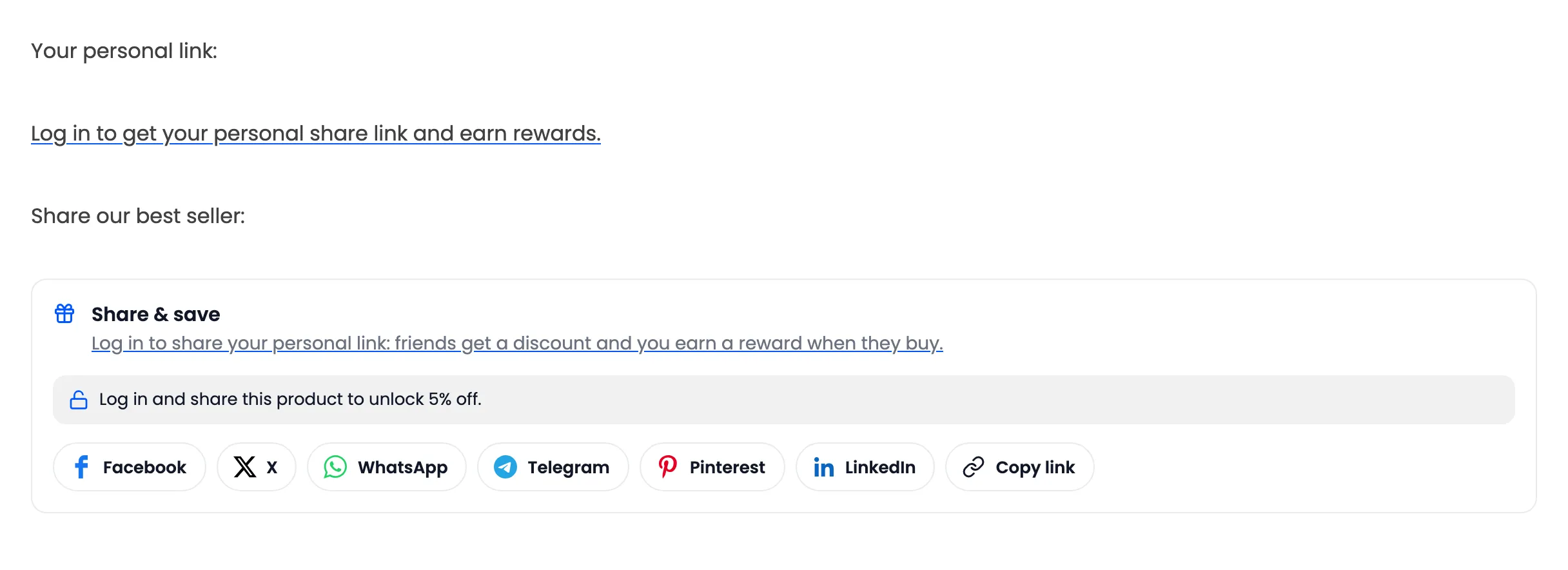
The share box follows the Guests setting on the Share Widget tab. With it off, a guest sees no box where the shortcode is.