

How to Change the Referral Link and Window
Two settings decide how a share link works. The parameter is the part after the question mark, ?sref=. The
window is how long the friend stays linked to the sharer after opening it.
Step 1: Open the General tab
Section titled “Step 1: Open the General tab”Go to Configuration → General.
Step 2: Change the window
Section titled “Step 2: Change the window”Referral Window (Days) is 30 by default.
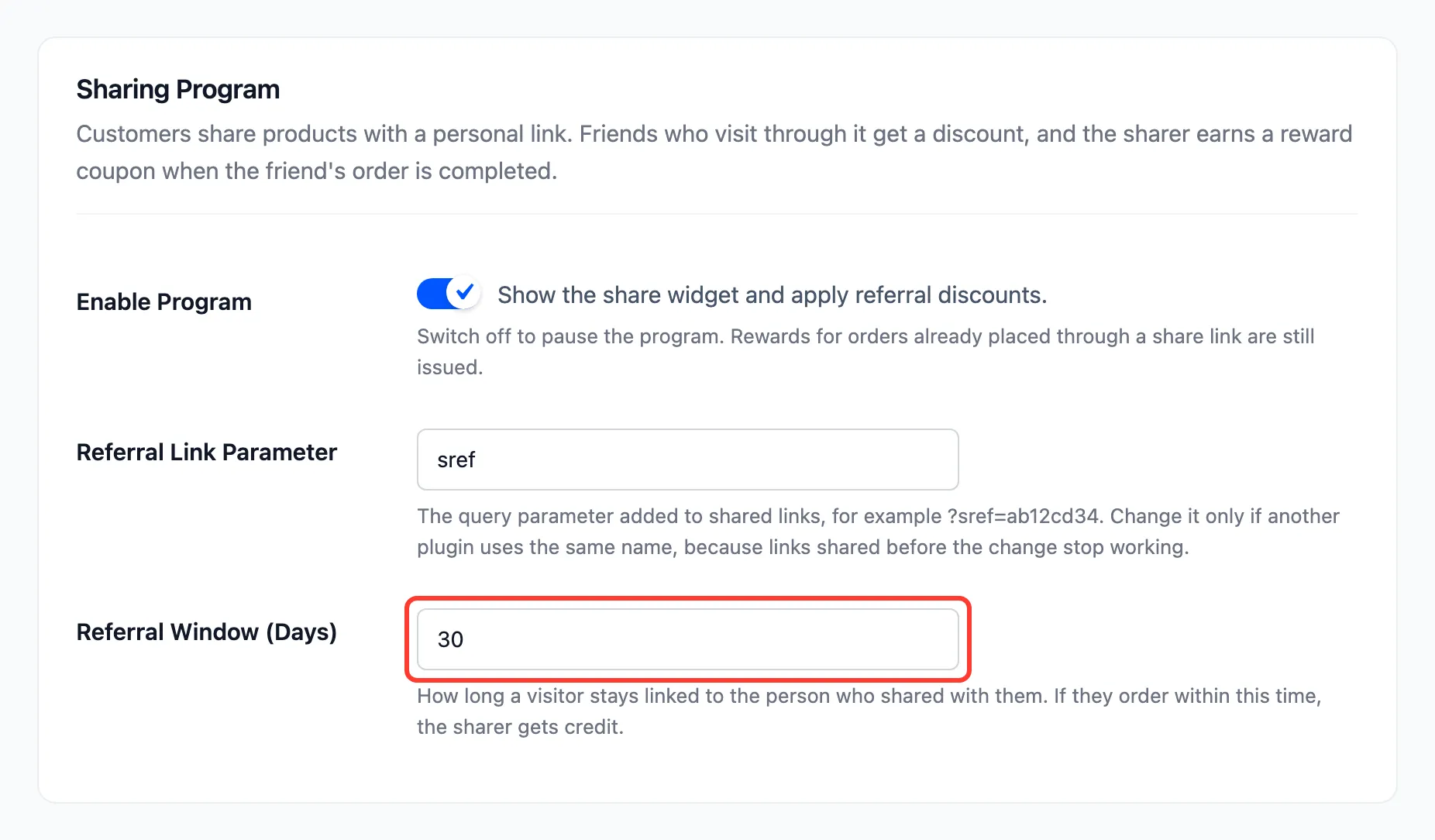
A friend who opens a link and buys within the window credits the sharer, even if they come back later on their own. A short window credits only quick decisions; a long one suits products people think about.
The window is a cookie in the friend’s browser, so it does not follow them to another device. Opening a second person’s link starts a new window for that person.
Step 3: Change the parameter only if you must
Section titled “Step 3: Change the parameter only if you must”Referral Link Parameter is sref by default. Change it only when another plugin already reads sref from
the address.
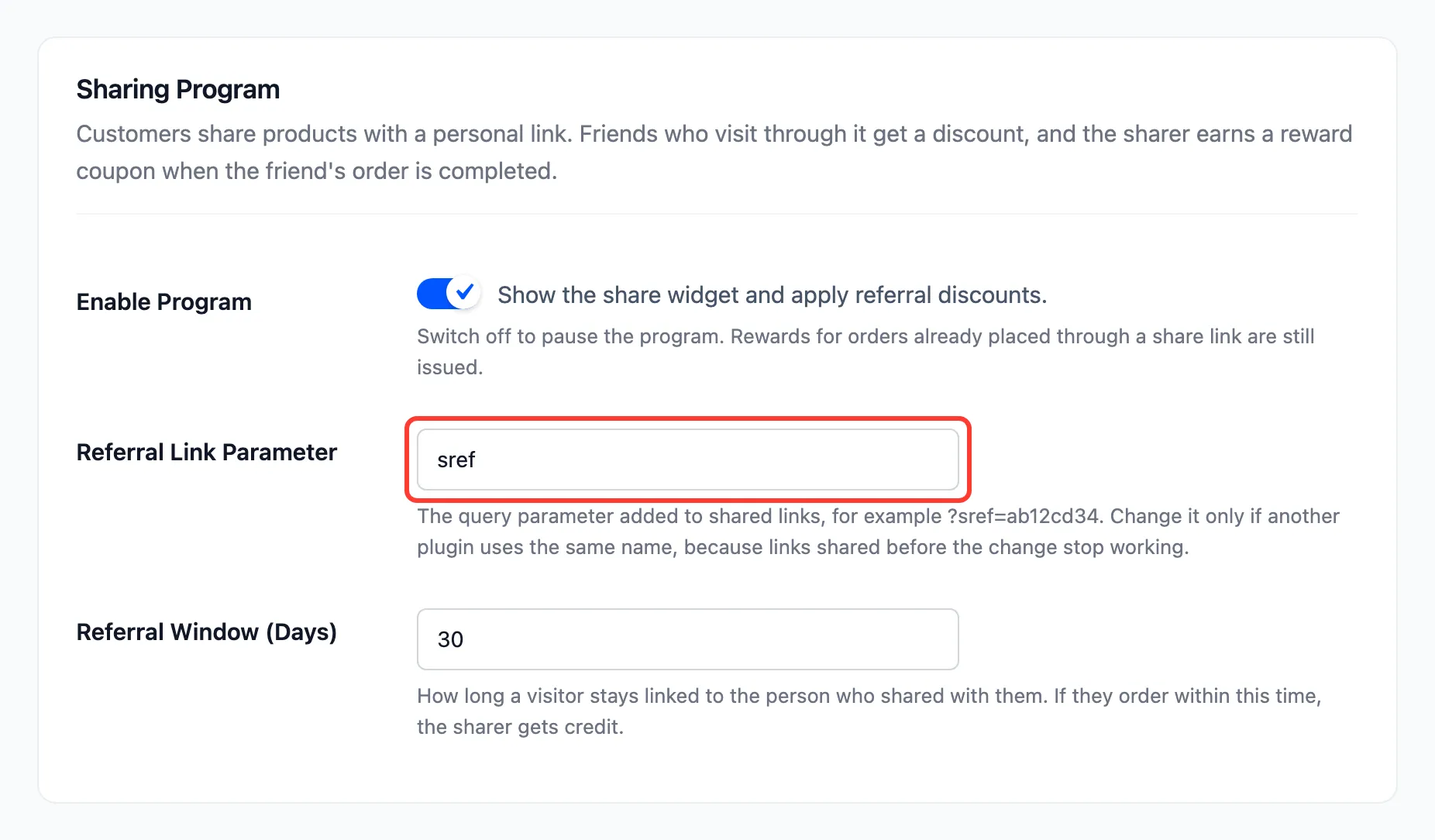
Press Save Changes.
What a change does to old links
Section titled “What a change does to old links”- The window: Applies to links opened from now on. A friend already linked keeps the days they were given.
- The parameter: Every link already shared stops crediting anyone. It still opens the product, with no friend discount. Customers’ new links use the new parameter at once.
Each customer’s code itself never changes, so a customer who shares again after the change has a working link.