

How to Exclude Products from Sharing
Some products should not be discounted: gift cards, items sold at cost, or anything a brand will not let you mark down. Excluding them takes them out of every part of the program.
Step 1: Open Eligible Products
Section titled “Step 1: Open Eligible Products”Go to Configuration → Share Widget and scroll to Eligible Products.
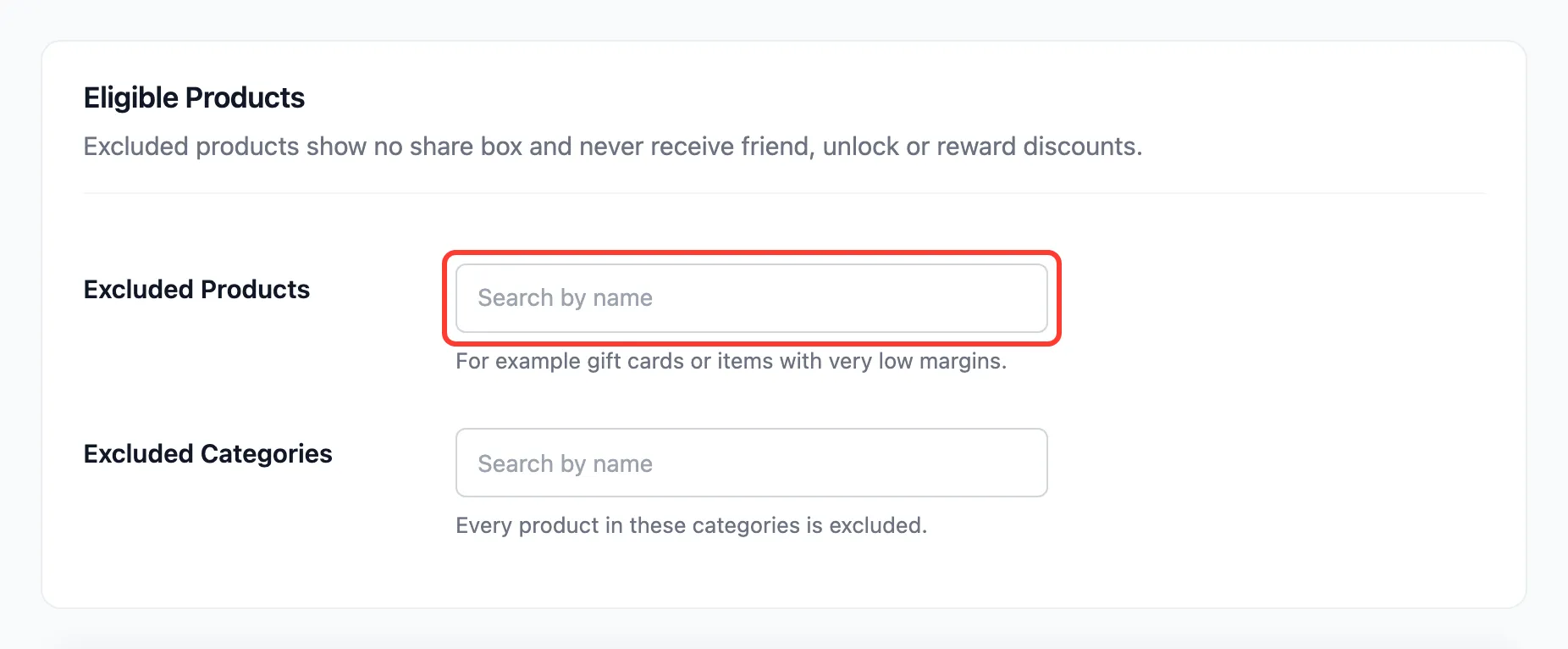
Step 2: Add products or categories
Section titled “Step 2: Add products or categories”- Excluded Products: Type part of a product name and pick it. Excluding a variable product excludes all its variations.
- Excluded Categories: Every product in these categories is excluded, now and when you add more.
Step 3: Save and check
Section titled “Step 3: Save and check”Press Save Changes and open an excluded product.
What exclusion does
Section titled “What exclusion does”- No share box on the product page, and the
[ddwcpsd_share]shortcode prints nothing for it. - No friend discount on it, even for a friend who came through a link to another product with The whole cart set.
- No share discount: It cannot be unlocked.
- No reward from it: An order of only excluded products records no referral. In a mixed order, only the eligible products count toward the referred value.
Referrals and rewards from before the change are kept.