

How to Choose the Sharer Reward
The sharer reward is the reason customers share. Each friend order through their link earns them a single-use WooCommerce coupon, emailed to them and listed on their Share & Earn page.
Step 1: Open the Sharer Reward section
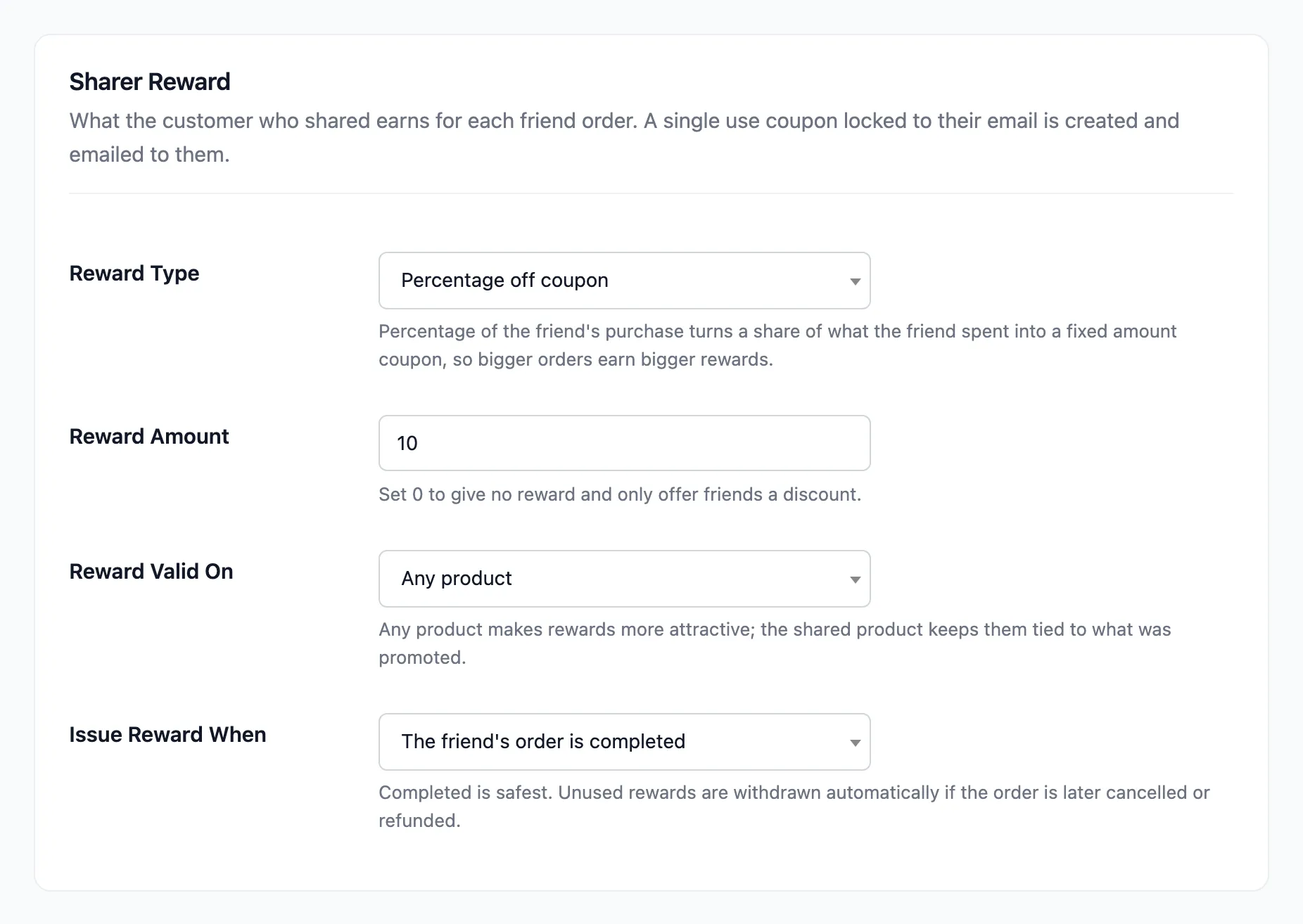
Section titled “Step 1: Open the Sharer Reward section”Go to Product Share For Discounts → Configuration → Referral Rewards and scroll to Sharer Reward.
Step 2: Pick the reward type
Section titled “Step 2: Pick the reward type”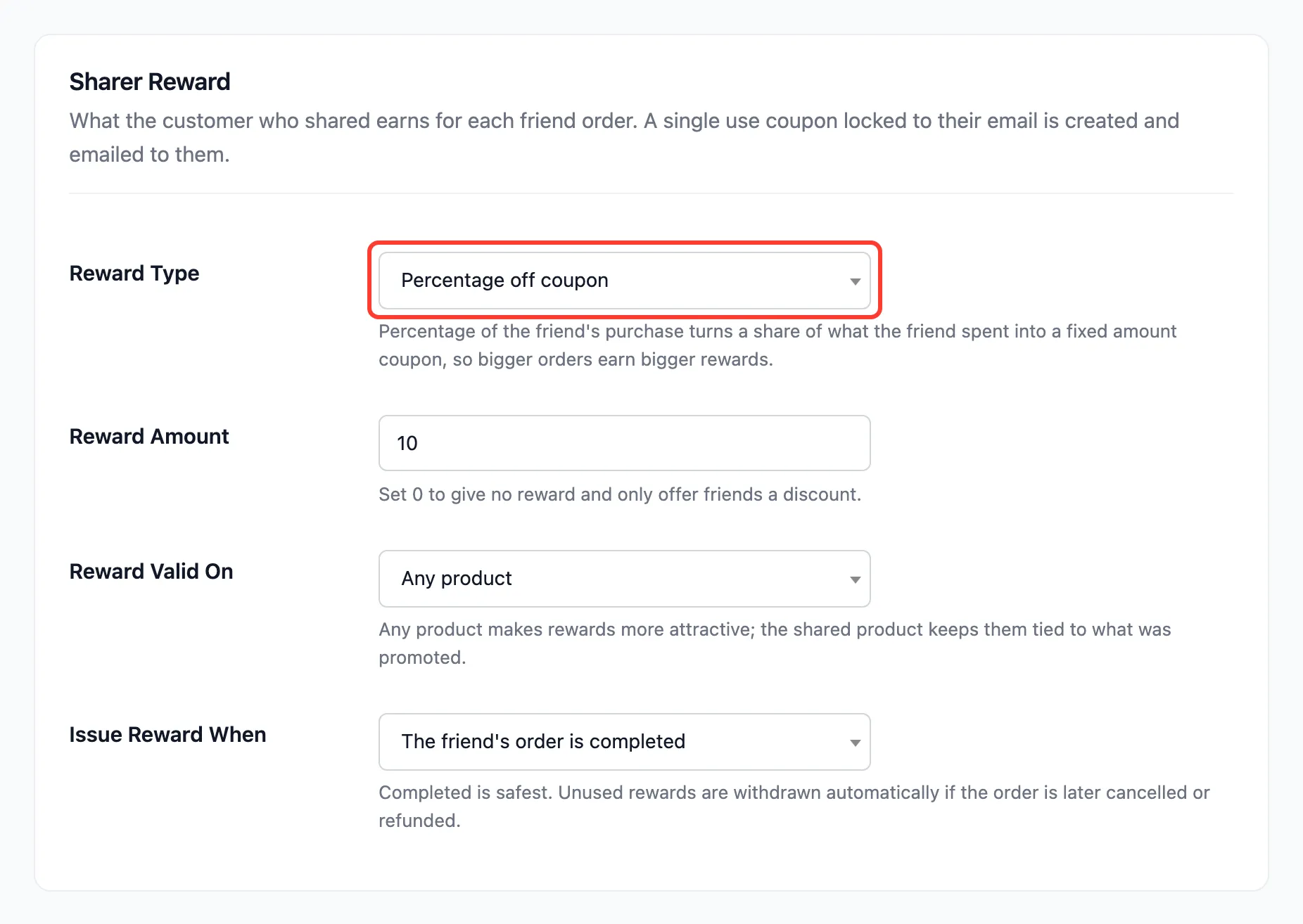
| Reward Type | Coupon created | With 10 as the amount |
|---|---|---|
| Percentage off coupon (default) | A percentage off | 10% off their next order |
| Fixed amount coupon | A set amount off | $10.00 off |
| Percentage of the friend’s purchase | A fixed amount, worked out per order | $2.52 for a friend who spent $25.20 |
The third type grows with the order. “What the friend spent” is the referred products after the friend discount, before tax and shipping.
Step 3: Set the amount and where it can be used
Section titled “Step 3: Set the amount and where it can be used”Type the Reward Amount. 0 turns the reward off, which leaves only the friend discount.
Reward Valid On is Any product (default) or The shared product only. The second keeps the reward on the product that was promoted. With a fixed amount, it then comes off each unit of that product.
Step 4: Save and check a reward
Section titled “Step 4: Save and check a reward”Press Save Changes. A reward is created when the friend’s order reaches the status set in Issue Reward When: completed by default.
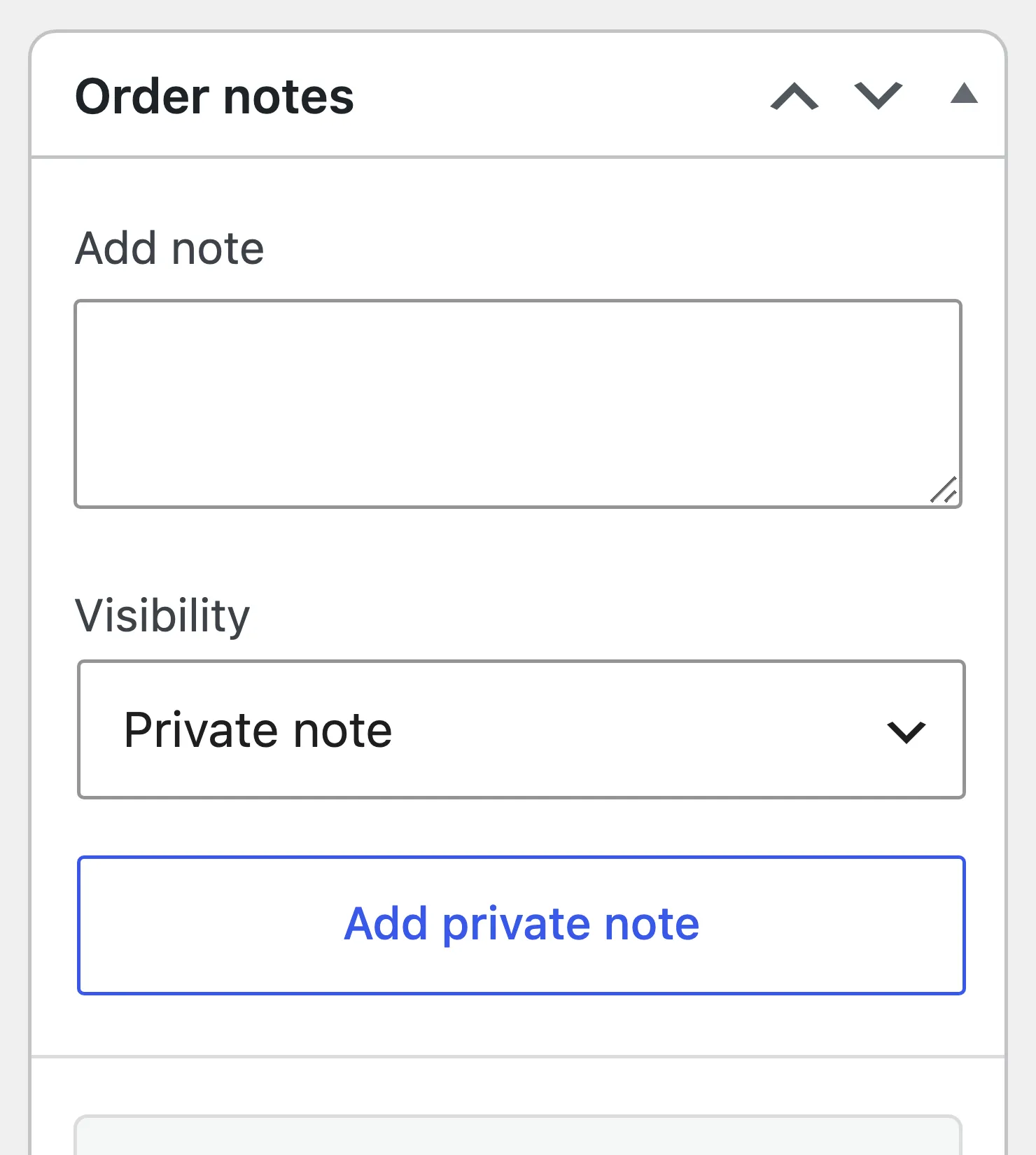
On the demo, Nina’s order through Amara’s link was marked Completed, and the order notes recorded the coupon:
Amara got the You earned a reward email with the code:
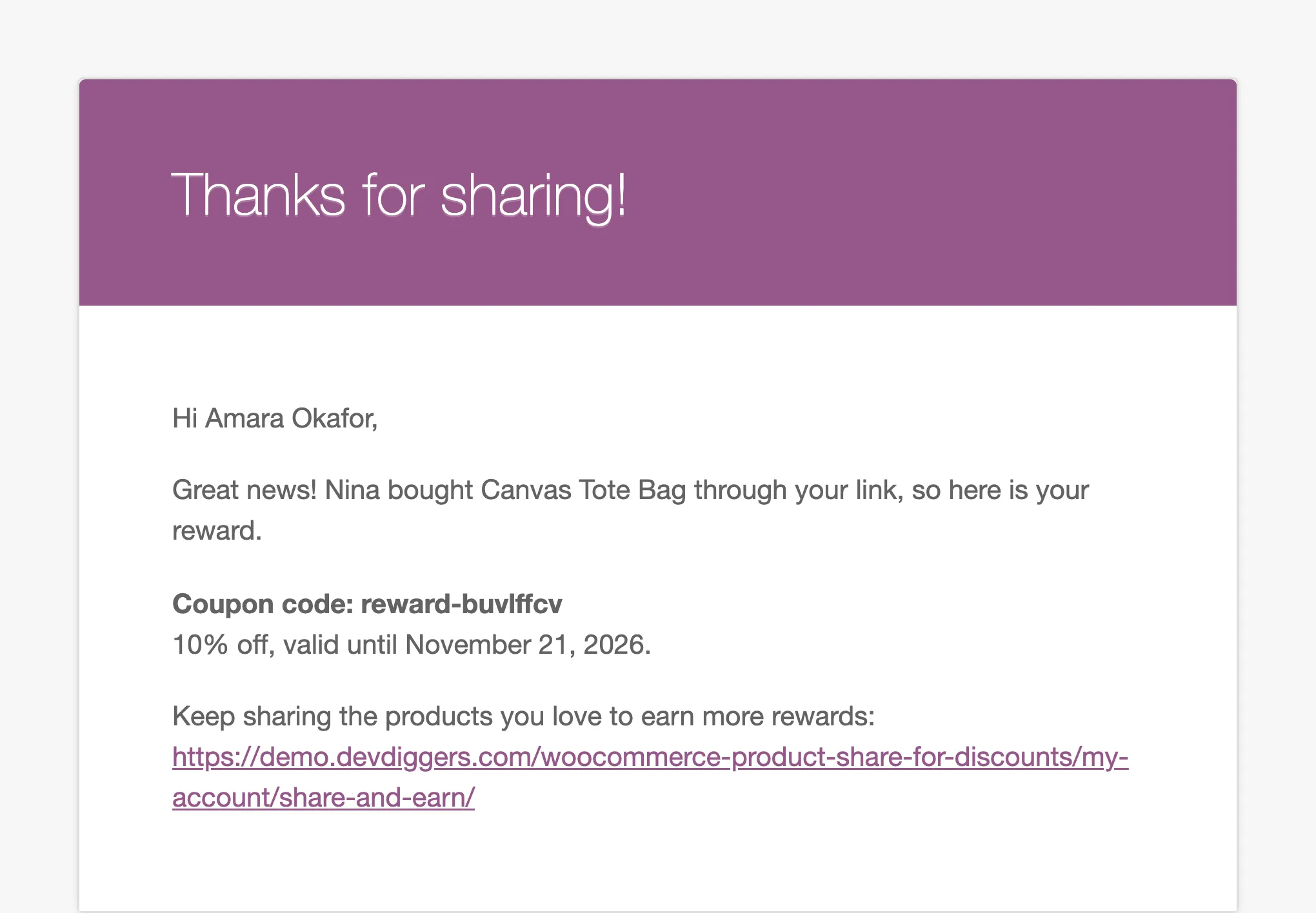
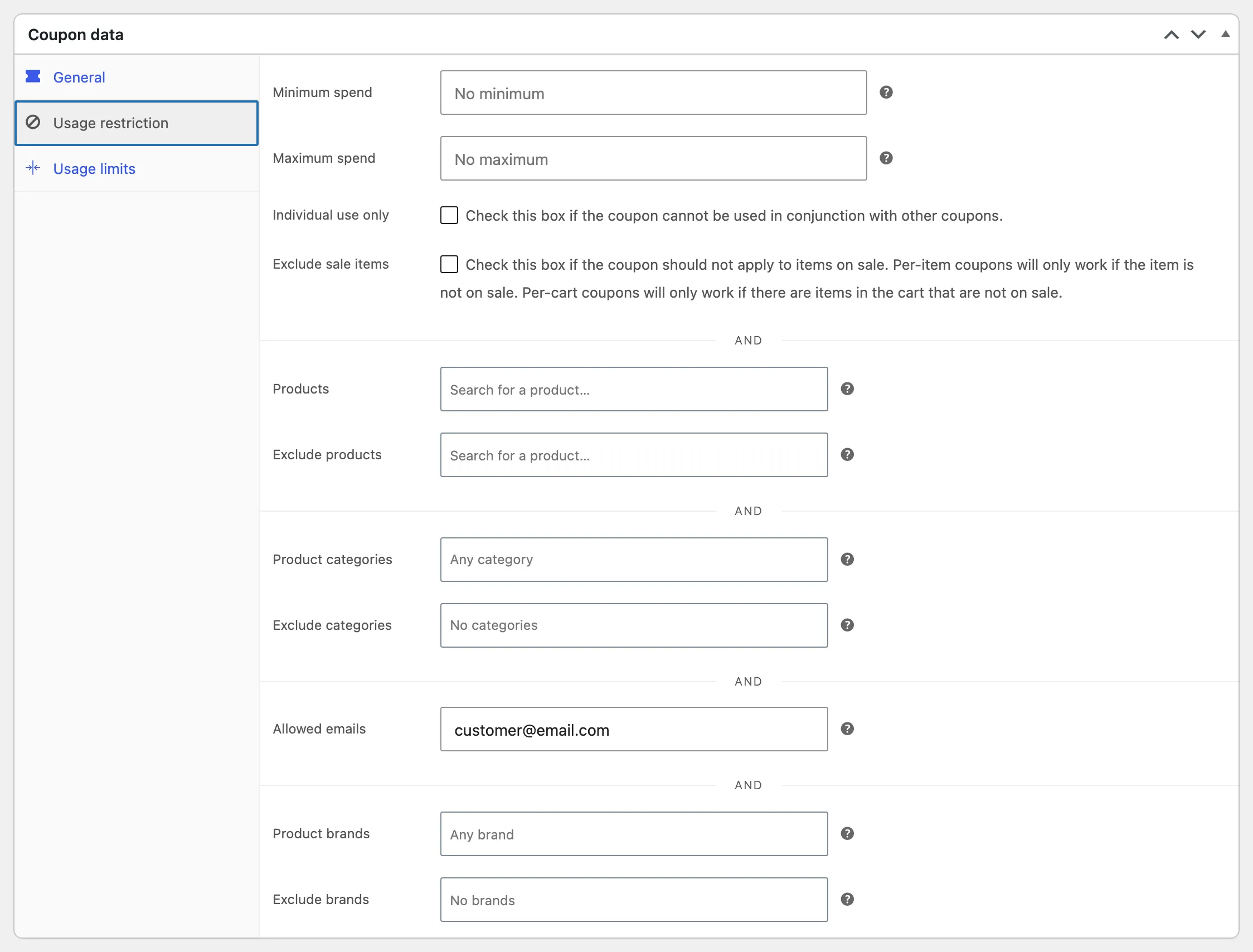
The coupon is an ordinary WooCommerce coupon. It is restricted to the sharer’s account email, has a usage limit of one, and expires after 30 days unless you change Expires After (Days).
Good to know
Section titled “Good to know”- Changes apply to new rewards: Coupons already issued keep their amount and rules.
- A cancelled order takes back an unused reward: See How to Handle Cancelled and Refunded Referral Orders.
- One reward per friend order, however many products it holds.