

The Customer Experience
Two people meet the plugin: the customer who shares, and the friend who opens the link. This page walks through both, in the order they see things, with screens from the demo.
The sharer: on a product page
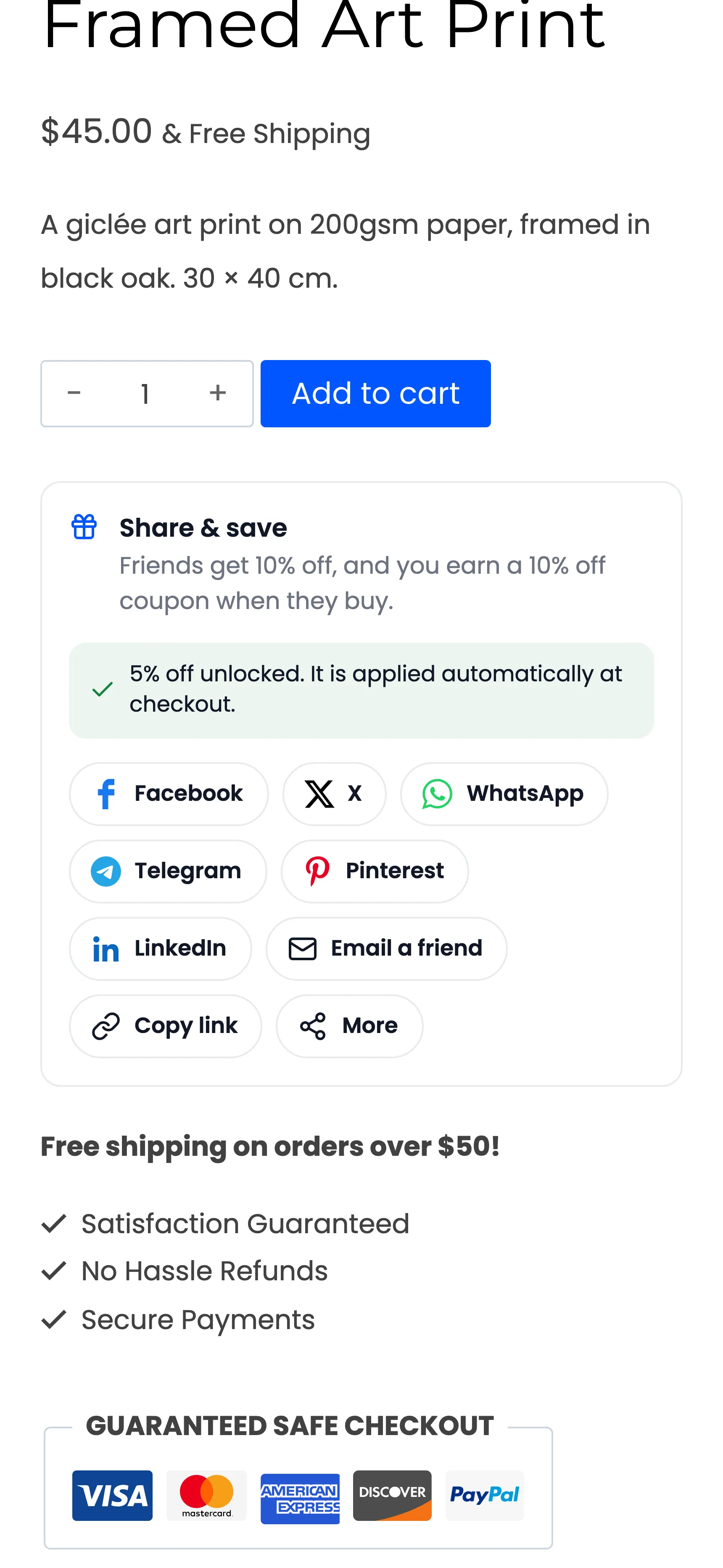
Section titled “The sharer: on a product page”A signed-in customer sees the share box under the add to cart button. Its title, Share & save, sits above a line saying what friends get and what the customer earns.
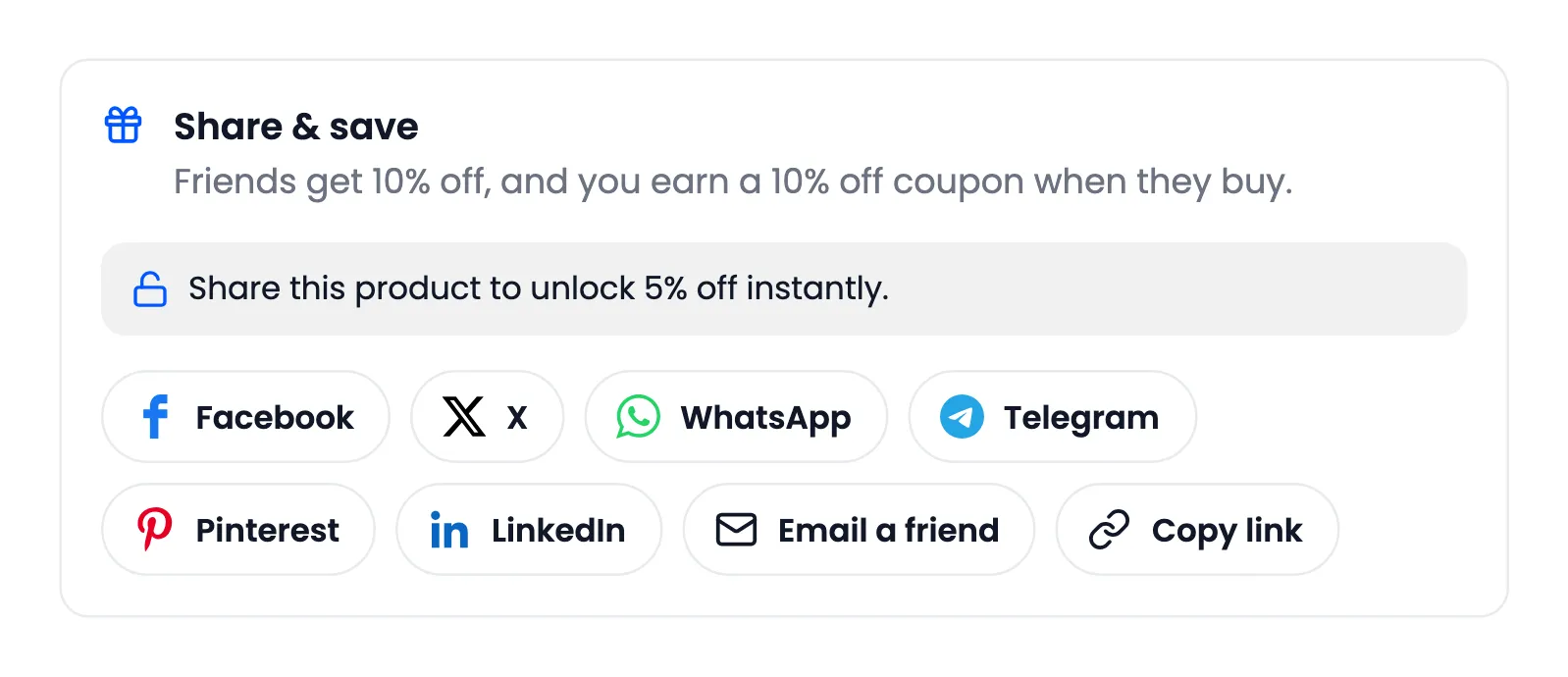
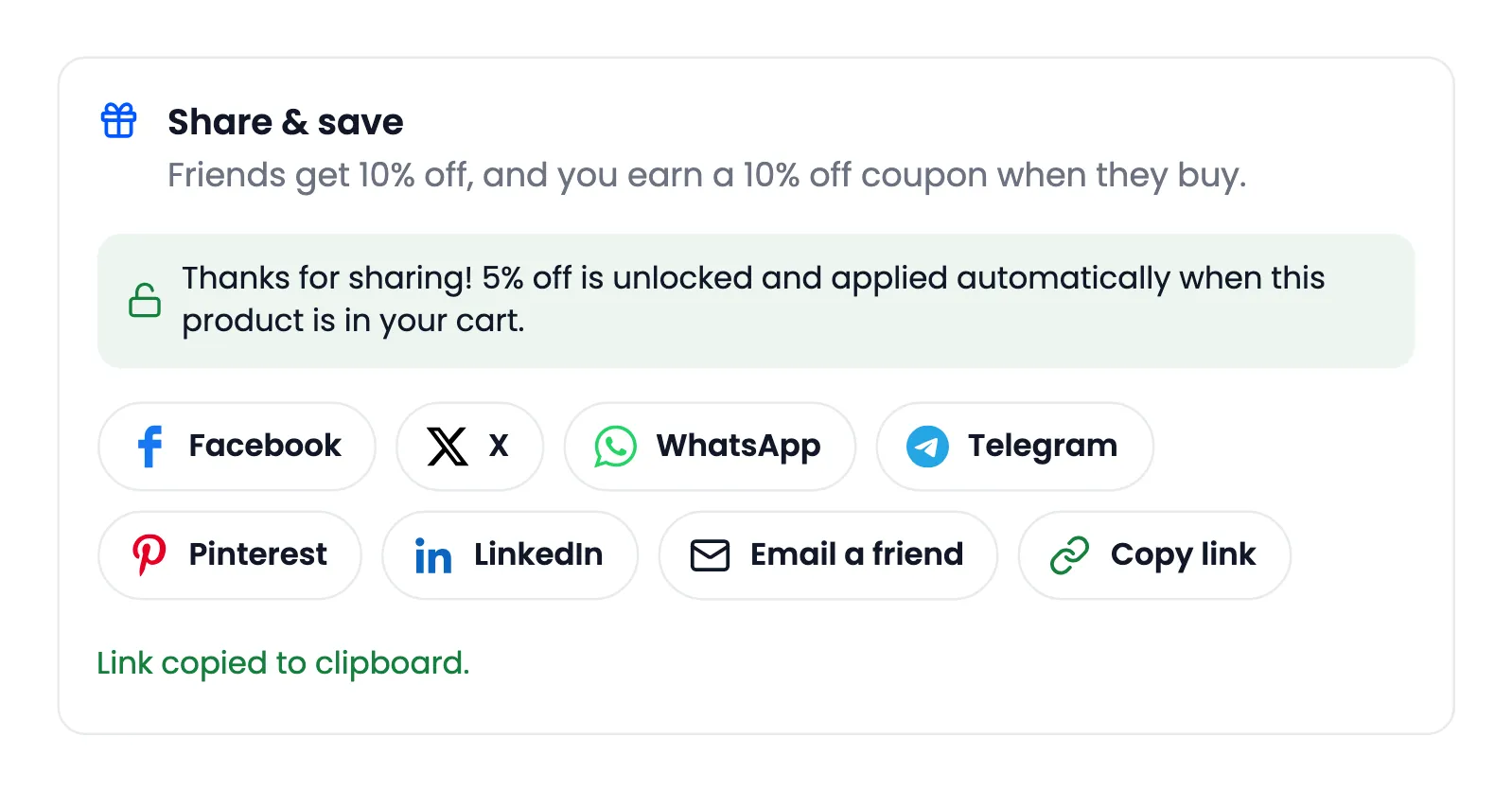
Every button shares the same link: the product page with the customer’s code. Copy link confirms “Link copied to clipboard.” With Share to Unlock on, the first share of a product turns its unlock line green. It also takes 5% off that product in their cart.
On a phone, a More button opens the phone’s own share menu:
The sharer: Email a friend
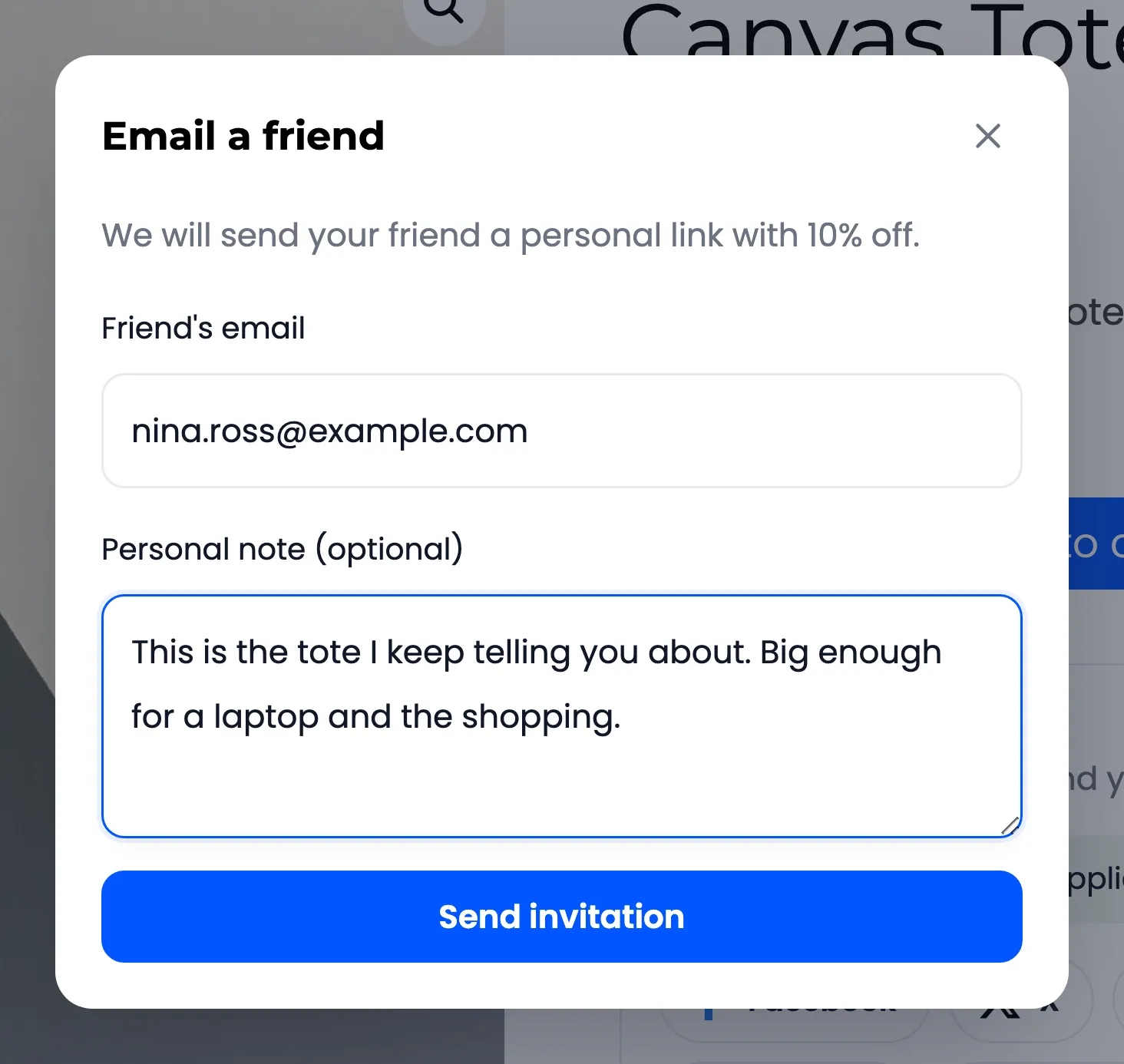
Section titled “The sharer: Email a friend”Email a friend opens a short form for the friend’s email and a note. The store sends the invitation.
A guest
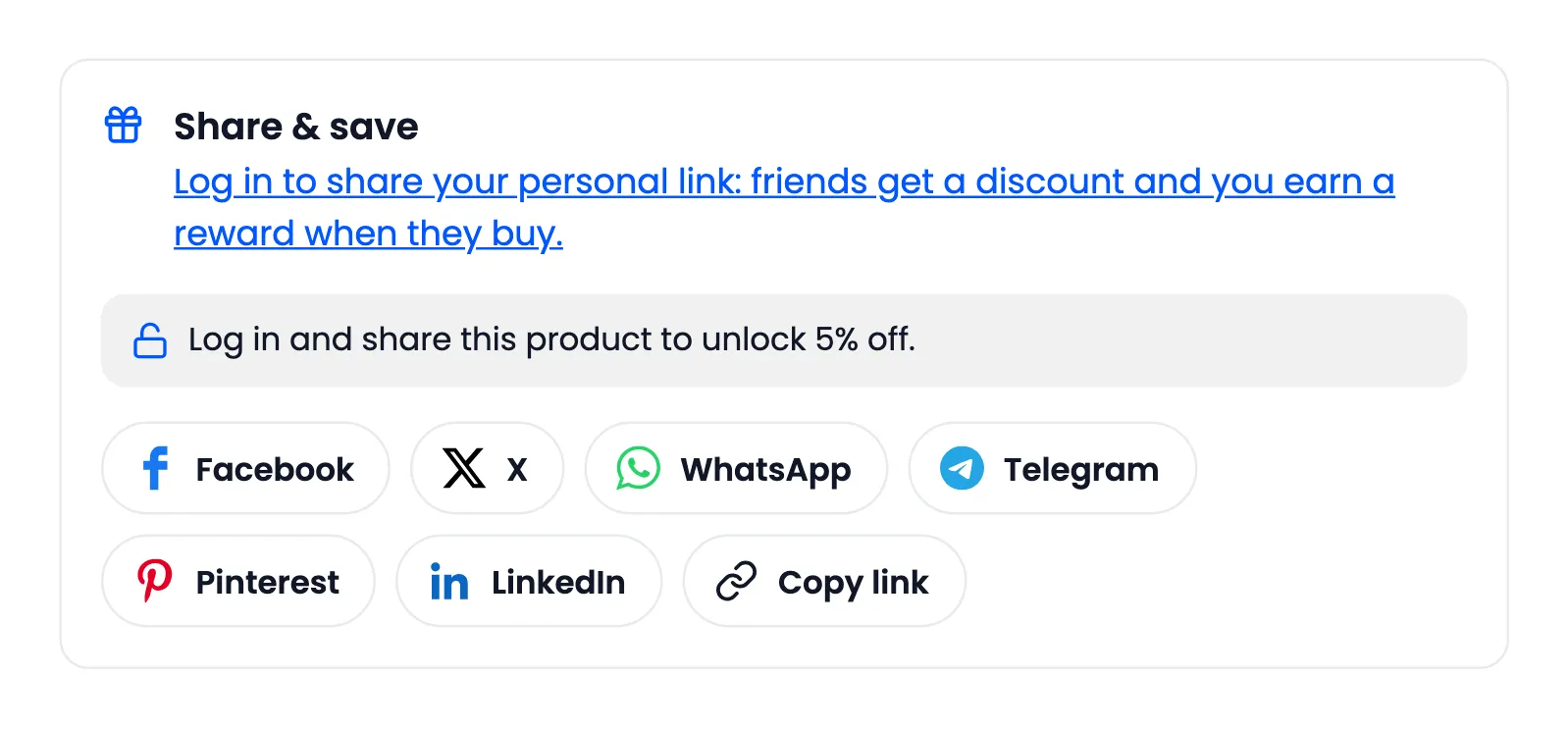
Section titled “A guest”A visitor who is not signed in sees the box with a prompt to log in, because a guest’s link has no code to reward:
The friend
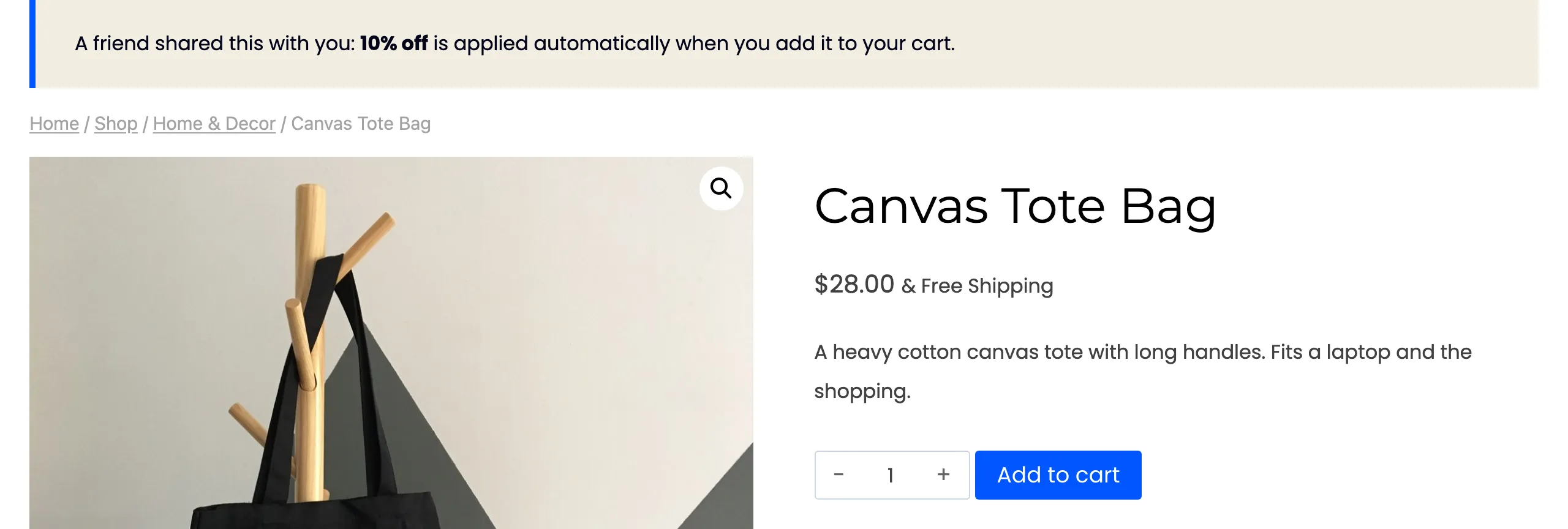
Section titled “The friend”The friend opens the link. A notice on the product page says the discount is waiting:
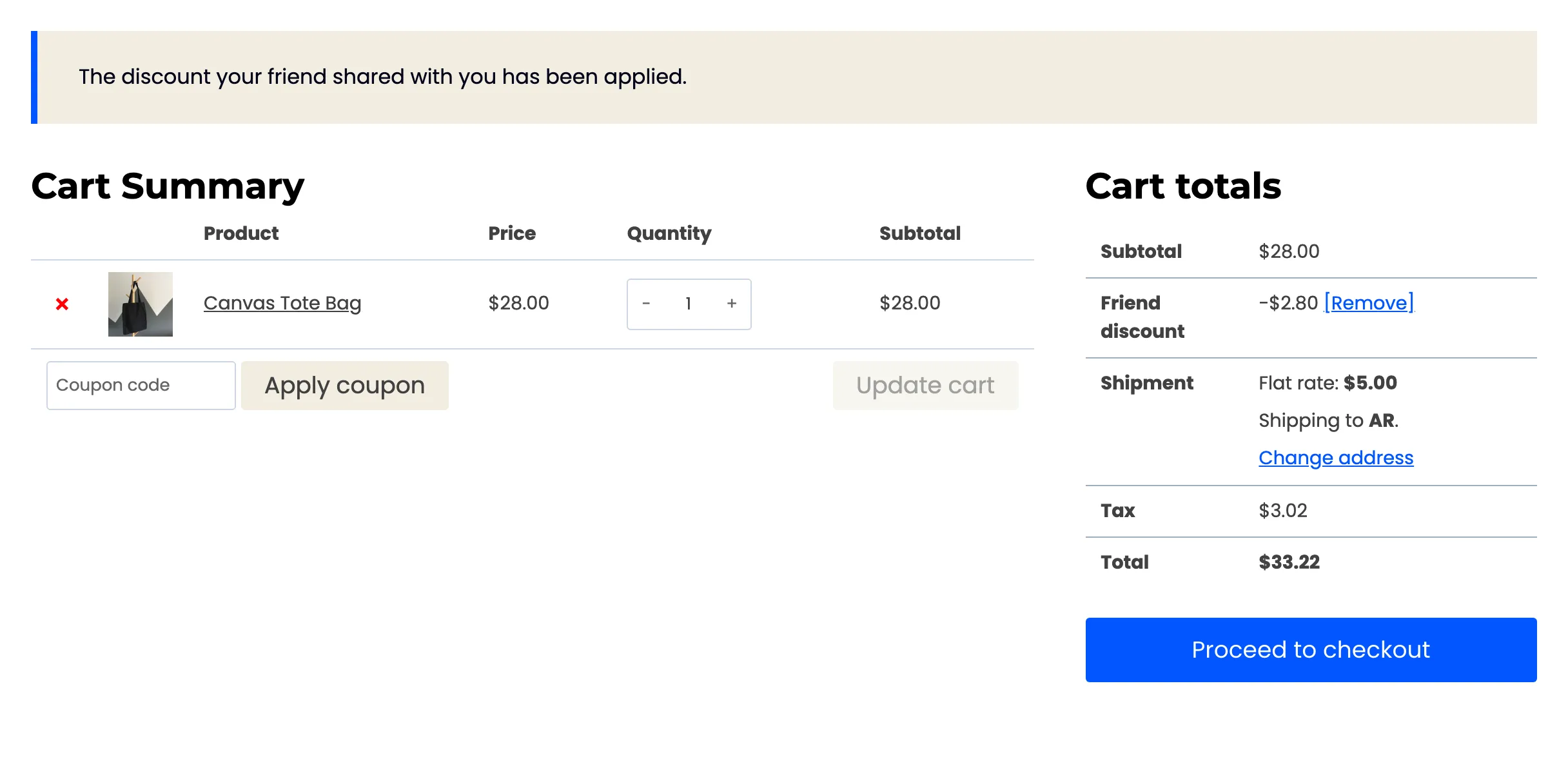
The Friend discount appears in the cart and at checkout on its own:
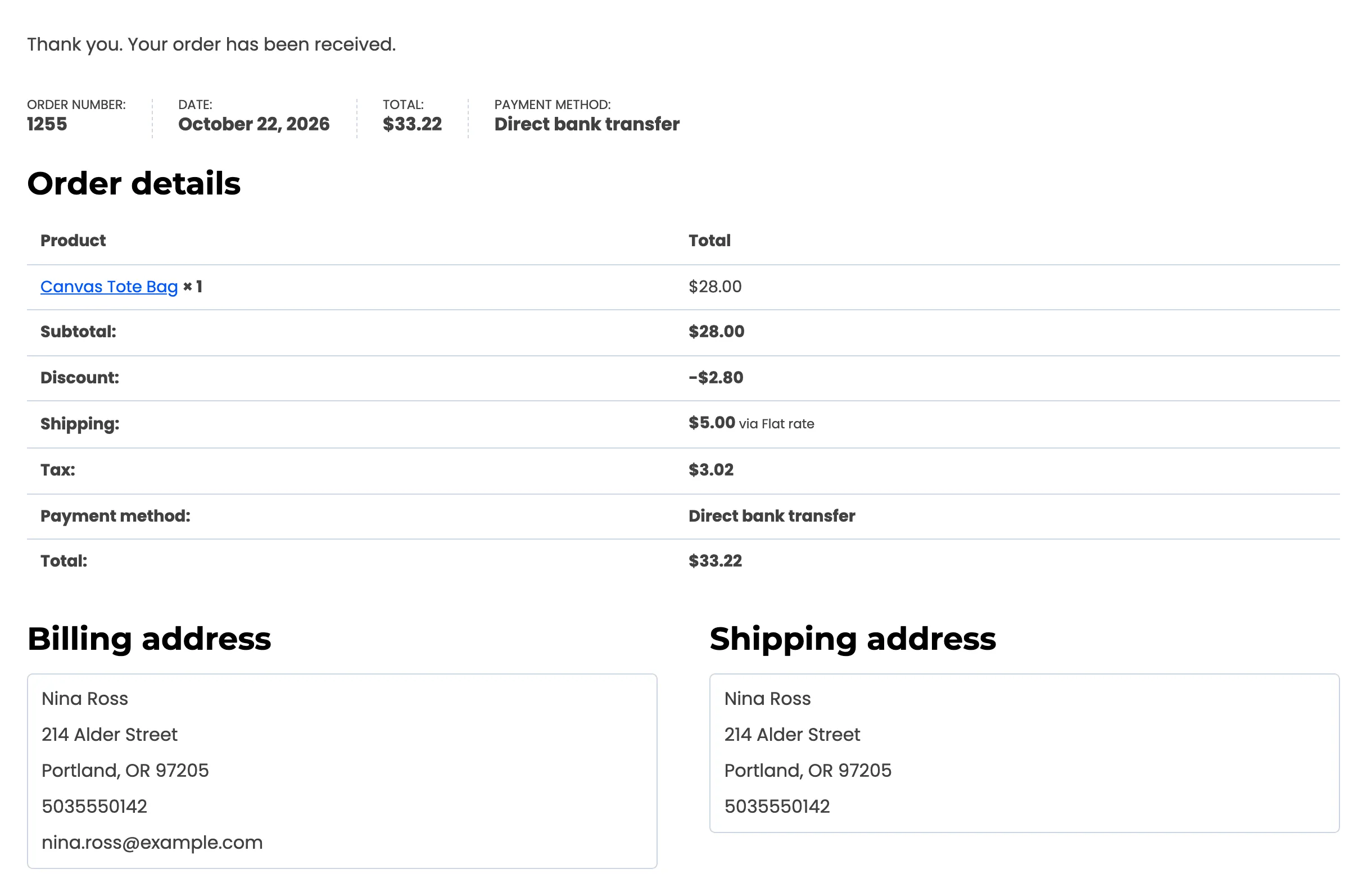
The order confirmation shows the discount like any other:
The sharer: the reward
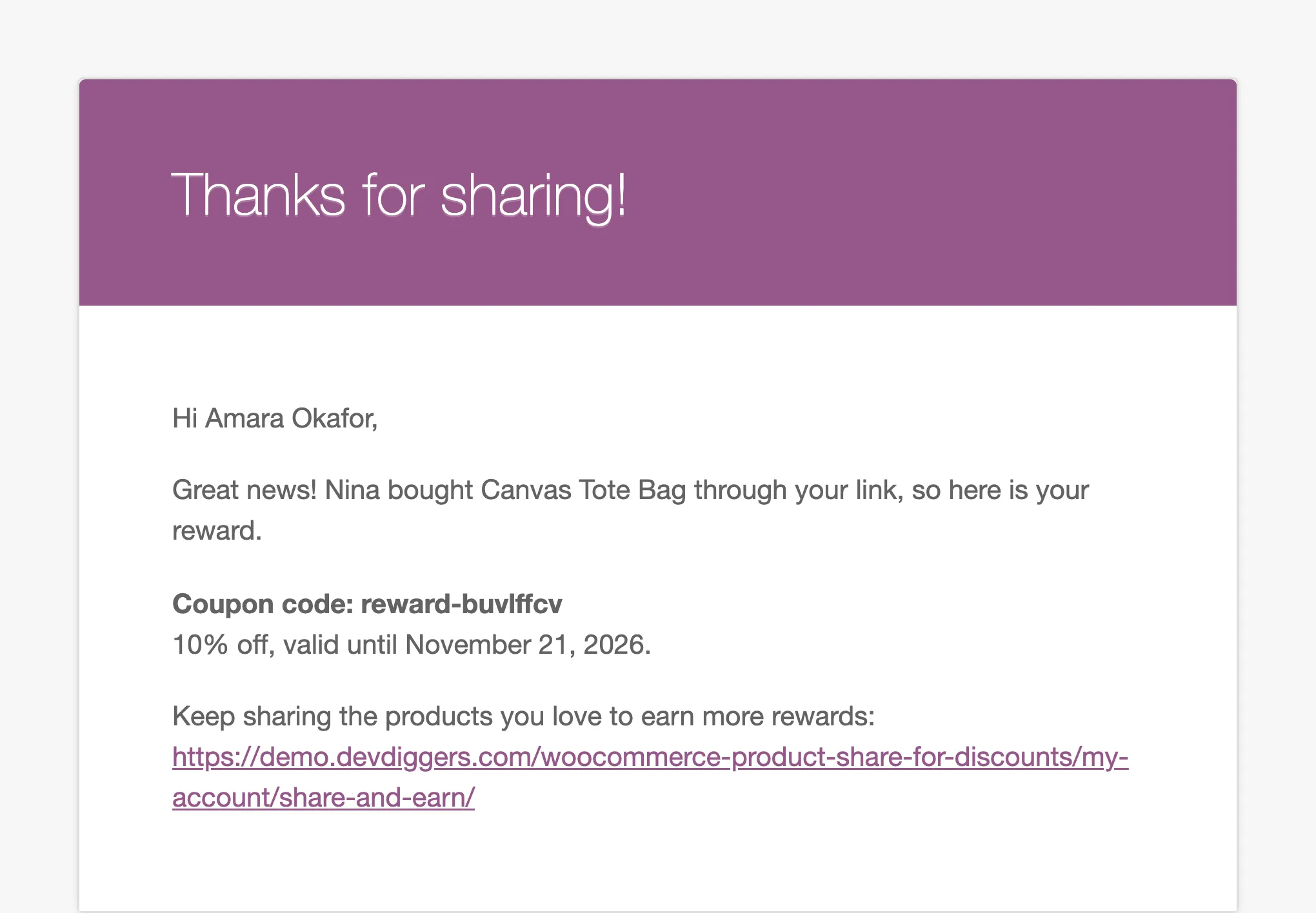
Section titled “The sharer: the reward”When the friend’s order completes, the sharer gets an email with the coupon code, its value and its expiry date:
The sharer: Share & Earn
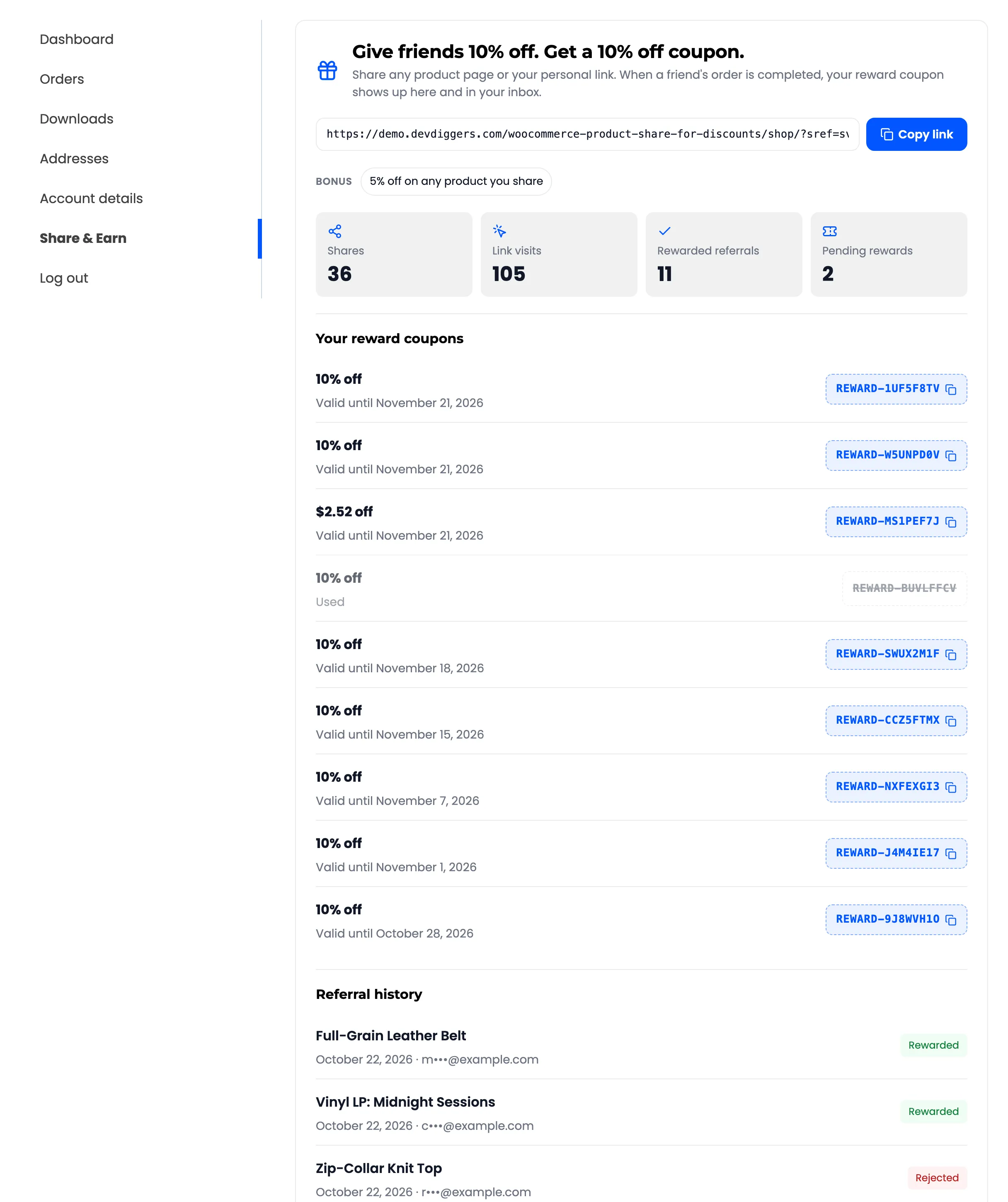
Section titled “The sharer: Share & Earn”My Account → Share & Earn is the customer’s page for the program.
The top of the page holds the link and the counts. Copy link confirms “Link copied to clipboard.” under it:
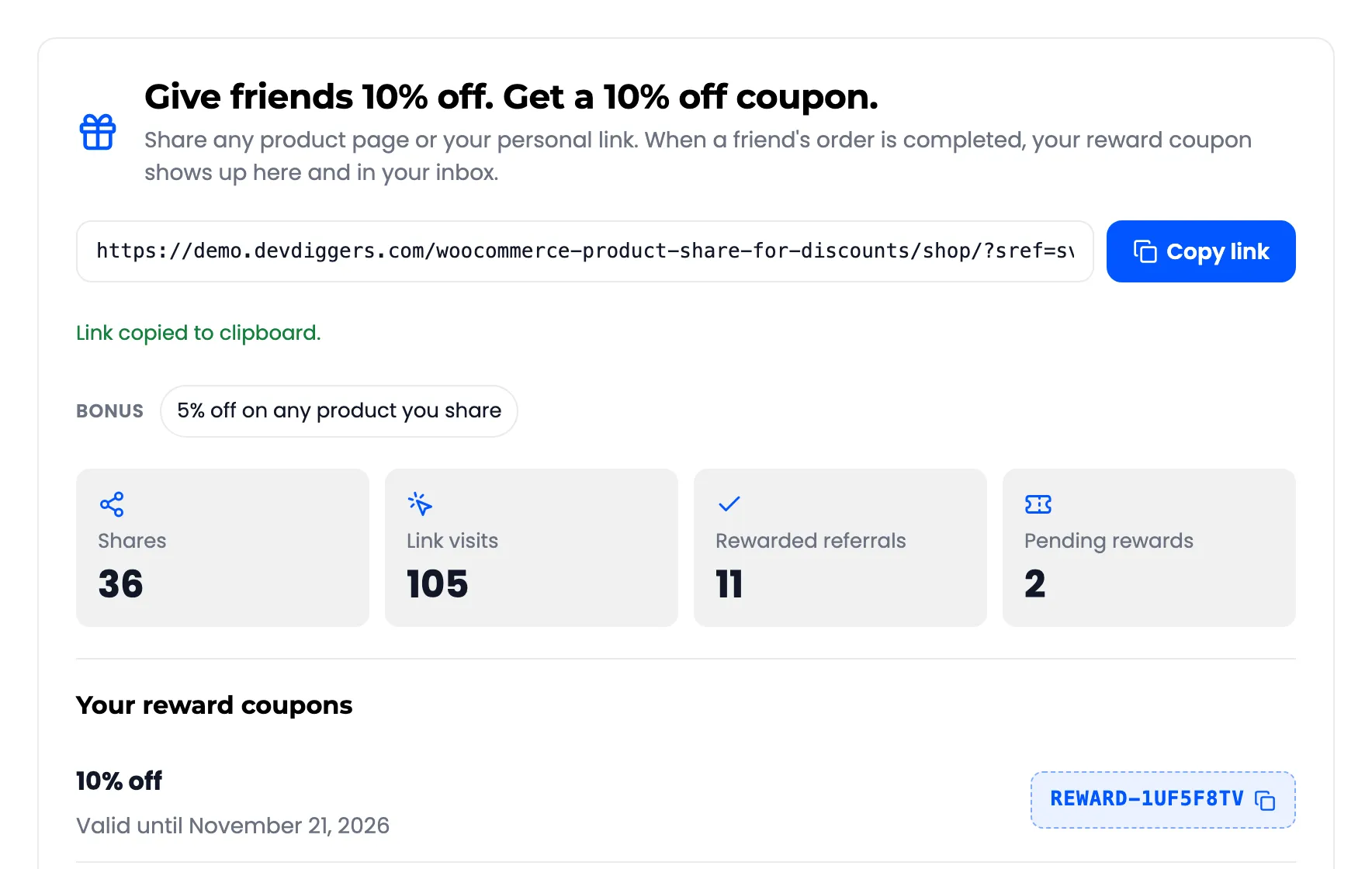
- The heading sums up the deal, such as “Give friends 10% off. Get a 10% off coupon.”
- Your personal link to the shop, with Copy link.
- Bonus: The Share to Unlock offer, when it is on.
- Four counts: Shares, Link visits, Rewarded referrals and Pending rewards.
- Your reward coupons: Each with its value and expiry date, and its code to copy. Used and expired ones stay in the list, greyed.
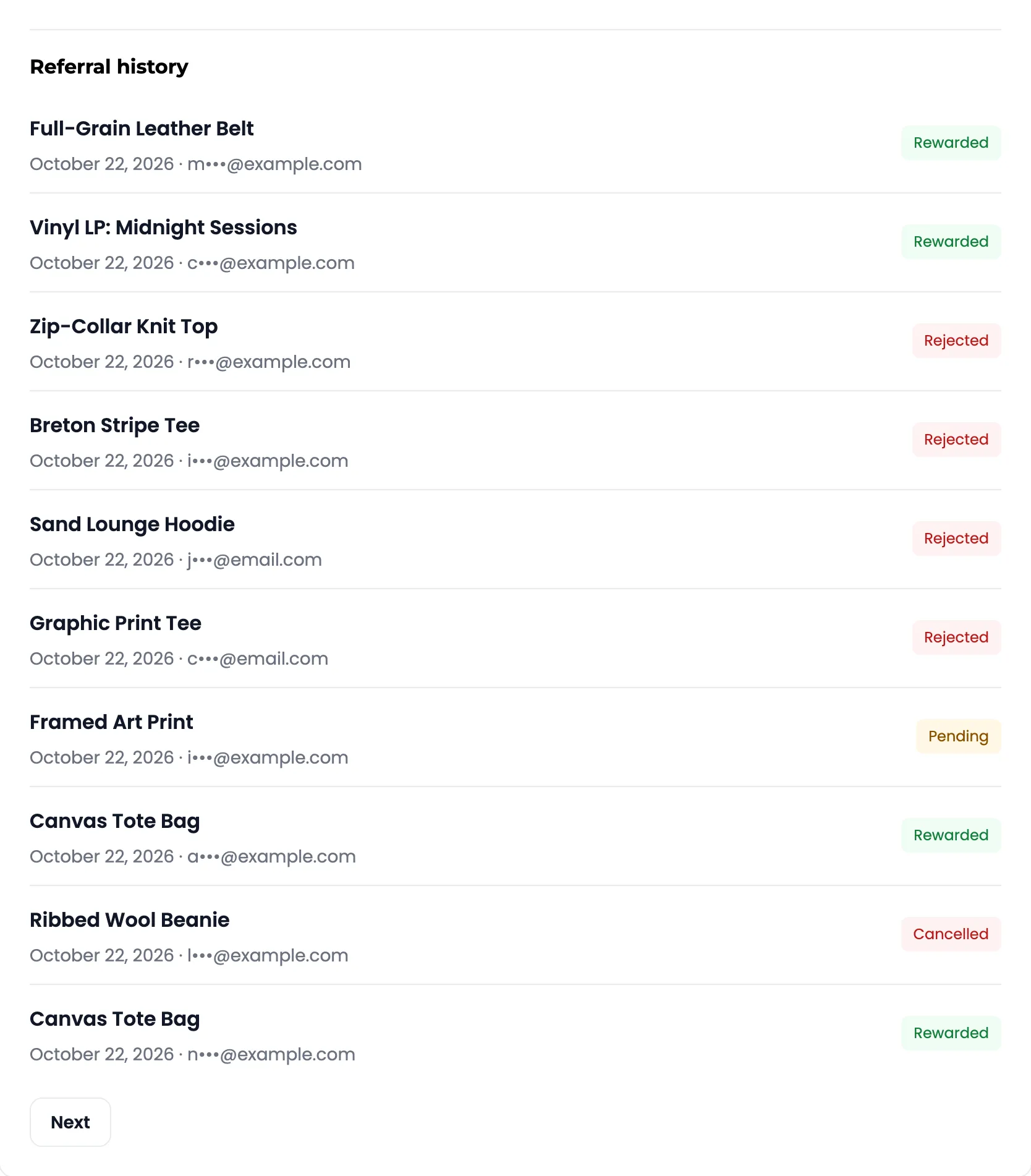
- Referral history: Each friend order with the product, the date, the friend’s email partly hidden, and the status. Ten per page.
When a reward is taken back
Section titled “When a reward is taken back”If the friend’s order is cancelled or refunded, an unused coupon disappears from Share & Earn. The sharer gets the Reward Cancelled email.