

General Settings
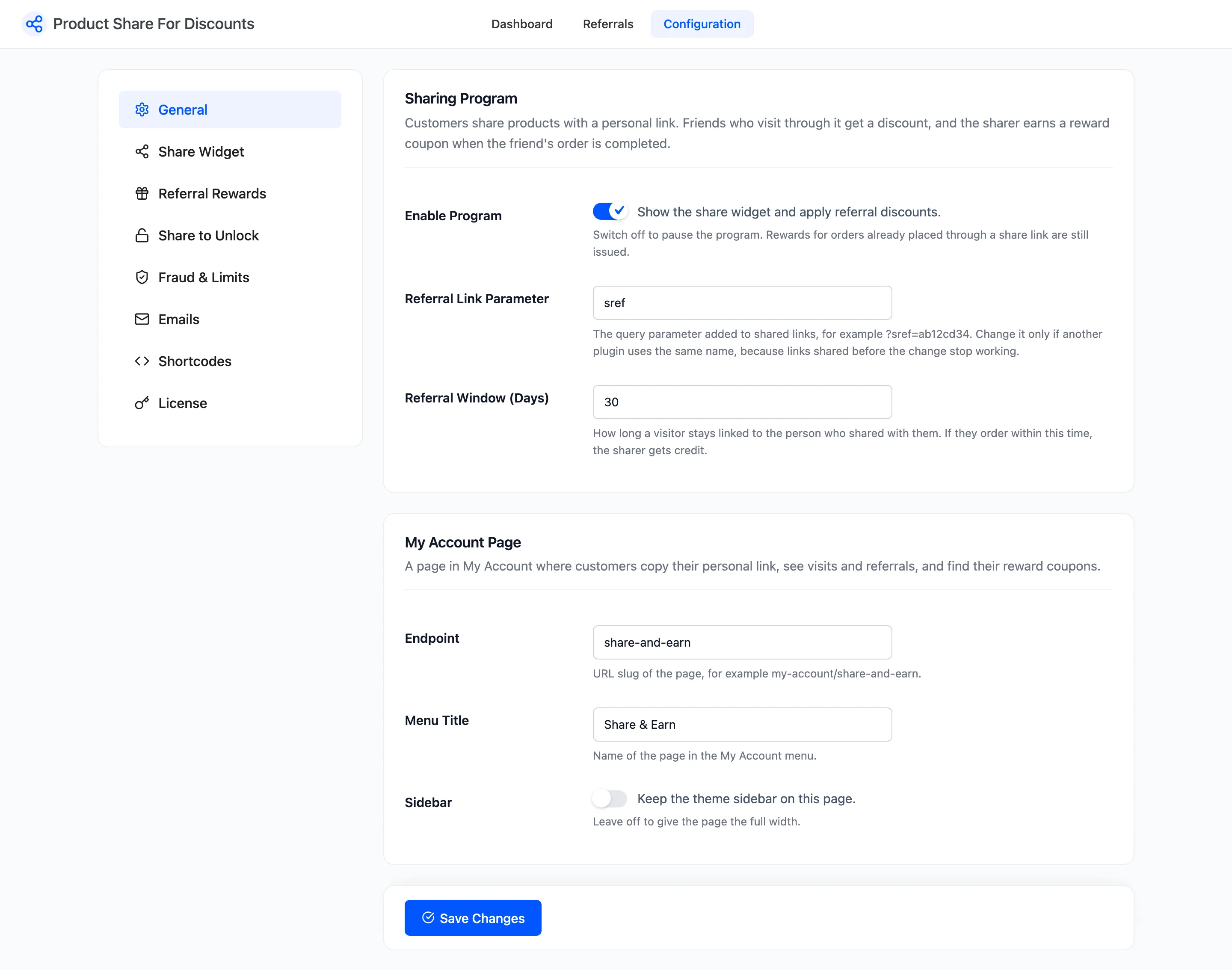
The General tab holds the program switch, how share links are tracked, and the customer’s page in My Account. Open Product Share For Discounts → Configuration → General.
Sharing Program
Section titled “Sharing Program”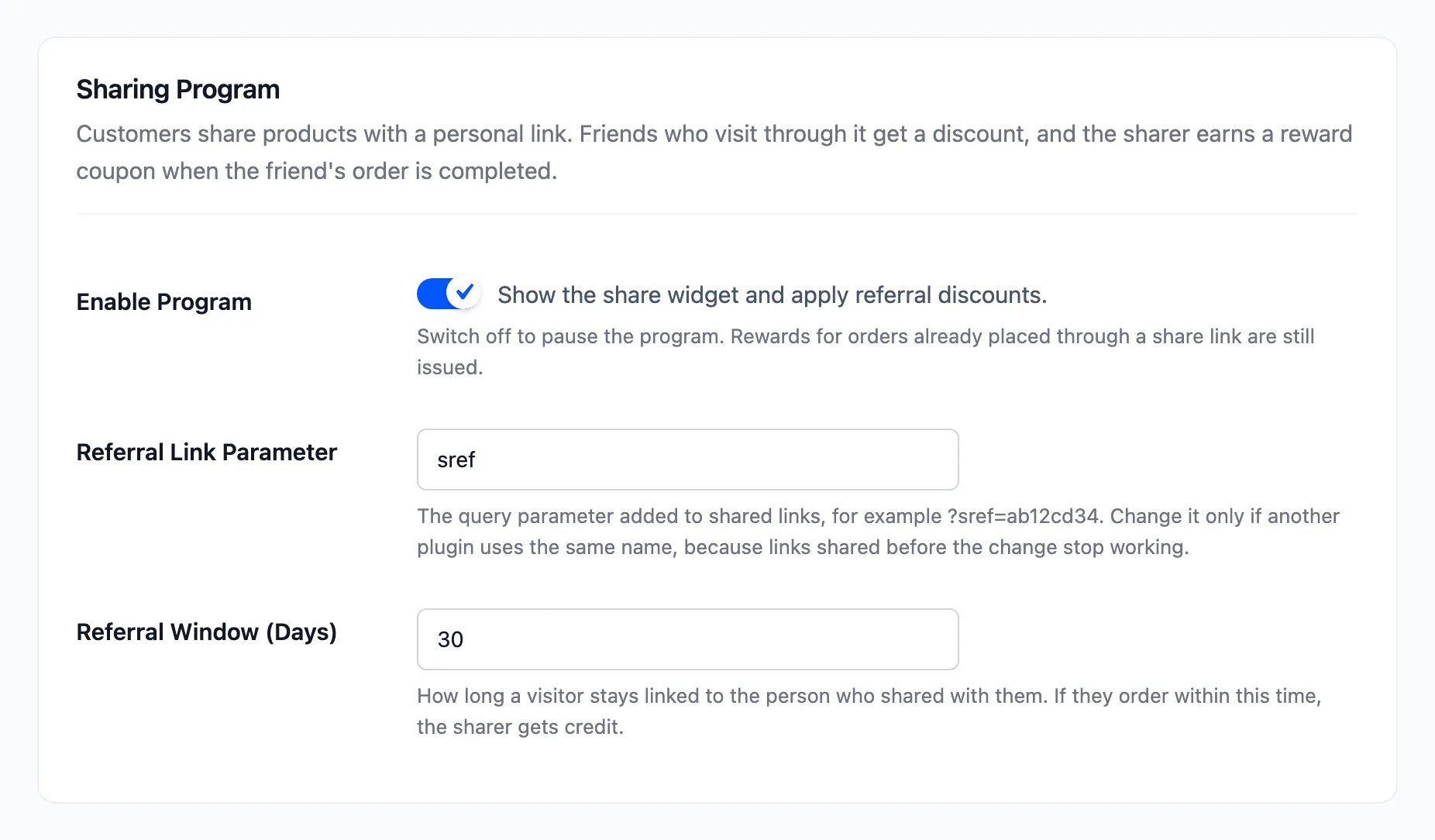
- Enable Program: Ticked by default. Shows the share box and applies the friend and share discounts. Untick it to pause the program. Orders already placed through a share link still earn their reward when they complete.
- Referral Link Parameter: Default sref. The query parameter added to every share link, as in
?sref=ab12cd34. Change it only if another plugin uses the same name: links shared before the change stop working. - Referral Window (Days): Default 30, minimum 1. How long a visitor stays linked to the person whose link they opened. An order inside that window credits the sharer.
The window is a cookie in the friend’s browser. A friend who opens a second person’s link is linked to the second person from then on. The cookie is cleared once an order is credited to the sharer.
My Account Page
Section titled “My Account Page”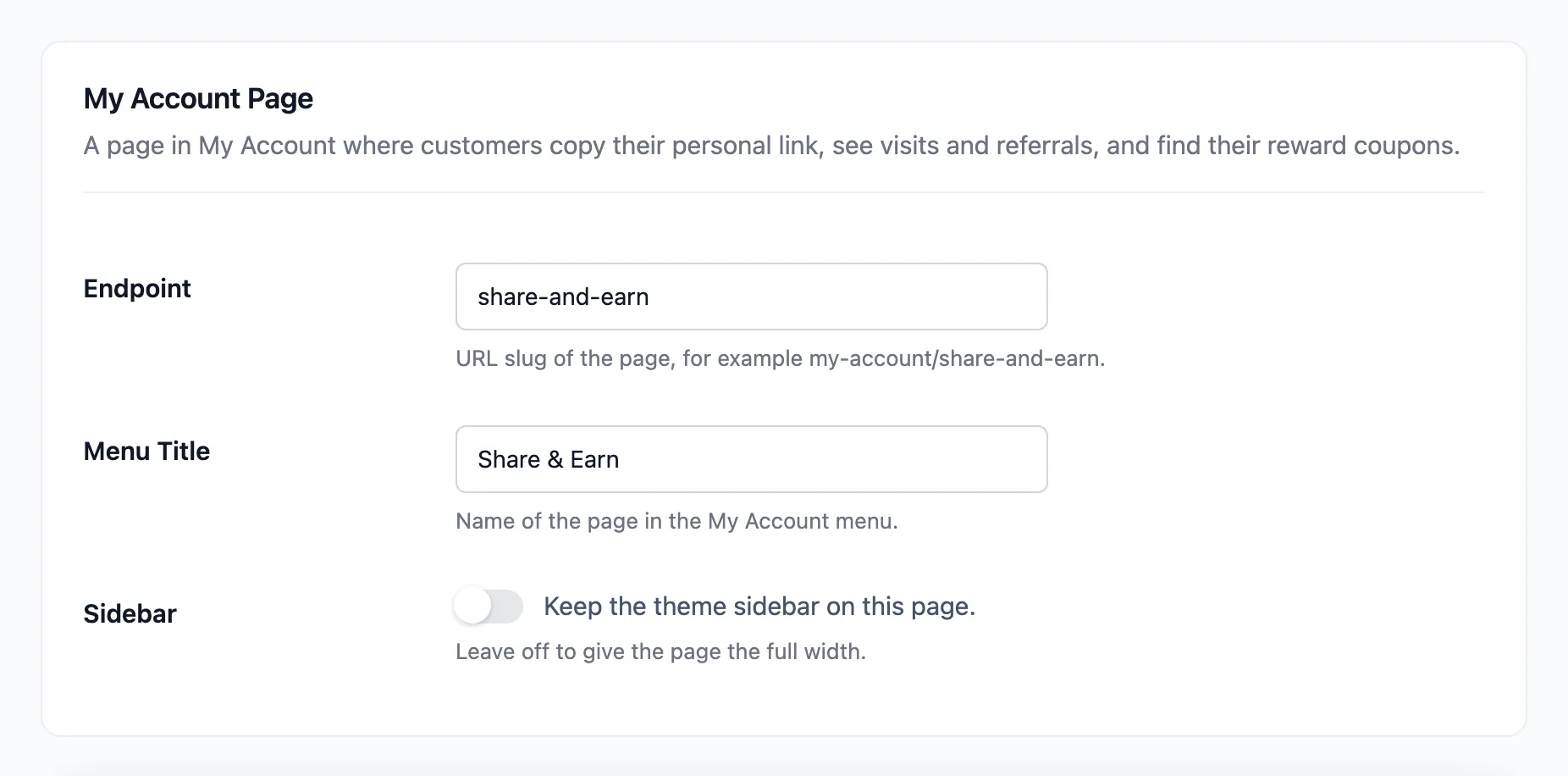
- Endpoint: Default share-and-earn. The address of the customer’s page, as in
my-account/share-and-earn/. - Menu Title: Default Share & Earn. The name in the My Account menu and the page title.
- Sidebar: Off by default. Tick it to keep the theme sidebar on this page. Off gives the page the full width.
The page is where customers copy their personal link, see their shares and link visits, and find their reward coupons. See The Customer Experience.
An empty Endpoint, Menu Title or Referral Link Parameter falls back to its default when you save.