

How to Rename the Share & Earn Page
Share & Earn at my-account/share-and-earn/ suits most stores. A store that calls its program “Refer a
friend” or “Rewards” can rename both.
Step 1: Open My Account Page
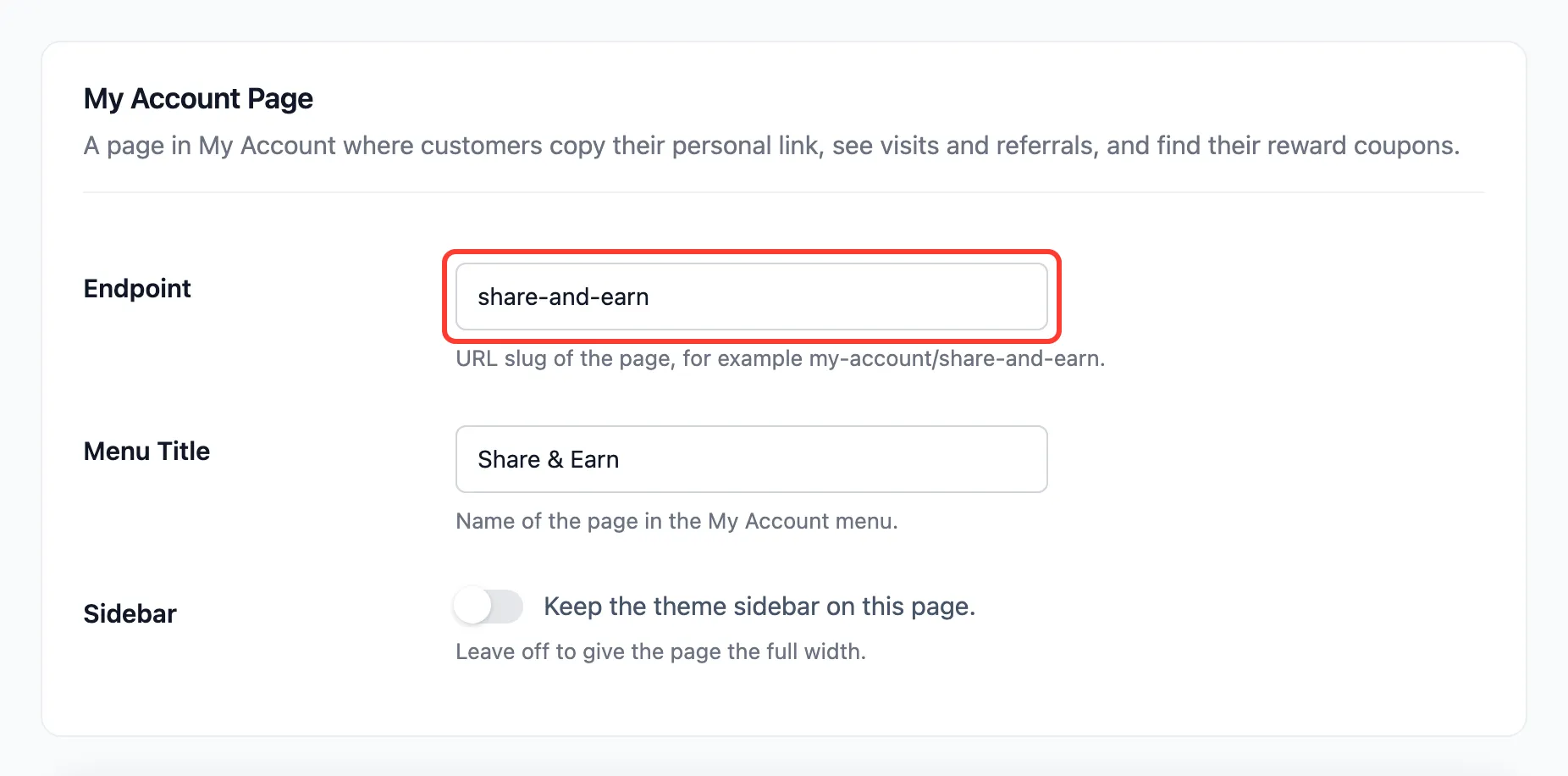
Section titled “Step 1: Open My Account Page”Go to Configuration → General and find My Account Page.
Step 2: Change the endpoint and title
Section titled “Step 2: Change the endpoint and title”- Endpoint: The address, in lower case with hyphens, such as
refer-a-friend. - Menu Title: The name in the menu and at the top of the page, such as Refer a Friend.
- Sidebar: Tick to keep the theme sidebar on this page. Many My Account layouts have none.
Step 3: Save and open the page
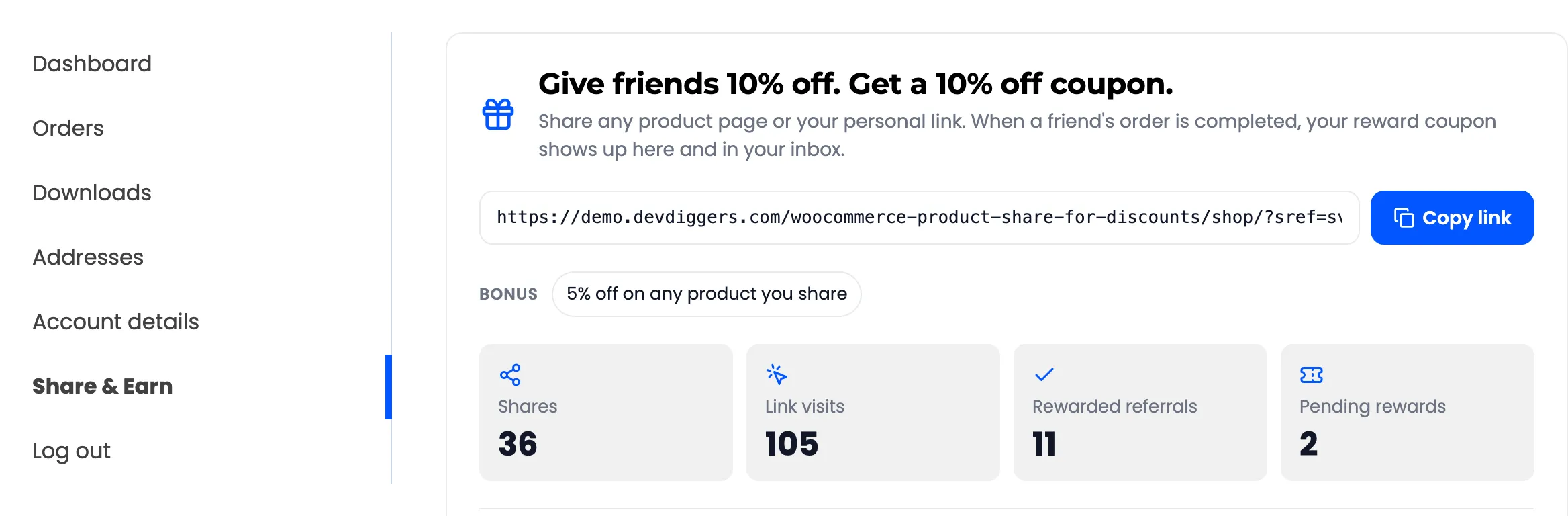
Section titled “Step 3: Save and open the page”Press Save Changes. The plugin refreshes WordPress’s links on the next page load, so the new address works straight away. The menu item sits just above Log out:
Good to know
Section titled “Good to know”- Old links stop working: On the demo, the page was renamed to
refer-a-friend, which worked straight away. The old address then led to the home page. Emails that link to the page use the new one, because{account_link}is built when each email is sent. - Not the referral link: Customers’ share links do not use this address. They are product and shop links
with
?sref=, set by Referral Link Parameter.