

Referral Rewards Settings
The Referral Rewards tab sets both sides of a referral: what the friend saves and what the sharer earns. Open Product Share For Discounts → Configuration → Referral Rewards.
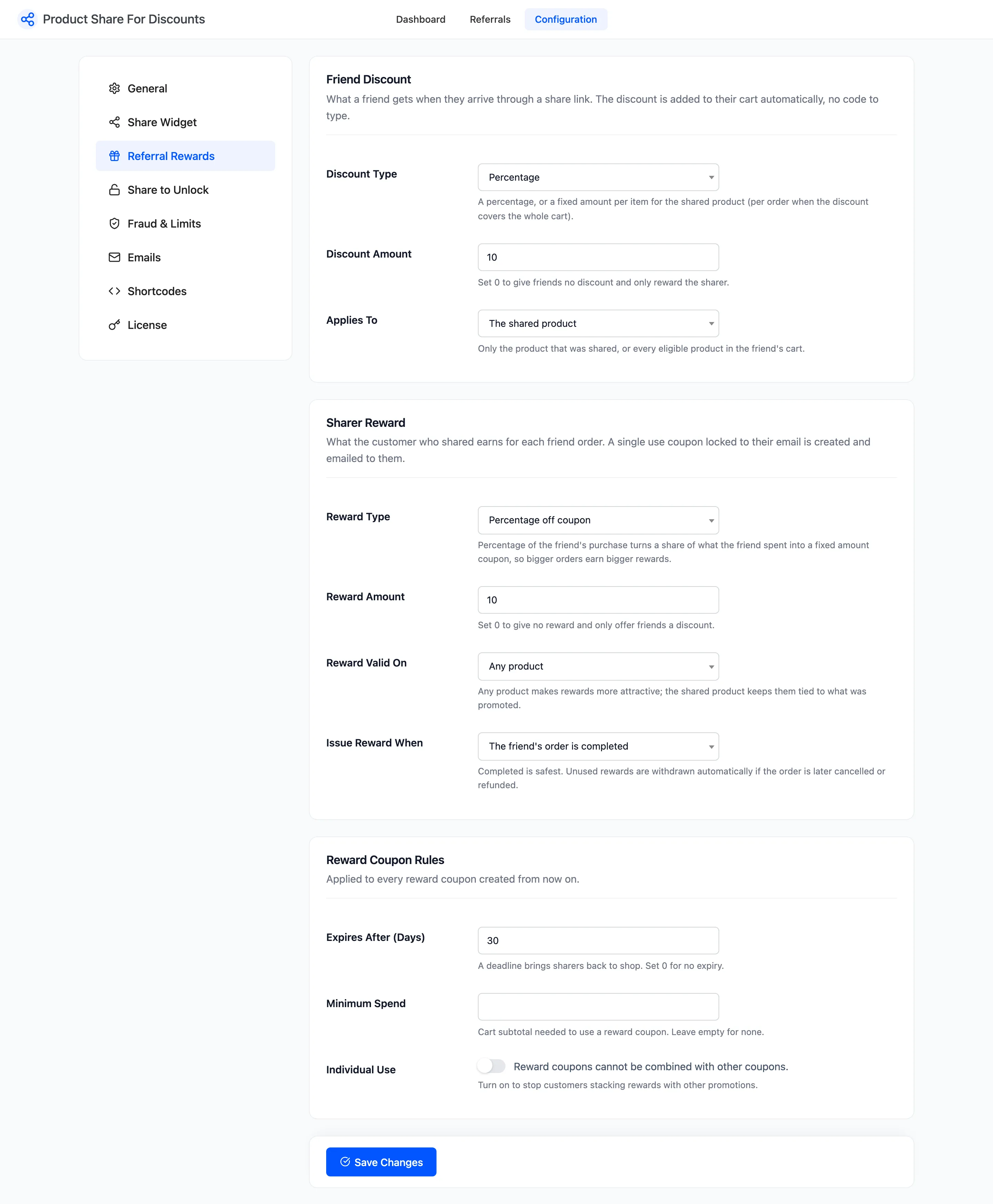
Friend Discount
Section titled “Friend Discount”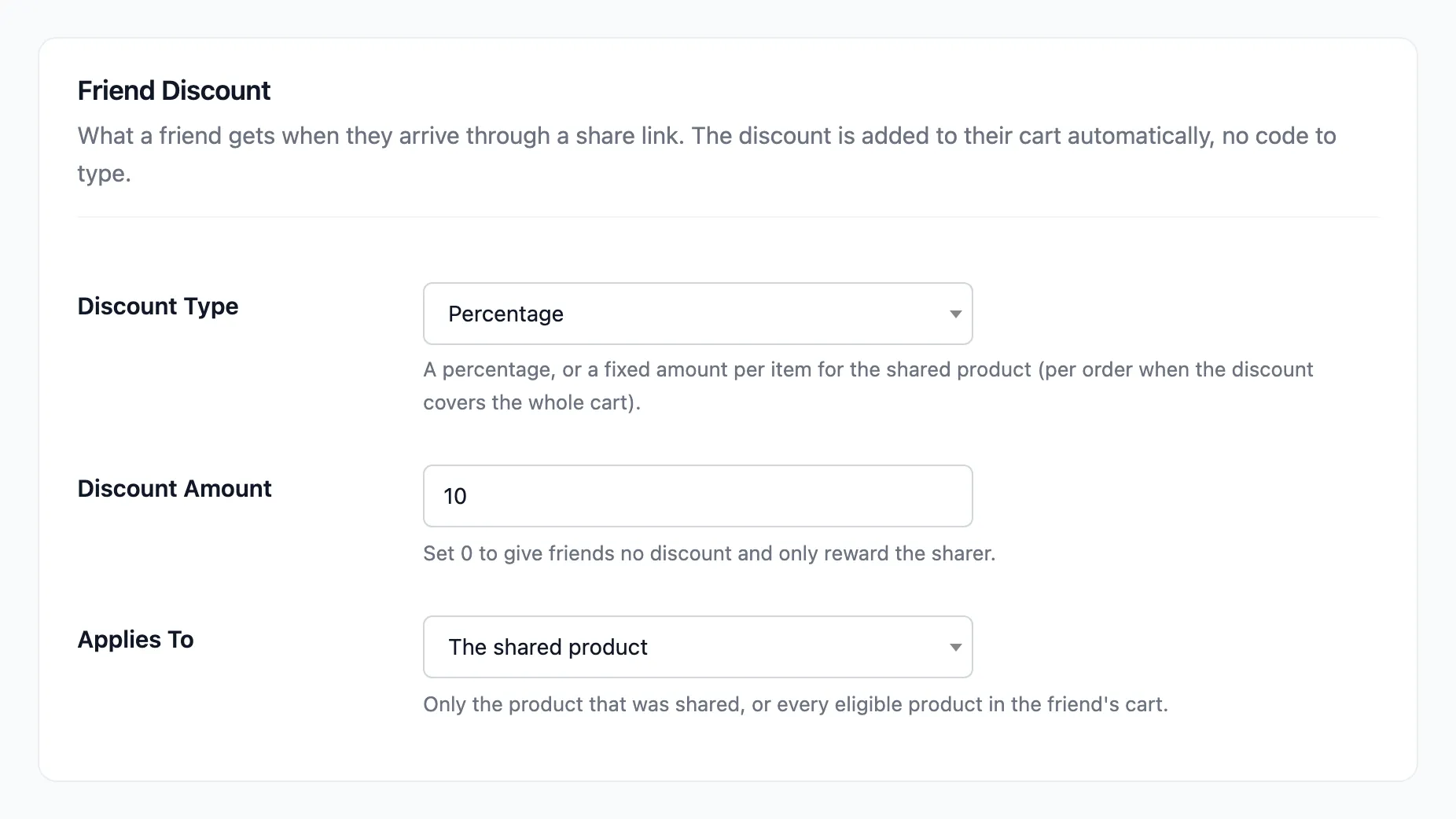
- Discount Type: Percentage (default) or Fixed amount.
- Discount Amount: Default 10. Set 0 to give friends nothing and only reward the sharer.
- Applies To: The shared product (default) or The whole cart.
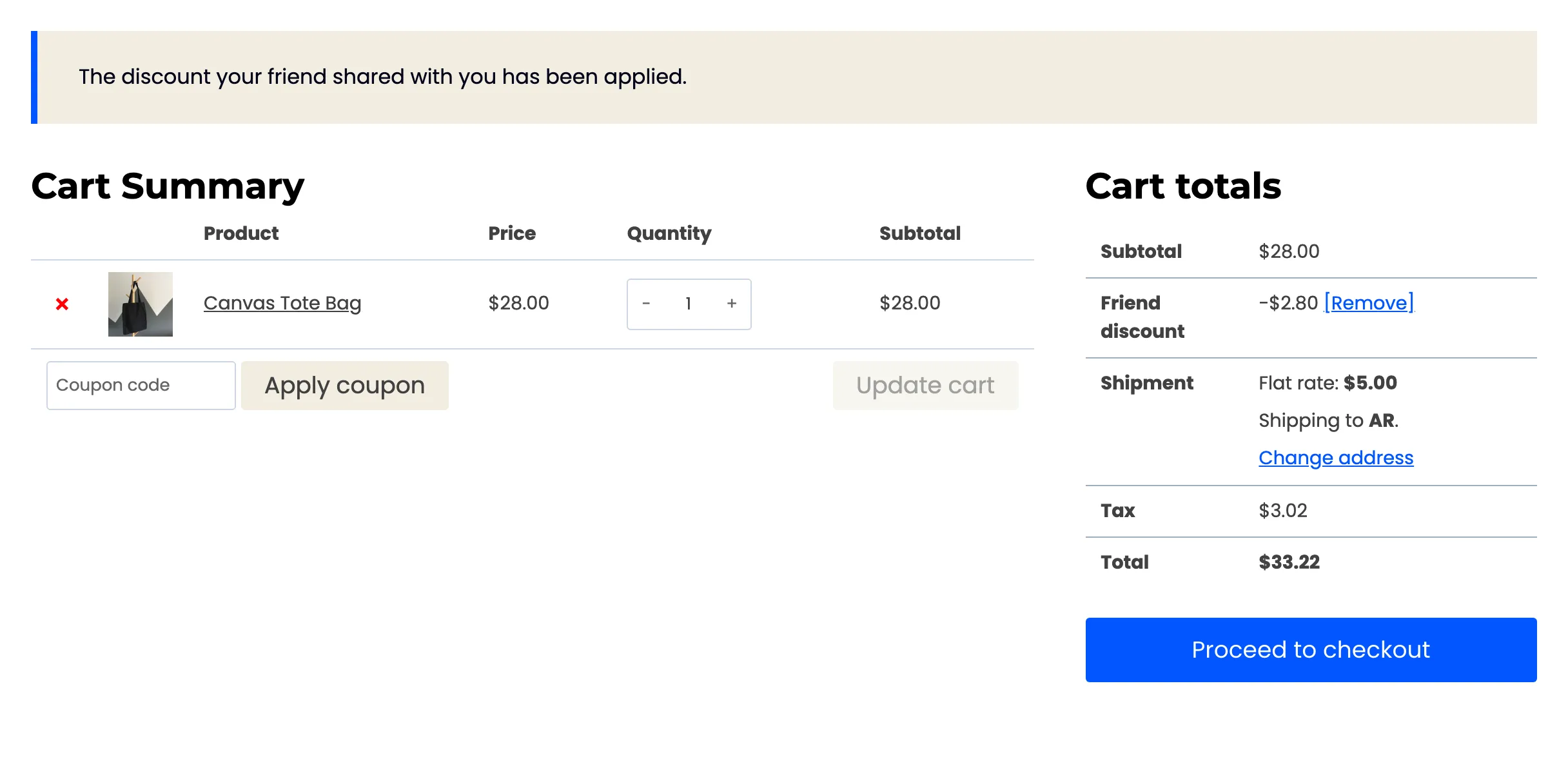
The discount is added to the friend’s cart on its own, as a line called Friend discount. There is no code to type. A fixed amount on the shared product comes off each unit of it; a fixed amount on the whole cart comes off the order once.
A link to your shop page, such as the one on Share & Earn, has no product to limit the discount to. It then covers every eligible product in the cart.
Sharer Reward
Section titled “Sharer Reward”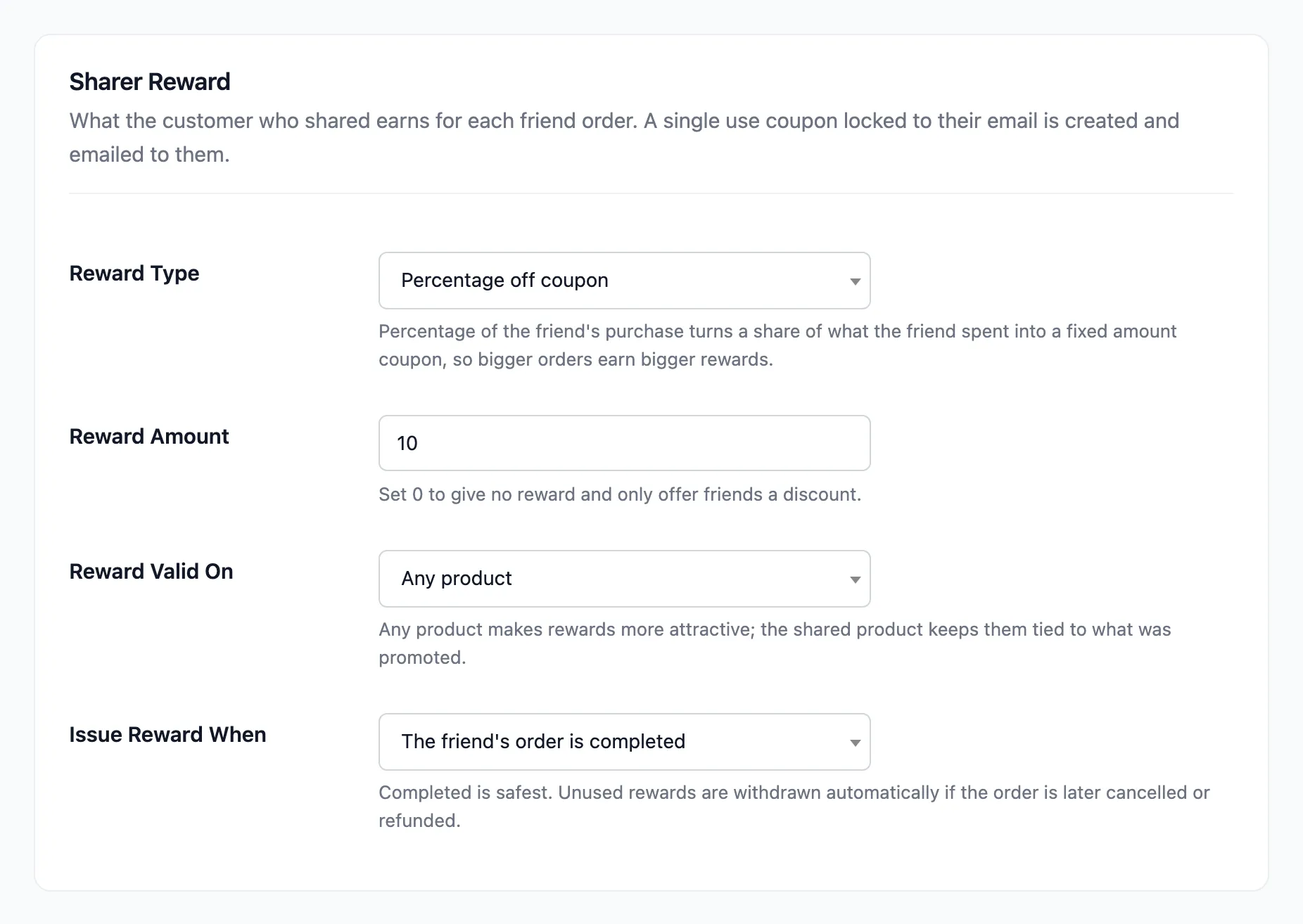
- Reward Type: Three choices.
- Percentage off coupon (default): a coupon for a percentage off their next order.
- Fixed amount coupon: a coupon for a set amount.
- Percentage of the friend’s purchase: a fixed amount coupon worth a share of what the friend spent on the referred products, so bigger orders earn bigger rewards.
- Reward Amount: Default 10. Set 0 to give no reward and only offer friends a discount.
- Reward Valid On: Any product (default) or The shared product only.
- Issue Reward When: The friend’s order is completed (default) or The friend’s order is paid (processing).
Each reward is a real WooCommerce coupon: single use, locked to the sharer’s account email, and emailed to them. If the friend’s order is later cancelled, refunded or fails, a coupon that was not used yet is withdrawn. See How Referral Rewards Work.
“What the friend spent” is the referred products’ line total after the friend discount, before tax and shipping. On the demo, a $28.00 tote bought with 10% off counted as $25.20.
Reward Coupon Rules
Section titled “Reward Coupon Rules”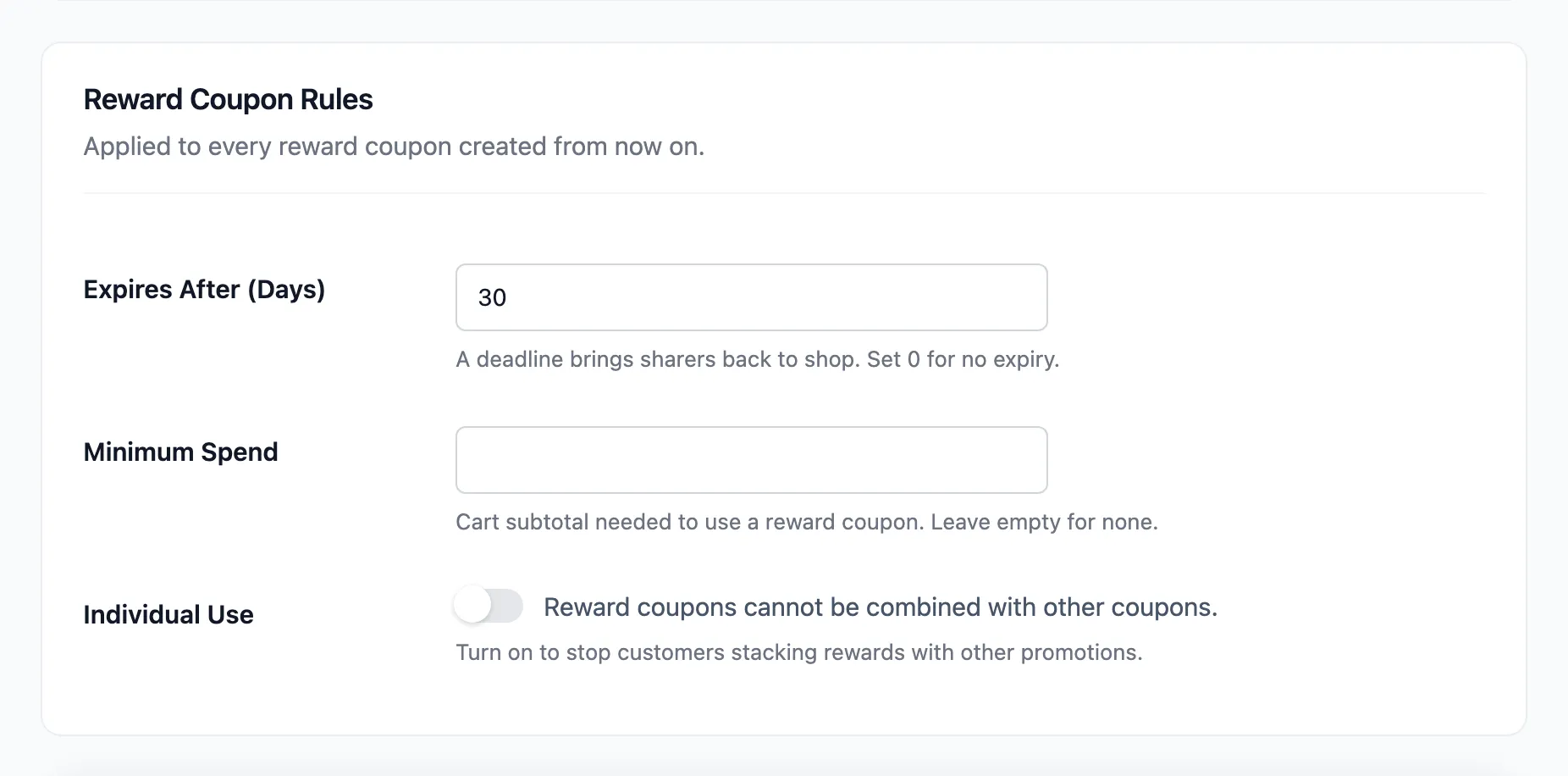
- Expires After (Days): Default 30. Set 0 for no expiry.
- Minimum Spend: Empty by default. The cart subtotal a reward coupon needs.
- Individual Use: Off by default. Tick it so a reward coupon cannot be combined with other coupons.
These apply to coupons created from now on. A coupon already issued keeps the rules it was made with.