

Setup Wizard
The wizard opens once, after the first activation. It covers the settings that decide what customers see on day one. Everything else keeps its default until you change it under Configuration. Run it again any time from the Setup Wizard link on the Plugins screen.
Welcome
Section titled “Welcome”
A summary of what the program does. Press Continue.
License
Section titled “License”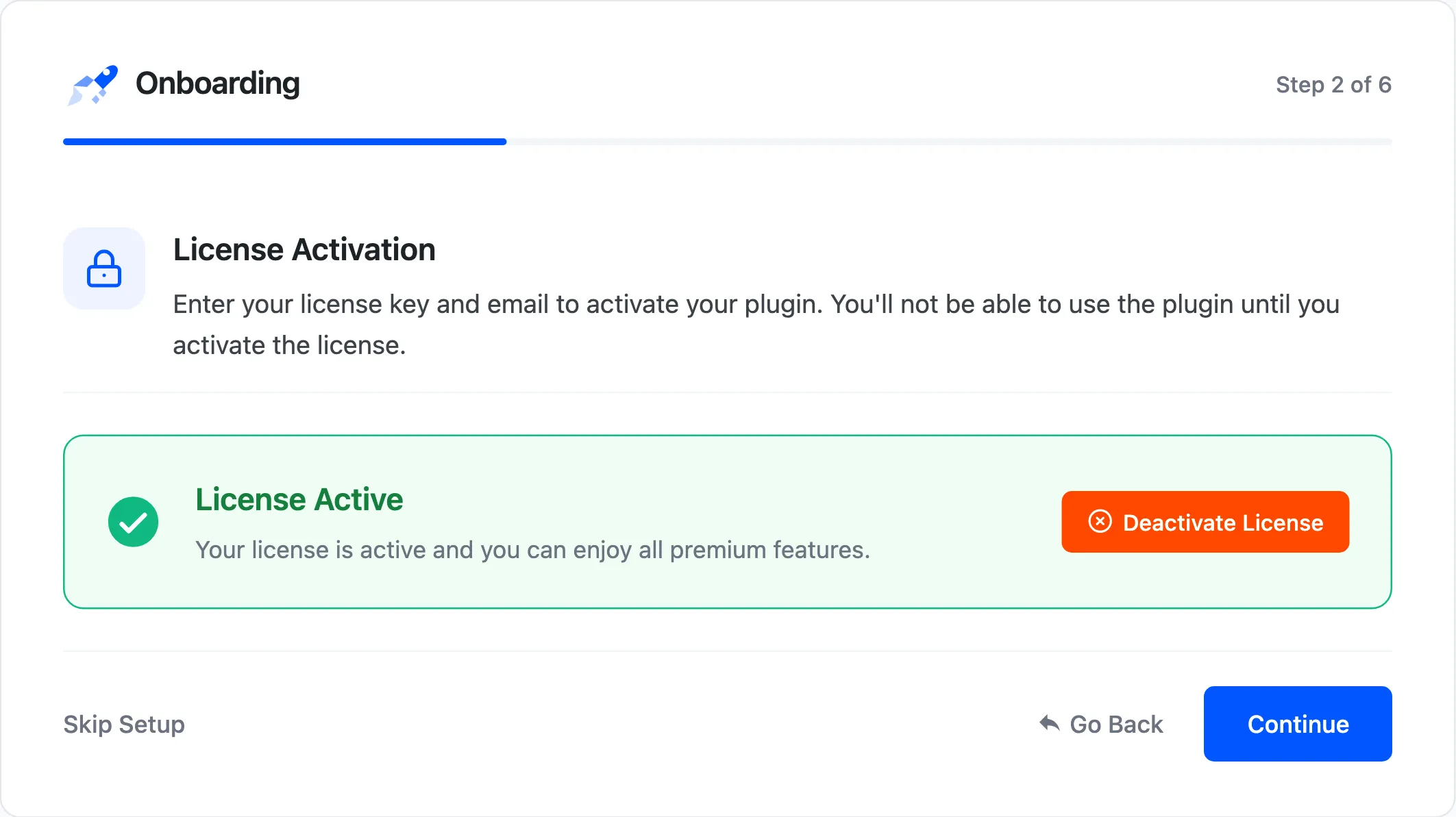
Enter your purchase code and email, then activate. Until the license is active, customers see nothing. See License Activation.
Sharing
Section titled “Sharing”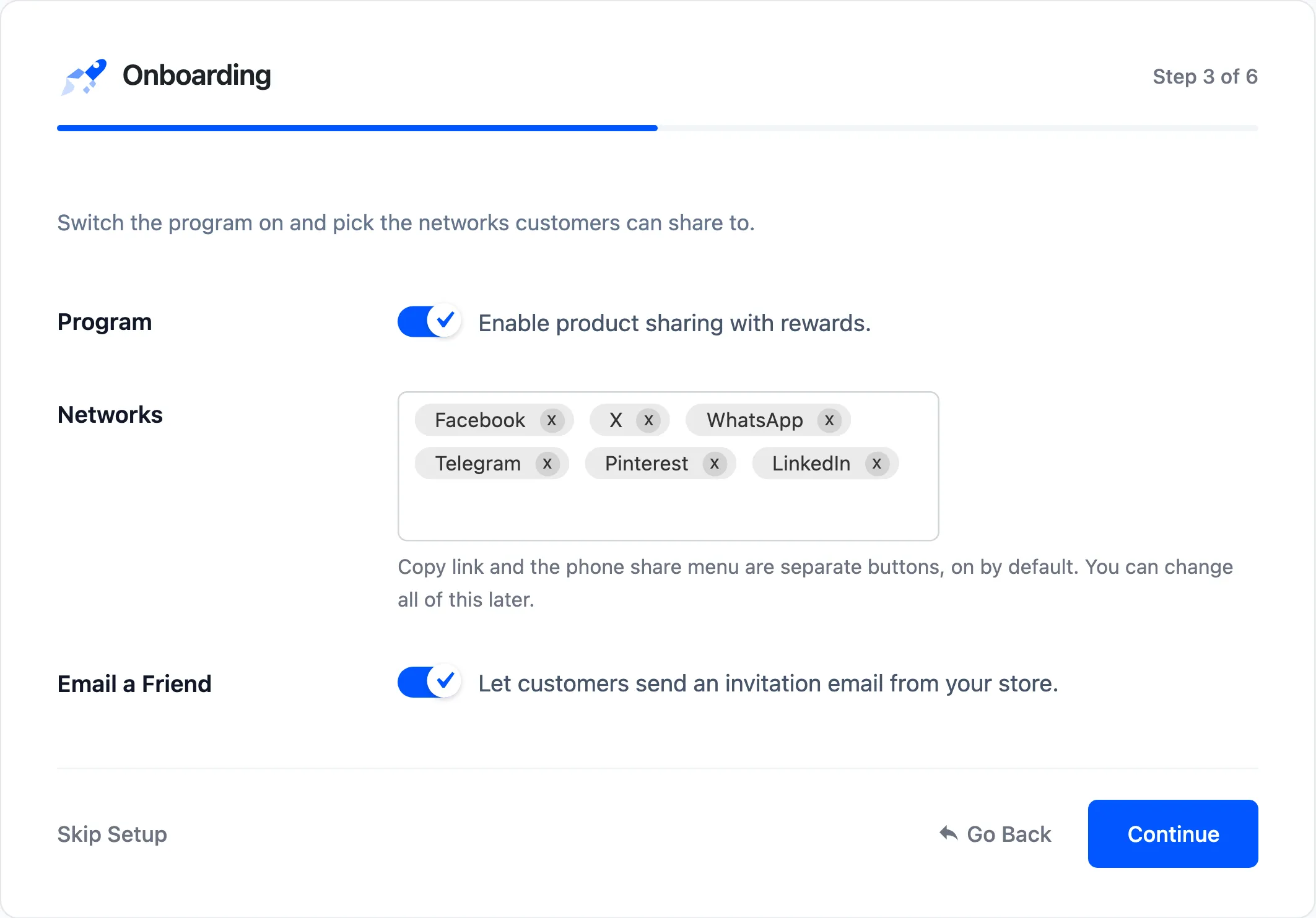
- Program: Ticked. Switches the share box and the discounts on.
- Networks: Facebook, X, WhatsApp, Telegram, Pinterest and LinkedIn to start.
- Email a Friend: Ticked. Signed-in customers can send an invitation email.
Copy link and the phone’s More button are separate settings, both on by default.
Rewards
Section titled “Rewards”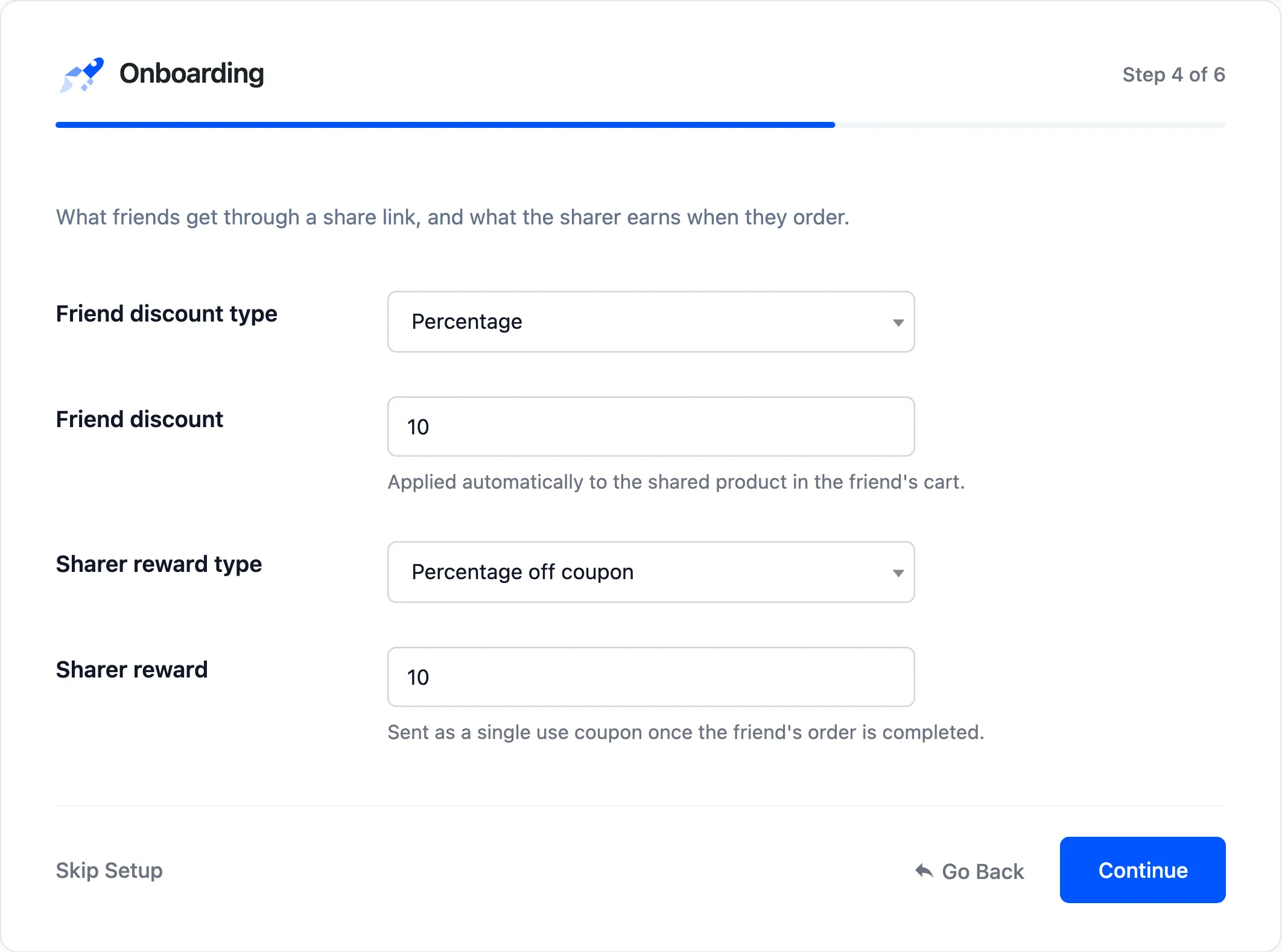
- Friend discount type and Friend discount: What a friend gets through a link, 10% by default.
- Sharer reward type and Sharer reward: What the sharer earns per friend order, a 10% off coupon by default.
Share to Unlock
Section titled “Share to Unlock”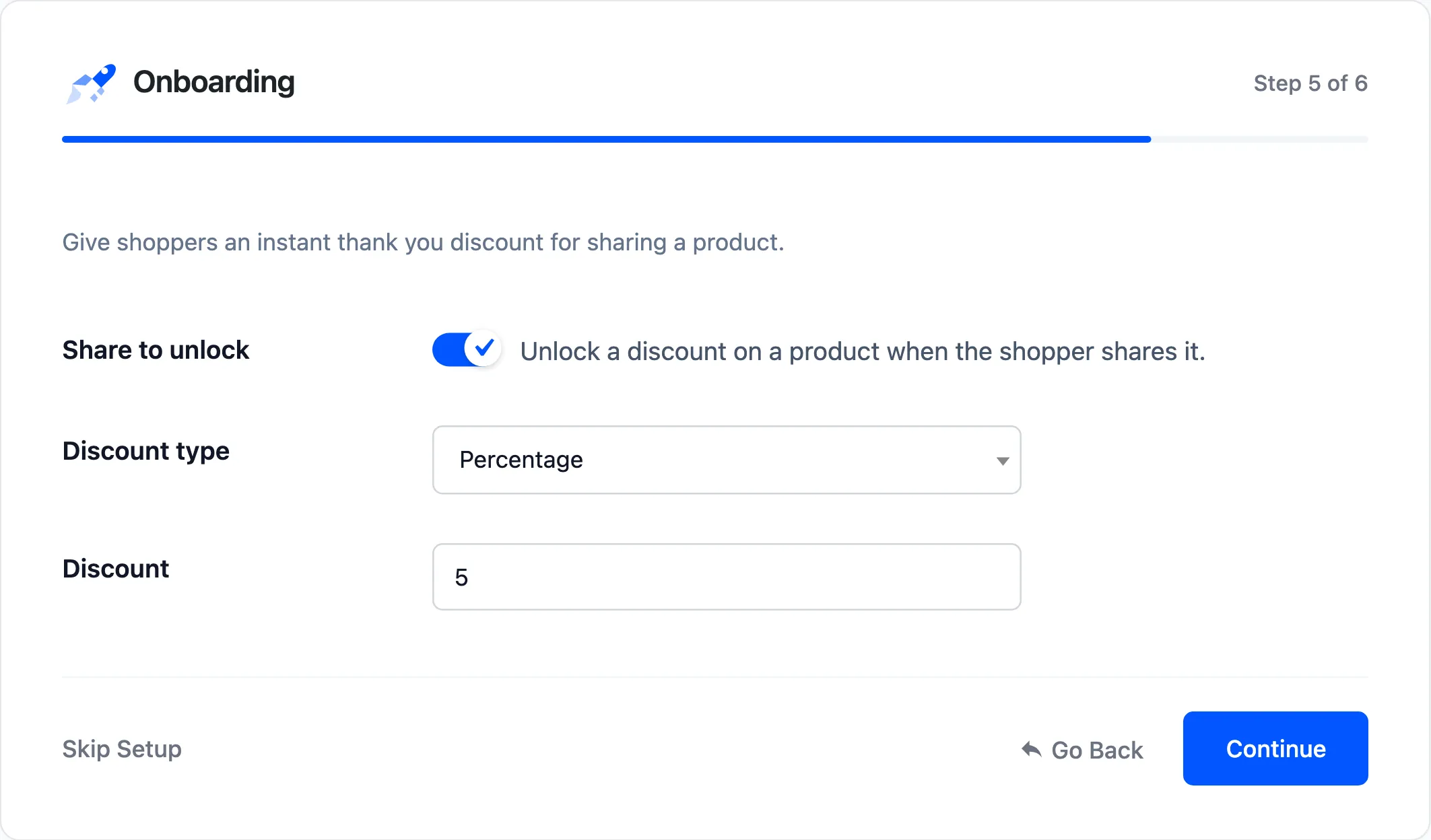
- Share to unlock: Ticked. Sharing a product unlocks a discount on it.
- Discount type and Discount: 5% by default.
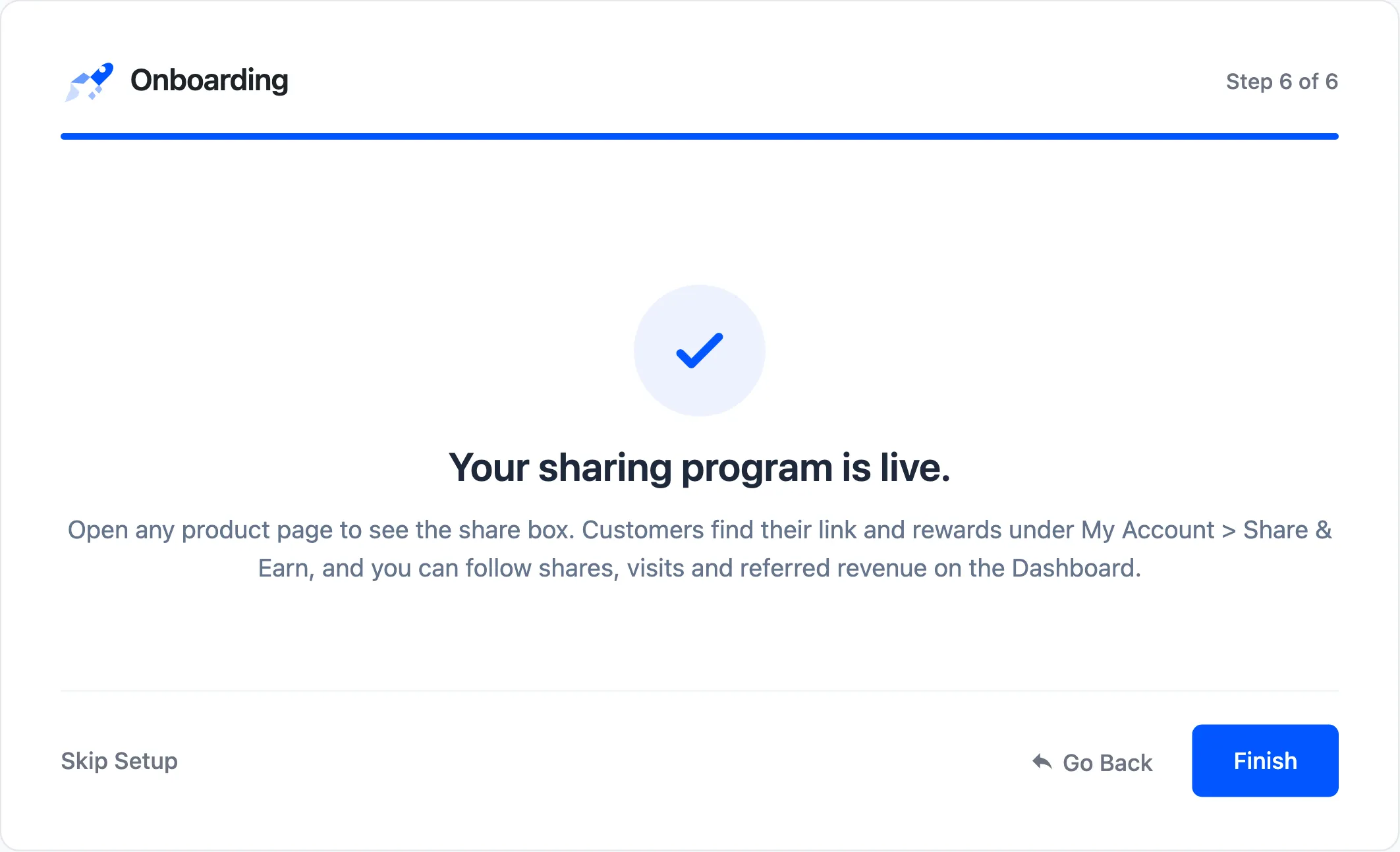
Your sharing program is live. The step points to a product page for the share box, to My Account → Share & Earn for customers, and to the dashboard. Finish closes the wizard.
Every step has Skip Setup, which closes the wizard and leaves the settings as they are. Every step after the first has Go Back.
What the wizard saves
Section titled “What the wizard saves”Each step saves when you press Continue. An unticked box is saved as off, so walking through it again on a running store keeps what you see on each step. On the demo, unticking Email a Friend on the Sharing step saved it as off, and every other step saved the values shown.