How to Approve or Reject a Referral
The rules decide most referrals on their own. Two kinds need you: a genuine order the rules caught, and a reward you want back. Both are one click on the Referrals screen.
Step 1: Open Referrals
Section titled “Step 1: Open Referrals”Go to Product Share For Discounts → Referrals.
Step 2: Find the referral
Section titled “Step 2: Find the referral”Use the Rejected view for held-back referrals, the All sharers filter for one customer, or the search for an order number or a friend’s email.
Step 3: Approve or reject it
Section titled “Step 3: Approve or reject it”Hover the referral to show its actions.
Approve and reward
Section titled “Approve and reward”On the demo, the reward limit was set to one a month. Amara already had one, so the next friend order through her link was rejected: “The sharer reached the reward limit.”

Approve and reward created her coupon and emailed it at once. The list confirmed “1 referral rewarded.”, and the reason now reads Changed by an admin.
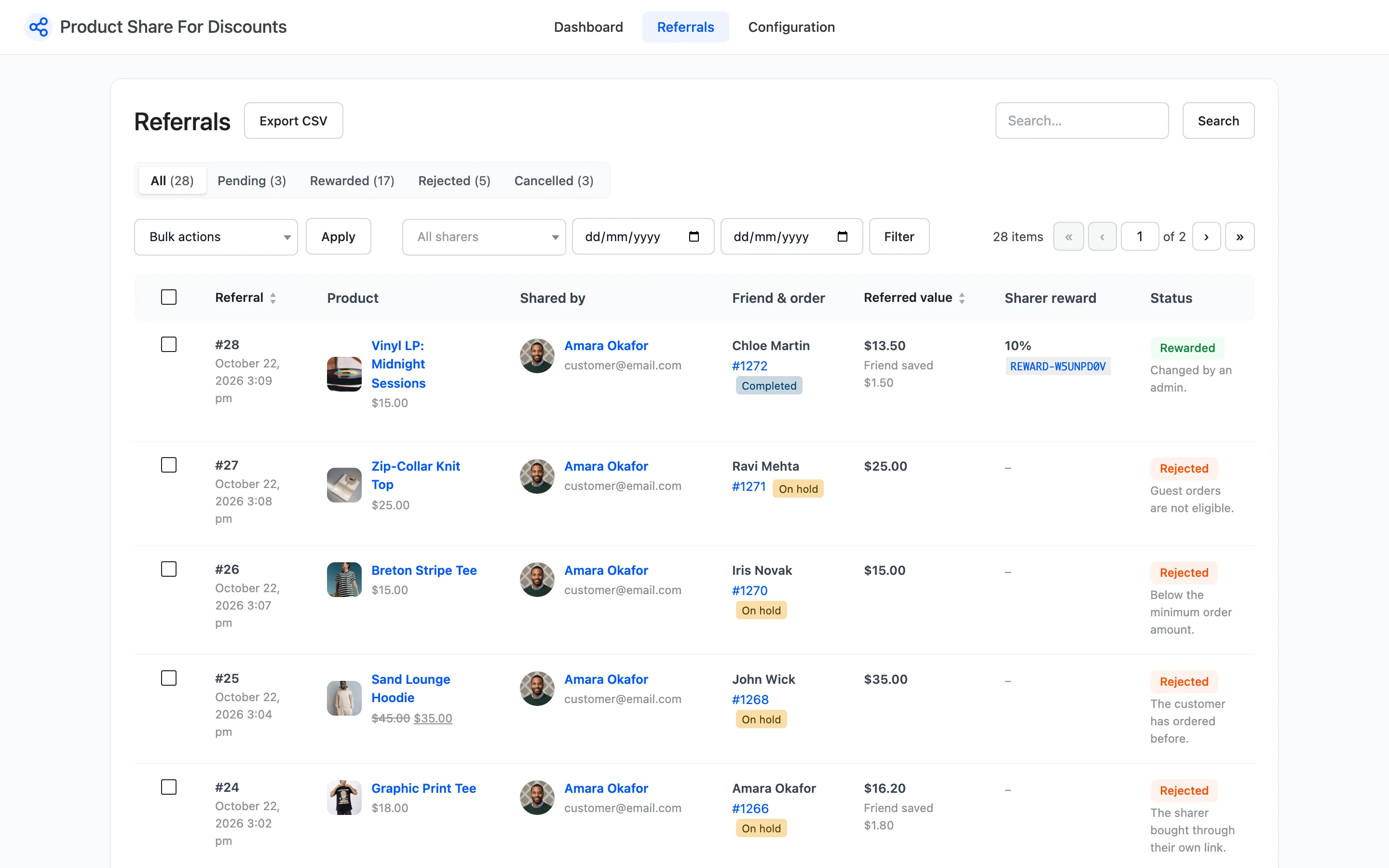
Approving by hand ignores the reward limit and the order status. It works on Pending, Rejected and Cancelled referrals.
Reject
Section titled “Reject”Reject works on any referral that is not already rejected. A browser message asks you to confirm.

On a Rewarded referral, the reward coupon is moved to the Trash if it has not been used. No email is sent, so tell the customer yourself if they expect it.
Step 4: Check the result
Section titled “Step 4: Check the result”The Status column and the Sharer reward column change at once. A withdrawn coupon disappears from the customer’s Share & Earn page.
Many at once
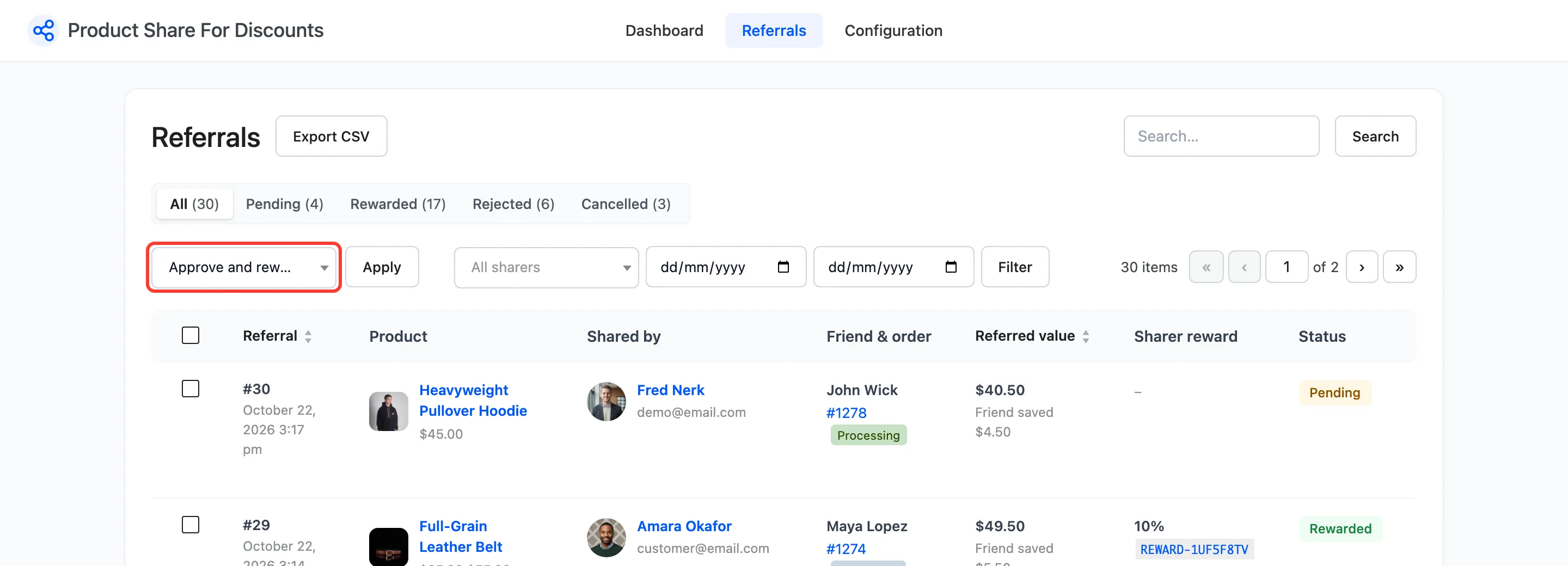
Section titled “Many at once”Tick the referrals, choose Approve and reward or Reject in Bulk actions, and press Apply.