

Reward Coupons
Every sharer reward is a normal WooCommerce coupon. The plugin creates it, but you manage it like any other coupon, under Marketing → Coupons.
Finding them
Section titled “Finding them”Each reward coupon’s code starts with reward-, followed by eight random characters. Search for reward- to list
them. The description names the referral it came from.
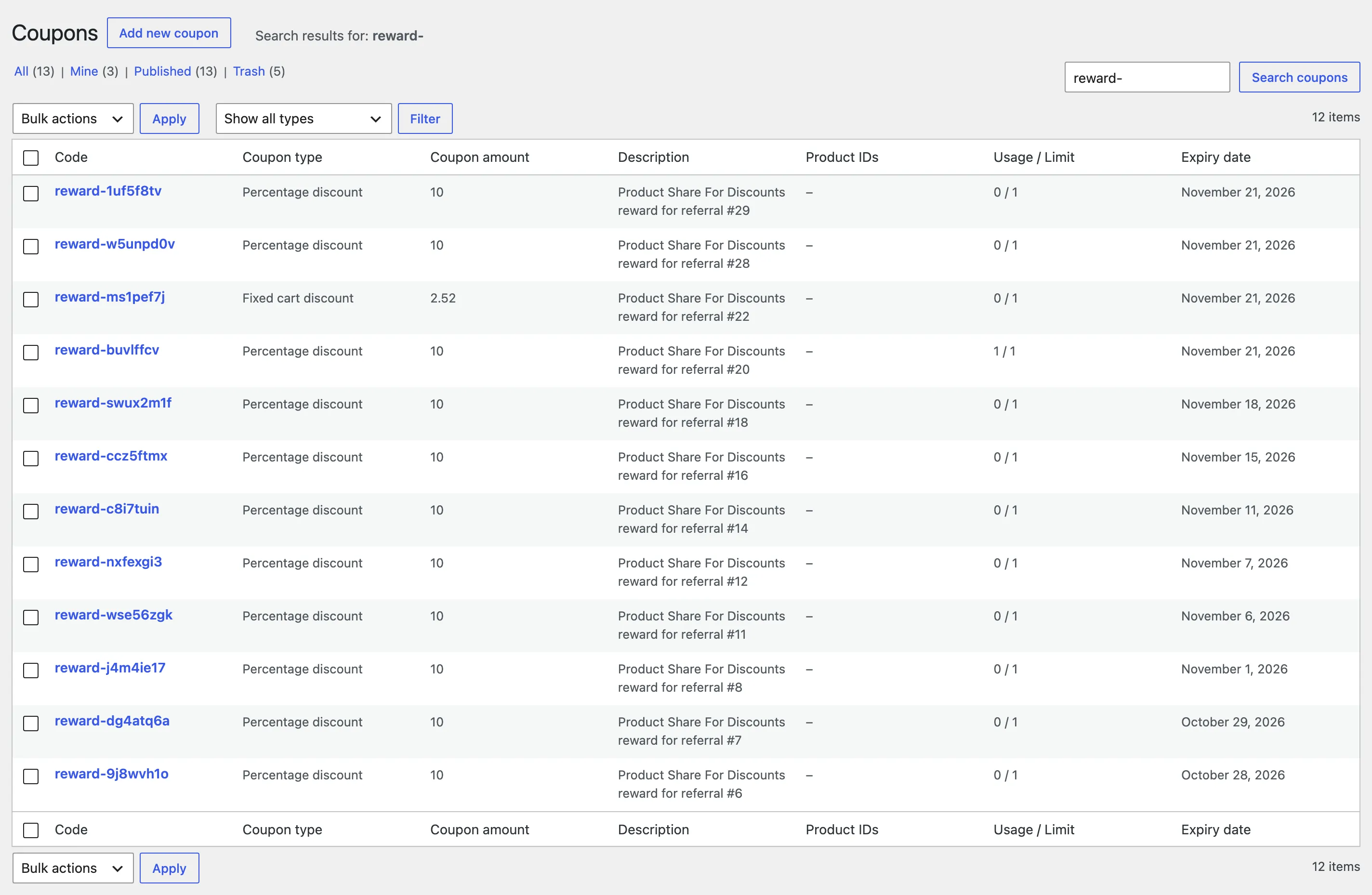
The Sharer reward column on the Referrals screen links to each coupon, and the customer sees theirs on the Share & Earn page.
What each coupon carries
Section titled “What each coupon carries”From the Referral Rewards settings at the moment it was created:
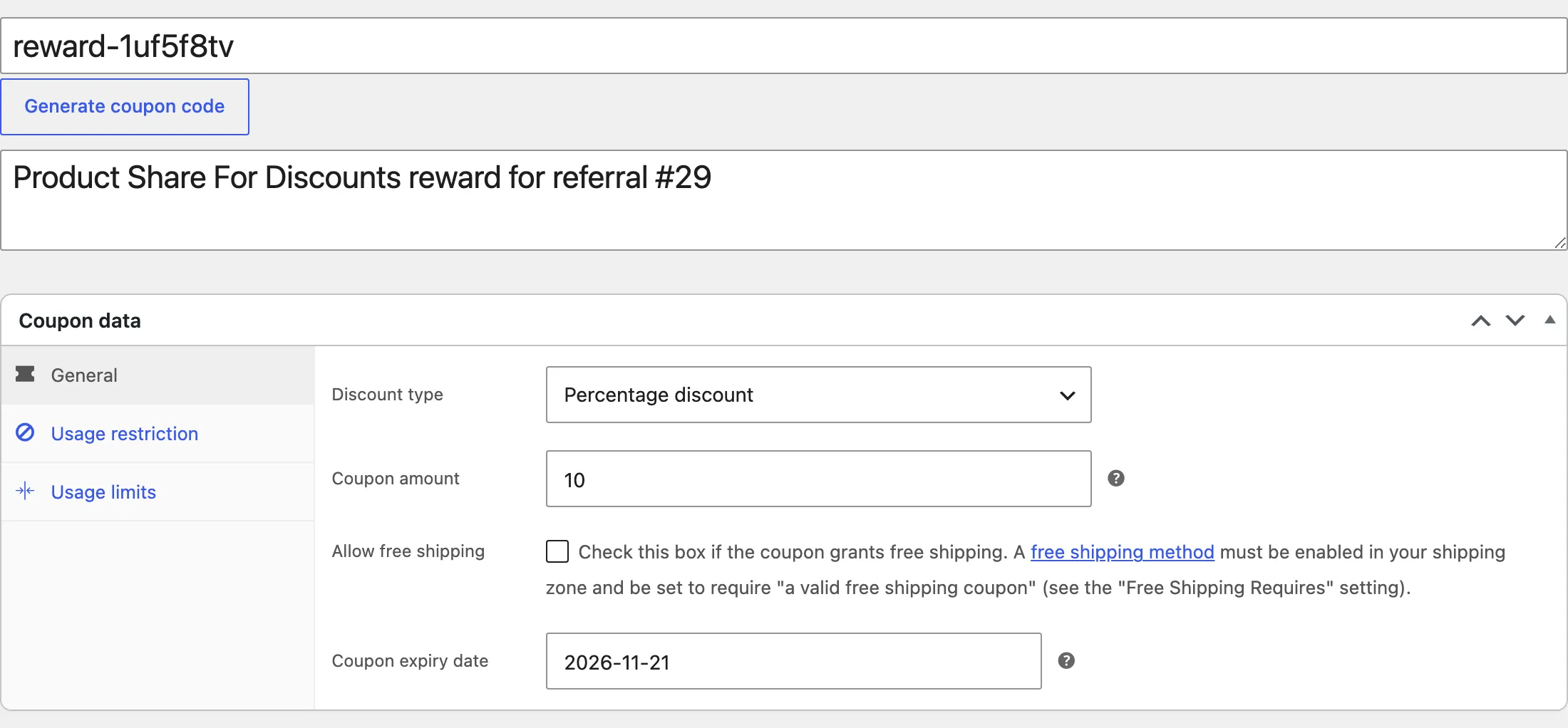
- Discount type and amount: A percentage off, or a fixed amount (cart or per product).
- Expiry date: 30 days after it was created, unless you set otherwise.
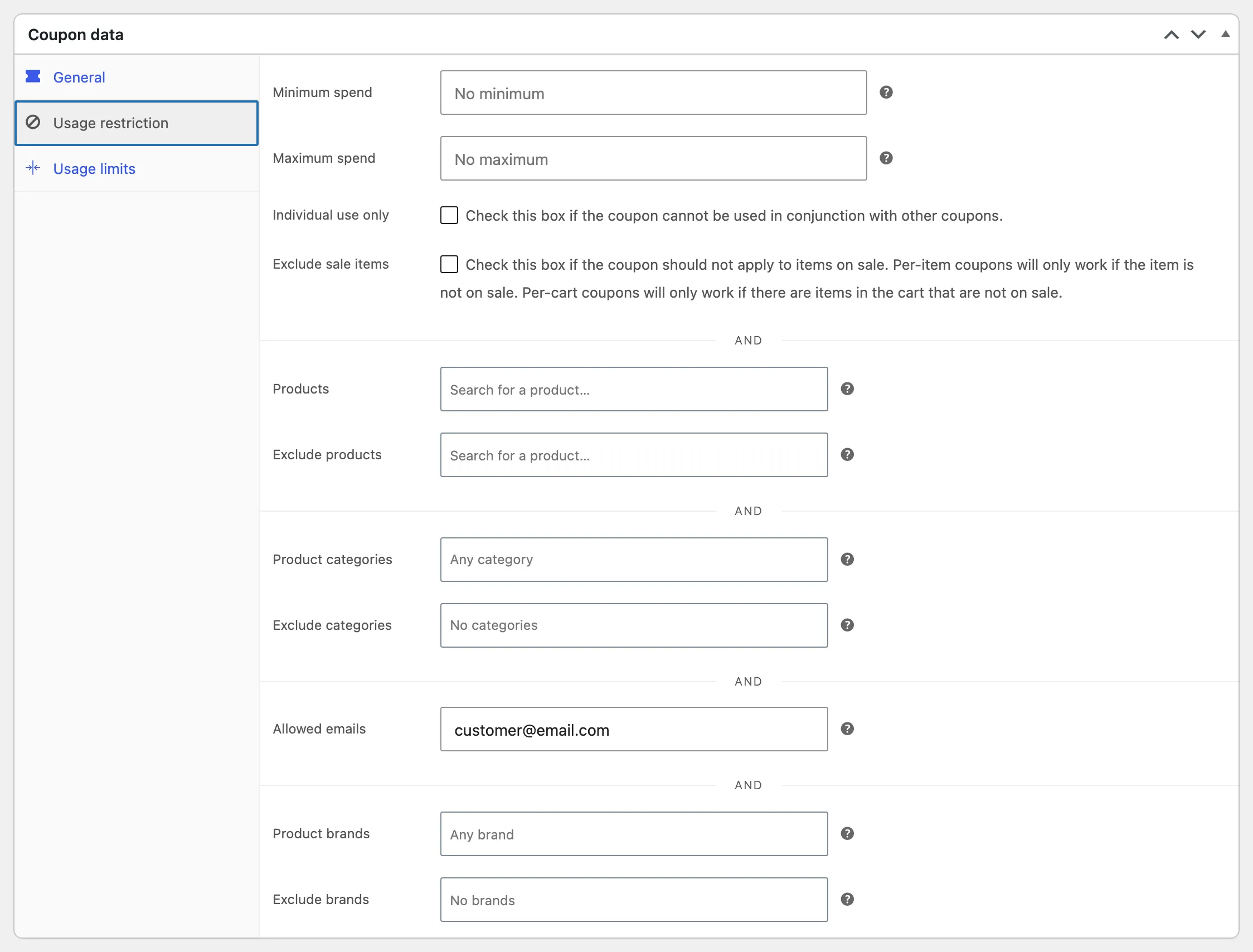
- Allowed emails: Only the sharer’s account email. Anyone else is refused at checkout.
- Products: The shared product, when rewards are valid on the shared product only.
- Minimum spend and Individual use only, when set.
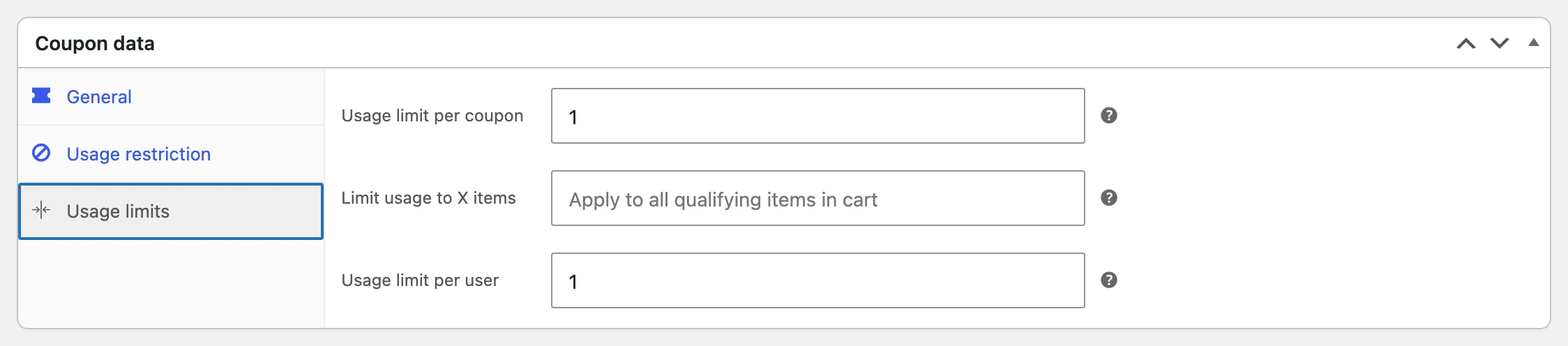
- Usage limit per coupon and per user: 1.
Changing one by hand
Section titled “Changing one by hand”Edit the coupon and press Update. Extend a date, raise an amount, or let a second email use it. The plugin does not change a coupon after creating it.
WooCommerce checks the allowed email against the account email and the billing email at checkout. A customer who changed their account email can still use an older reward by paying with the old address, or you can add the new address under Allowed emails.
Withdrawn coupons
Section titled “Withdrawn coupons”An unused coupon is moved to the Trash when its referral is cancelled or rejected by an admin. A referral is cancelled when the friend’s order is cancelled, refunded or fails. A used coupon is never touched.
To give a withdrawn reward back, restore the coupon from the Trash. WordPress restores it as a draft, so open it and press Publish as well. The referral itself stays Cancelled or Rejected.