

How to Email a Product to a Friend
Not every friend is on WhatsApp. Email a friend sends the product from your store’s own address, with the customer’s personal link inside, so a purchase still earns them the reward.
Step 1: Turn on Email a Friend
Section titled “Step 1: Turn on Email a Friend”Under Configuration → Share Widget, Email a Friend is ticked by default.
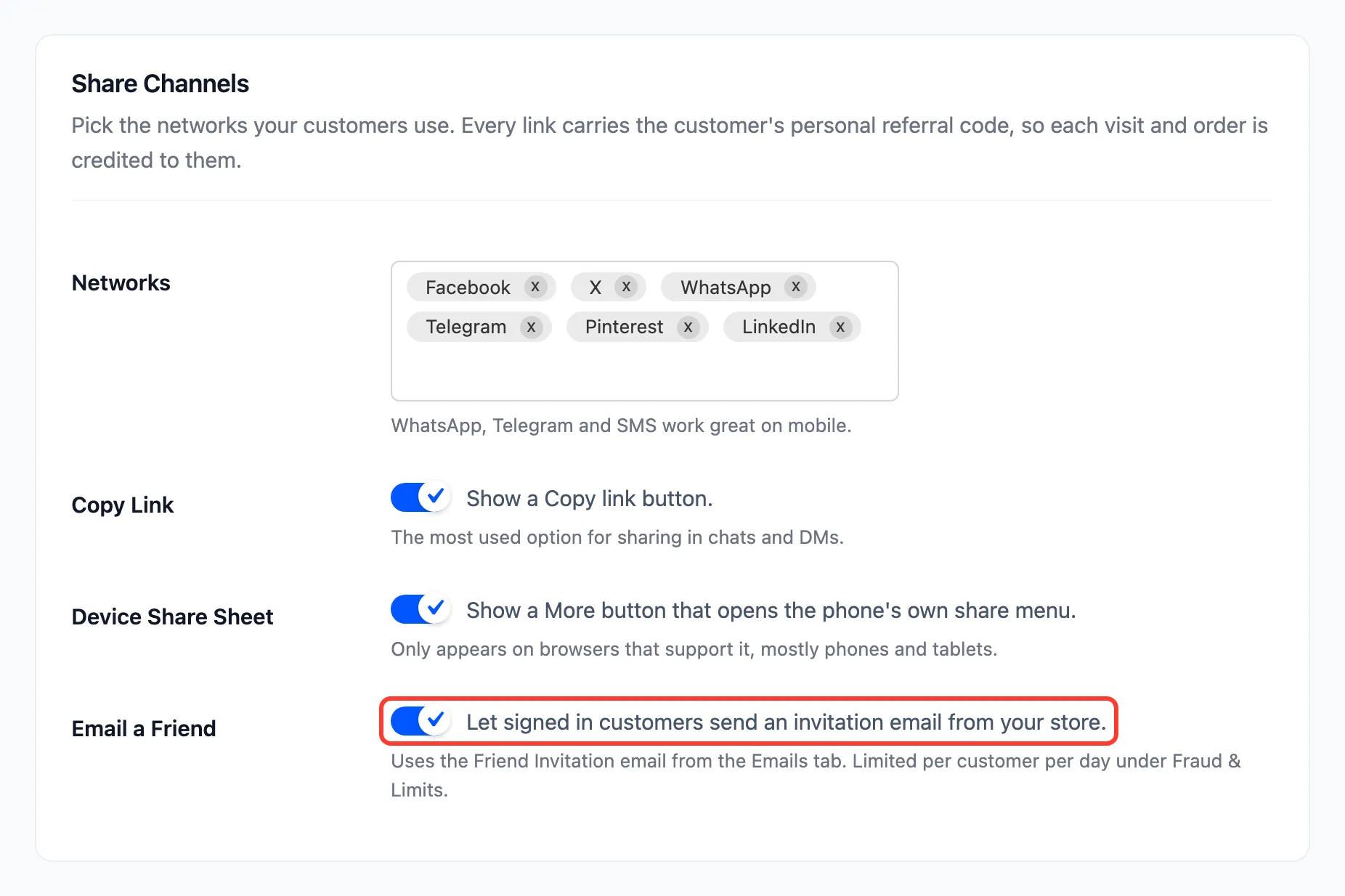
Only signed-in customers get the button. Guests could otherwise send mail from your server to anyone.
Step 2: Open the invitation
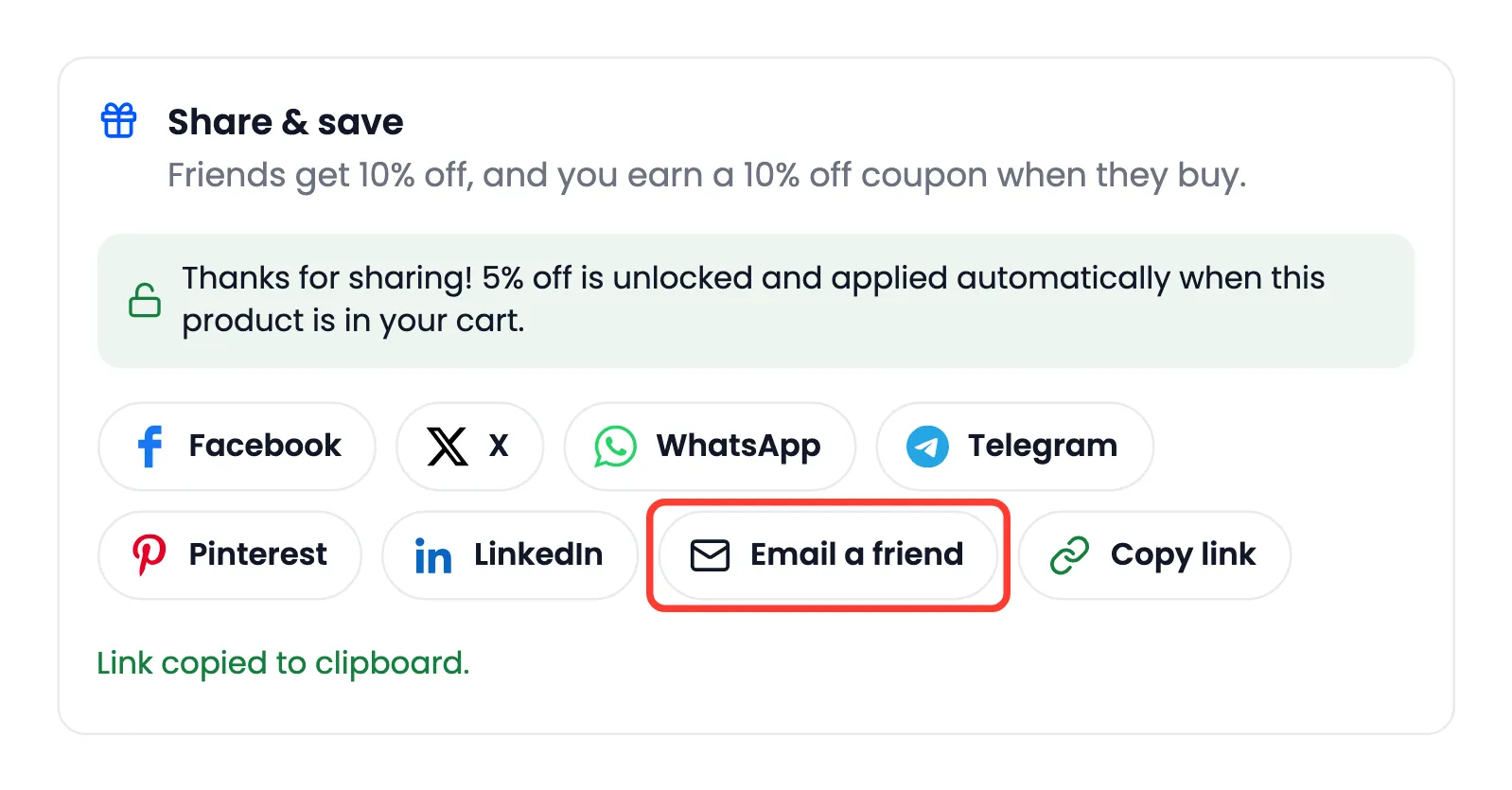
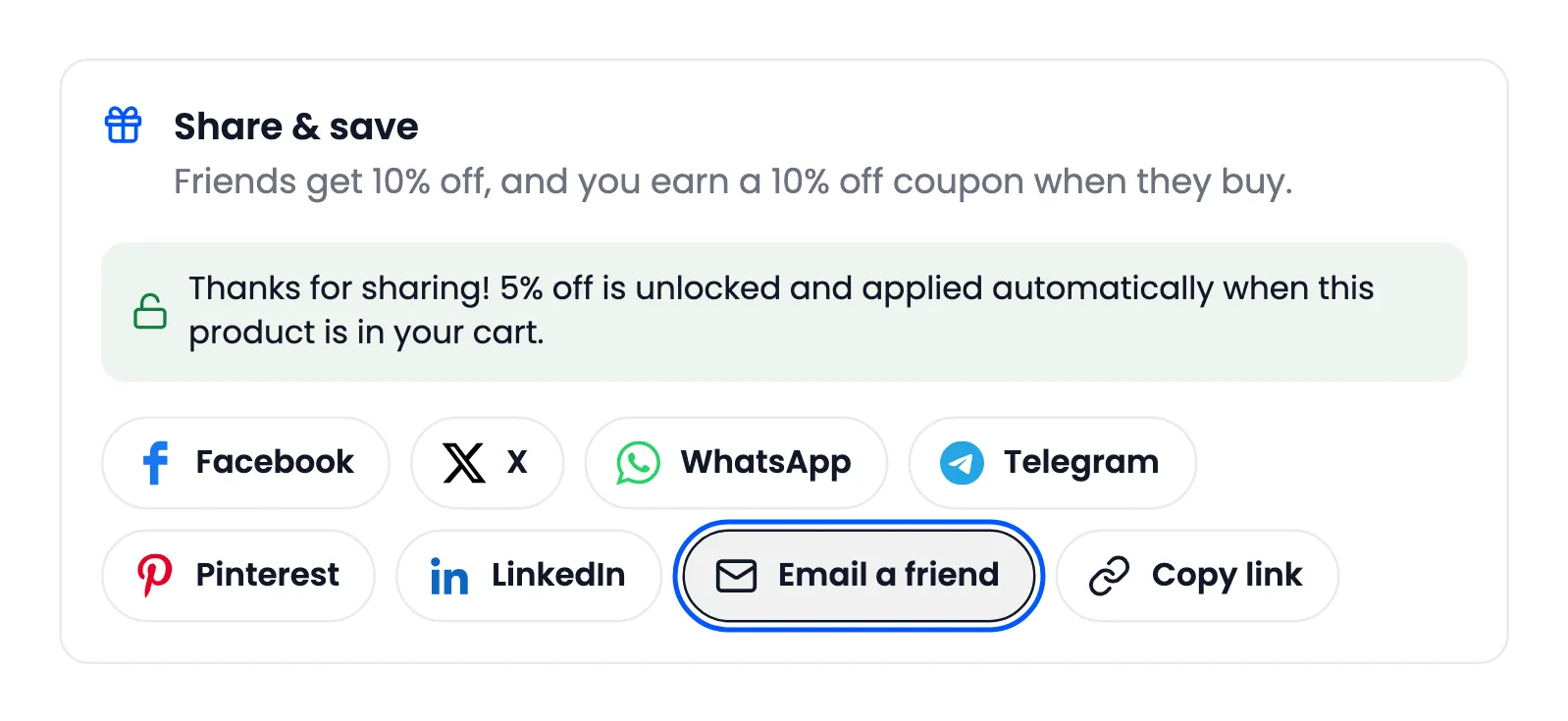
Section titled “Step 2: Open the invitation”On a product page, the customer presses Email a friend in the share box.
Step 3: Write and send
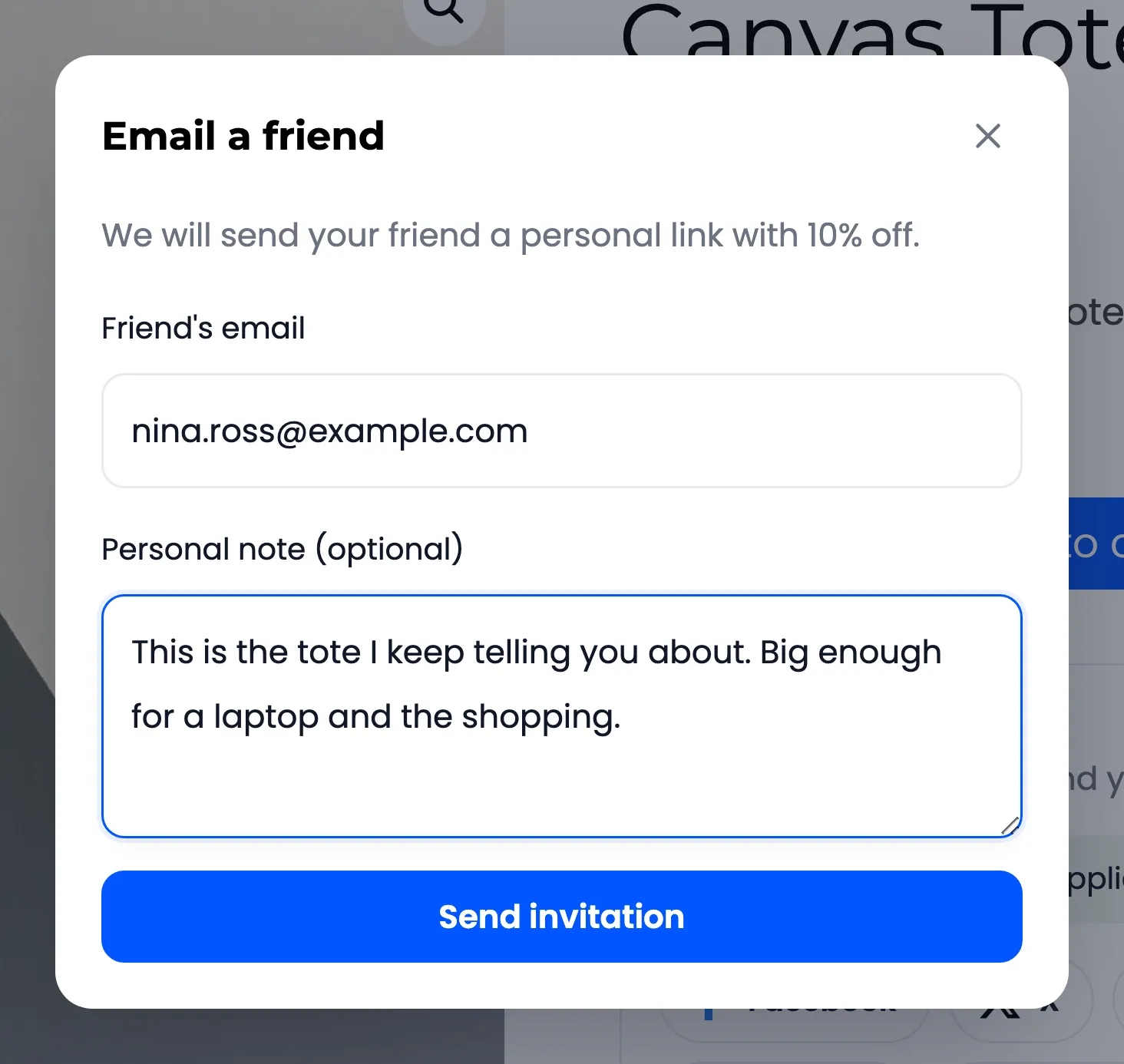
Section titled “Step 3: Write and send”A dialog opens. It names the friend discount, then asks for Friend’s email and an optional Personal note of up to 500 characters. Amara wrote to Nina:
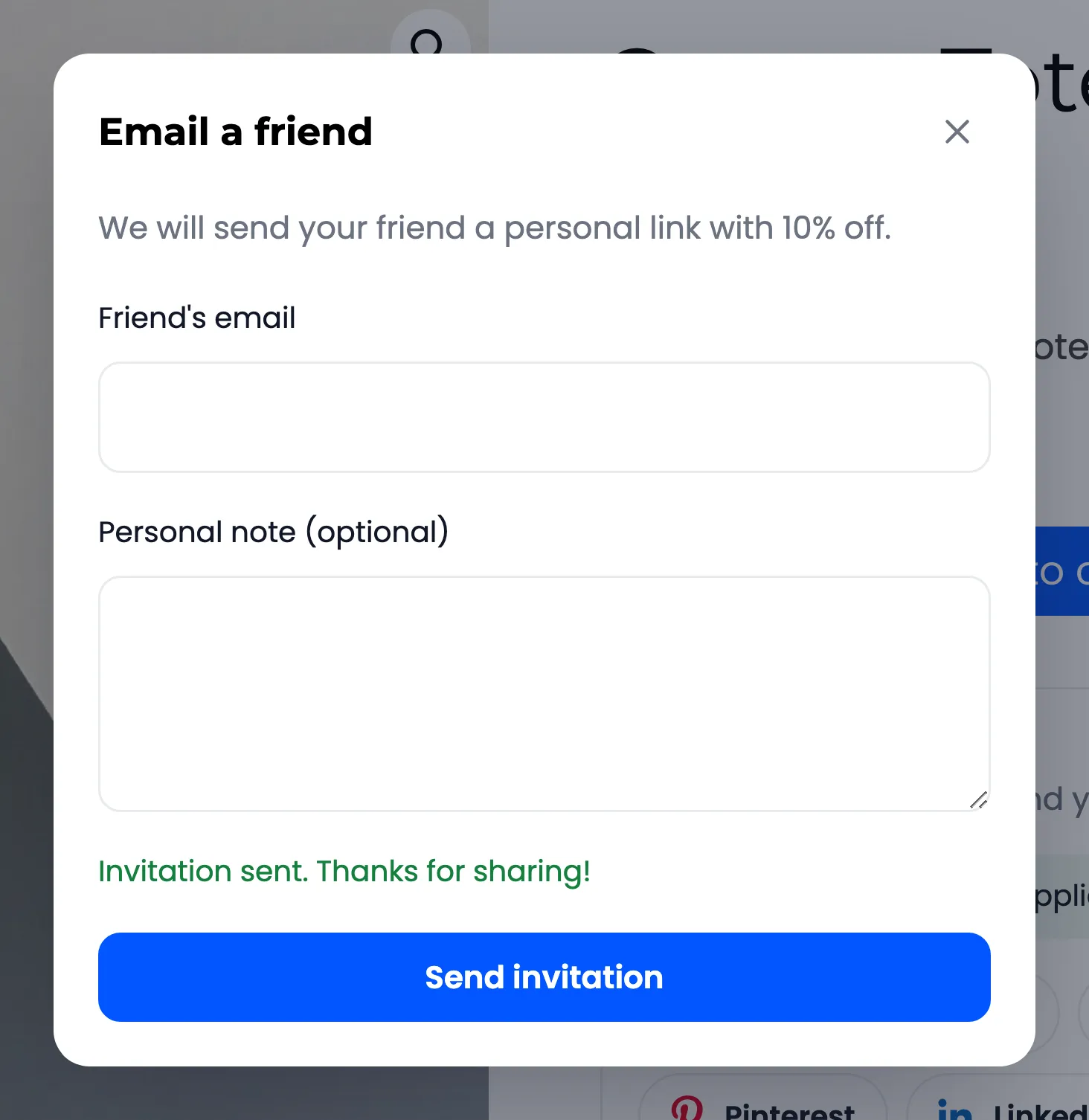
She pressed Send invitation. The dialog answered “Invitation sent. Thanks for sharing!” and cleared the form for the next friend.
Step 4: The friend opens the link
Section titled “Step 4: The friend opens the link”Nina received this, with Amara’s note in italics and the discount line:
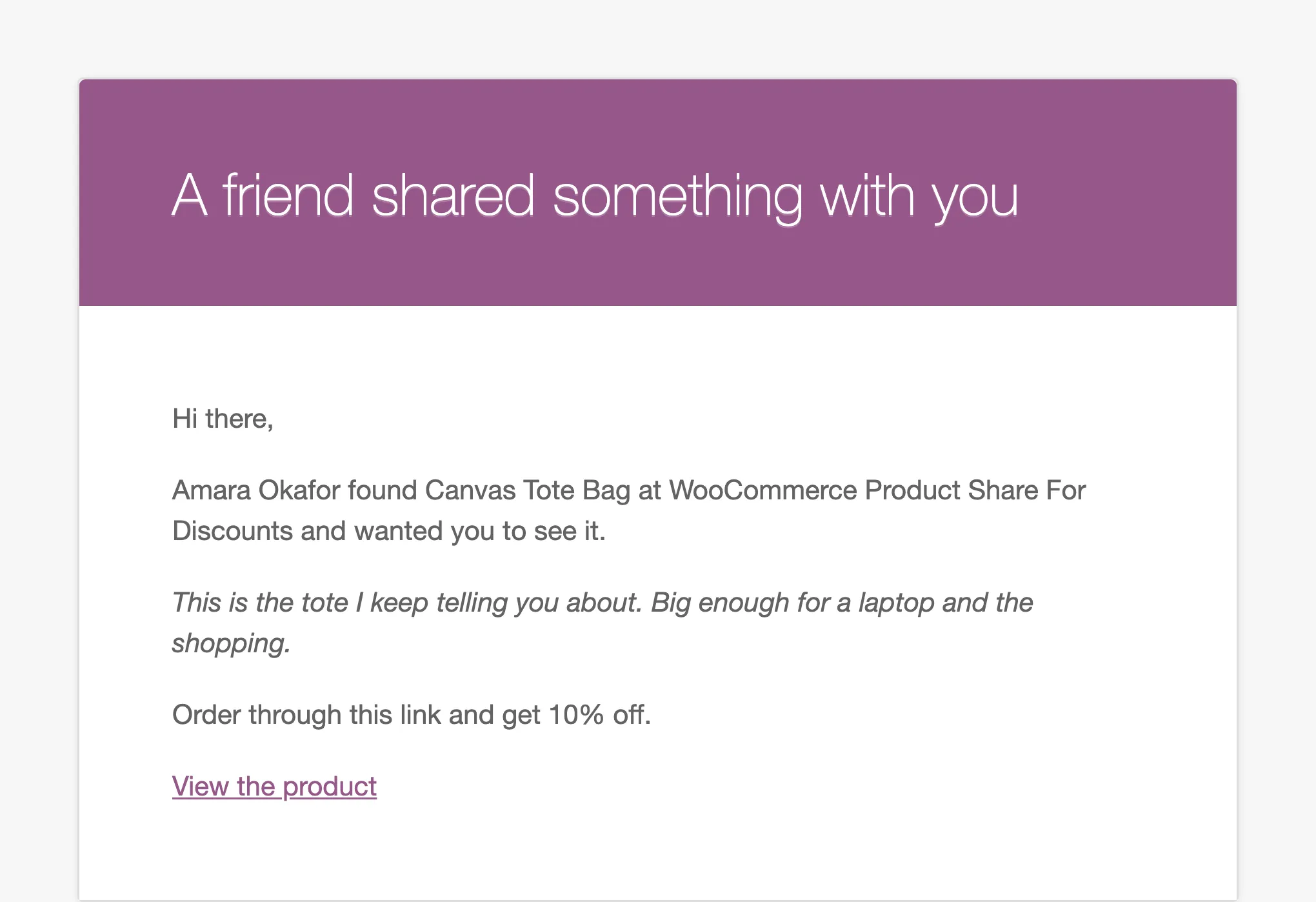
View the product opens the tote bag with Amara’s referral code. From there it works like any share link: the friend notice, the Friend discount in the cart, and Amara’s reward when the order completes.
Limits and refusals
Section titled “Limits and refusals”- Invitation Emails Per Day: 10 by default, under Fraud & Limits. Past it: “You reached today’s invitation limit. Please try again tomorrow.”
- Your own address: “You cannot send an invitation to yourself.”
- A bad address: The browser’s own email check stops the form before it is sent.
- An excluded product has no share box, so no invitation.
Each invitation counts as a share on the dashboard, under Email invitation in Shares by Channel. It also unlocks the share discount on that product when Share to Unlock is on. John sent one from the Essential Black Tee, and its share box turned green:
Change the words
Section titled “Change the words”The email is Friend Invitation under Configuration → Emails. See How to Customize the Reward and Invitation Emails.