

How to Handle Cancelled and Refunded Referral Orders
A reward is paid for a sale. When the sale is undone, the plugin undoes the reward too, as long as it can. You do nothing extra: cancel or refund the order the way you always do.
Step 1: Cancel or refund the order as usual
Section titled “Step 1: Cancel or refund the order as usual”On the demo, Leo bought a beanie through Amara’s link. The order was completed and Amara’s reward was issued:

Then the order was changed to Cancelled on its order screen and saved.
Step 2: Check the referral
Section titled “Step 2: Check the referral”The referral turned Cancelled, with “The order was cancelled.” under it, and the reward column emptied:

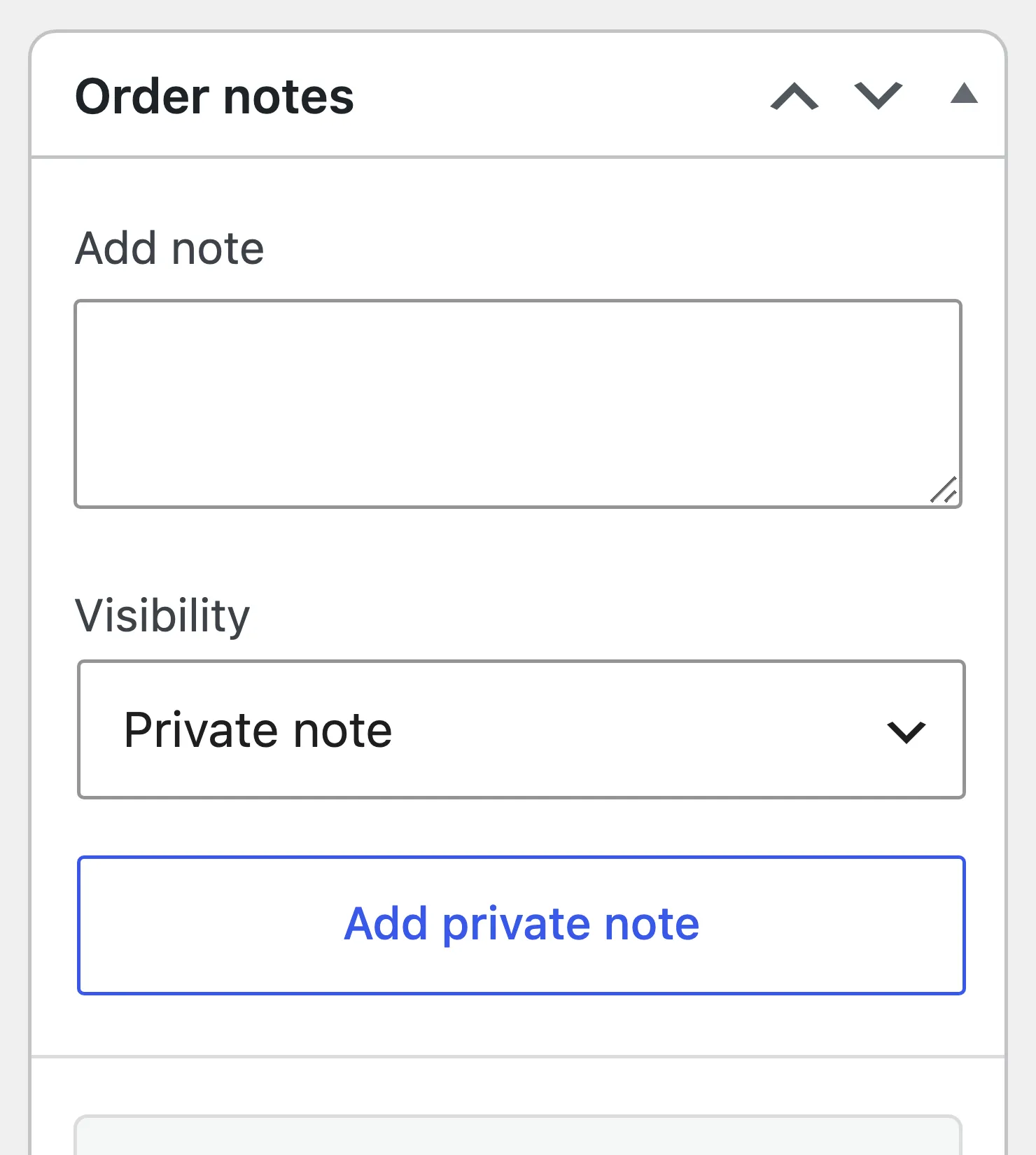
The order notes record it:
Step 3: Check the coupon and the email
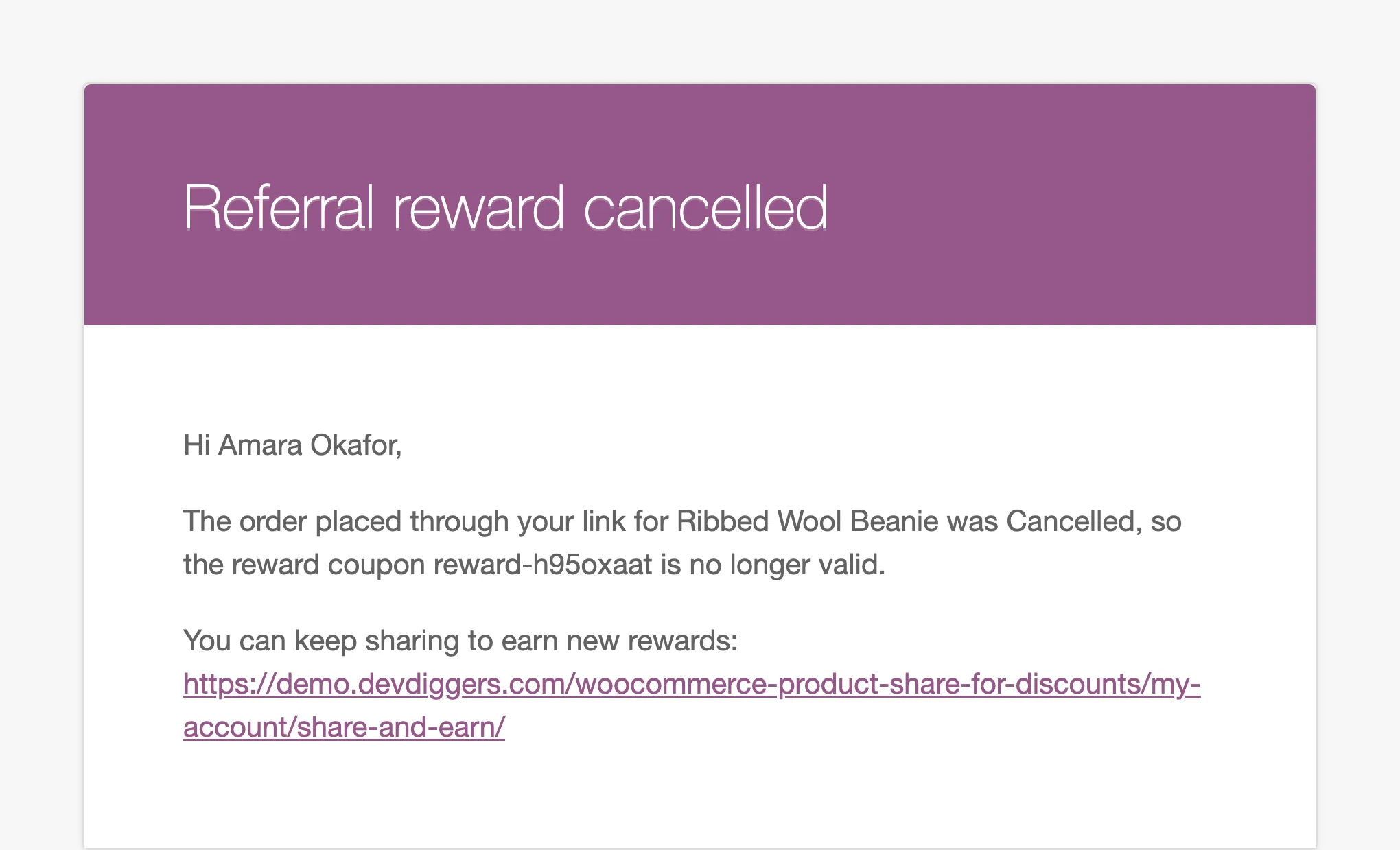
Section titled “Step 3: Check the coupon and the email”Amara’s unused coupon went to the Trash, and left her Share & Earn page. She got this email:
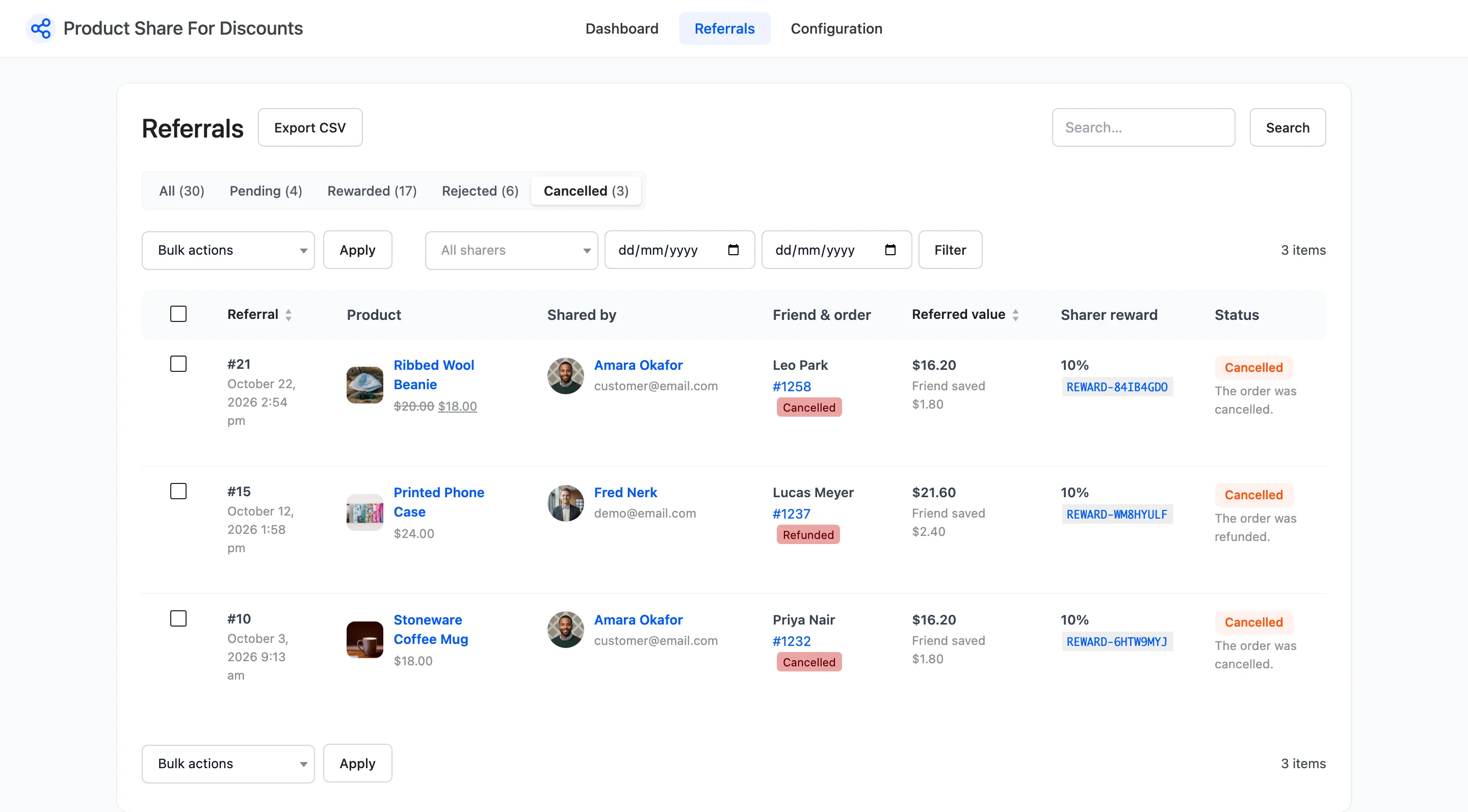
The Cancelled view on the Referrals screen lists every one, with the order status that caused it:
Which changes undo a reward
Section titled “Which changes undo a reward”| The friend’s order becomes | Referral | Unused reward |
|---|---|---|
| Cancelled | Cancelled | Trashed, email sent |
| Refunded (a full refund) | Cancelled | Trashed, email sent |
| Failed | Cancelled | Trashed, email sent |
| Partly refunded, still Completed | No change | Kept |
A pending referral whose order is cancelled also turns Cancelled. There is no coupon yet, so no email.
When the reward was already used
Section titled “When the reward was already used”A coupon already spent cannot be taken back. The referral still turns Cancelled, the used coupon stays, and no email is sent. If that matters to you, a minimum spend or a short expiry on rewards narrows the window.
Giving a reward back
Section titled “Giving a reward back”If the order is restored to Completed, the referral is rewarded again with a new coupon. You can also hover the referral and click Approve and reward for the same result without touching the order.