

How to Set Up the Friend Discount
The friend discount is what makes a shared link worth clicking. A friend who opens a customer’s link sees a notice on the product page, and the discount appears in their cart on its own. There is no code to type.
Step 1: Open the Referral Rewards tab
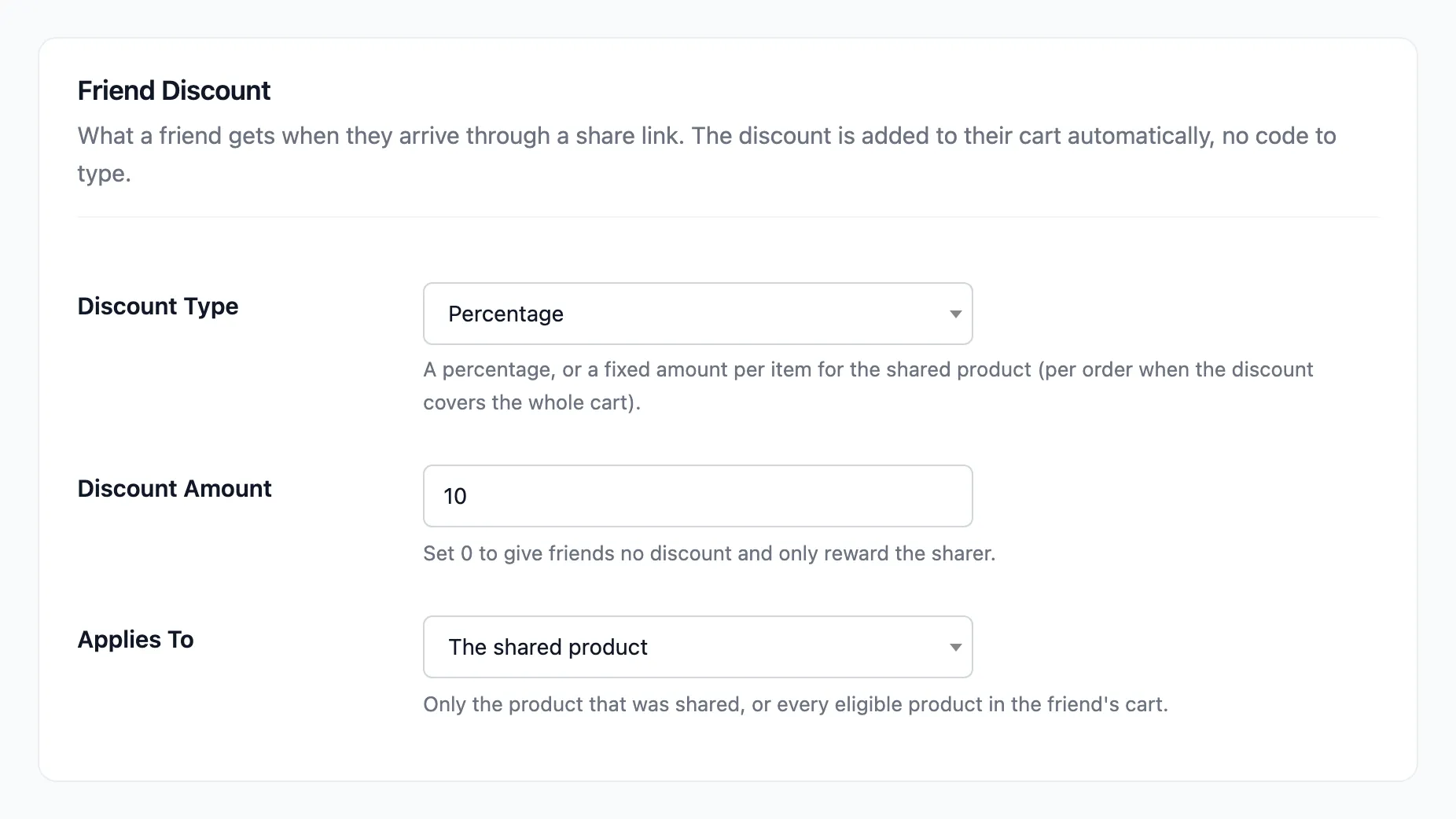
Section titled “Step 1: Open the Referral Rewards tab”Go to Product Share For Discounts → Configuration → Referral Rewards. The first section is Friend Discount.
Step 2: Pick the discount type and amount
Section titled “Step 2: Pick the discount type and amount”Discount Type is Percentage or Fixed amount. Type the value in Discount Amount. The default is 10%.
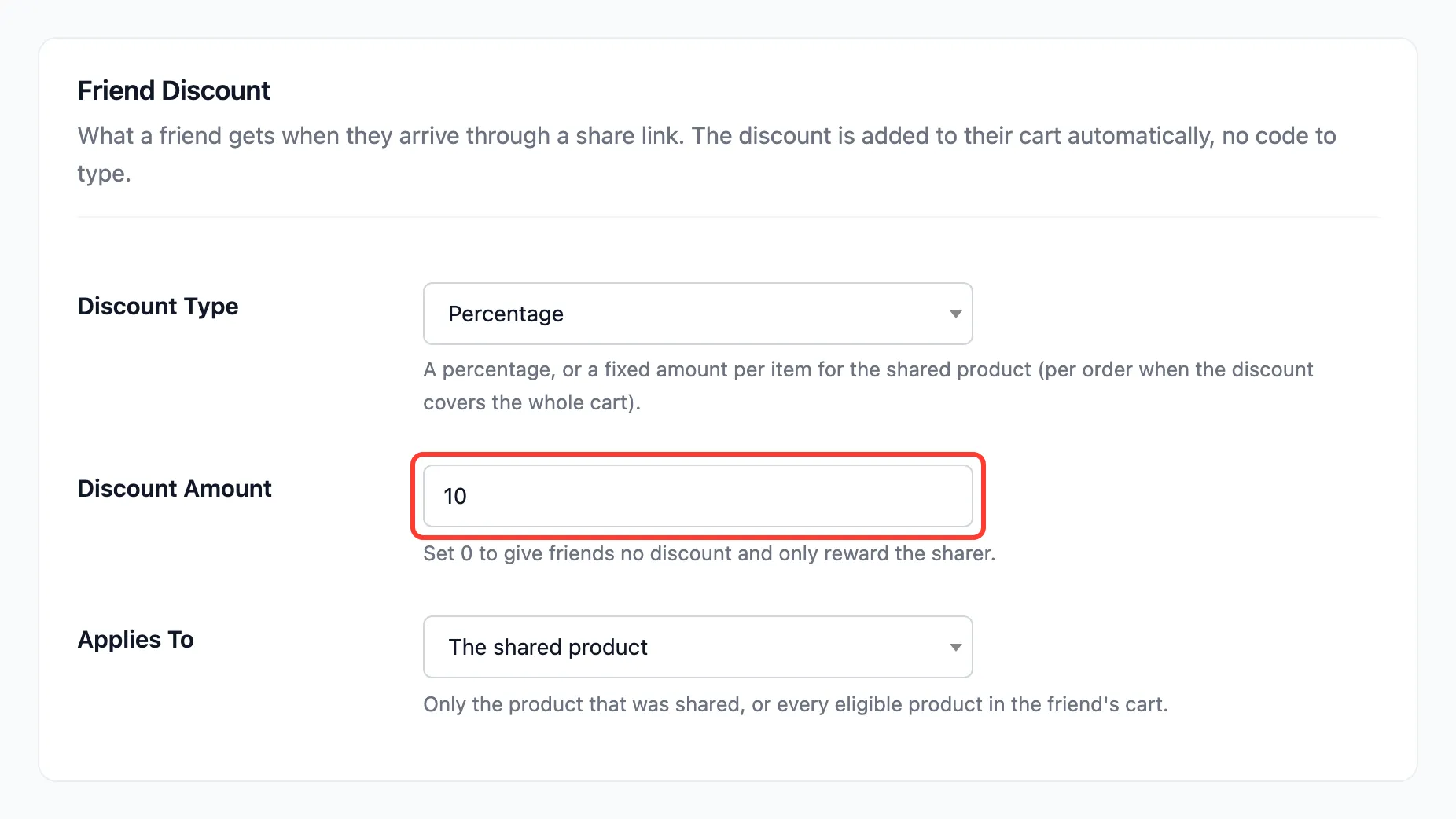
Set it to 0 to give friends nothing. The share box and the Share & Earn page then talk only about the sharer’s reward.
Step 3: Choose what it applies to
Section titled “Step 3: Choose what it applies to”Applies To is The shared product or The whole cart. Press Save Changes.
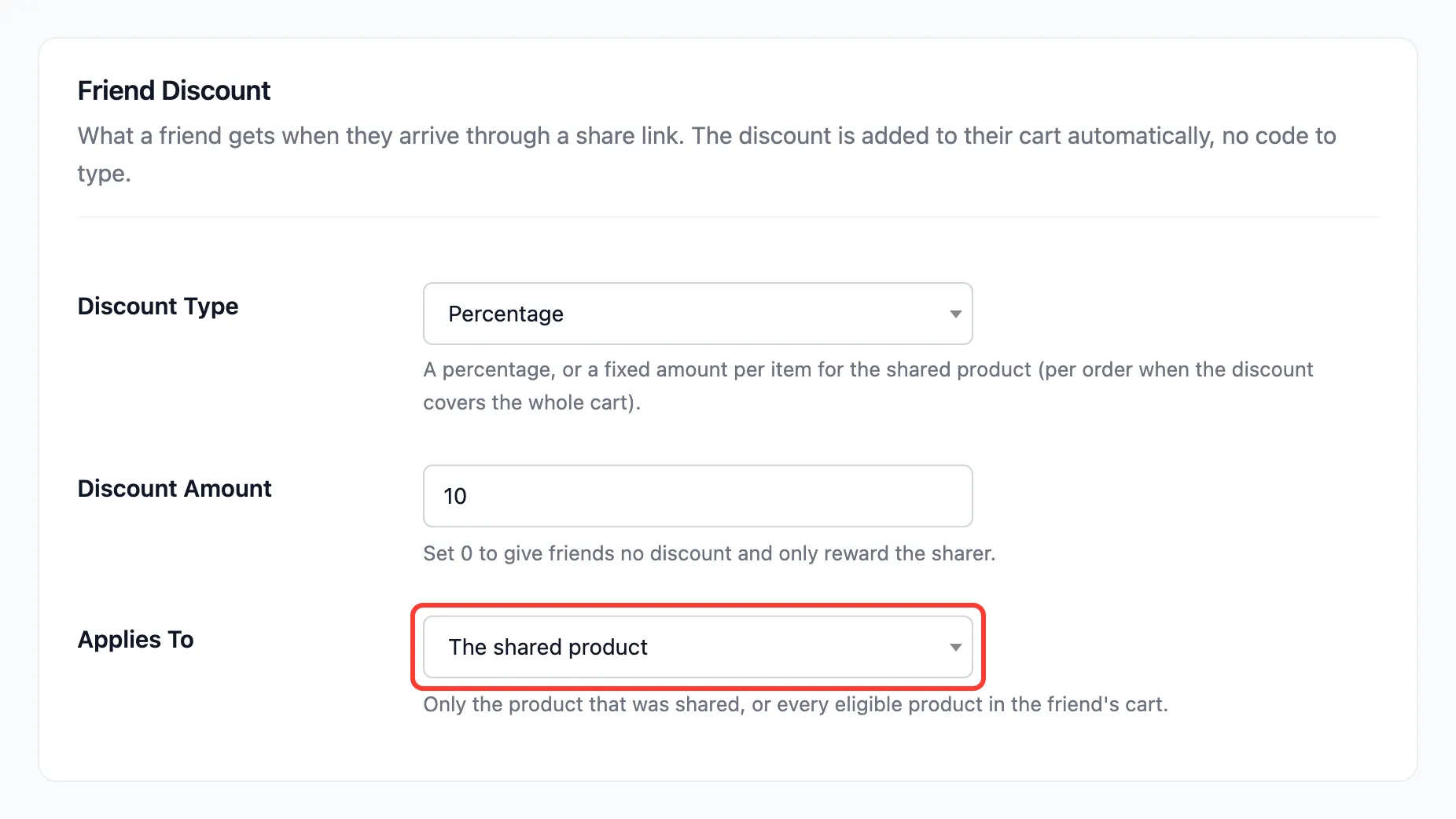
- The shared product: The discount covers only the product the link was for. A friend who opens a link to the tote bag and buys a mug gets nothing off the mug. A fixed amount comes off each unit.
- The whole cart: Every eligible product in the cart. A fixed amount comes off the order once.
A link to the shop page, like the one on Share & Earn, has no product, so its discount covers the whole cart either way. Excluded products never get it.
Step 4: Test it as a friend
Section titled “Step 4: Test it as a friend”Open a customer’s share link in a private window, so you are a stranger to the store. On the demo, Nina opened Amara’s link to the Canvas Tote Bag. The page told her about the discount:
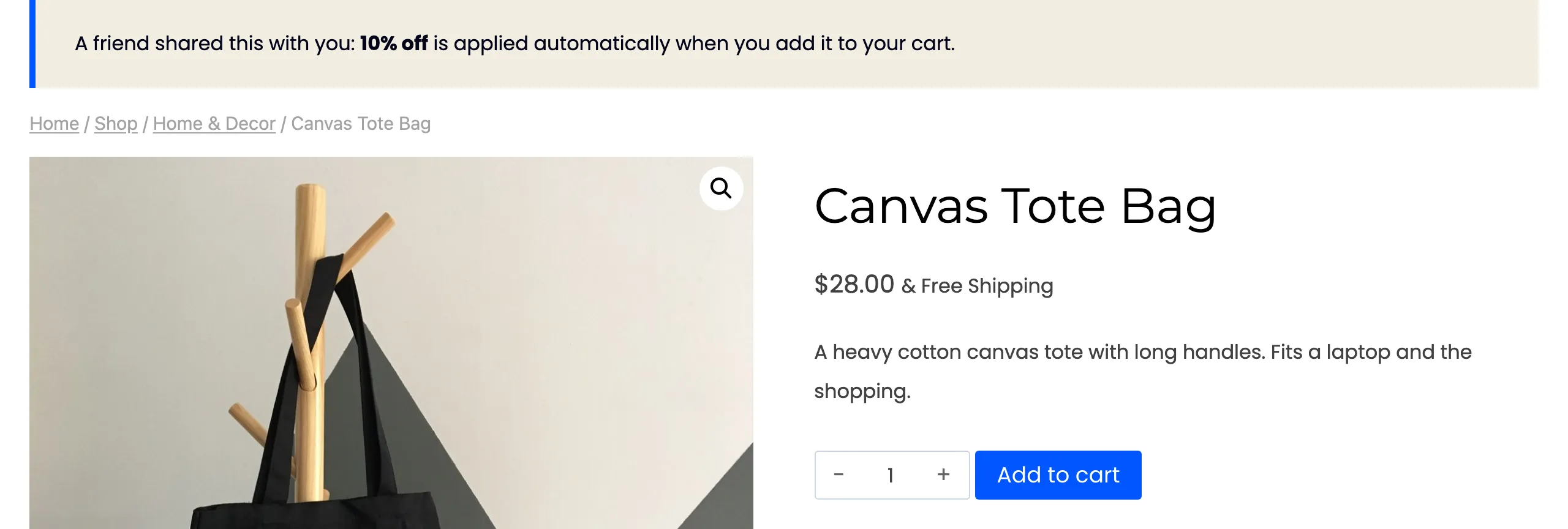
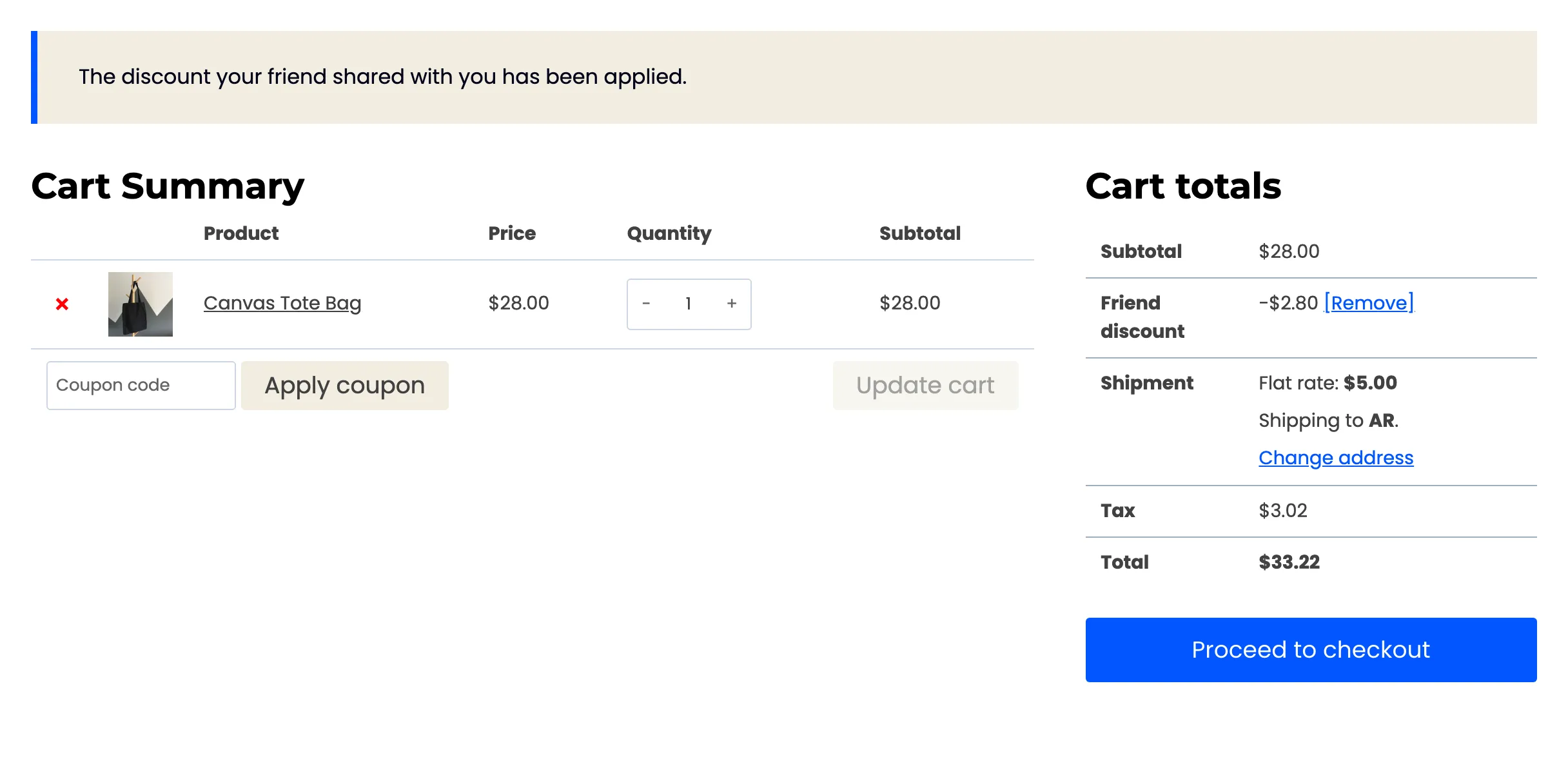
She added the bag. Her cart showed Friend discount −$2.80 on the $28.00 bag, with a message saying the discount her friend shared was applied.
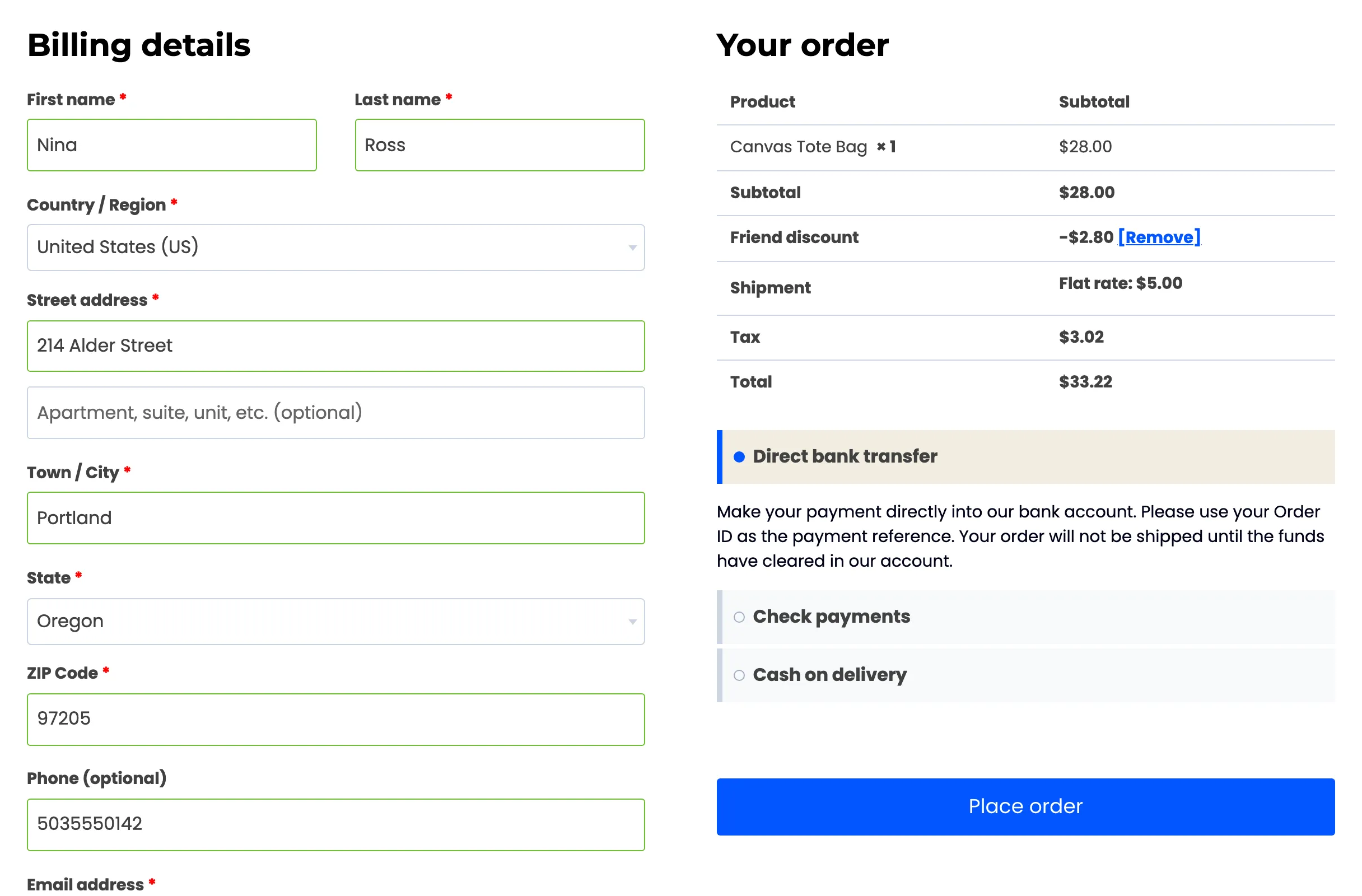
The checkout carried it through to the order:
Good to know
Section titled “Good to know”- Removing it sticks: A friend can press [Remove] next to the discount. It is not added back for the rest of their visit.
- The rules on Fraud & Limits apply: With Guest Friends off, a guest is asked to log in instead. With New Customers Only on, a returning customer gets no discount. Below the Minimum Order Amount, the discount waits until the cart reaches it.
- Not on the sharer’s own link: A signed-in customer who opens their own link gets no discount.
- The link stays good for 30 days: That is the Referral Window on the General tab.