

Fraud & Limits Settings
The Fraud & Limits tab decides which friend orders earn a reward and how much one customer can earn or send. Open Product Share For Discounts → Configuration → Fraud & Limits.
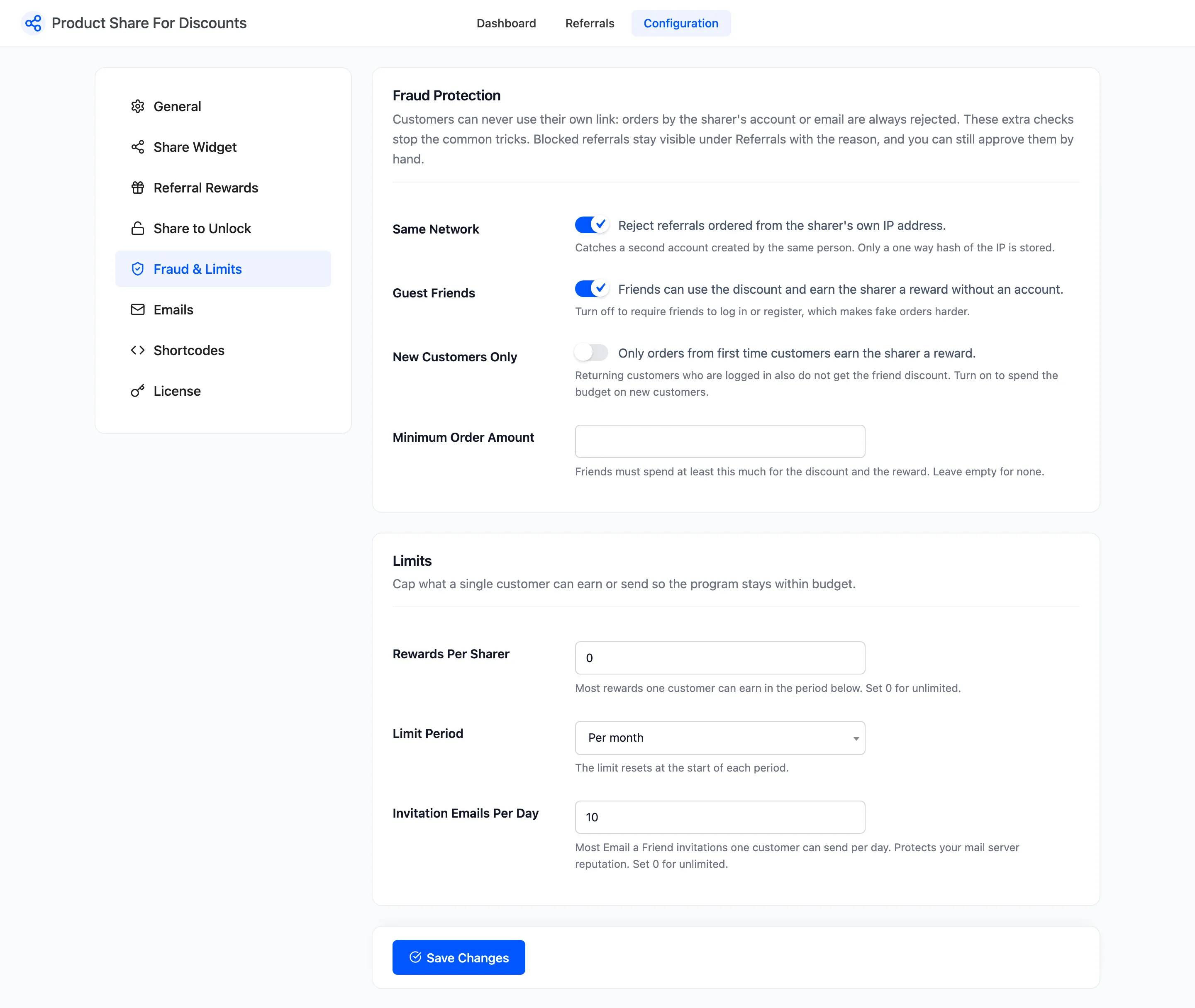
One rule needs no setting. A sharer can never earn from their own link: an order placed by the sharer’s account, or with the sharer’s email address, is always rejected.
Fraud Protection
Section titled “Fraud Protection”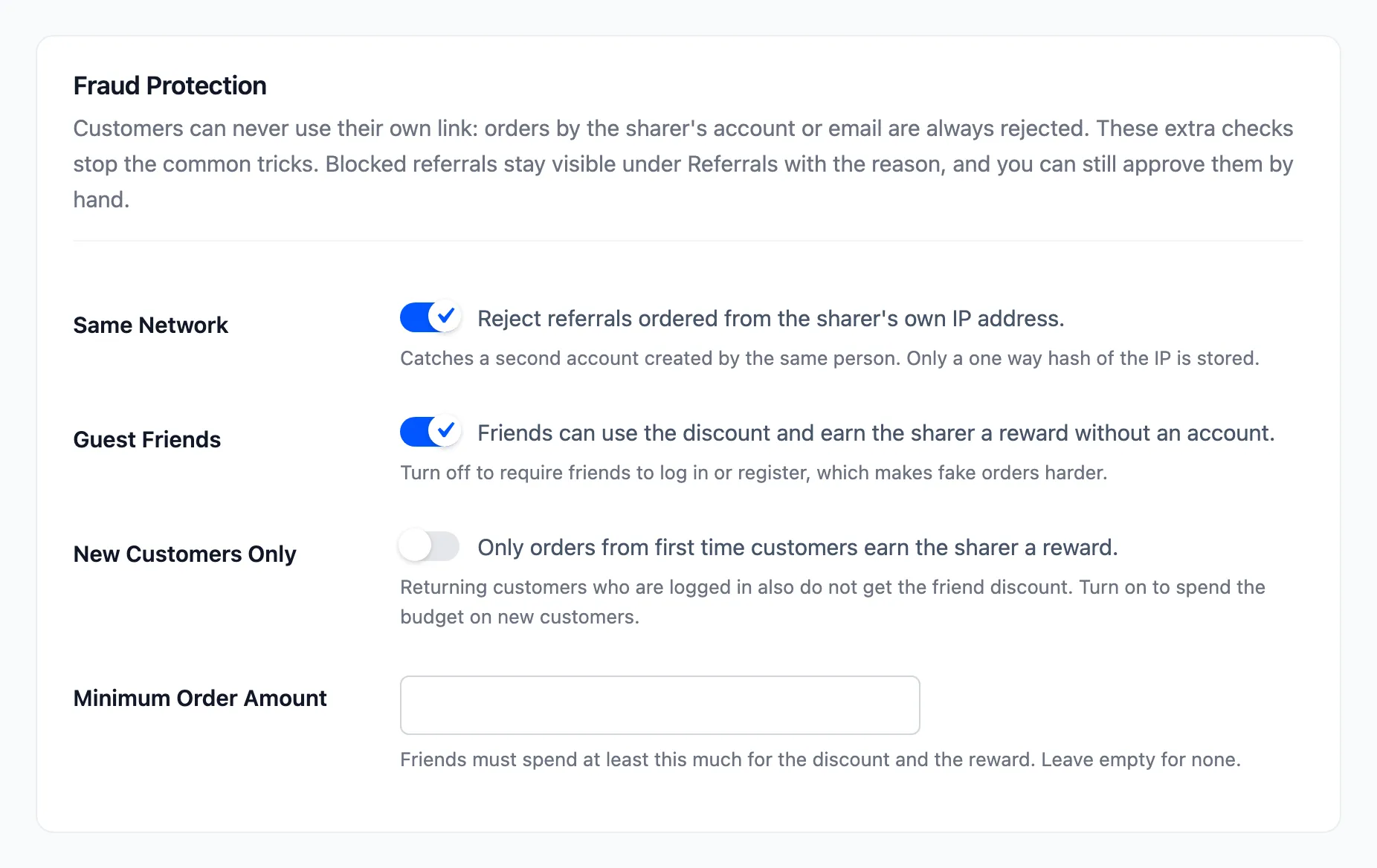
- Same Network: Ticked by default. Rejects a referral ordered from the sharer’s own IP address. It catches a second account made by the same person. Only a one-way hash of the sharer’s IP is kept, taken when they share or open Share & Earn.
- Guest Friends: Ticked by default. Friends can use the discount, and earn the sharer a reward, without an account. Untick it to require friends to log in or register.
- New Customers Only: Off by default. Only orders from first-time customers earn the sharer a reward. A signed-in customer who has paid for an order before also gets no friend discount.
- Minimum Order Amount: Empty by default. Friends must spend at least this much to get the discount and earn the reward. It is also the cart subtotal the share-to-unlock discount needs.
A blocked referral is still recorded. It shows under Referrals as Rejected, with the reason under the status, and you can approve it by hand.

Limits
Section titled “Limits”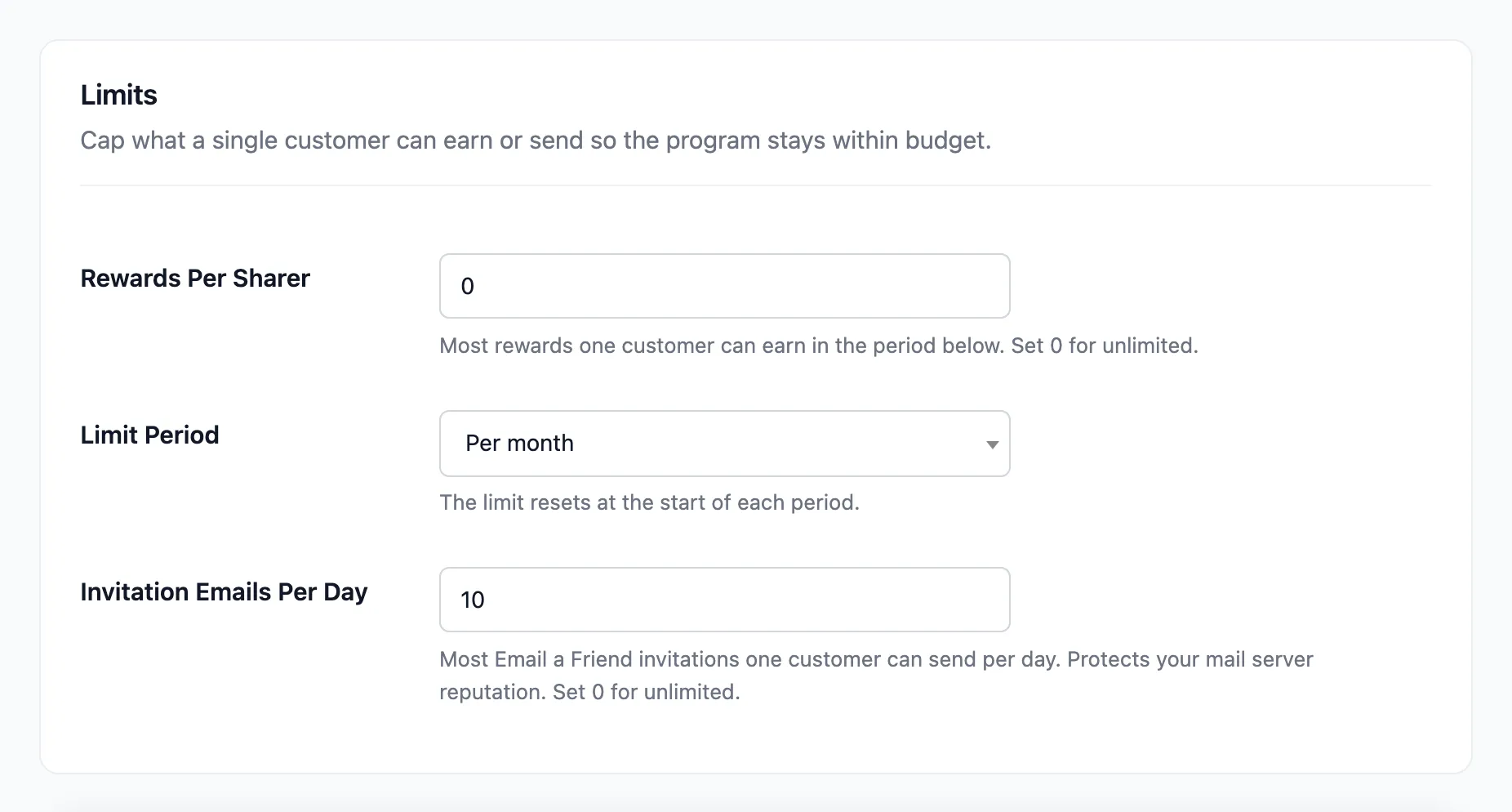
- Rewards Per Sharer: Default 0, unlimited. The most rewards one customer can earn in the period below. A referral over the cap is rejected with The sharer reached the reward limit.
- Limit Period: Per day, Per week, Per month (default) or Per year. Resets at the start of each period; a week starts on Monday.
- Invitation Emails Per Day: Default 10. The most Email a friend invitations one customer can send in a day. Set 0 for unlimited.
A reward you approve by hand is never refused by the cap. It does count toward the cap for the sharer’s next referrals in the same period.
The reasons you will see
Section titled “The reasons you will see”| Reason under Rejected | Rule |
|---|---|
| The sharer bought through their own link. | Always on |
| Placed from the same network as the sharer. | Same Network |
| Guest orders are not eligible. | Guest Friends off |
| The customer has ordered before. | New Customers Only |
| Below the minimum order amount. | Minimum Order Amount |
| The sharer reached the reward limit. | Rewards Per Sharer |