

License Activation
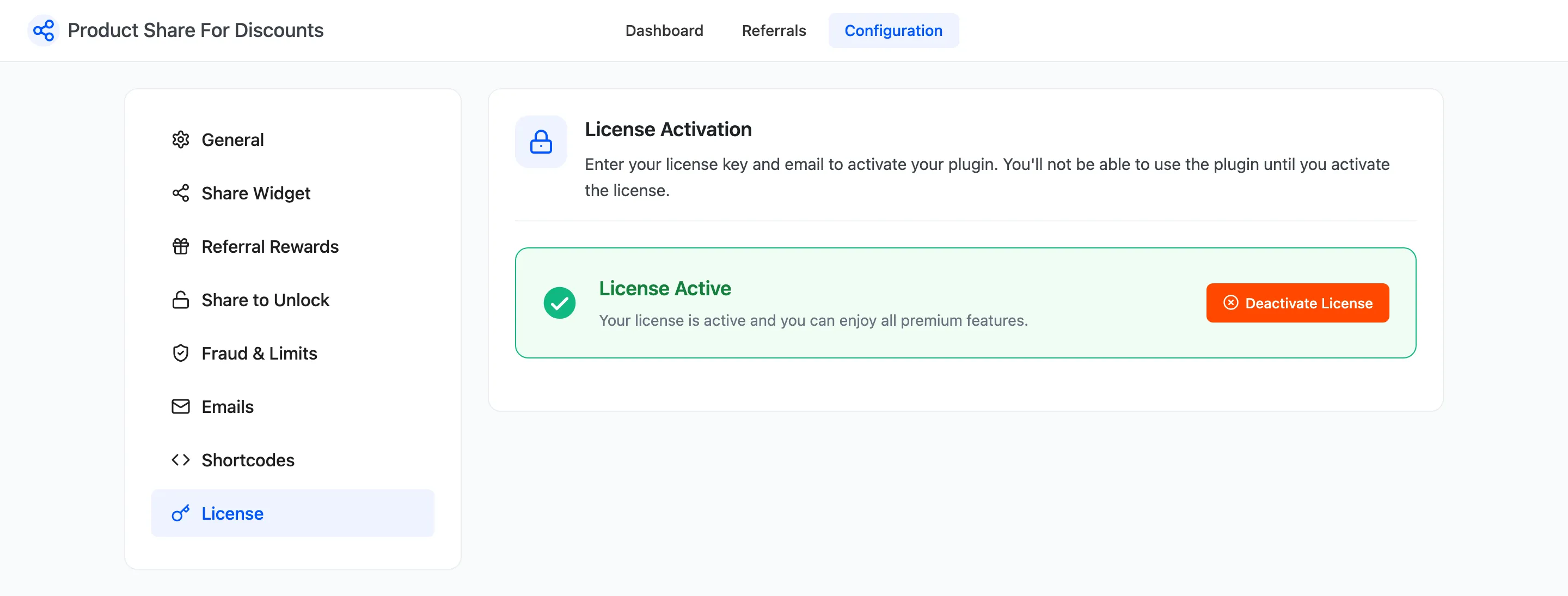
The license keeps updates coming and switches the storefront on. Open Configuration → License.
Activate
Section titled “Activate”- Copy the purchase code from your DevDiggers order email or your account on devdiggers.com.
- Paste it, with the email you bought with, into the License tab.
- Press Activate. The tab then shows the license as active.
The setup wizard has the same step.
While the license is not active
Section titled “While the license is not active”The program behaves as if Enable Program were off:
- No share box on product pages, and the shortcodes print nothing for it.
- No Share & Earn page or menu item in My Account.
- No friend discount and no share discount in carts.
Orders already placed through a share link still earn their reward when they complete, and every referral, coupon and setting is kept. Activating the license brings the storefront straight back.