

How to Reward Signups (Pro)
A signup bonus rewards a customer for creating an account. It grows your member list, and it puts points in a new account straight away. That is the fastest way to get someone into the program.
Before you start
Section titled “Before you start”Set up purchase-based earning first, so the program is enabled.
Step 1: Open the earning rules
Section titled “Step 1: Open the earning rules”Go to DevDiggers Plugins → LoyaltyX → Points Rules, then open the Points Earning sub-section.
Step 2: Choose the Signup type
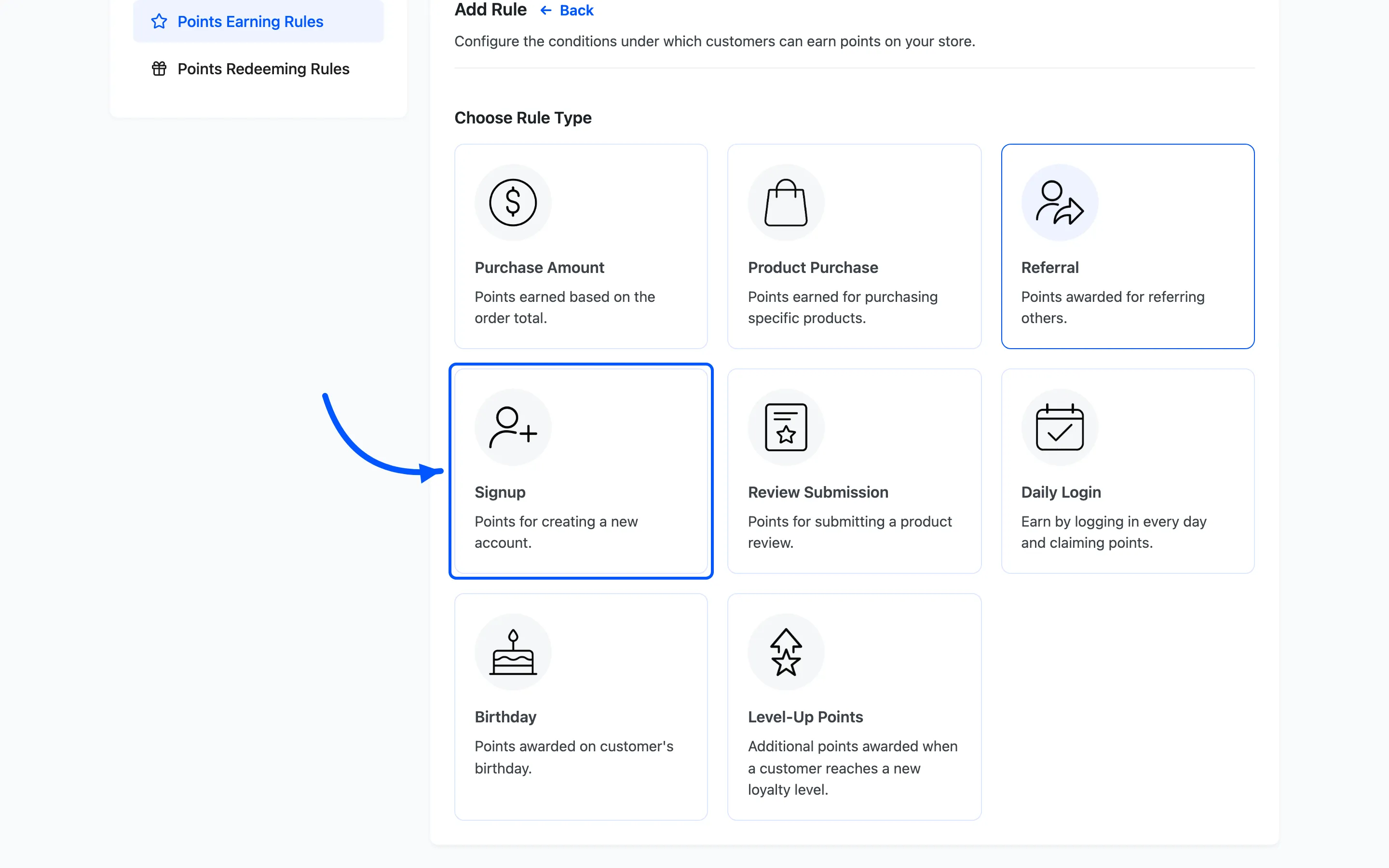
Section titled “Step 2: Choose the Signup type”Click Add New. On the Choose Rule Type screen, pick Signup.
Step 3: Set the bonus points
Section titled “Step 3: Set the bonus points”- Rule Name is your label, such as
Welcome bonus. - Points Value is how many points a new account earns.
- Rule Description is the line customers see explaining the bonus.
A signup bonus works best when it is enough to start a redemption but not enough to cover a whole order. Give new members a taste of the program without giving away a free product.
Step 4: Set conditions and activate
Section titled “Step 4: Set conditions and activate”Use Applicable to to limit the bonus to certain user roles or levels. Show to Customer decides whether the bonus appears in the rewards area. Click Save, then set the rule to Active.
What the customer sees
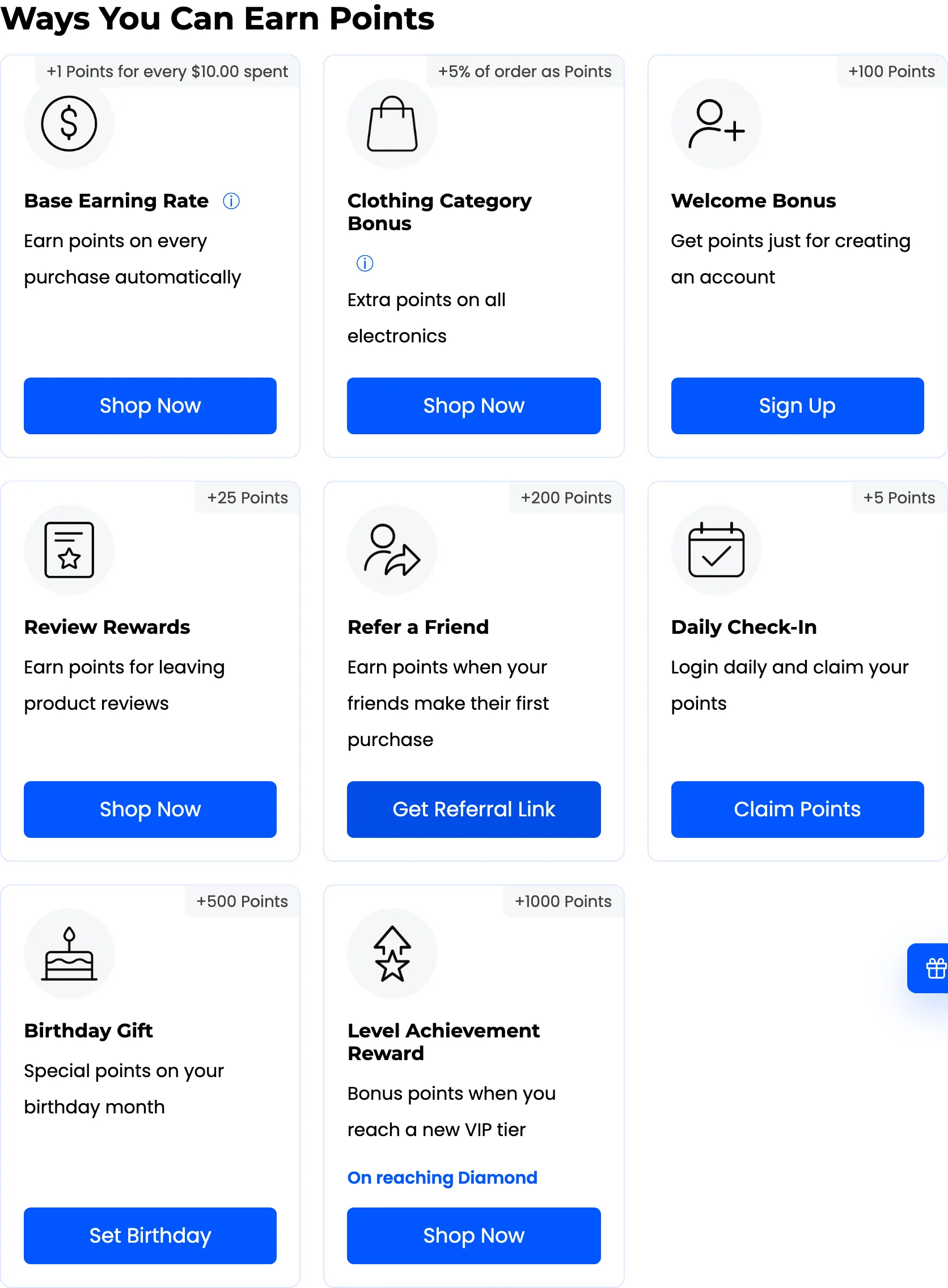
Section titled “What the customer sees”Earning is automatic. When a customer creates an account, the bonus lands in their balance and shows in their rewards dashboard.
If the bonus does not land, check the rule is Active and that the account is new. The bonus is awarded once per account.
Where to go next
Section titled “Where to go next”- How to Reward Product Reviews to earn points for reviews.
- Points Rules for a reference on every rule type.