

Layout Settings
The Layout tab styles the rewards dashboard customers see in My Account and on any page that uses the dashboard shortcode. Match it to your theme so the rewards area looks built-in.
Open Layout settings
Section titled “Open Layout settings”Go to DevDiggers Plugins → LoyaltyX → Configuration, then open Layout in the left menu.
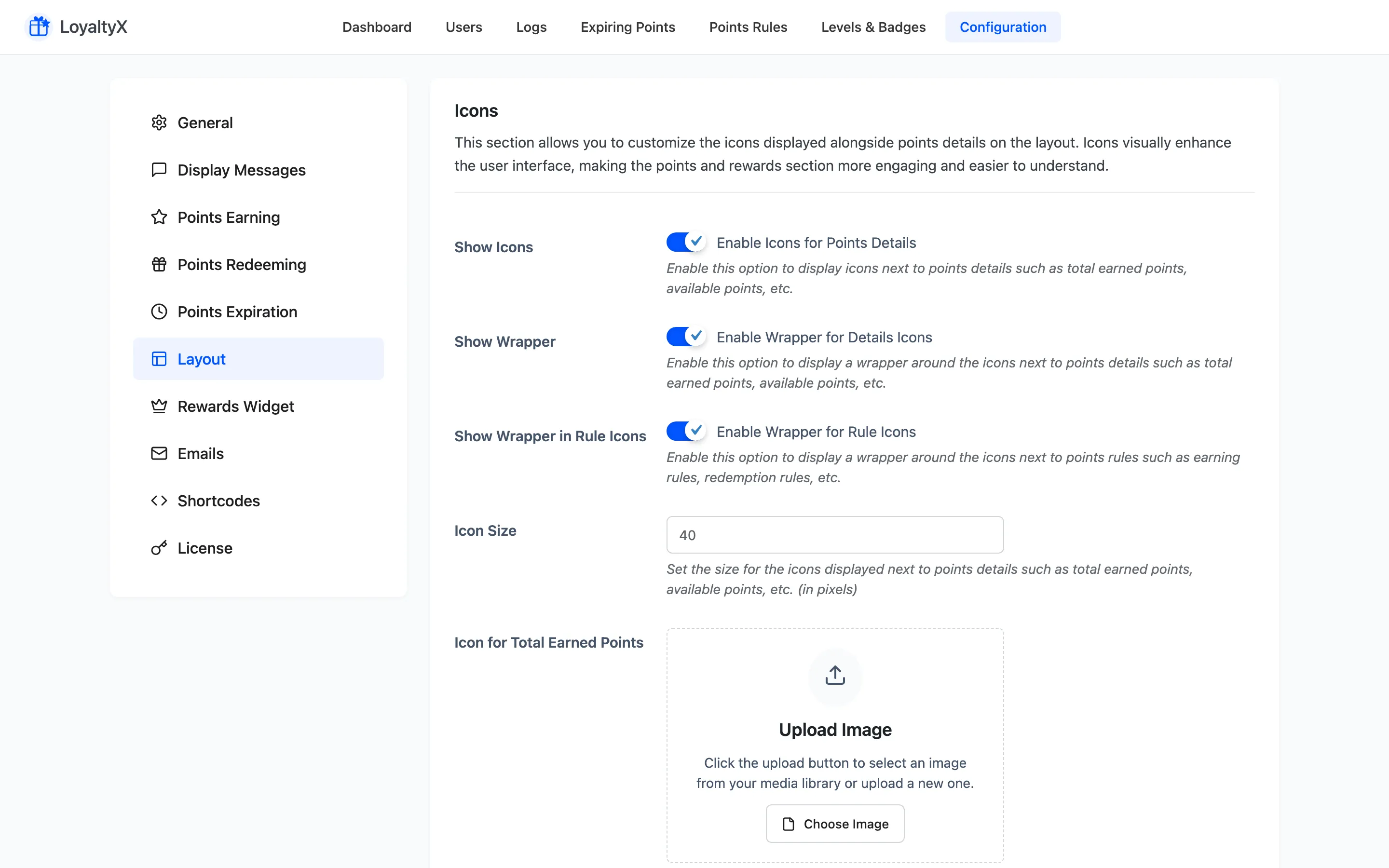
Control the icons that sit next to each points figure on the dashboard.
- Show Icons turns icons on for the points details. Show Wrapper draws a rounded background behind each one, and Show Wrapper in Rule Icons does the same for the earn and redeem rule icons.
- Icon Size sets how large they render.
- The per-stat fields are image uploads, one each for Icon for Total Earned Points, Available Points, Redeemed Points, Expired Points, Coupon Rewards and Referrals. Click Upload Image to pick from the media library. Use a square image at 100x100 pixels so it renders sharp at any Icon Size.
Set the palette for every part of the dashboard.
- Background Color, Border Color, Text Color and Value Color style the cards and their numbers.
- Details Icon Color and Details Icon Wrapper Background Color style the stat icons.
- Level Progress Bar Background Color and Level Progress Bar Color style the tier progress bar.
- Table Header Text Color and Table Header Background Color style the points log table.
- Rule Icons Wrapper Background Color styles the earn and redeem rule icons.
Save your changes
Section titled “Save your changes”Click Save Changes, then open the rewards dashboard on the front end to confirm the styling.
Where to go next
Section titled “Where to go next”- Shortcodes to place the dashboard on a custom page.
- Rewards Widget to style the floating widget.