

Points Redeeming Settings
The Points Redeeming tab sets how points turn into a discount at the cart and checkout. This is the base conversion rate. Special reward types like free shipping or free products live under Points Rules.
Open Points Redeeming settings
Section titled “Open Points Redeeming settings”Go to DevDiggers Plugins → LoyaltyX → Configuration, then open Points Redeeming in the left menu.
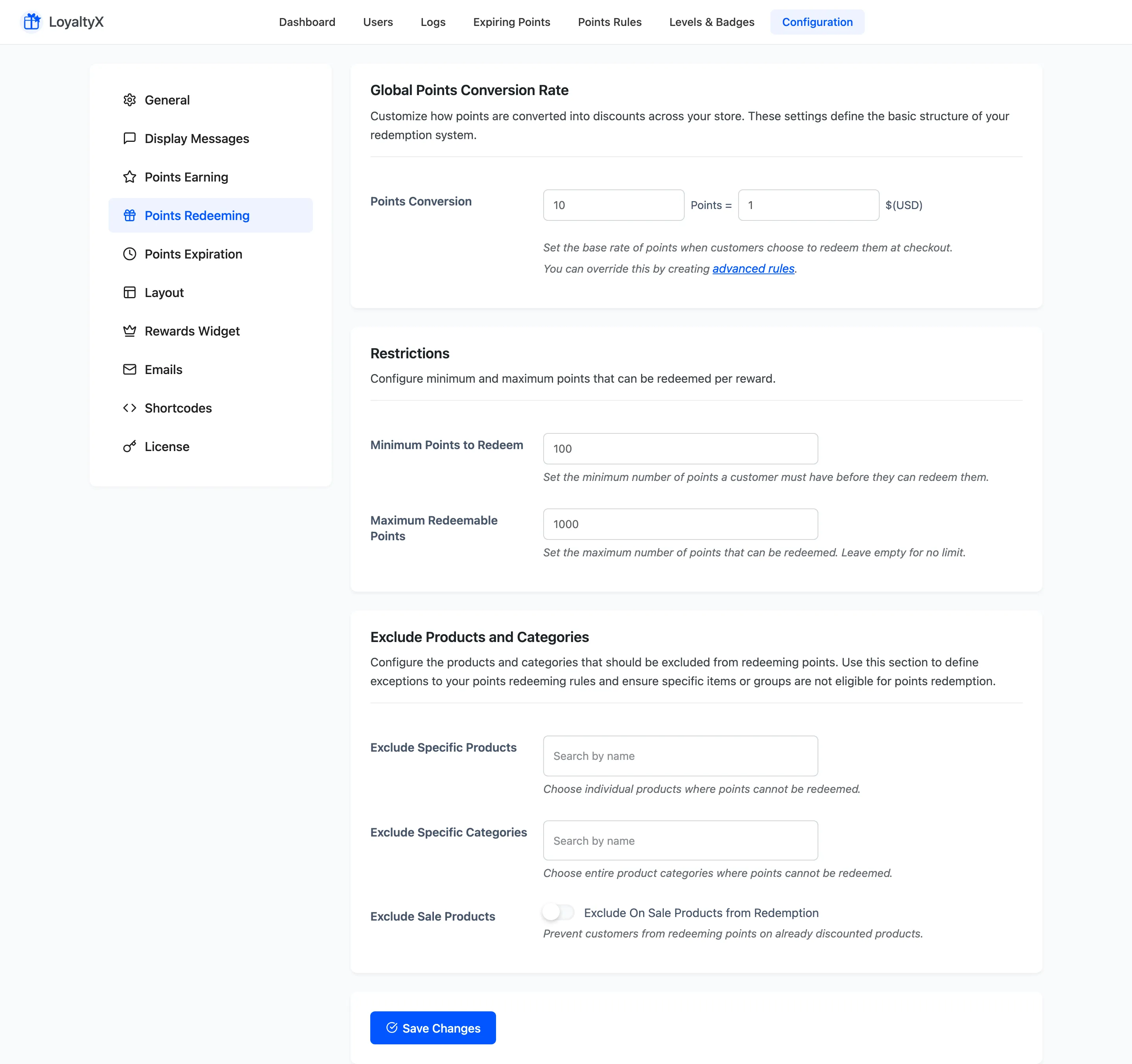
Global points conversion rate
Section titled “Global points conversion rate”Points Conversion sets the store-wide rate. Read it as “this many points equals this much discount”. For example, 100 points = 1 USD. A customer redeeming 500 points gets a 5 USD discount coupon at checkout.
Restrictions
Section titled “Restrictions”Use these limits to keep redemption sensible.
- Minimum Points to Redeem is the balance a customer needs before they can redeem at all.
- Maximum Redeemable Points caps how many points one order can spend. Leave it empty for no cap.
Exclude products and categories
Section titled “Exclude products and categories”Use this section to block redemption on specific items.
- Exclude Specific Products stops points being redeemed against the products you pick.
- Exclude Specific Categories stops redemption across whole categories.
- Exclude Sale Products stops customers spending points on items already discounted.
Save your changes
Section titled “Save your changes”Click Save Changes. The Points Conversion card a customer opens from the cart or checkout uses the new rate right away.
Where to go next
Section titled “Where to go next”- How to set up points redemption for a full walkthrough.
- Display Messages to control the earn and redeem prompts customers see.