

How to Reward Birthdays (Pro)
A birthday bonus is a reason for a member to stay in the program to their birthday, and a warm touch that costs you little. LoyaltyX awards it on the customer’s birthday, so the customer sets their date first.
Before you start
Section titled “Before you start”Set up purchase-based earning first, so the program is enabled.
Step 1: Open the earning rules
Section titled “Step 1: Open the earning rules”Go to DevDiggers Plugins → LoyaltyX → Points Rules, then open the Points Earning sub-section.
Step 2: Choose the Birthday type
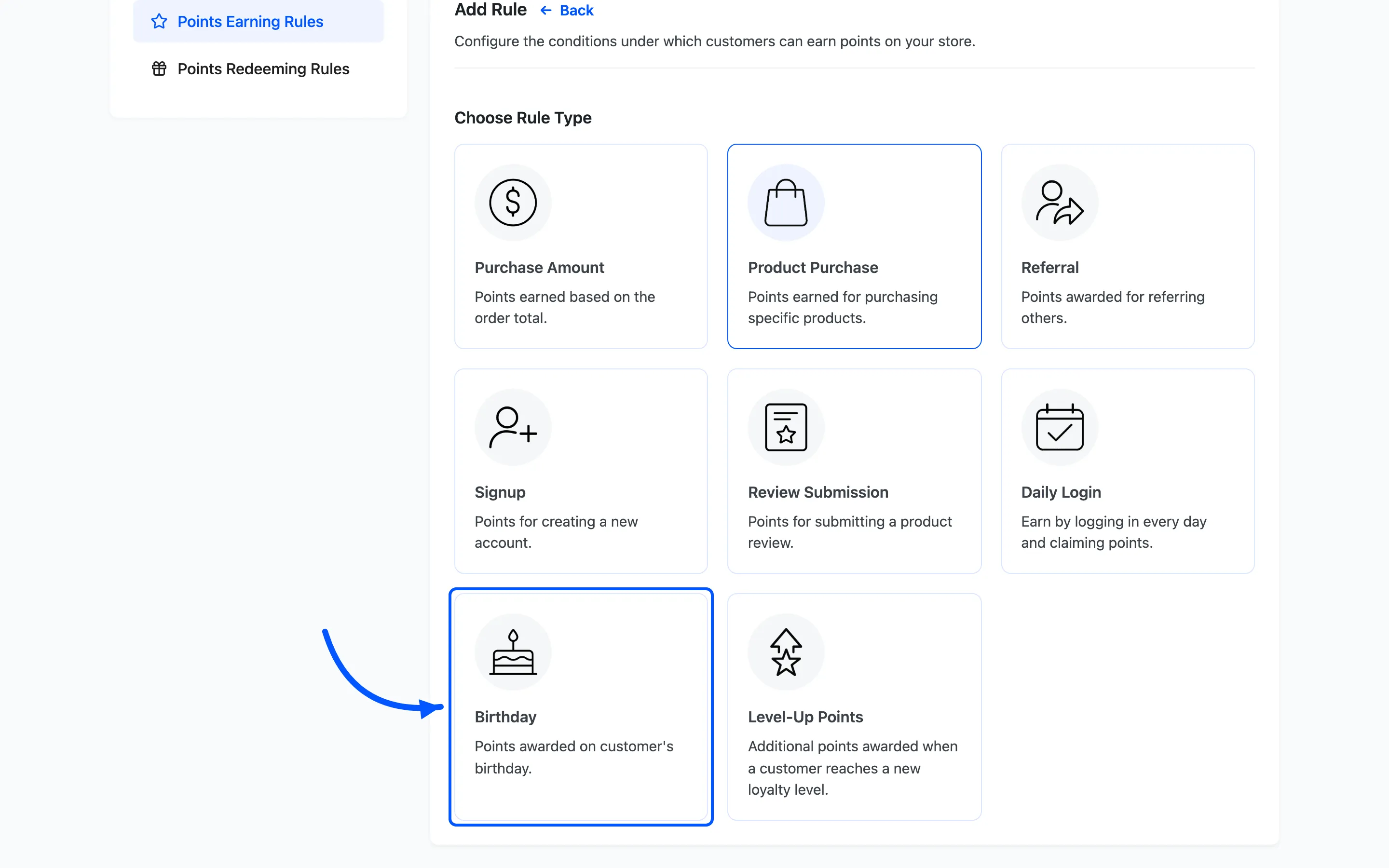
Section titled “Step 2: Choose the Birthday type”Click Add New. On the Choose Rule Type screen, pick Birthday.
Step 3: Set the birthday points
Section titled “Step 3: Set the birthday points”- Rule Name and Rule Description, such as
Birthday gift. - Points Value is how many points the birthday bonus is worth.
Step 4: Set conditions and activate
Section titled “Step 4: Set conditions and activate”Use Applicable to to limit the rule to certain user roles or levels. Click Save, then set the rule to Active.
What the customer sees
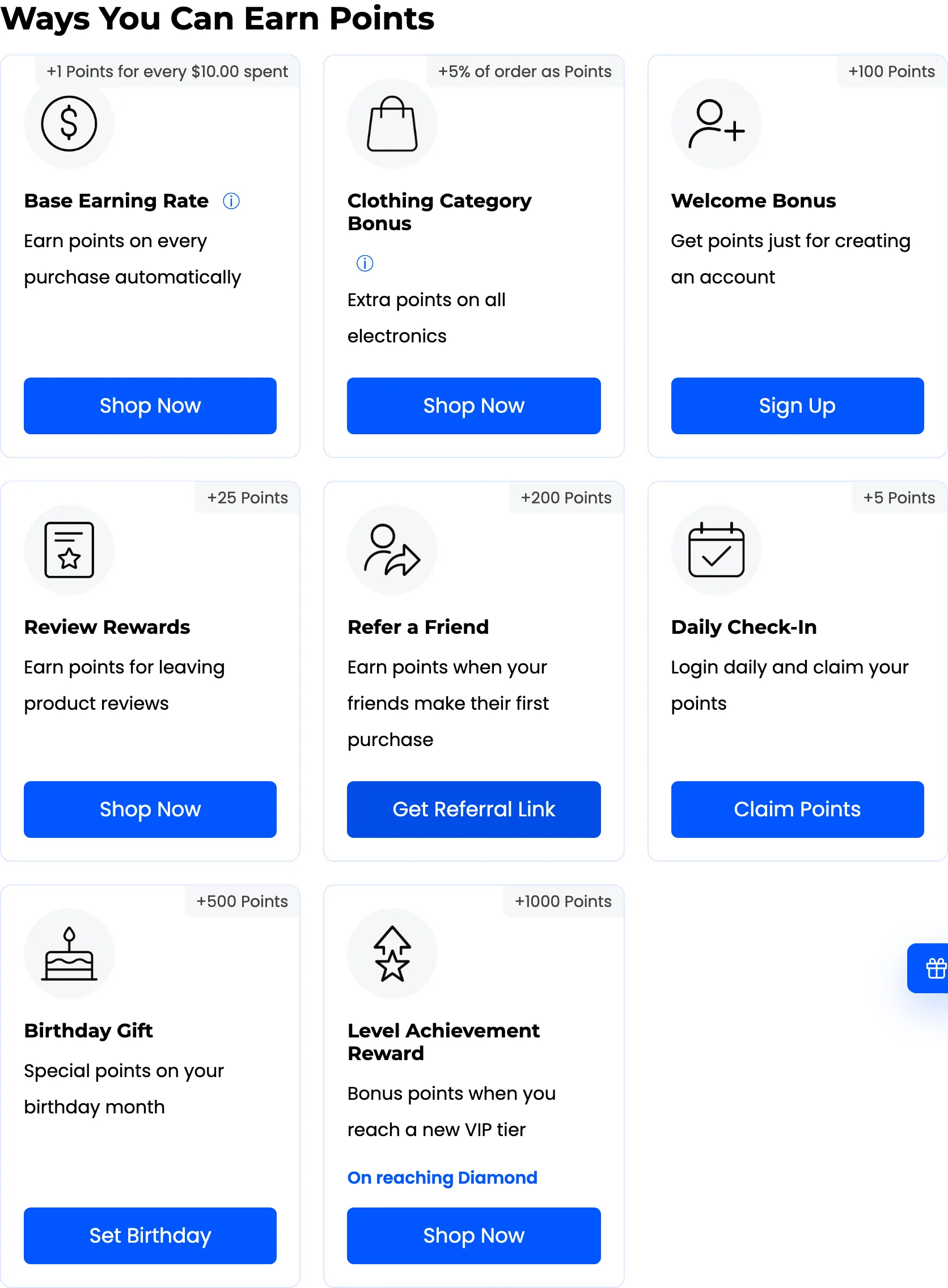
Section titled “What the customer sees”The customer opens the rewards area, from My Account or the floating widget. Because the bonus needs a date, they first see a Set Birthday button that opens My Account → Account details. Once a date is saved, the button reads Birthday Set, and LoyaltyX awards the points on that date each year.
If the bonus does not arrive, check the rule is Active and that the customer has saved a birthday in their account.
Where to go next
Section titled “Where to go next”- How to Create a Referral Program to reward customers who bring friends.
- Points Rules for a reference on every rule type.