

How to Set Up a Free Shipping Reward (Pro)
A Free Shipping reward lets a customer spend points to remove the delivery cost on their order. Shipping is the charge that stops the most carts, so letting points cover it is a strong reason to finish an order.
Before you start
Section titled “Before you start”Set the free conversion rate and redemption limits first, so redemption is switched on. You also need a shipping method set up in WooCommerce for the reward to remove.
Step 1: Open the redeeming rules
Section titled “Step 1: Open the redeeming rules”Go to DevDiggers Plugins → LoyaltyX → Points Rules, then open the Points Redeeming sub-section.
Step 2: Choose the Free Shipping type
Section titled “Step 2: Choose the Free Shipping type”Click Add New. On the Choose Rule Type screen, pick Free Shipping.
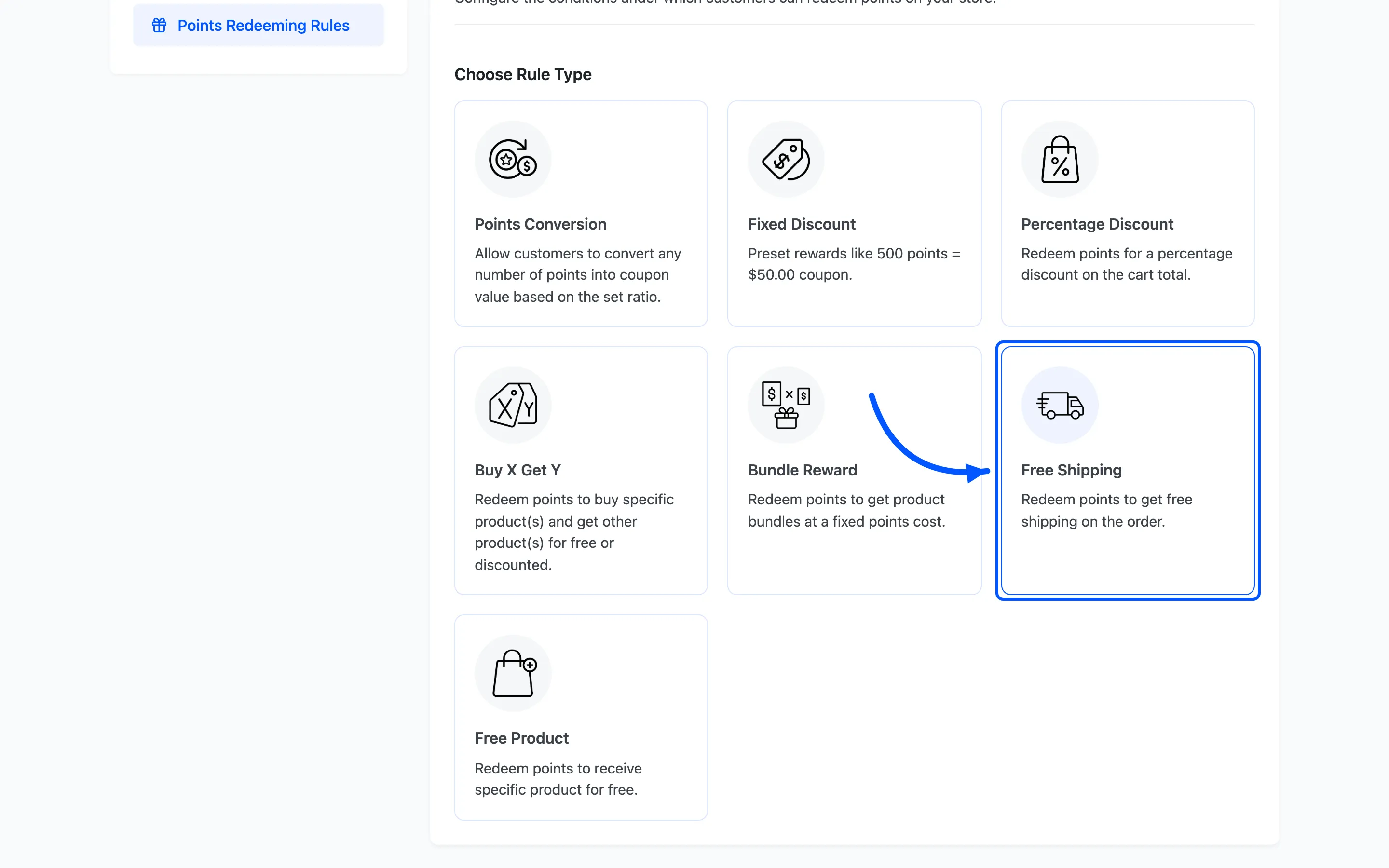
Free Shipping needs no reward product. The reward is the shipping cost itself.
Step 3: Set the points cost and the coupon
Section titled “Step 3: Set the points cost and the coupon”- Rule Name and Rule Description are what the customer sees, such as
Free delivery. - Points Value is how many points free shipping costs.
- Under Coupon, set the Coupon Label shown in the cart, an optional Coupon Expiry in days, and whether the coupon can be shared.
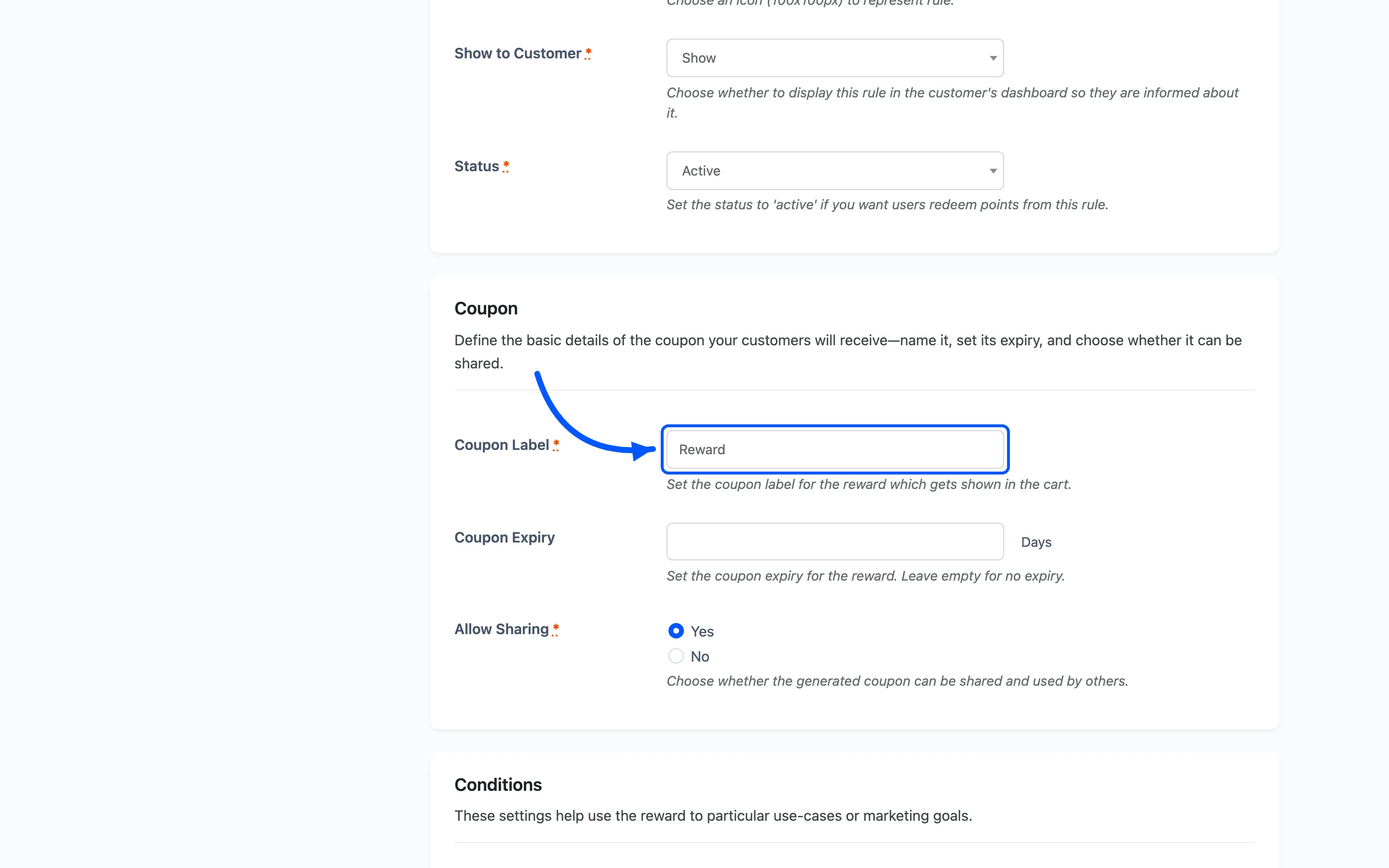
Set Show to Customer to Show, then click Save.
Step 4: Activate and test
Section titled “Step 4: Activate and test”Back on the list, set the rule to Active, then check the customer side.
What the customer sees
Section titled “What the customer sees”The customer opens the rewards area, from My Account or the floating widget, and opens the Redeem tab. Each active reward shows as a card with its points cost.
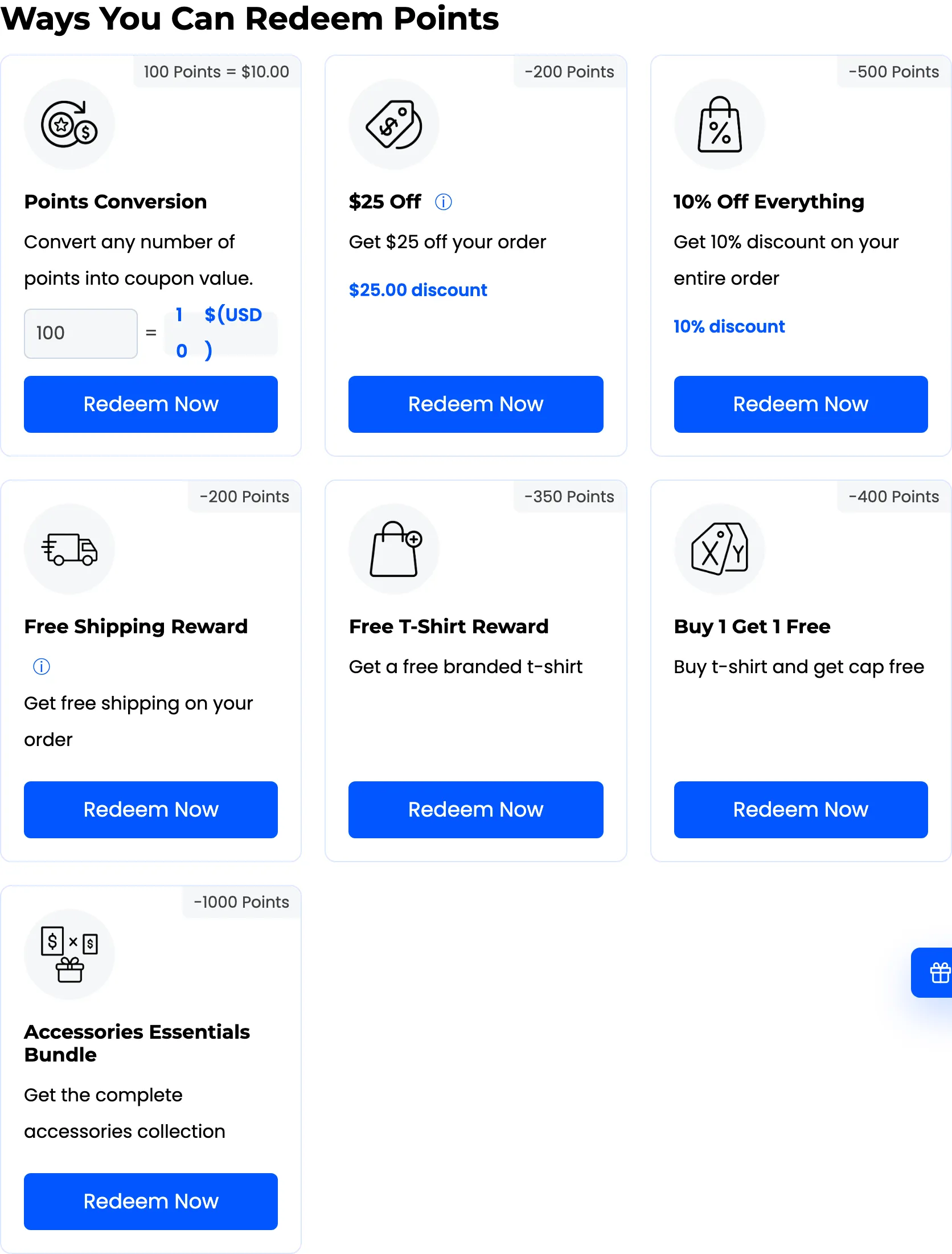
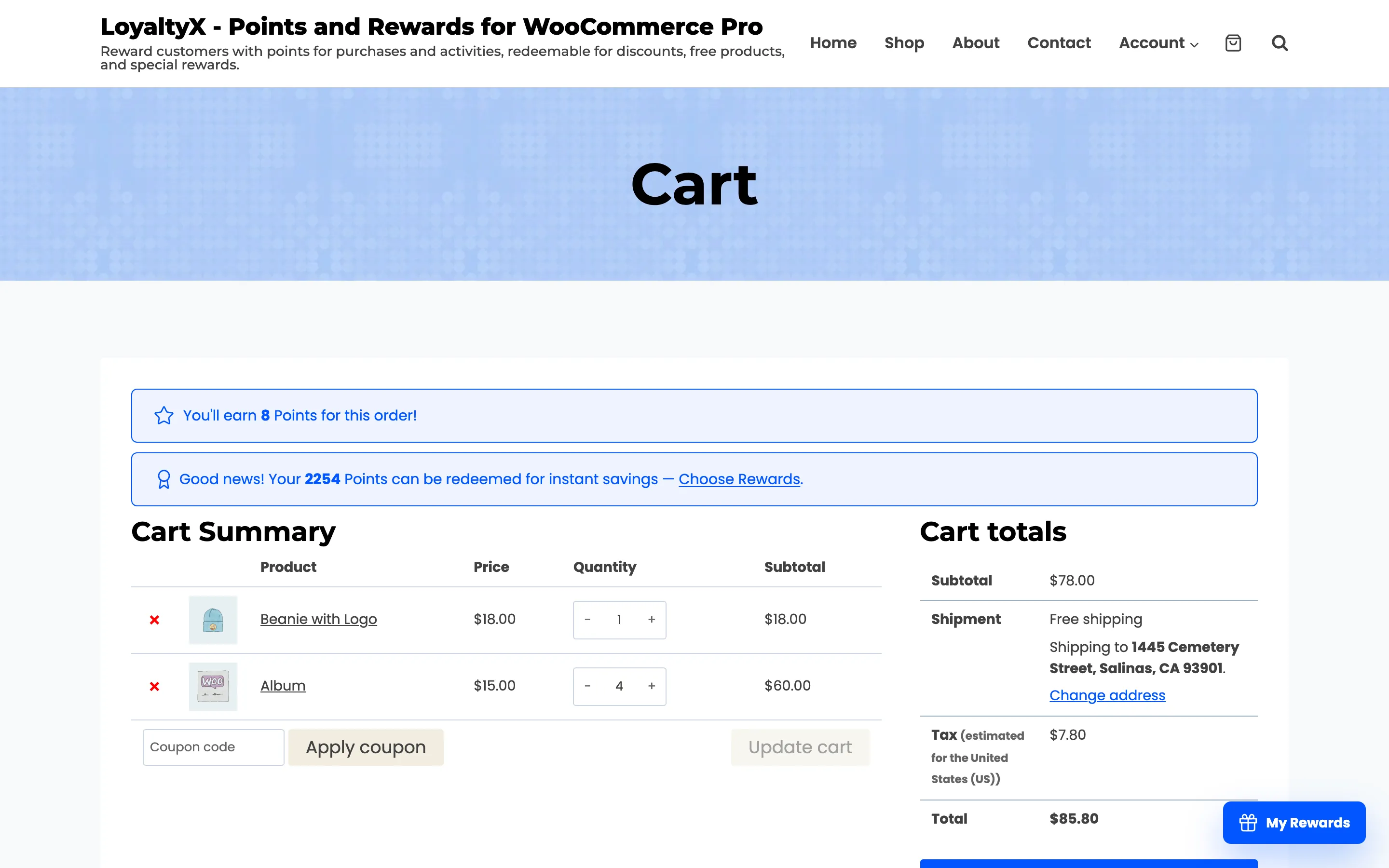
When the customer clicks Redeem Now, LoyaltyX deducts the points and adds a coupon to their cart that removes the shipping charge. The cart totals then show Free shipping on the order.
If the reward does not appear, check that the rule is Active and Show to Customer is set to Show. Then confirm the customer holds enough points.
Where to go next
Section titled “Where to go next”- How to Set Up a Fixed Discount Reward to take a set amount off instead.
- Points Rules for a reference on every rule type.