

Email Settings
The Emails tab holds every message LoyaltyX sends customers about their points. Each email has its own heading, subject and body, so you can match your store’s tone.
Open Email settings
Section titled “Open Email settings”Go to DevDiggers Plugins → LoyaltyX → Configuration, then open Emails in the left menu.
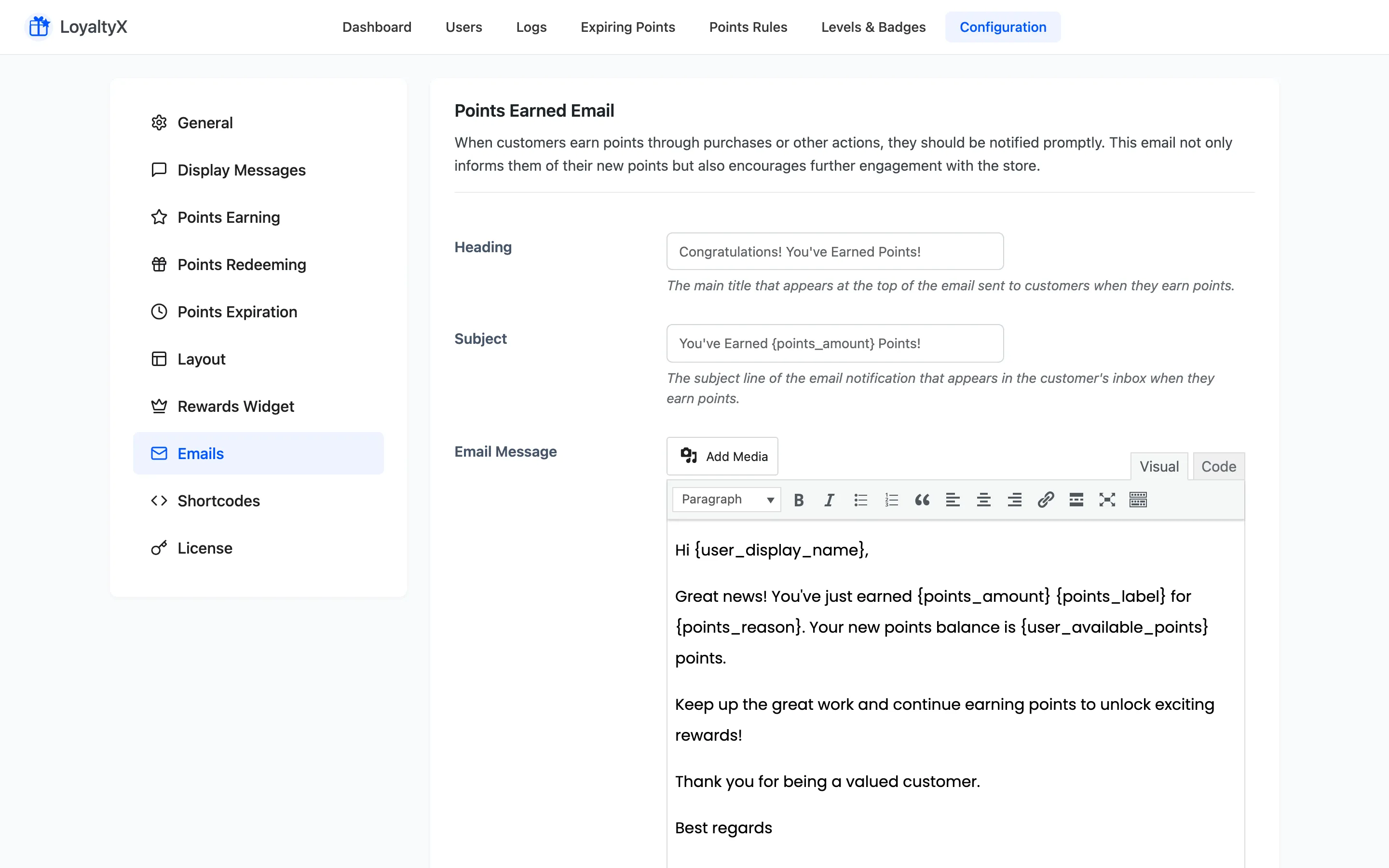
The emails LoyaltyX sends
Section titled “The emails LoyaltyX sends”Every email below shares three fields: Heading, Subject and Email Message.
- Points Earned Email goes out when a customer earns points. It has a set of reason descriptions, one line per earning source: order completion, referral, birthday, product review, sign up, level-up and daily login. The email uses the line that matches how the points were earned.
- Manual Adjustment by Admin Email goes out when you add or remove points by hand.
- Points Redeemed Email confirms a redemption.
The following emails support Pro features:
- Points Expiration Reminder Email warns a customer before their points expire.
- Points Expired Email confirms that points have expired.
- Automatic Level Up Notifications tells a customer they reached a new loyalty tier.
Edit an email
Section titled “Edit an email”Change the Heading, Subject and Email Message for any email in the list. Write the body with placeholders so each send fills in that customer’s own figures:
{points_amount}is the number of points in this event.{points_reason}is the matching line from the reason fields above.{user_available_points}is the customer’s balance after the event.
The expiration reminder adds two of its own:
{user_expiring_points}is the balance about to expire.{user_points_expiration_date}is the date it clears.
Save your changes
Section titled “Save your changes”Click Save Changes. New emails use the updated wording right away.
Where to go next
Section titled “Where to go next”- Points Expiration Settings to control when the reminder and expired emails send.
- Levels and Badges to set up the tiers behind the level-up email.