

How to Set Up Security Emails and Admin Alerts
Security emails tell people about changes to their sign in, so they can react if it was not them. They use your WooCommerce email design.
Step 1: Choose the customer emails
Section titled “Step 1: Choose the customer emails”Open Configuration → Emails & Alerts. All three customer emails are ticked by default.
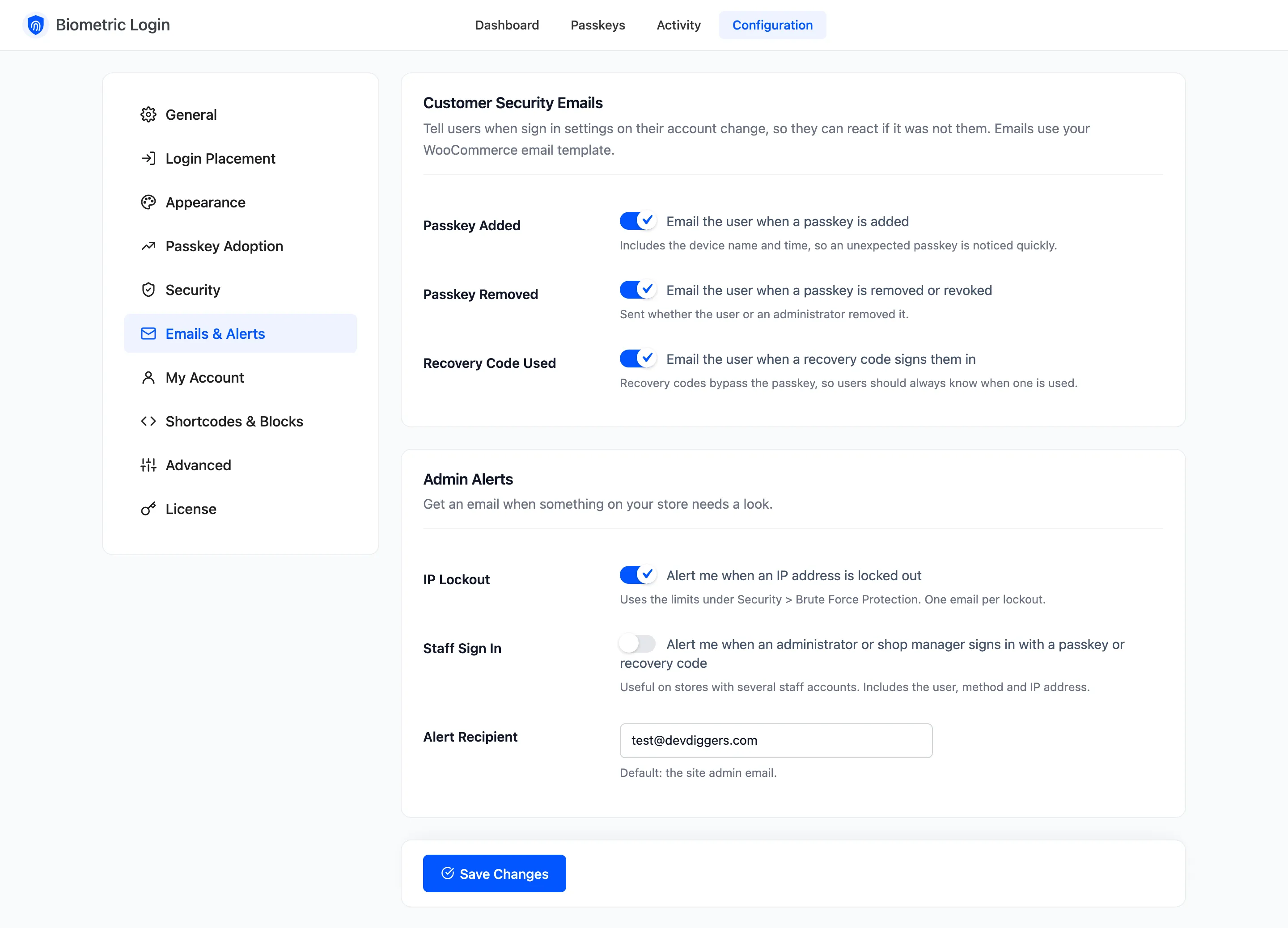
Passkey added
Section titled “Passkey added”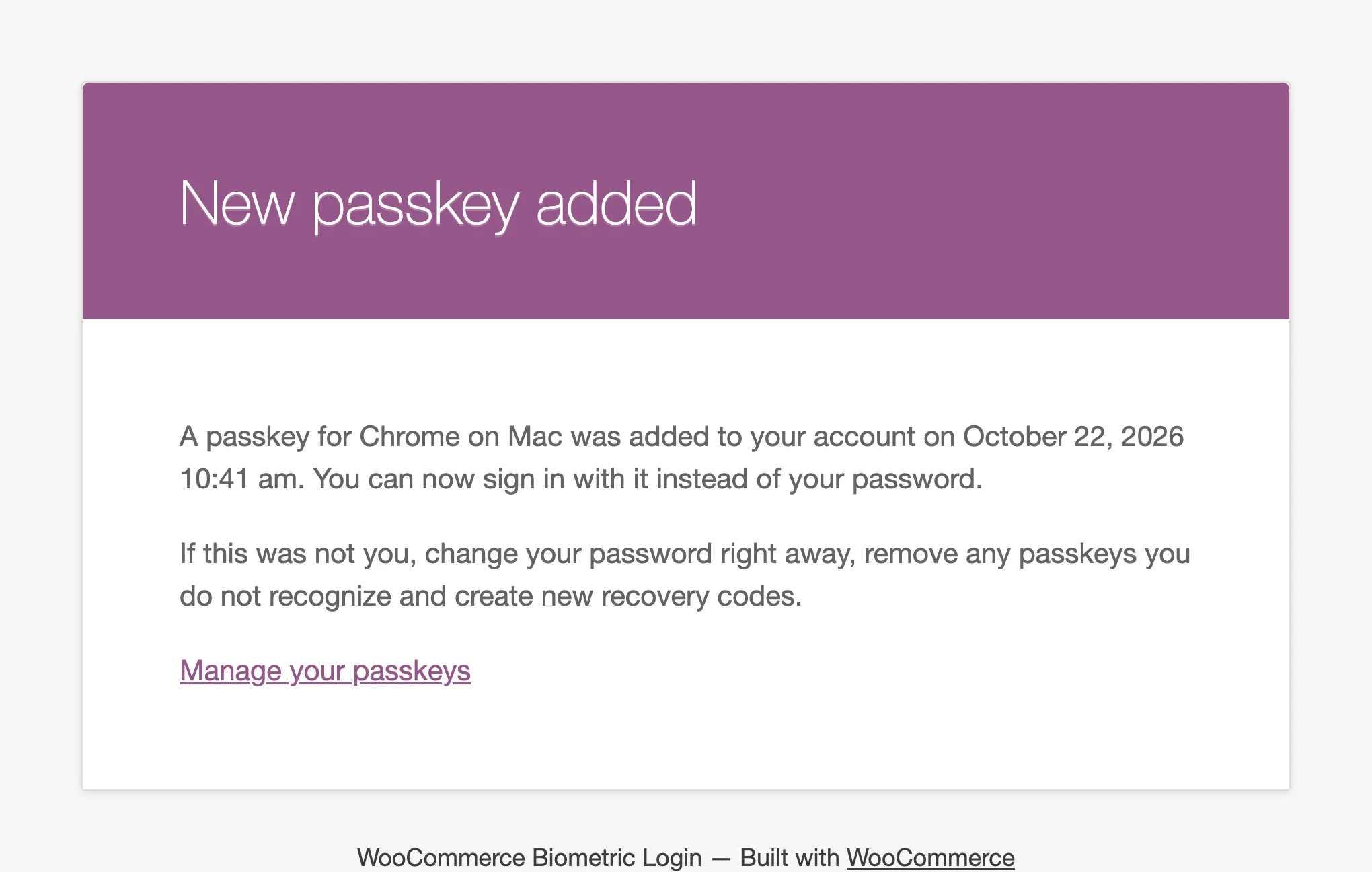
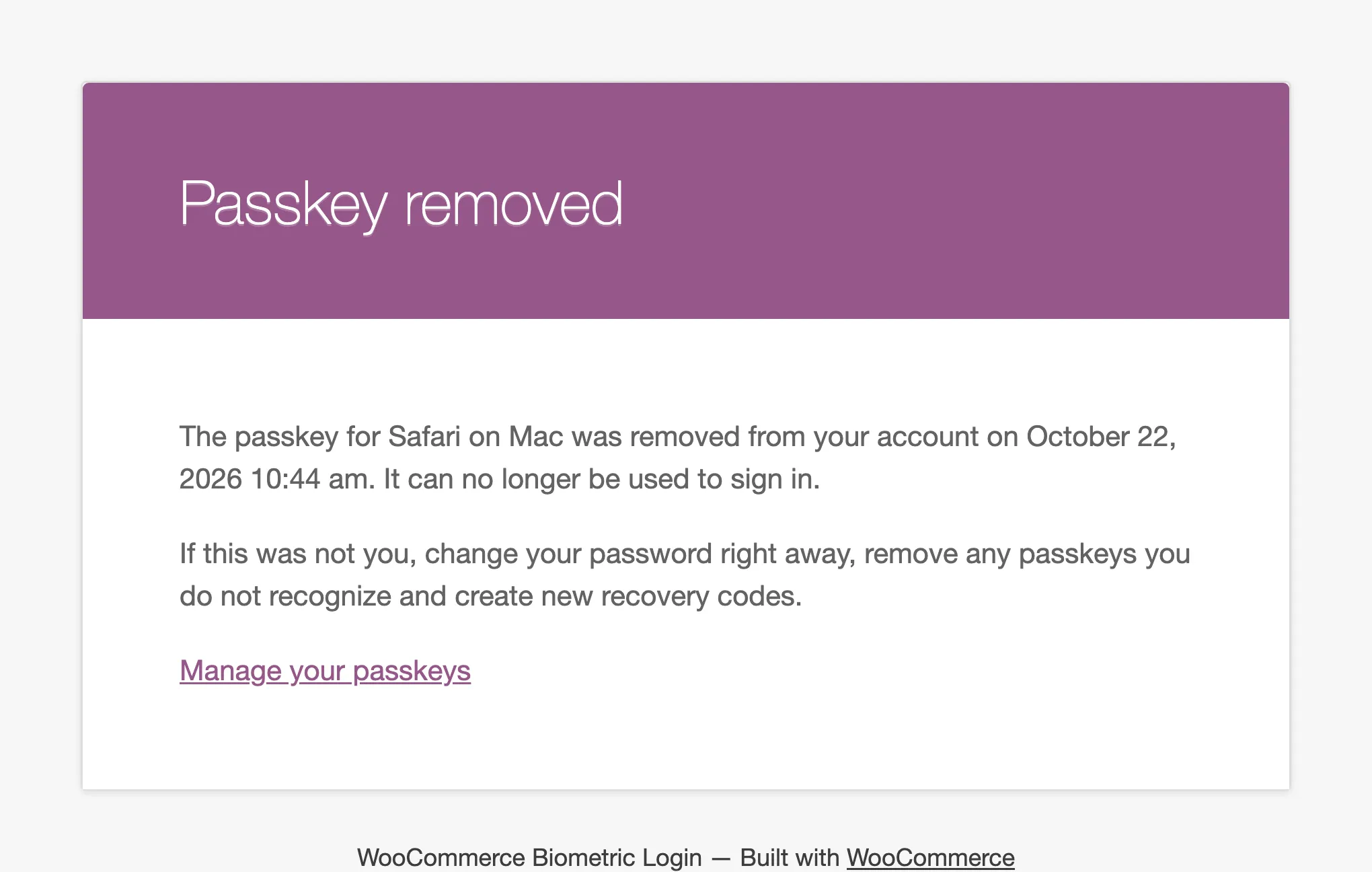
Passkey removed
Section titled “Passkey removed”Sent when the customer removes a passkey, and when you revoke one.
Recovery code used
Section titled “Recovery code used”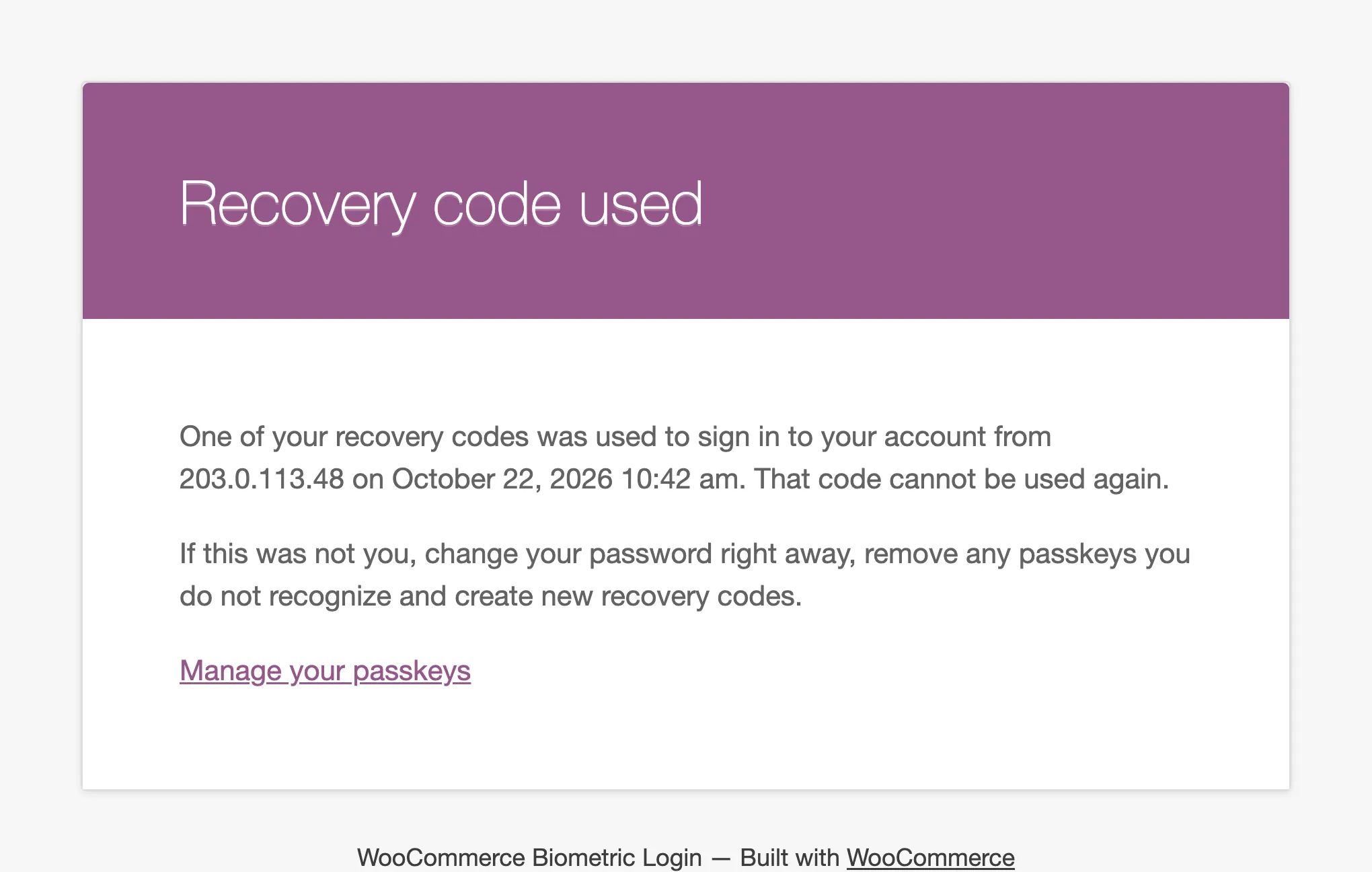
Each ends with what to do if it was not them, and a Manage your passkeys link to their Passkeys page.
Step 2: Choose your alerts
Section titled “Step 2: Choose your alerts”- IP Lockout: On by default. One email per lockout.
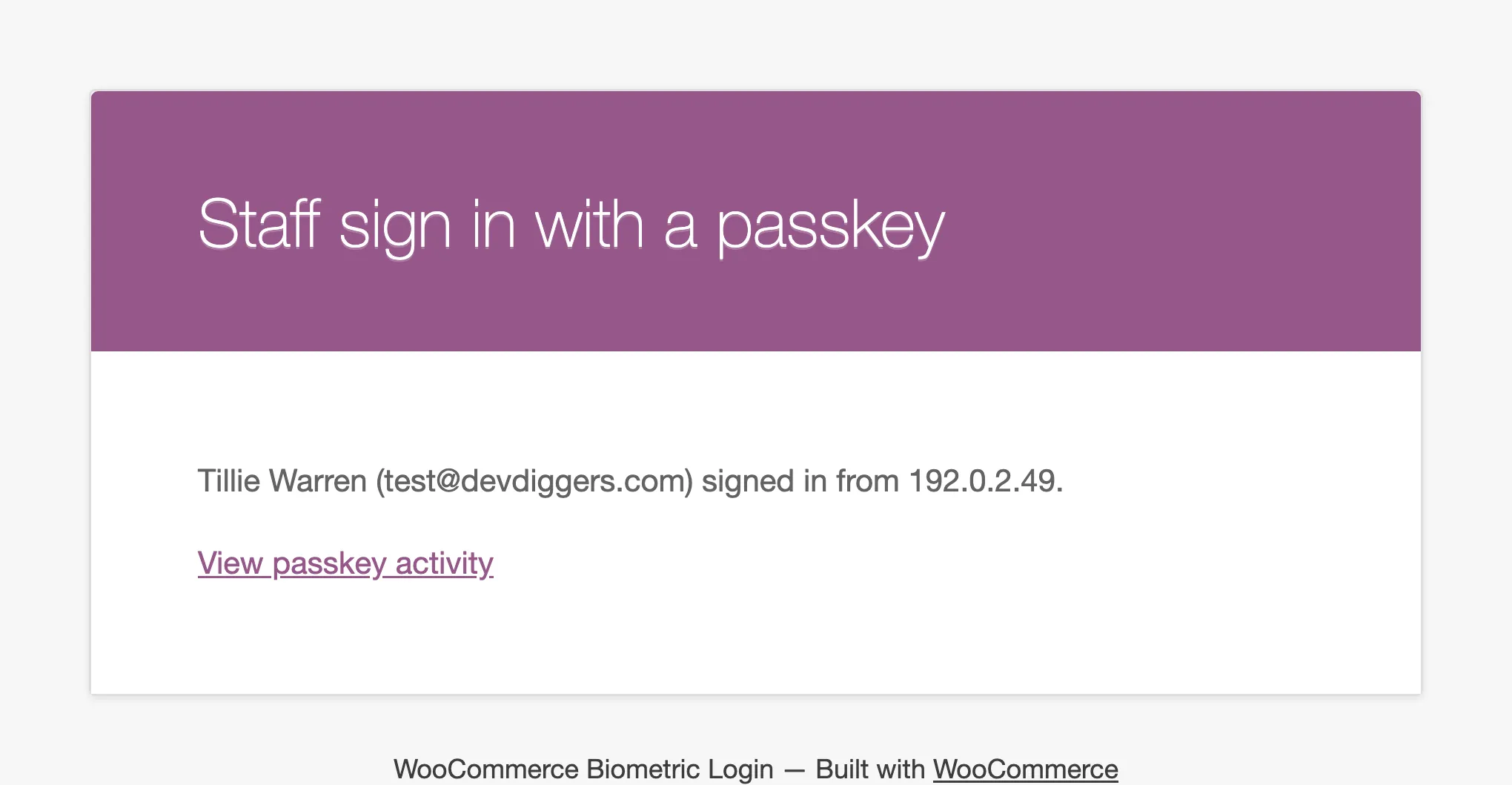
- Staff Sign In: Off by default. An email each time an administrator or shop manager signs in with a passkey or a recovery code. Useful when several people share the dashboard.
Step 3: Set the recipient
Section titled “Step 3: Set the recipient”Alert Recipient is the site’s admin email unless you enter another. Customer emails always go to the customer’s own address.
Step 4: Check one of each
Section titled “Step 4: Check one of each”Add a passkey on your own account and look for “A new passkey was added to your account”. If nothing arrives, check that your store sends WooCommerce emails at all, for example with an order email.