

My Account Settings
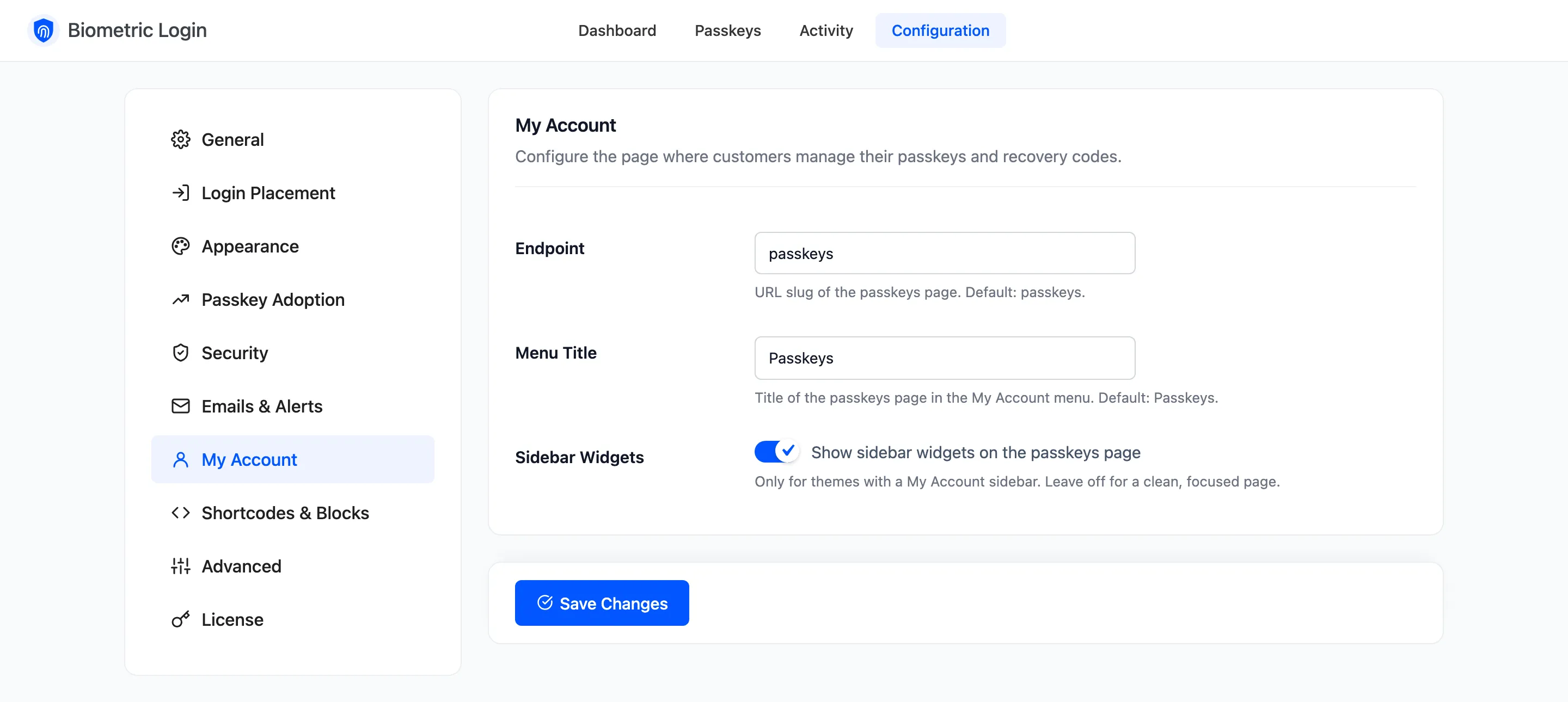
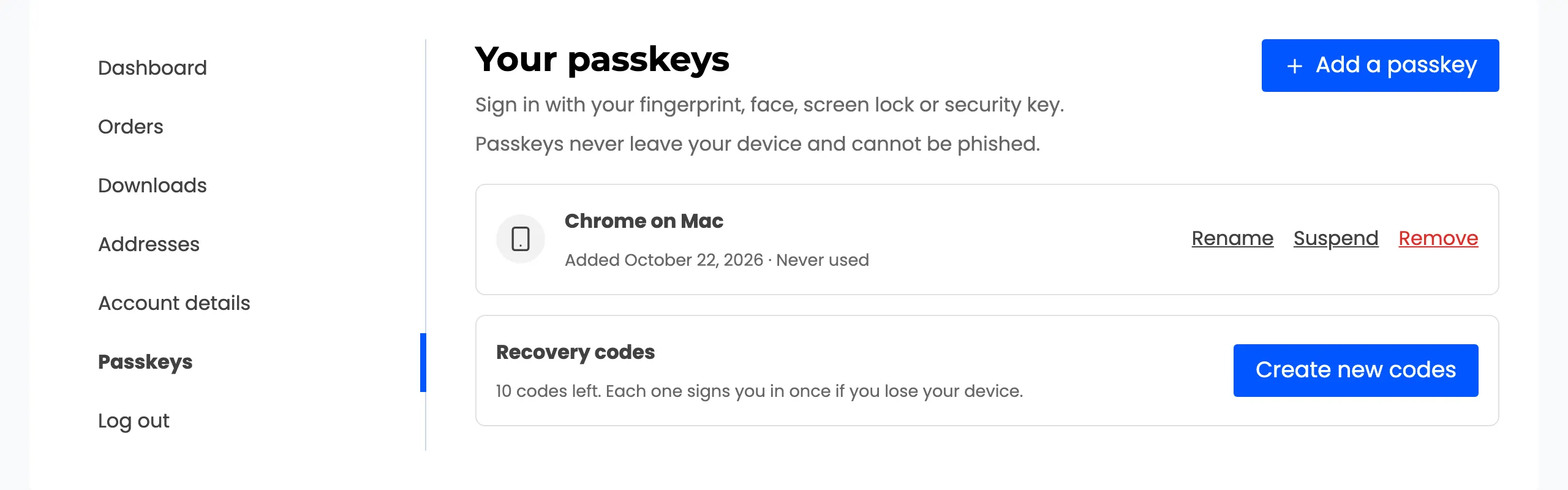
Customers manage their passkeys and recovery codes on one page in My Account. The My Account tab sets its address and title. Open Configuration → My Account.
Fields
Section titled “Fields”- Endpoint: The page’s address after
/my-account/. Default: passkeys, so the page is/my-account/passkeys/. A change takes effect on the next page load; no need to resave permalinks. - Menu Title: The page’s name in the My Account menu and its heading. Default: Passkeys.
- Sidebar Widgets: Off by default. Shows your theme’s sidebar on the page. Leave it off for a focused page. Off hides only sidebars; your header and footer widgets stay.
The menu item sits just above Log out, and only for users whose role may use passkeys.
Stores coming from 1.x
Section titled “Stores coming from 1.x”Version 1 used /my-account/ddwc-biometric-login/. An updated store keeps that address, so links in old
emails still work. Change Endpoint to passkeys whenever you like.