

General Settings
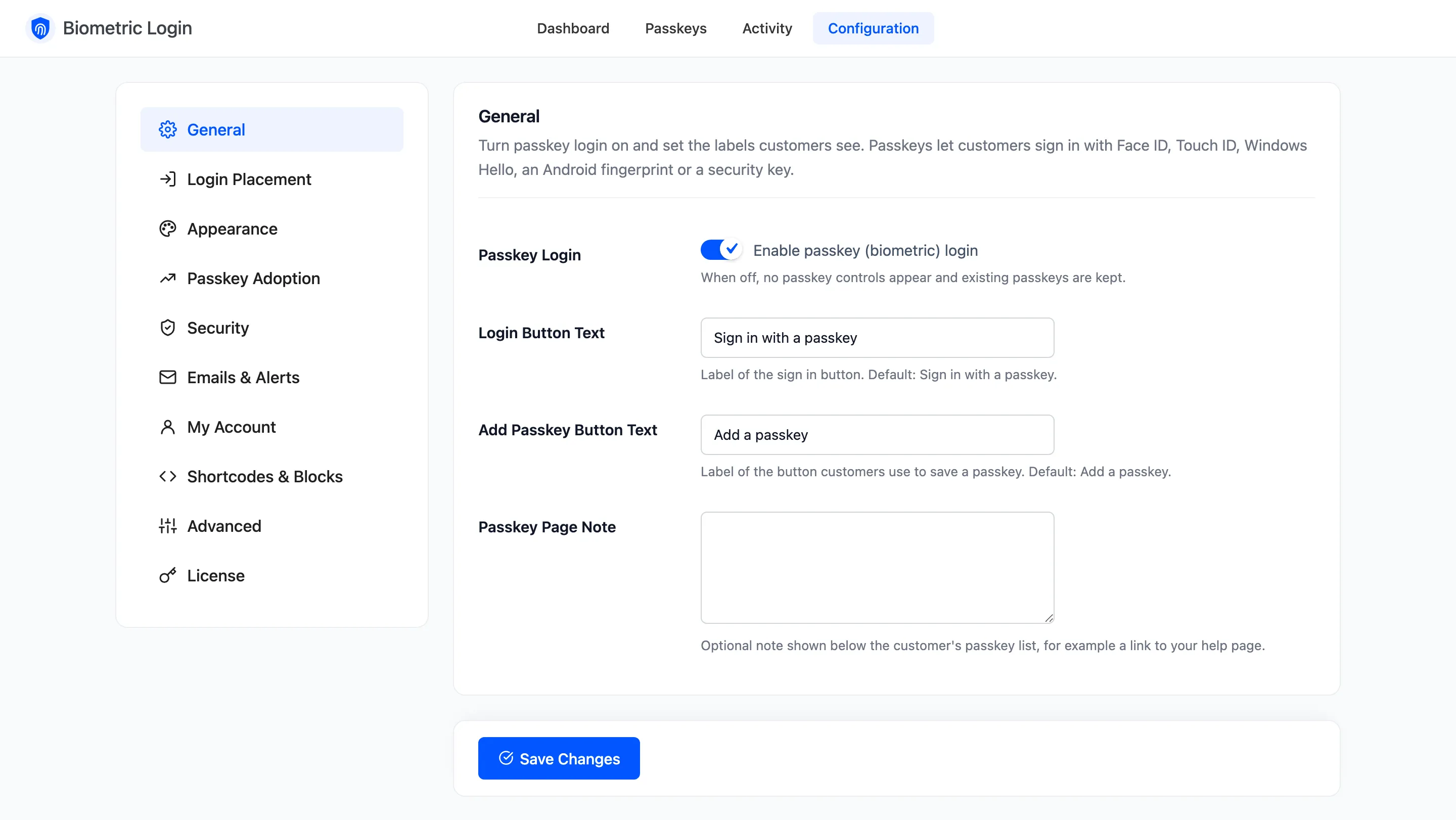
The General tab switches passkey login on and sets the two labels customers see most. Open DevDiggers Plugins → Biometric Login → Configuration → General.
Fields
Section titled “Fields”- Passkey Login: Ticked by default. Untick it and no passkey button, Passkeys page or invitation shows anywhere. Saved passkeys and recovery codes are kept, so ticking it again brings everything back.
- Login Button Text: The sign in button’s label. Default: Sign in with a passkey. Left empty, the default comes back.
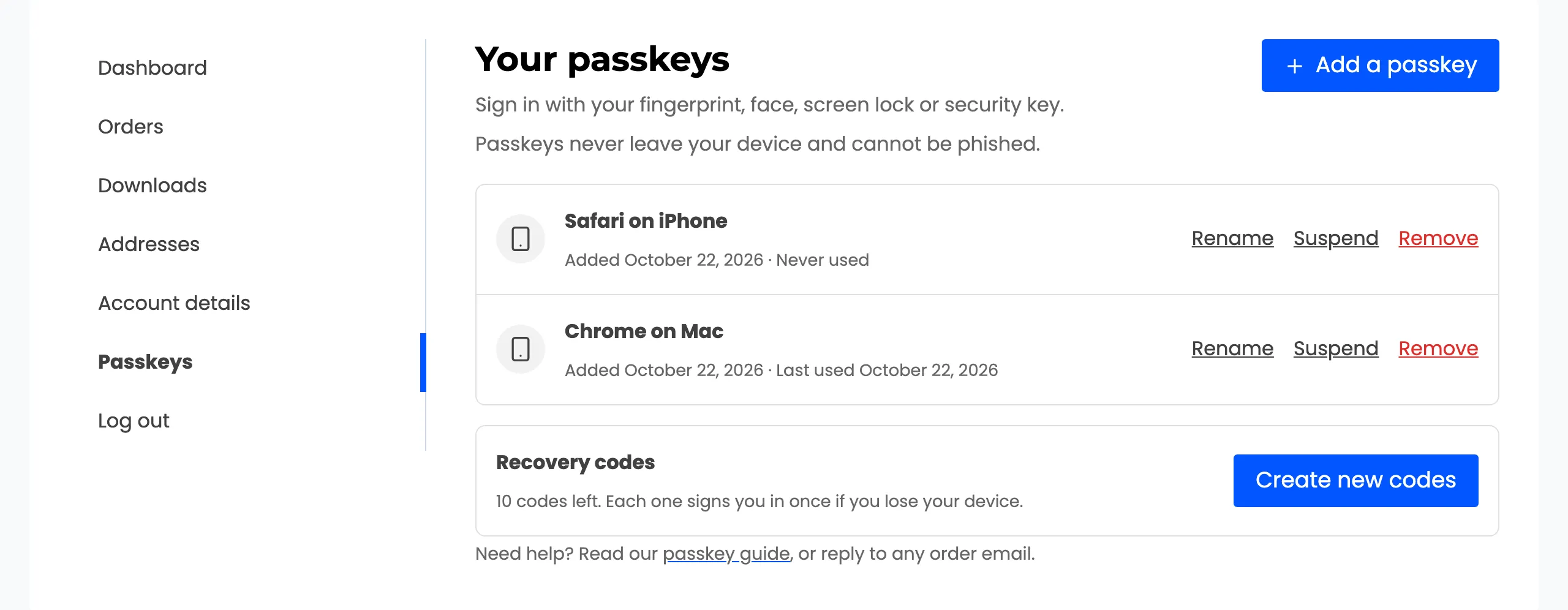
- Add Passkey Button Text: The label customers press to save a passkey, on the Passkeys page and in every invitation. Default: Add a passkey.
- Passkey Page Note: An optional note under the customer’s passkey list. It may hold a link, for example to your help page. Empty hides it.
The shortcode and the block can set their own button text. See Shortcodes & Blocks.