

Security Settings
The Security tab has three sections: who may use passkeys, recovery codes, and brute force protection. Open Configuration → Security.
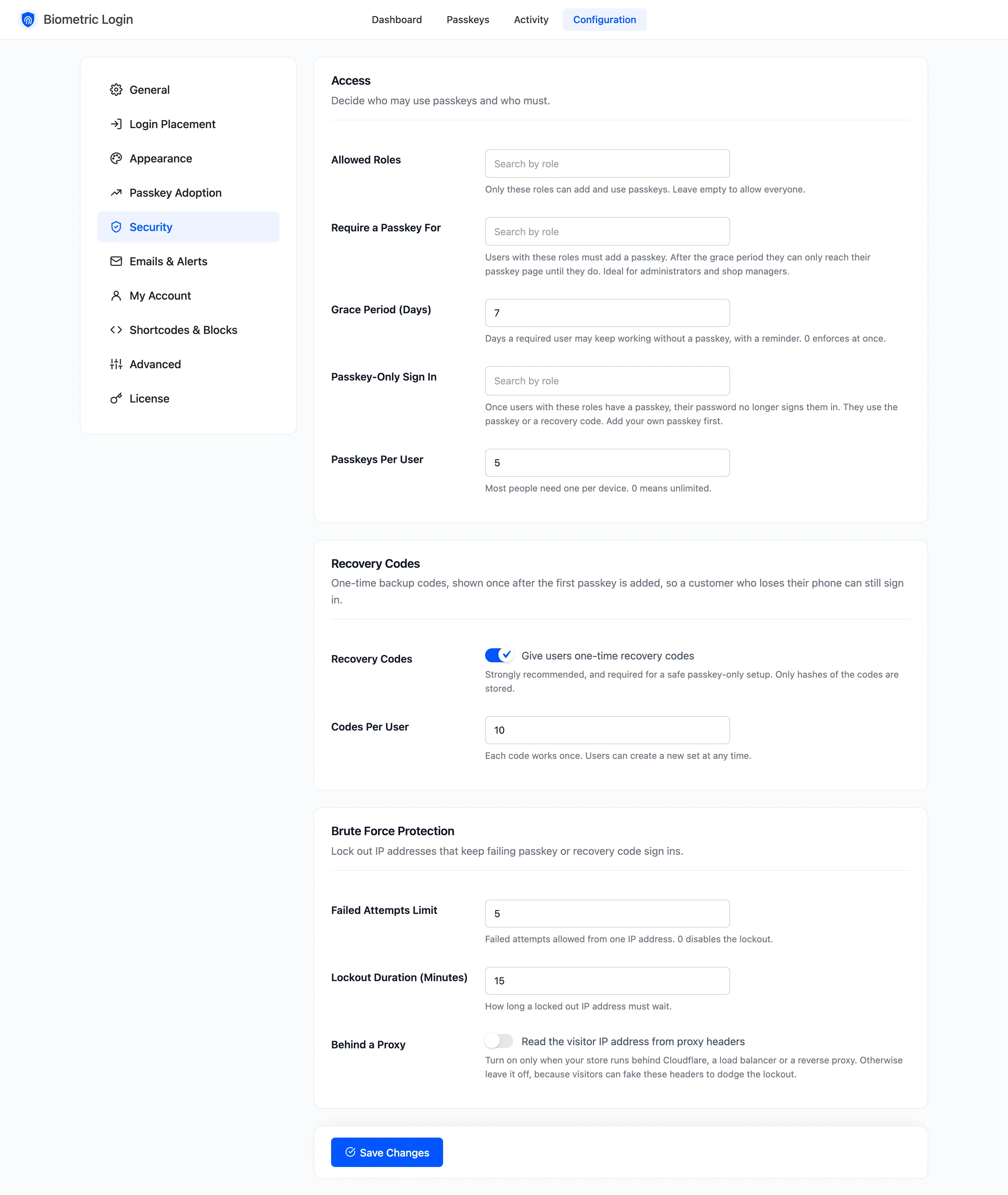
Access
Section titled “Access”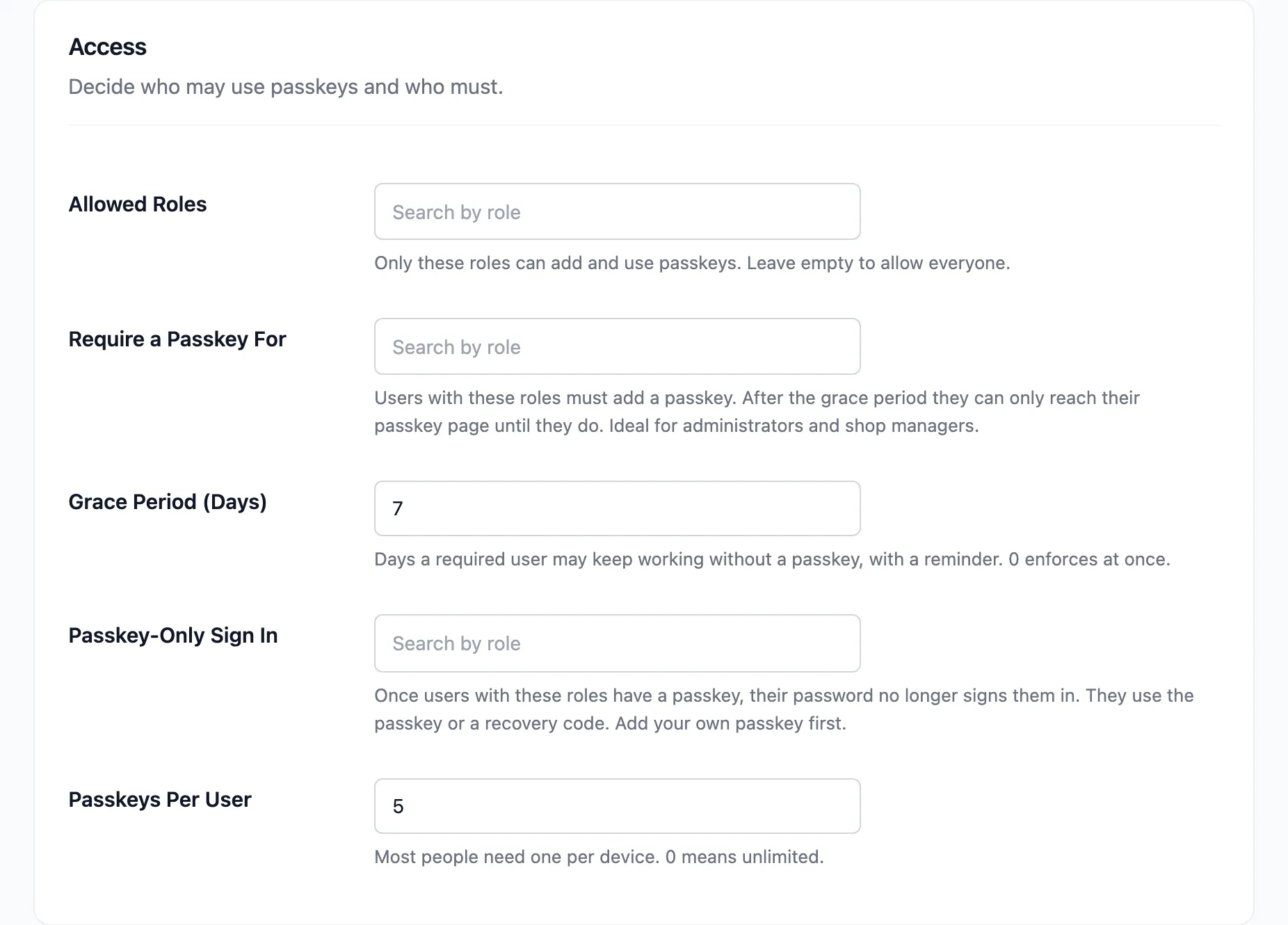
- Allowed Roles: Only these roles can add and use passkeys. Empty, the default, allows everyone. A user outside these roles loses the Passkeys page, and their saved passkeys stop signing them in.
- Require a Passkey For: Users with these roles must add a passkey. During the grace period they see a reminder. After it, they can only reach their passkey page until they add one. Empty by default.
- Grace Period (Days): Default 7. How long a required user may keep working without a passkey. 0 enforces at once.
- Passkey-Only Sign In: Once users with these roles have a passkey, their password no longer signs them in. They use the passkey or a recovery code. Empty by default. Add your own passkey before you add your role.
- Passkeys Per User: Default 5. Most people need one per device. 0 means no limit.
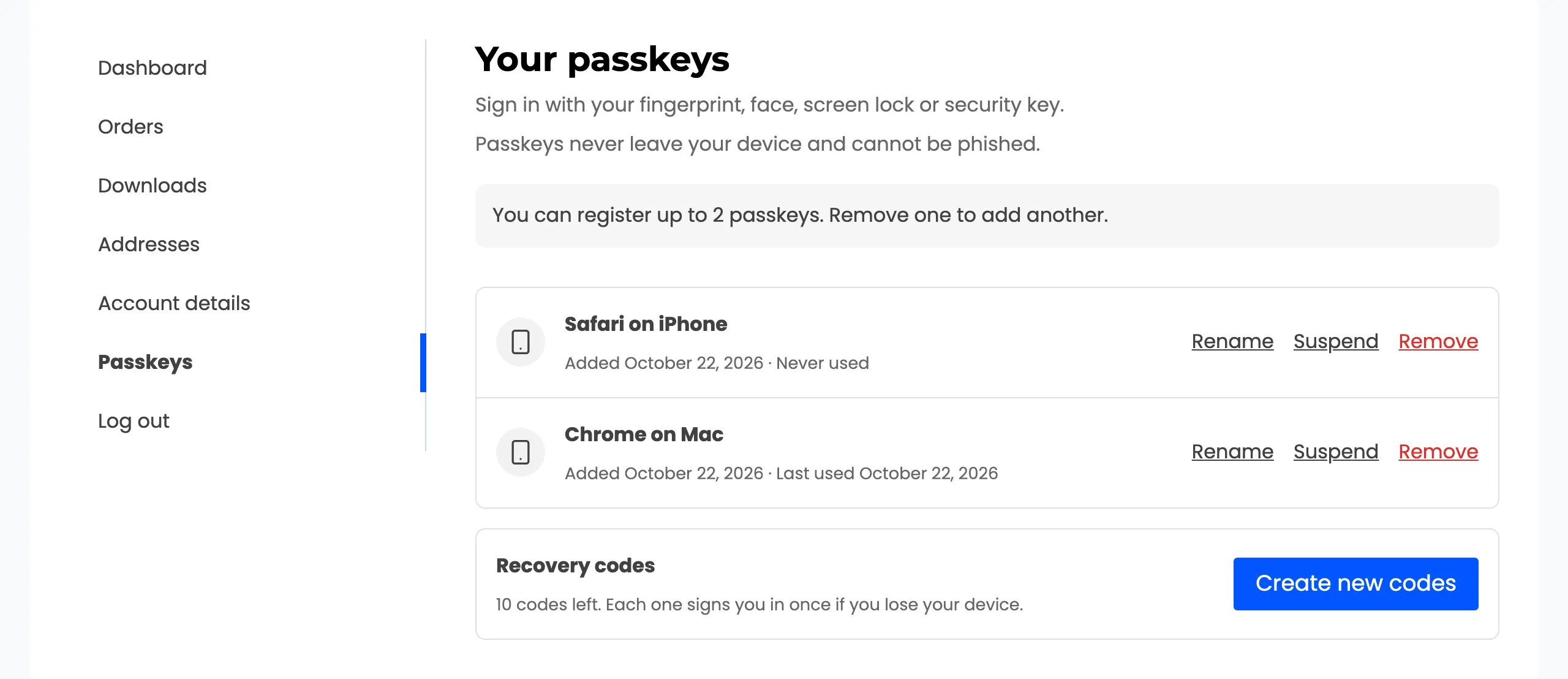
With the limit reached, Add a passkey disappears from the customer’s page and a note says how many are allowed. On the demo, the limit was set to 2 with two passkeys saved:
Recovery Codes
Section titled “Recovery Codes”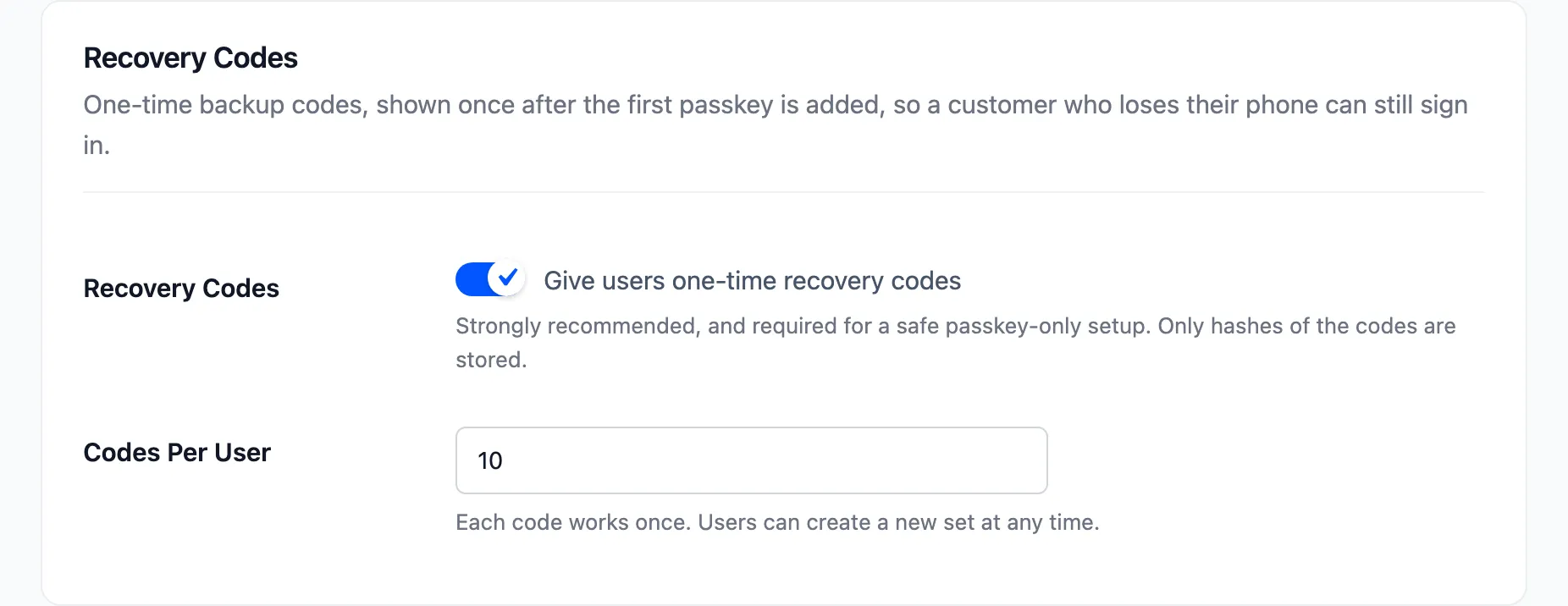
- Recovery Codes: Ticked by default. Each user gets one-time codes after their first passkey, shown once. Only scrambled copies are stored. Needed for a safe passkey-only setup.
- Codes Per User: Default 10, from 1 to 20. Each code works once. Users can create a new set at any time, which replaces the old one.
Brute Force Protection
Section titled “Brute Force Protection”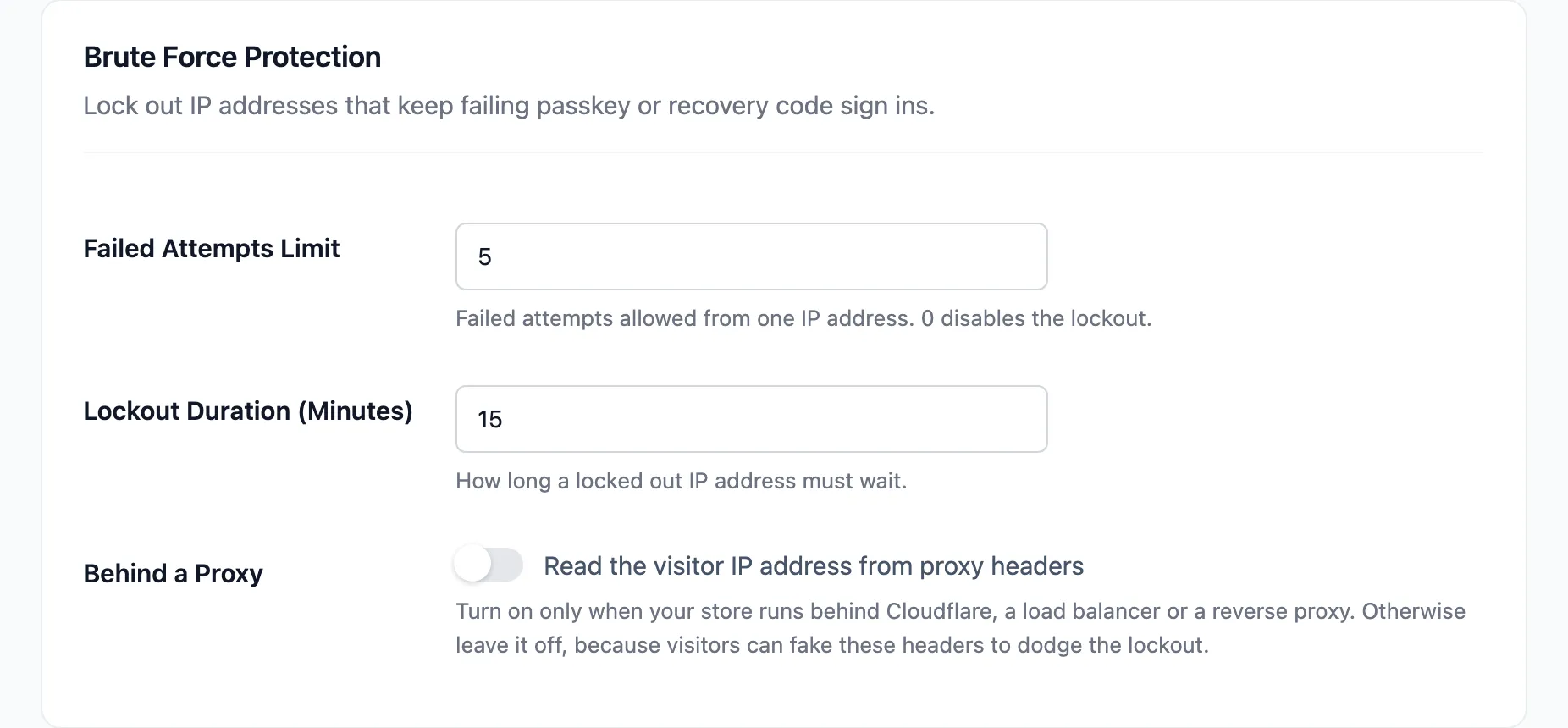
- Failed Attempts Limit: Default 5. Failed passkey or recovery code sign ins allowed from one IP address before it is locked out. 0 turns the lockout off.
- Lockout Duration (Minutes): Default 15.
- Behind a Proxy: Off by default. Reads the visitor’s IP address from proxy headers. Turn it on only when every visitor shows up in Activity with your proxy’s address, for example behind a load balancer.
A lockout covers passkey and recovery code sign ins only. The password form is not part of it.