

How to Pause Passkey Sign In
Sometimes you want passkeys out of the way for a while, without losing anything customers have set up.
Step 1: Untick Passkey Login
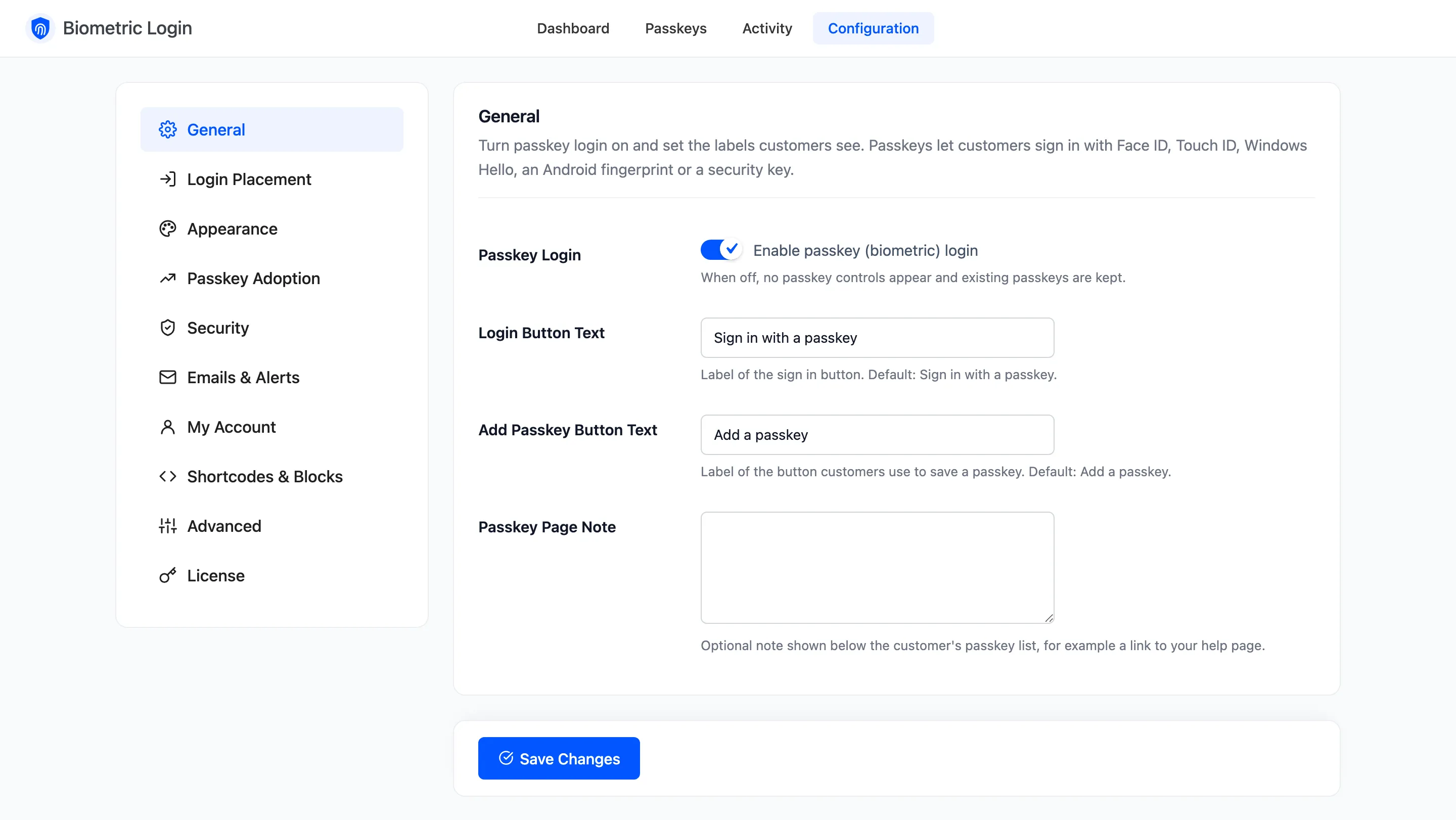
Section titled “Step 1: Untick Passkey Login”Open Configuration → General, untick Passkey Login and click Save Changes.
Step 2: Check the store
Section titled “Step 2: Check the store”The passkey button, the Passkeys page in My Account and every invitation disappear.
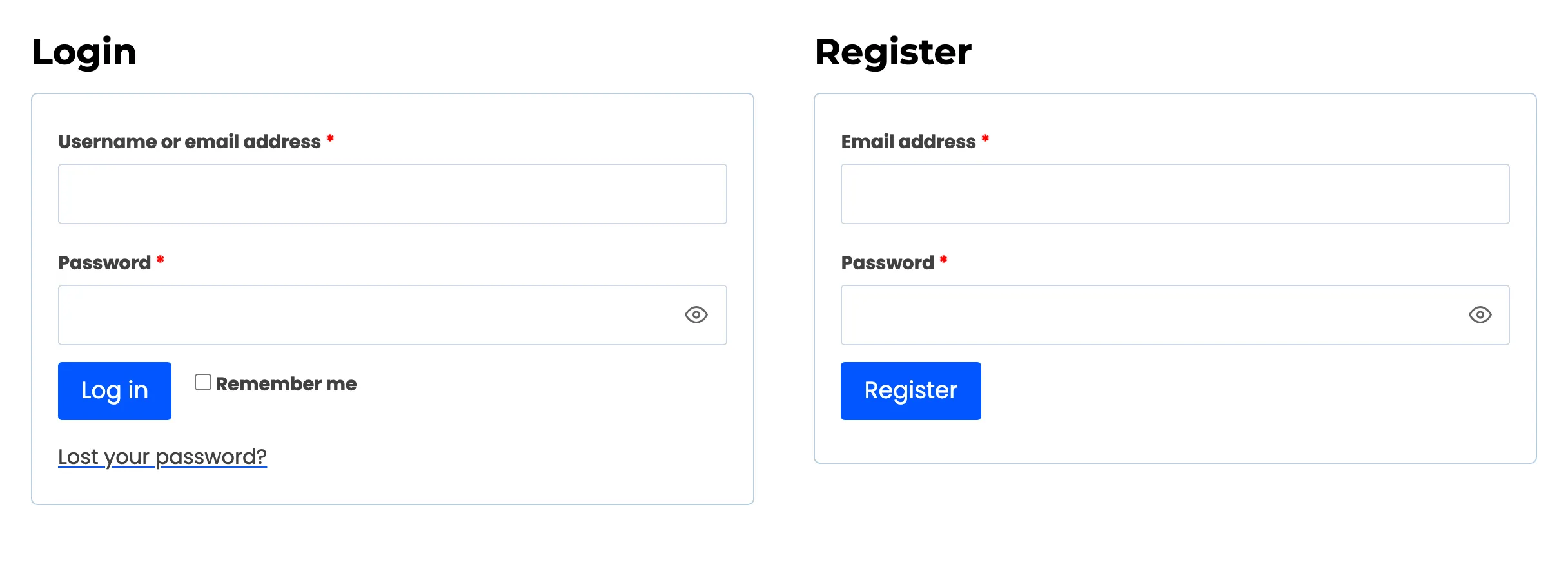
Customers sign in with their password as usual. Passkeys, recovery codes and activity are all kept.
Users of a Passkey-Only Sign In role can use their password again while it is off, and Require a Passkey For stops reminding anyone.
Step 3: Turn it back on
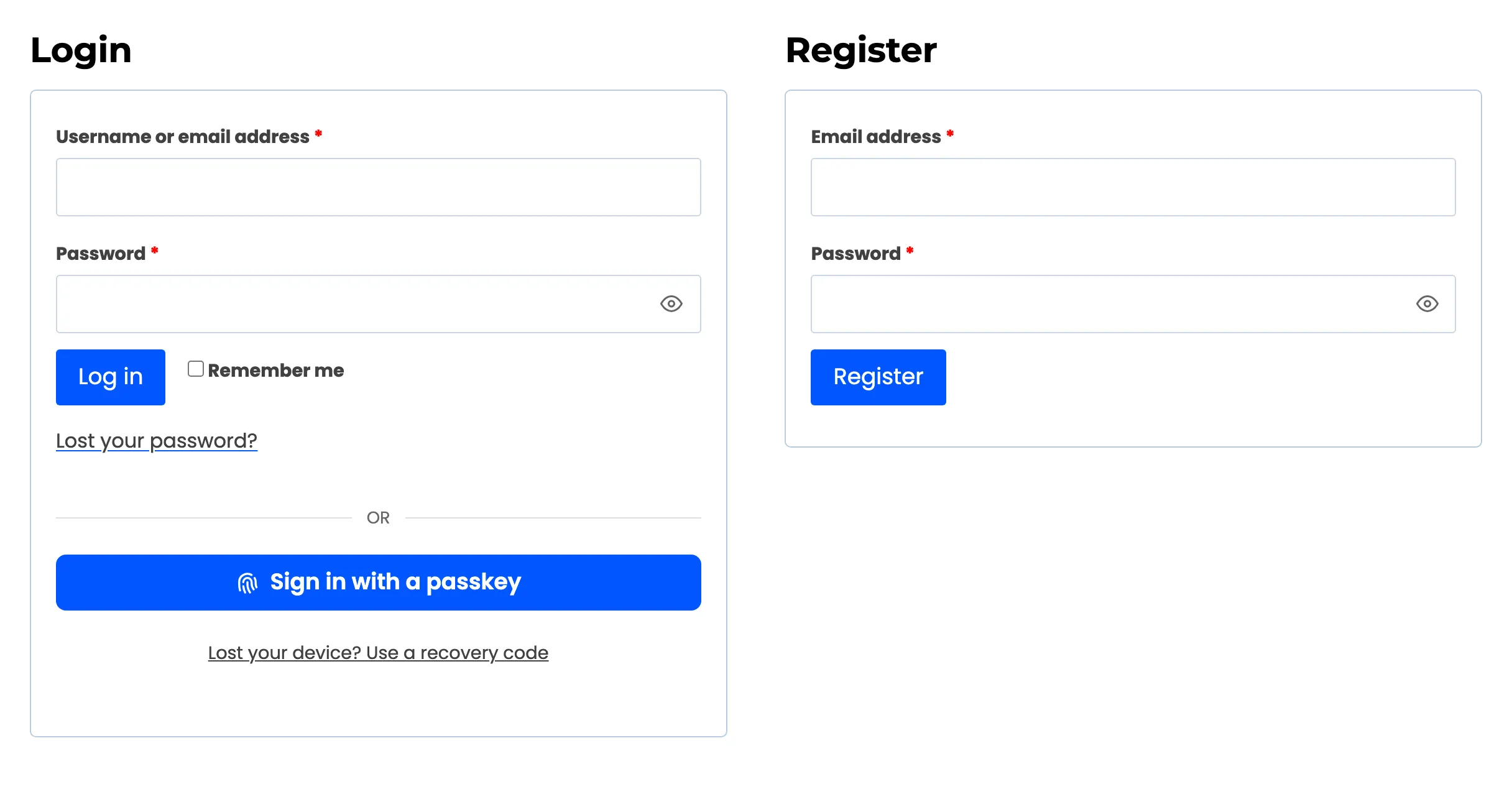
Section titled “Step 3: Turn it back on”Tick Passkey Login again and save. Every passkey signs in again, with nothing for customers to redo.
Other ways
Section titled “Other ways”- To hide the button from one form only, untick it under Login Placement.
- To offer passkeys to some roles only, use Allowed Roles under Security.
- Deactivating the plugin also pauses everything, and deactivating never deletes data.