

License Activation
Biometric Login needs an active license to show anything to customers. Open Configuration → License.
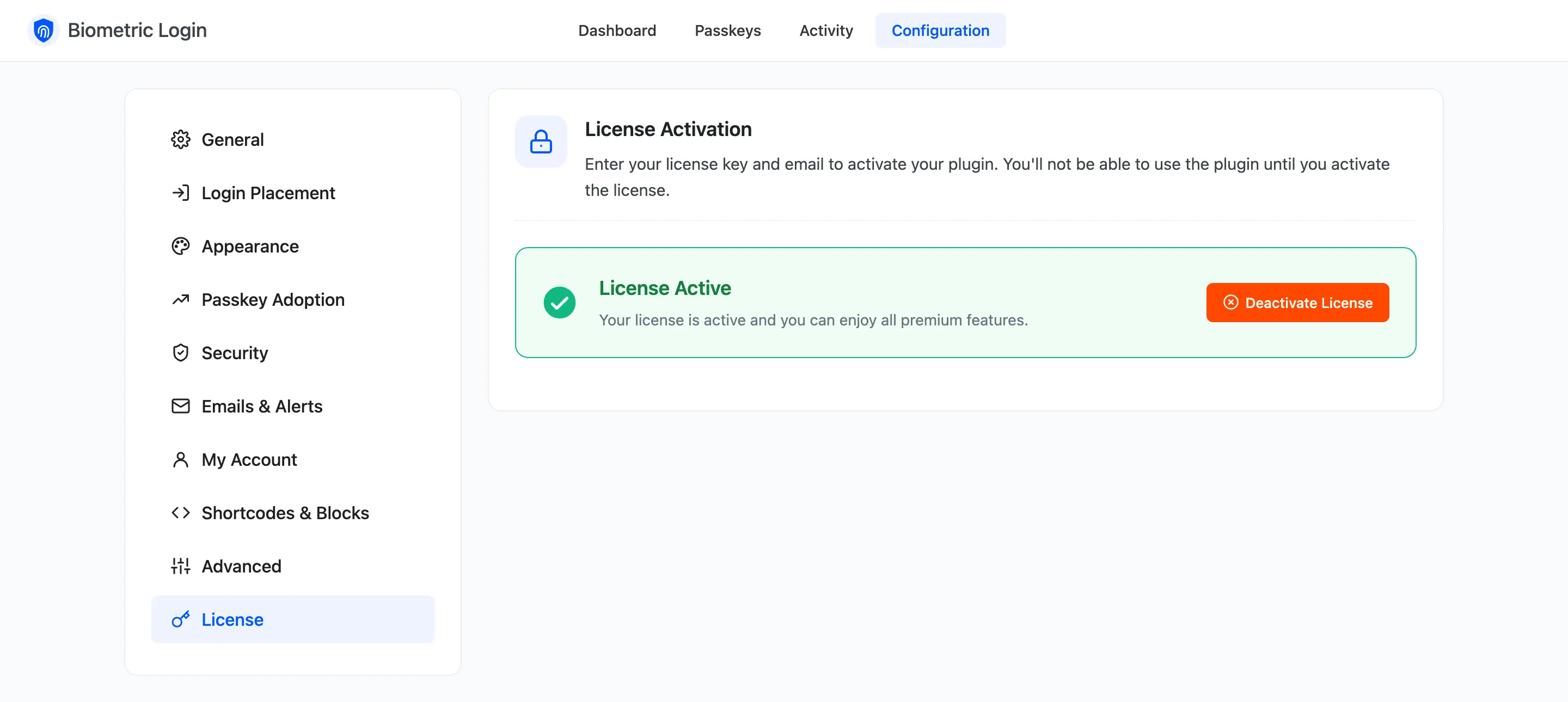
Activate
Section titled “Activate”- Find your purchase code in your DevDiggers order email or account.
- Enter it with the email you bought with, and click Activate.
The setup wizard’s License step does the same, and the wizard waits there until the license is active.
While the license is inactive
Section titled “While the license is inactive”- No passkey button, Passkeys page or invitation shows on the store.
- The sign in and passkey endpoints refuse every request.
- Saved passkeys, recovery codes and activity are kept. Activating again brings everything back.
The license also brings plugin updates to your Plugins screen.