

Emails & Alerts Settings
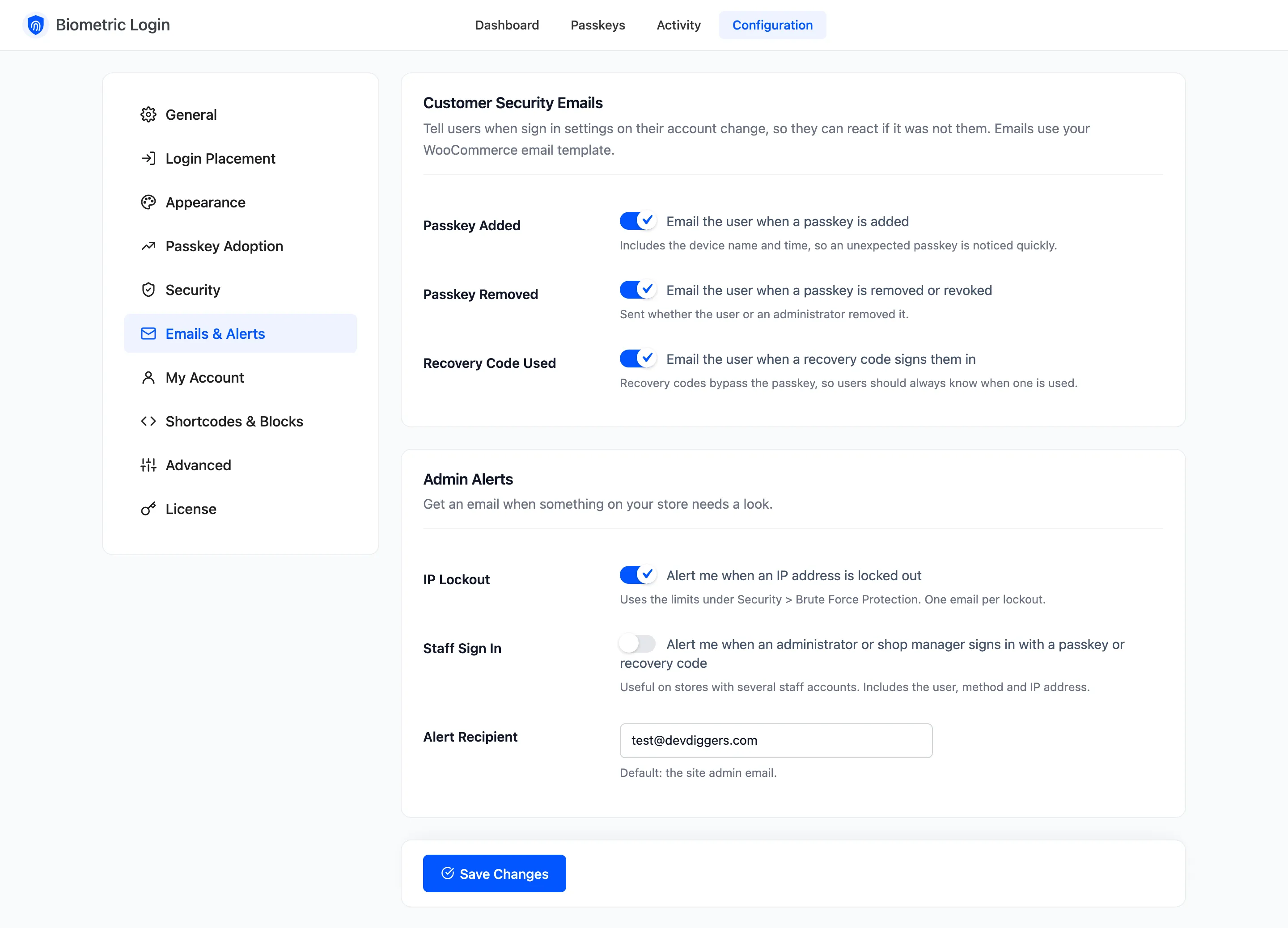
The Emails & Alerts tab sets two kinds of email: security emails to the account owner, and alerts to you. Both use your WooCommerce email design. Open Configuration → Emails & Alerts.
Customer Security Emails
Section titled “Customer Security Emails”All three are ticked by default.
- Passkey Added: “A new passkey was added to your account”, with the device name and time, so an unexpected passkey is noticed quickly.
- Passkey Removed: “A passkey was removed from your account”, whether they removed it or you revoked it.
- Recovery Code Used: “A recovery code was used to sign in”, with the IP address and time. A recovery code skips the passkey, so they should always know.
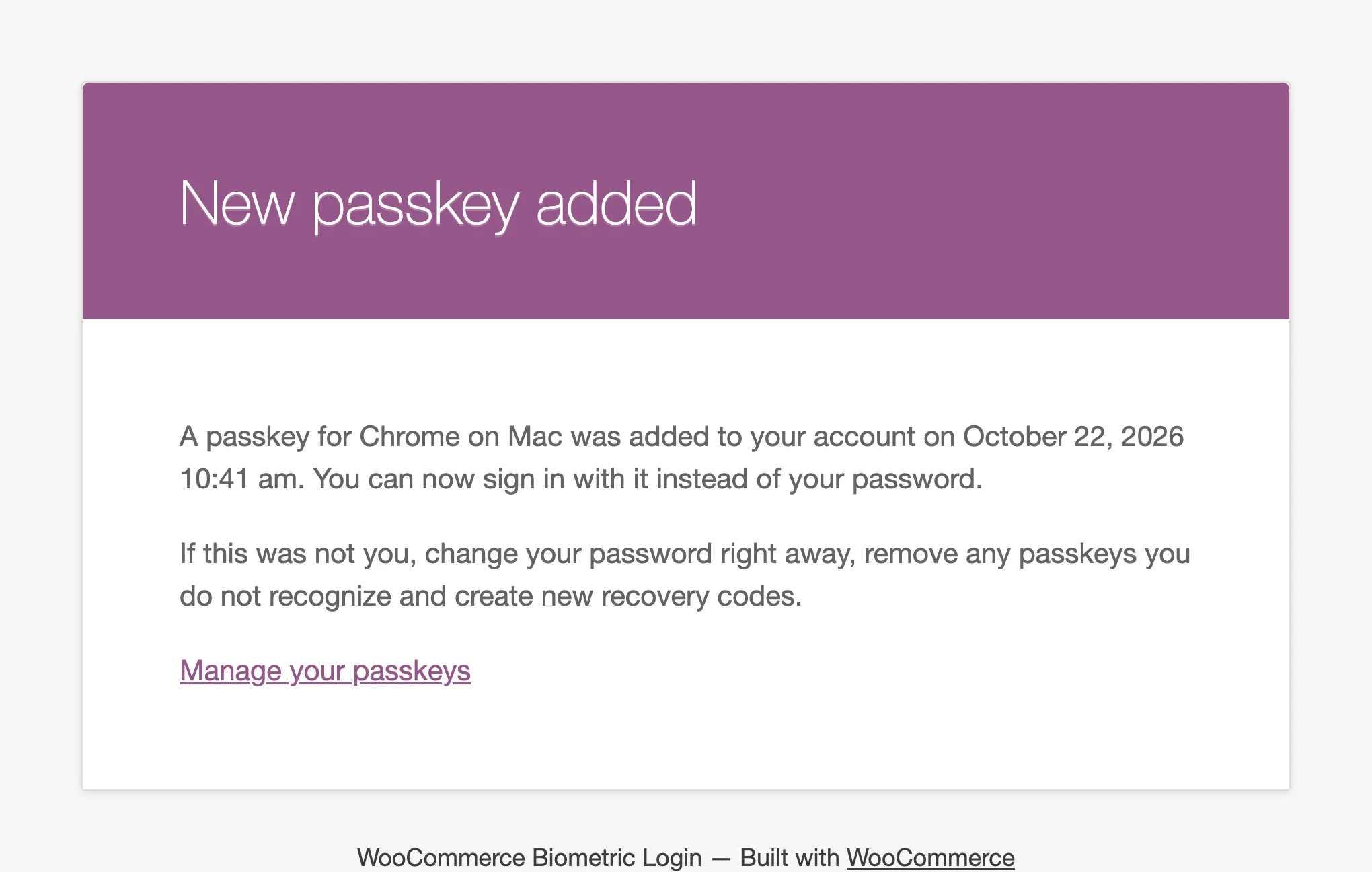
Each email tells the customer what to do if it was not them, and links to their Passkeys page.
Admin Alerts
Section titled “Admin Alerts”- IP Lockout: Ticked by default. One email each time an address is locked out, using the limits under Security → Brute Force Protection.
- Staff Sign In: Off by default. An email whenever an administrator or shop manager signs in with a passkey or a recovery code, with the user, the method and the IP address.
- Alert Recipient: Where alerts go. Default: the site’s admin email.
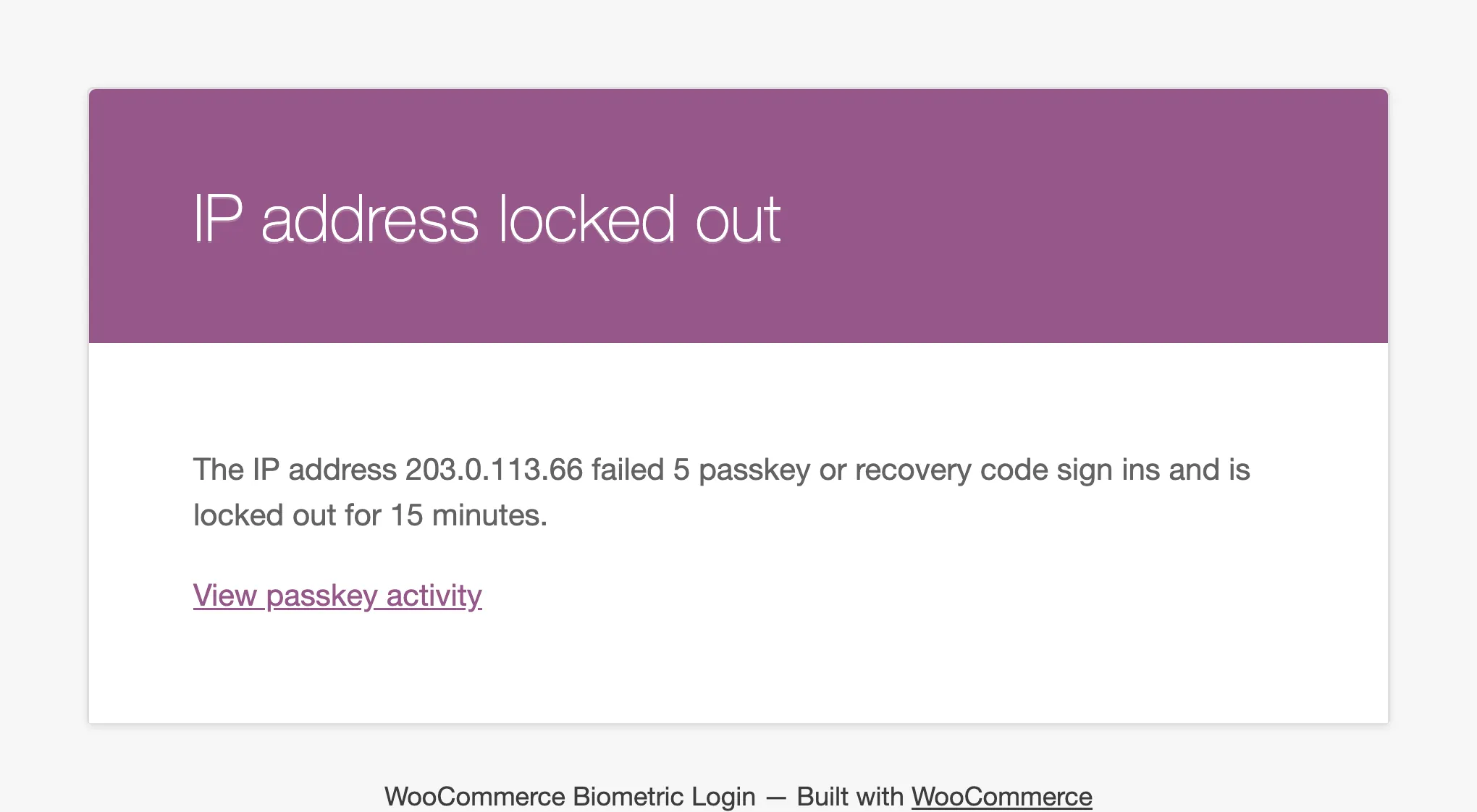
Each alert links to the Activity screen.