

How to Show the Next Tier Hint
Most customers stop at the quantity they came for. A short line under the Add to cart button can move them to the next tier. It says how many more units are needed and what they would save.
Step 1: Open the Next Tier Nudge section
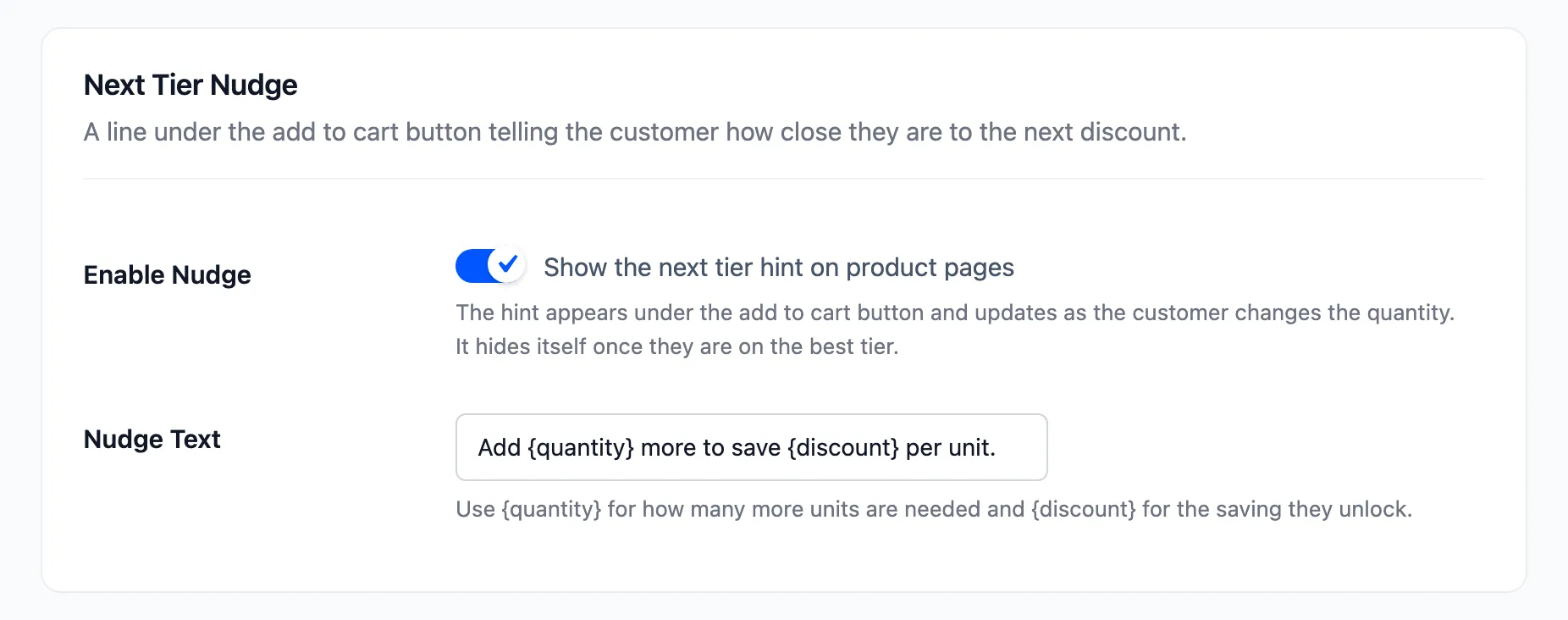
Section titled “Step 1: Open the Next Tier Nudge section”Go to DevDiggers Plugins → Tiered Pricing → Configuration → Display and scroll to Next Tier Nudge.
Step 2: Enable the hint
Section titled “Step 2: Enable the hint”Tick Enable Nudge, labelled “Show the next tier hint on product pages”.
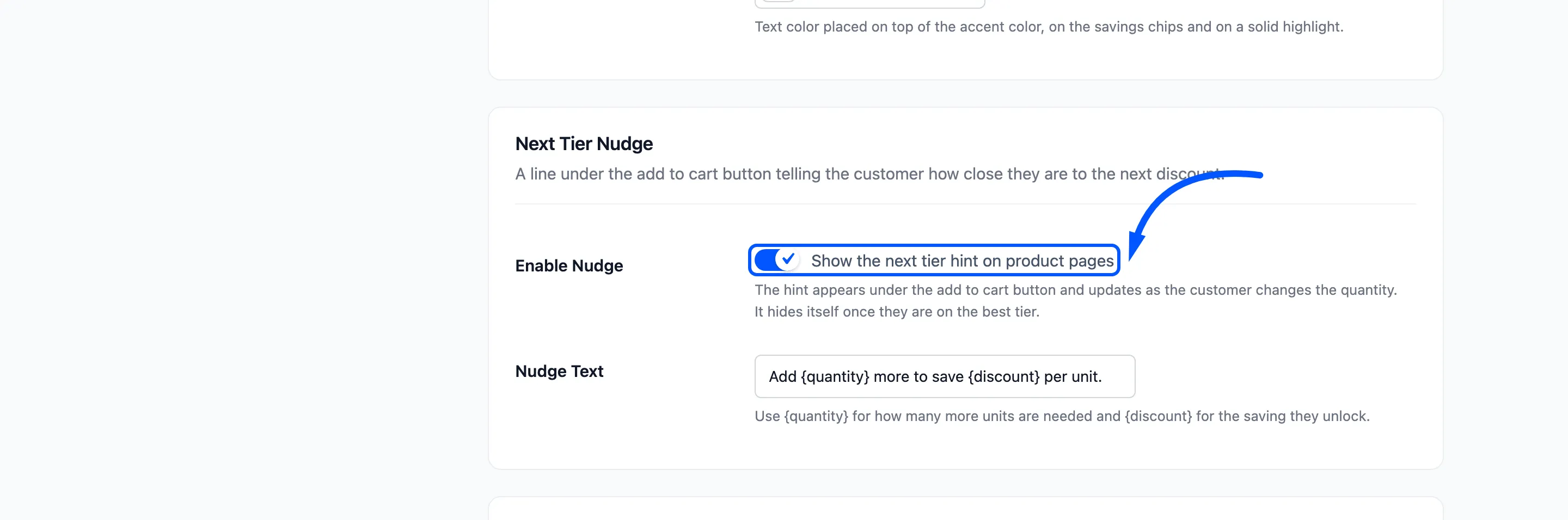
A fresh install starts with it on. The setup wizard also asks for it as Next Tier Hint.
Step 3: Write the wording
Section titled “Step 3: Write the wording”Nudge Text holds the sentence. The default is Add {quantity} more to save {discount} per unit.
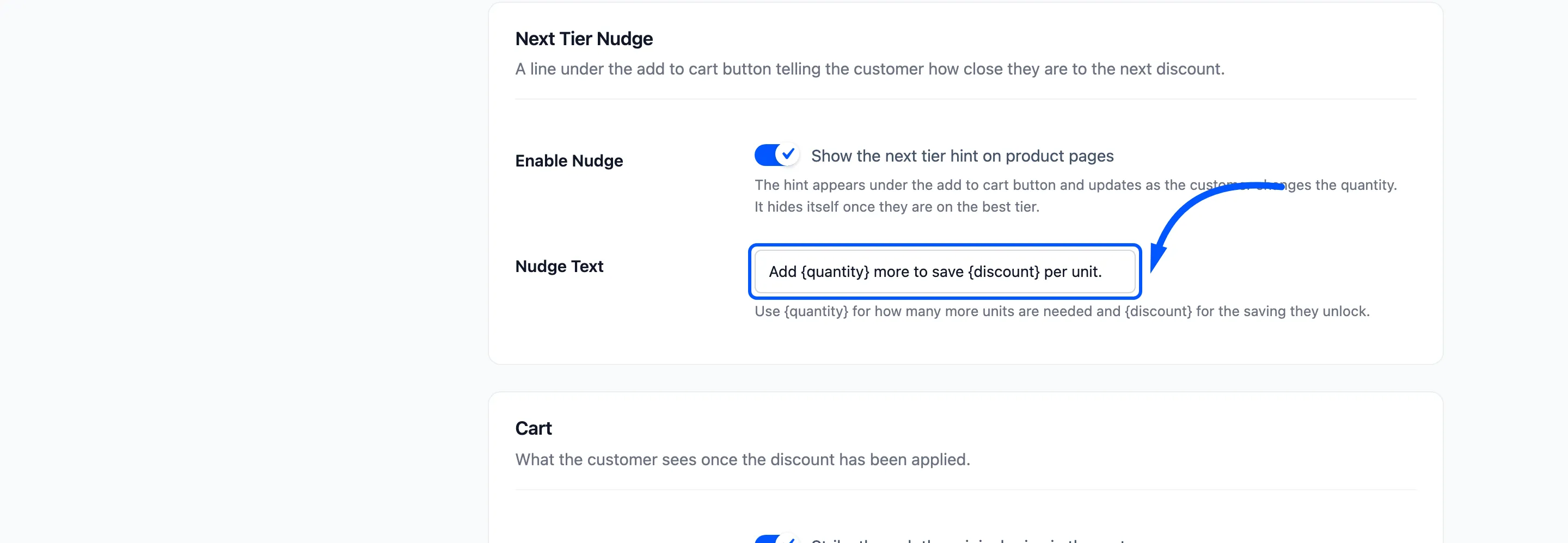
{quantity}becomes the number of units still needed to reach the next tier.{discount}becomes the saving that tier gives, as a percentage of the unit price.
{discount} is always a percentage, even when the next tier is a fixed discount or a fixed unit price. A
tier that takes $1.00 off a $45.00 product reads as 2%.
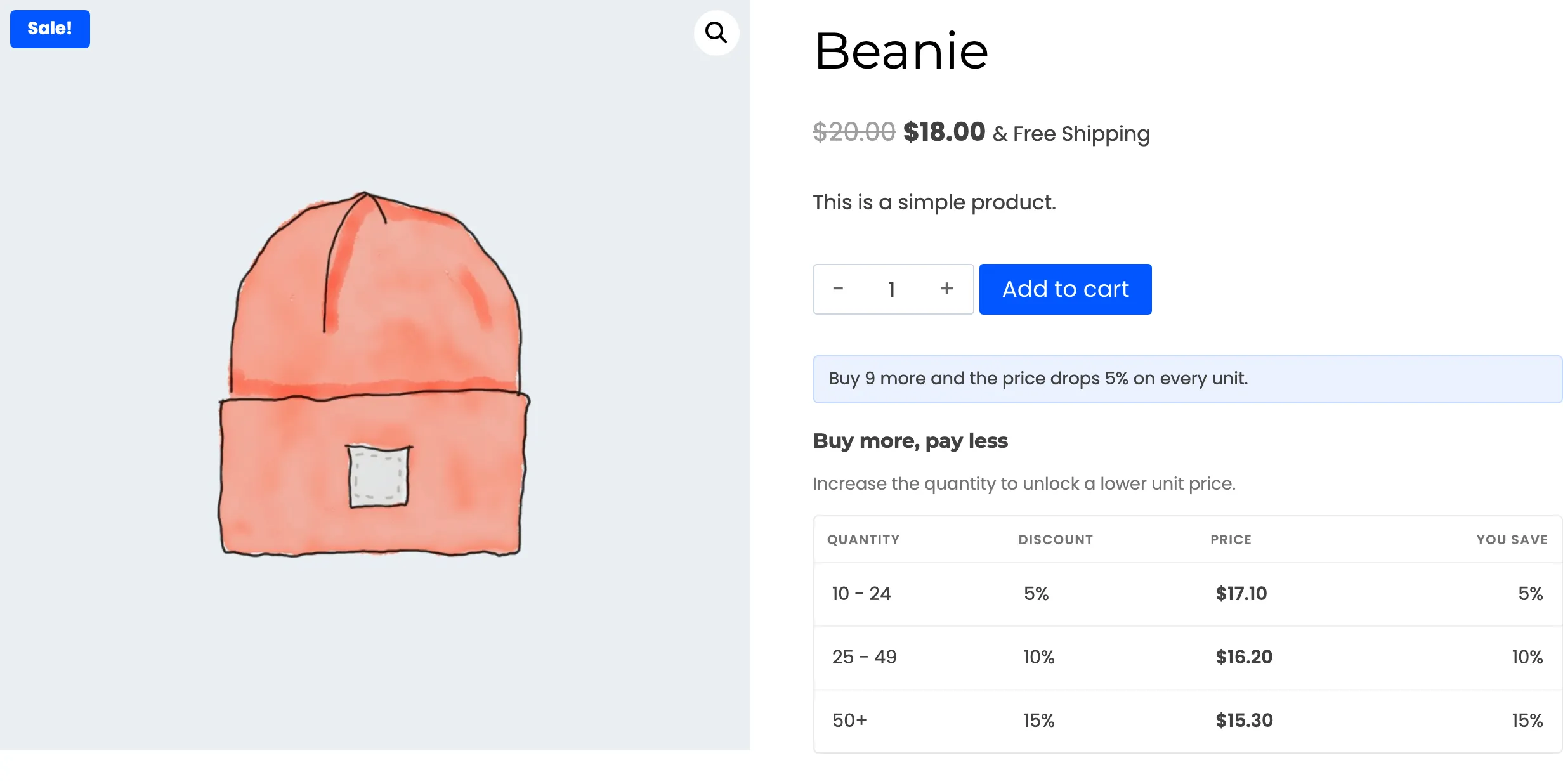
Try a pushier line, such as Buy {quantity} more and the price drops {discount} on every unit.
Step 4: Save and test
Section titled “Step 4: Save and test”Click Save Changes, then open a product while logged out.
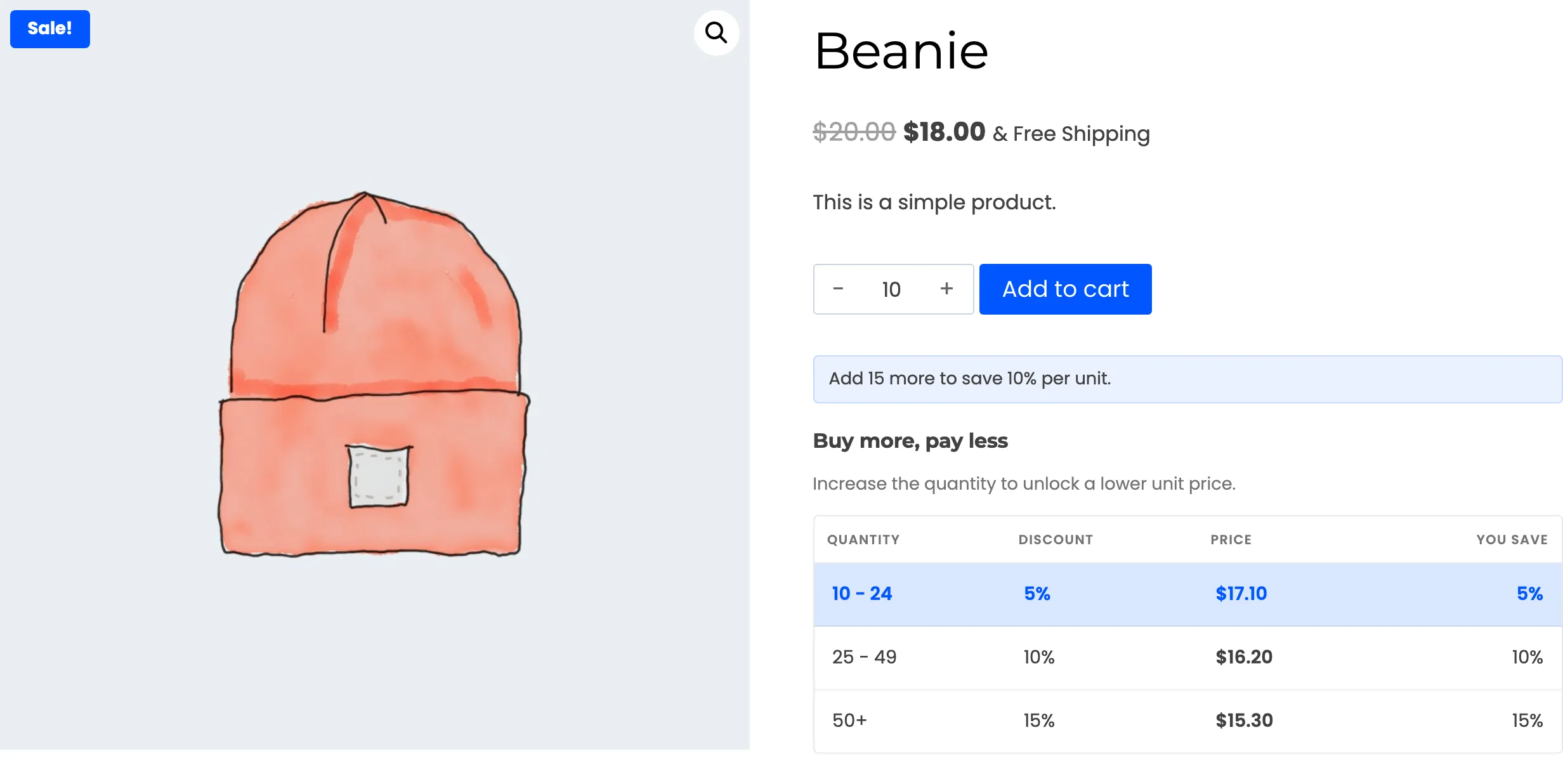
With one unit in the box, the hint counts to the first tier.
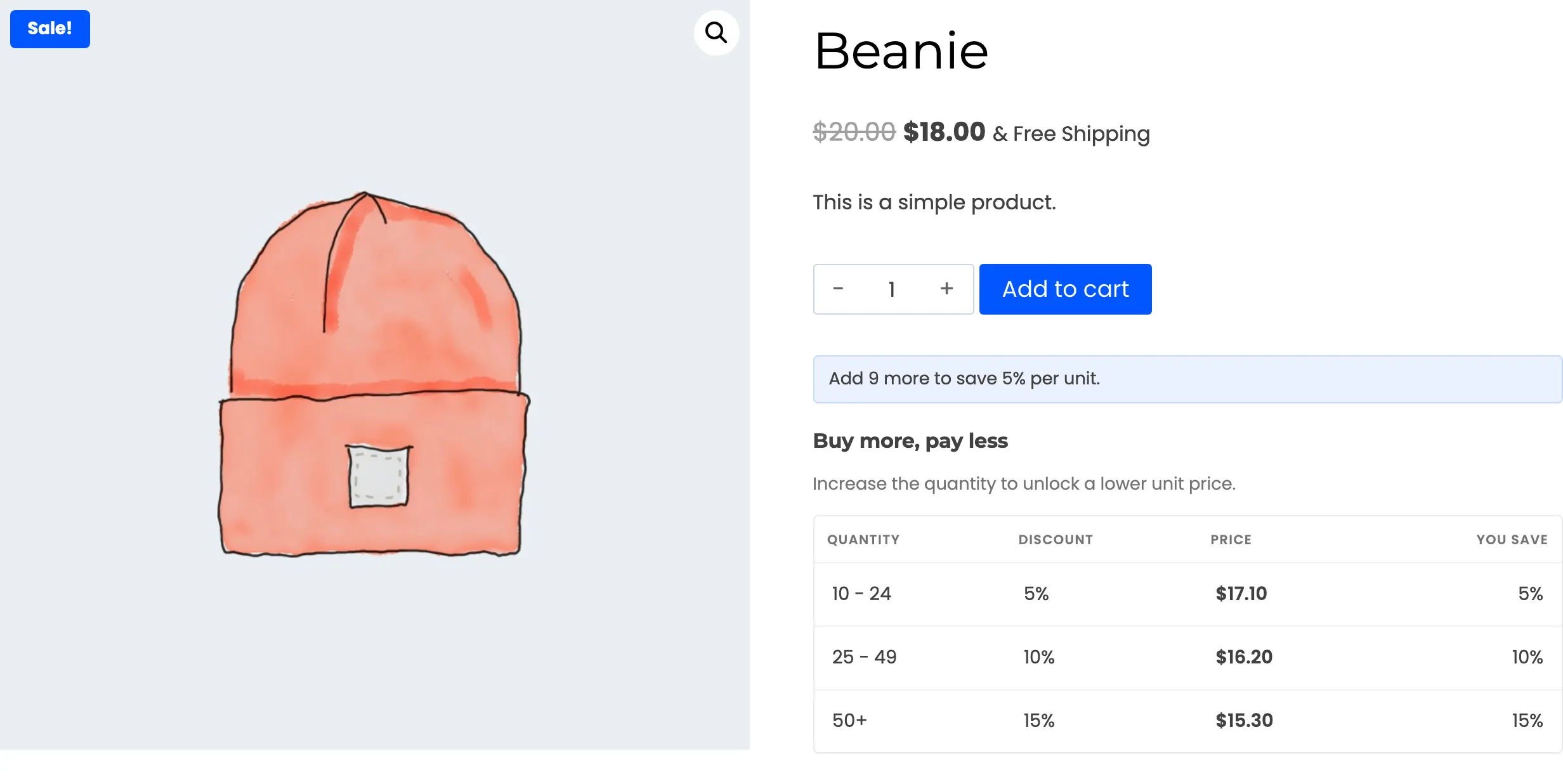
Type 10 or click the first tier. The hint now points at the tier above.
With custom wording, the same moment reads like this.
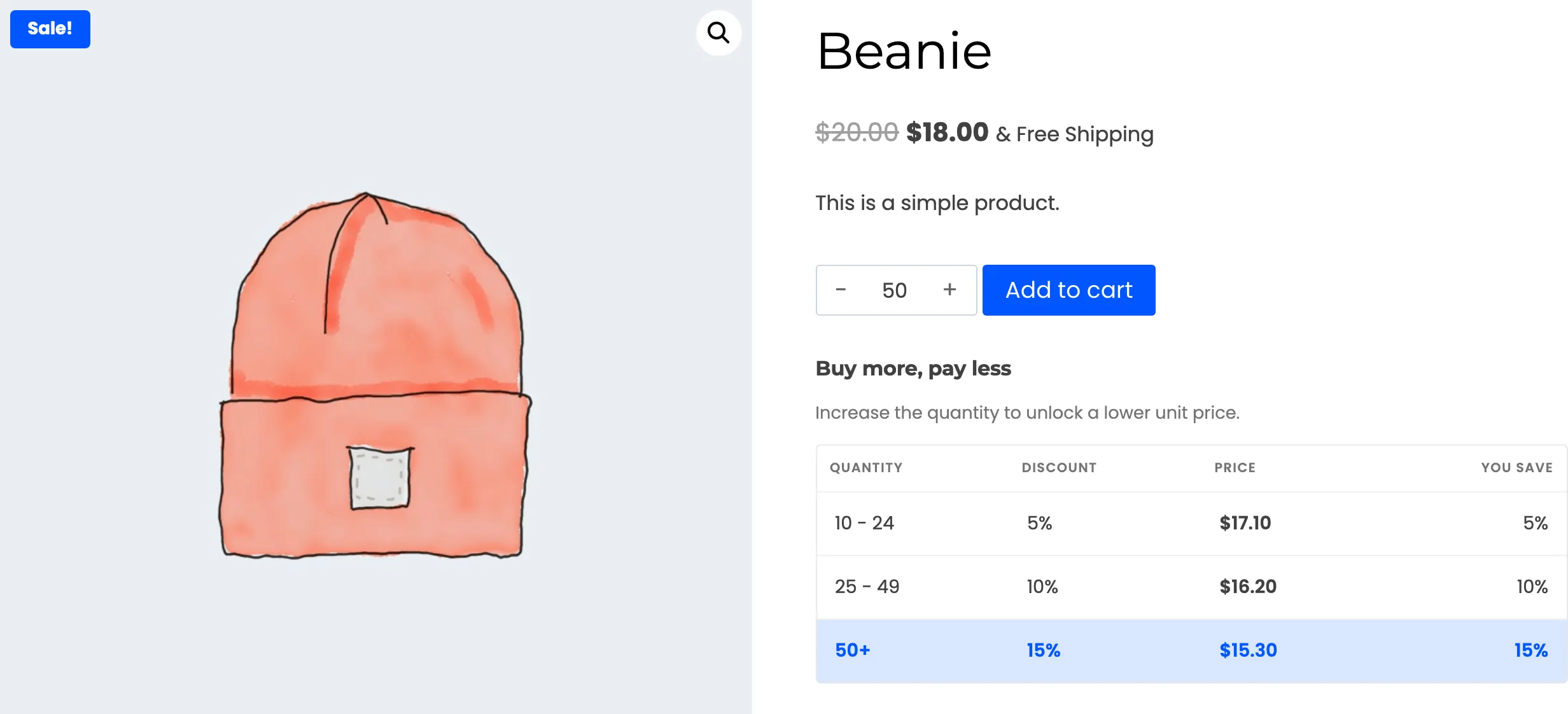
The hint updates as the customer types, clicks a tier, or uses the plus and minus buttons of the theme’s quantity box. On the top tier there is nothing left to offer, so the hint hides itself.
The hint works from the tiers that visitor can see. A role-limited tier only appears in the hint for people who hold the role.
Step 5: Switch it off if you prefer
Section titled “Step 5: Switch it off if you prefer”Untick Enable Nudge and save. The hint is gone, and the table is untouched.
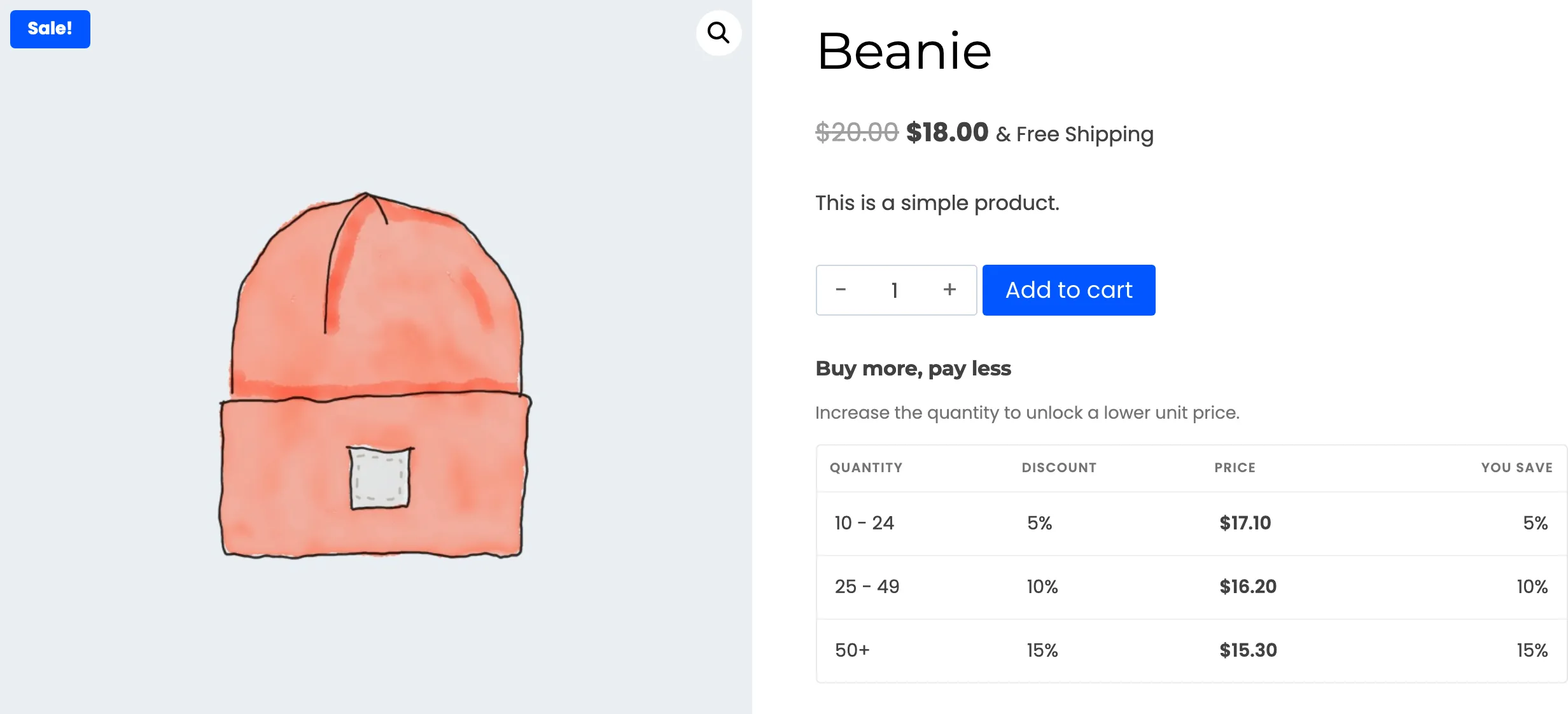
An empty Nudge Text has the same effect, because there is nothing to show.