

How to Exclude Products From Tiered Pricing
Some products should never get a quantity discount. A gift card is one. So is a line already at its lowest price, or an item with a fixed supplier margin.
The Store Wide Exclusions section keeps them out of every rule at once. You do not have to remember them one rule at a time.
Step 1: Open the General tab
Section titled “Step 1: Open the General tab”Go to DevDiggers Plugins → Tiered Pricing → Configuration → General. The exclusions sit in the second section.
Step 2: Pick the products or categories
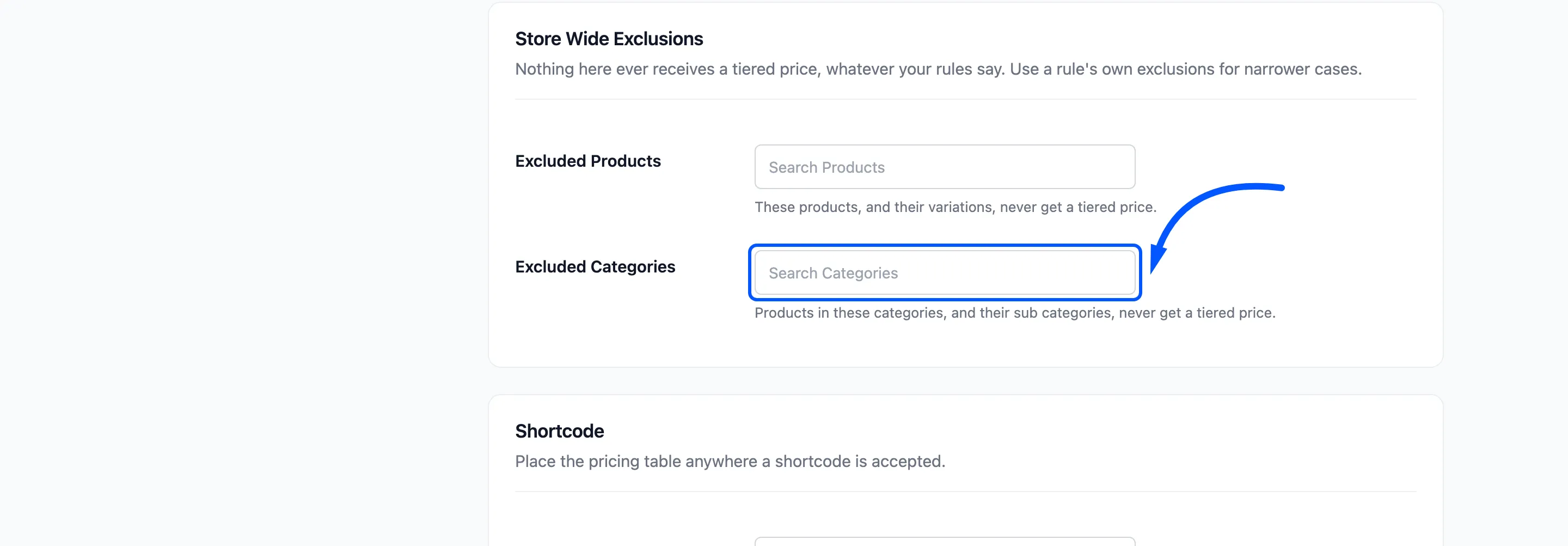
Section titled “Step 2: Pick the products or categories”Click Excluded Products, type a few letters and click the match. Add as many as you need. Do the same in Excluded Categories to exclude a whole category.
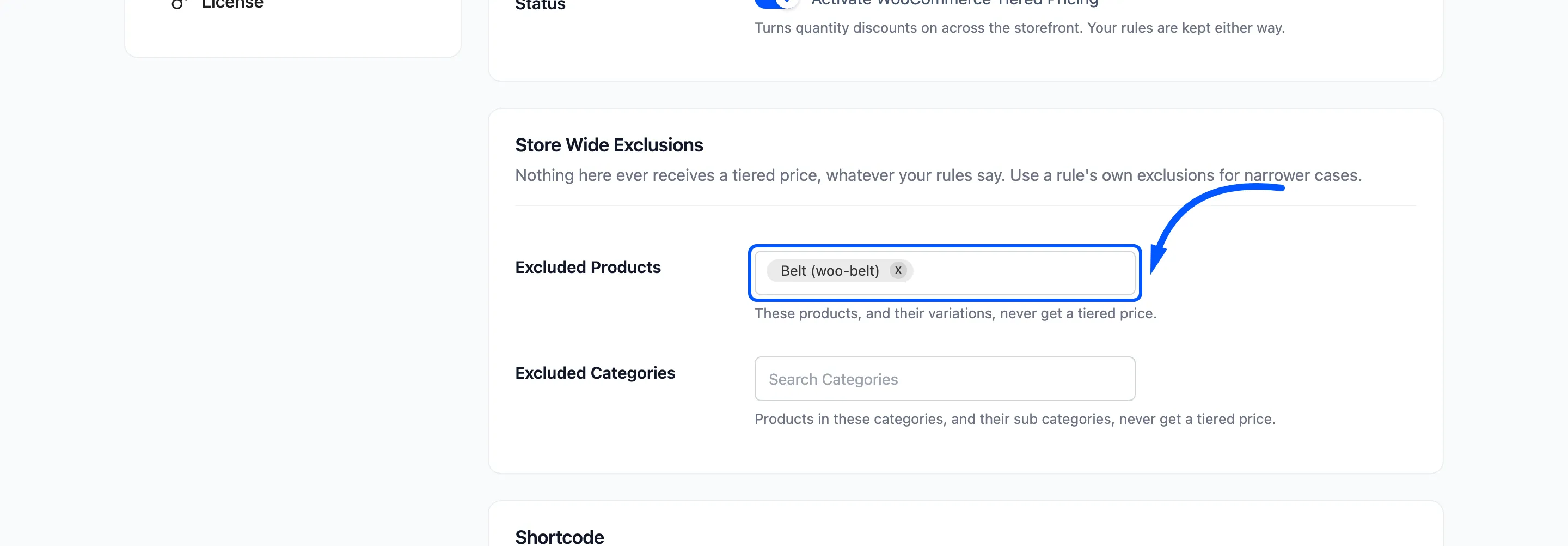
- Excluded Products: The products, and their variations, never get a tiered price.
- Excluded Categories: Products in these categories, and in their sub categories, never get one.
Step 3: Save the tab
Section titled “Step 3: Save the tab”Click Save Changes at the bottom. Reload the tab to confirm the Belt is still in the field.
Step 4: Check the product page and the cart
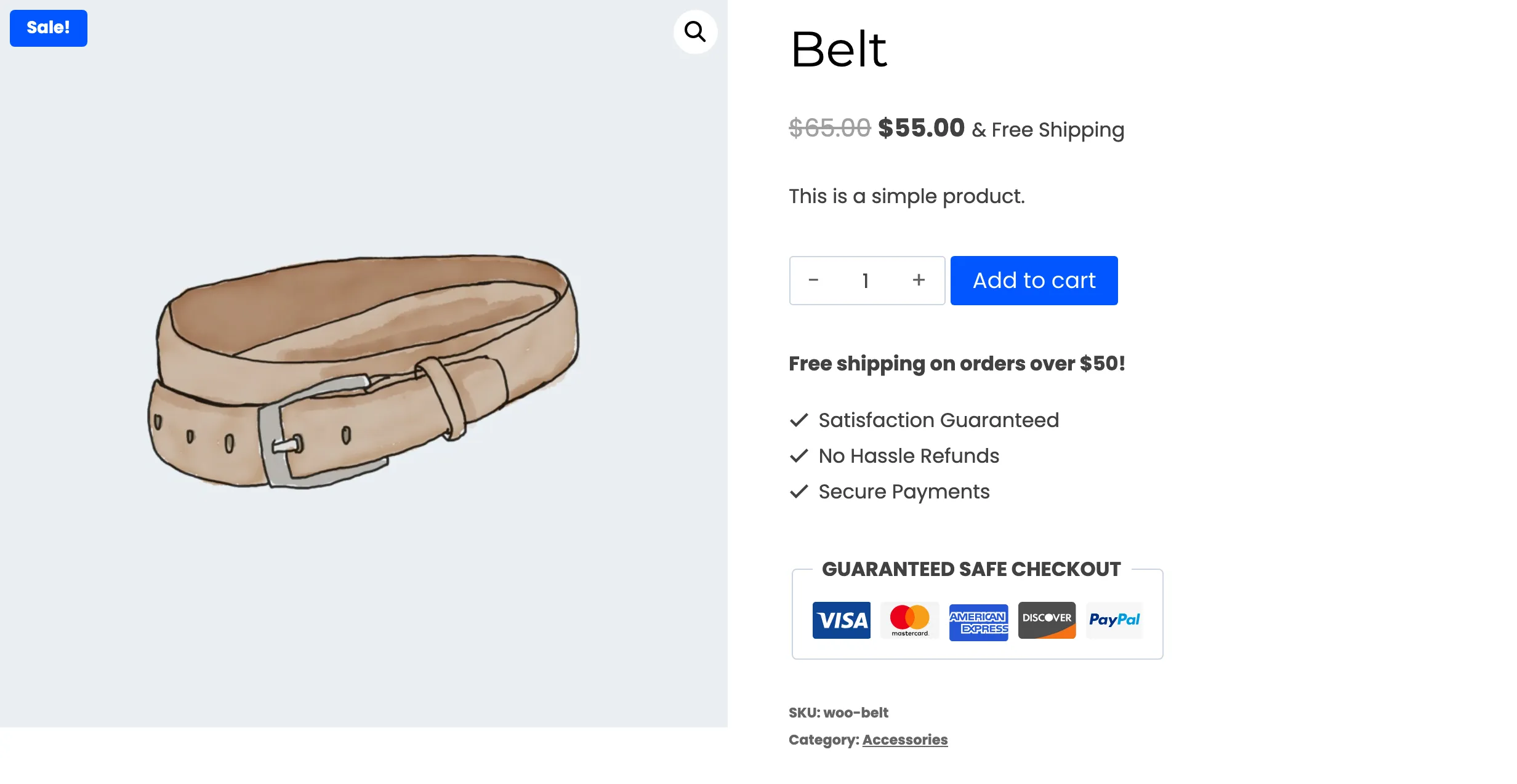
Section titled “Step 4: Check the product page and the cart”Open the Belt while logged out. The pricing table is gone, and so is the next tier hint.
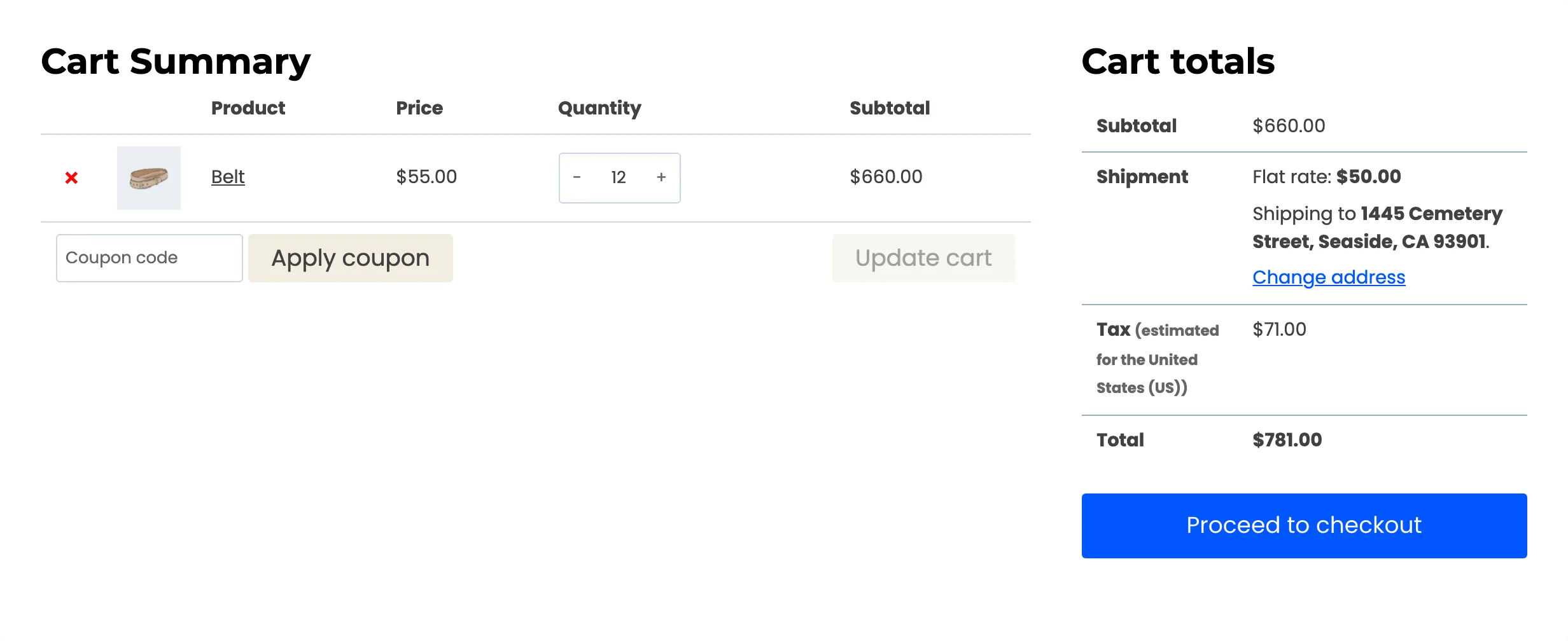
The cart charges the normal price, however many are added. Twelve belts at $55.00 are $660.00, with no rule name under the product and no savings row.
The exclusion is checked before any rule. It beats rules for all products, rules for that product by name, and rules added in the product editor. It also removes the product’s listing badge on the shop page.
Step 5: Choose between a store wide and a rule level exclusion
Section titled “Step 5: Choose between a store wide and a rule level exclusion”There are two places to exclude a product, and they do different jobs.
- Store wide, on the General tab: The product is out of every rule. Use it for products that must never be discounted.
- On one rule, in Exclude Products: The product is out of that rule only. Other rules can still discount it. Use it to carve a product out of a category promotion.
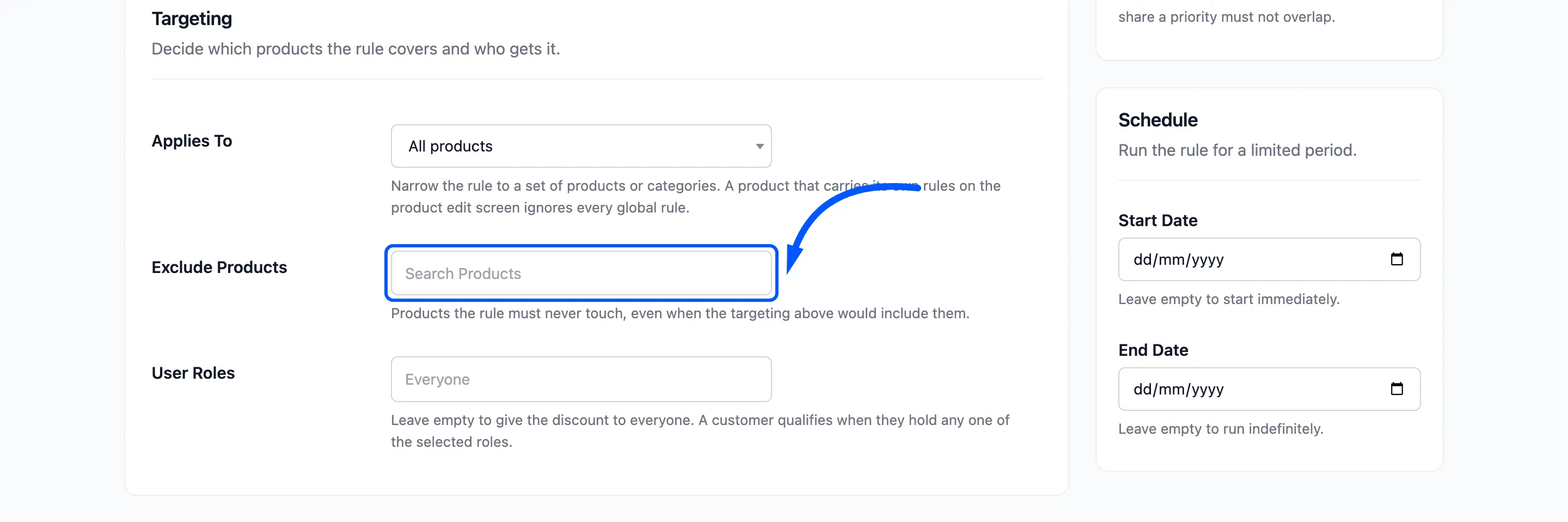
If you only want to stop one promotion from reaching one product, use the rule’s field and leave the store wide list alone.
Undoing an exclusion
Section titled “Undoing an exclusion”Remove the product from the field and save. The product takes part in tiered pricing again straight away. Carts that already hold it are repriced on their next page load.