

Tiered Orders
The Orders screen is a filtered view of your store’s orders. It lists only the orders where at least one line received a tier price, and shows what the discount cost. Open DevDiggers Plugins → Tiered Pricing → Orders.
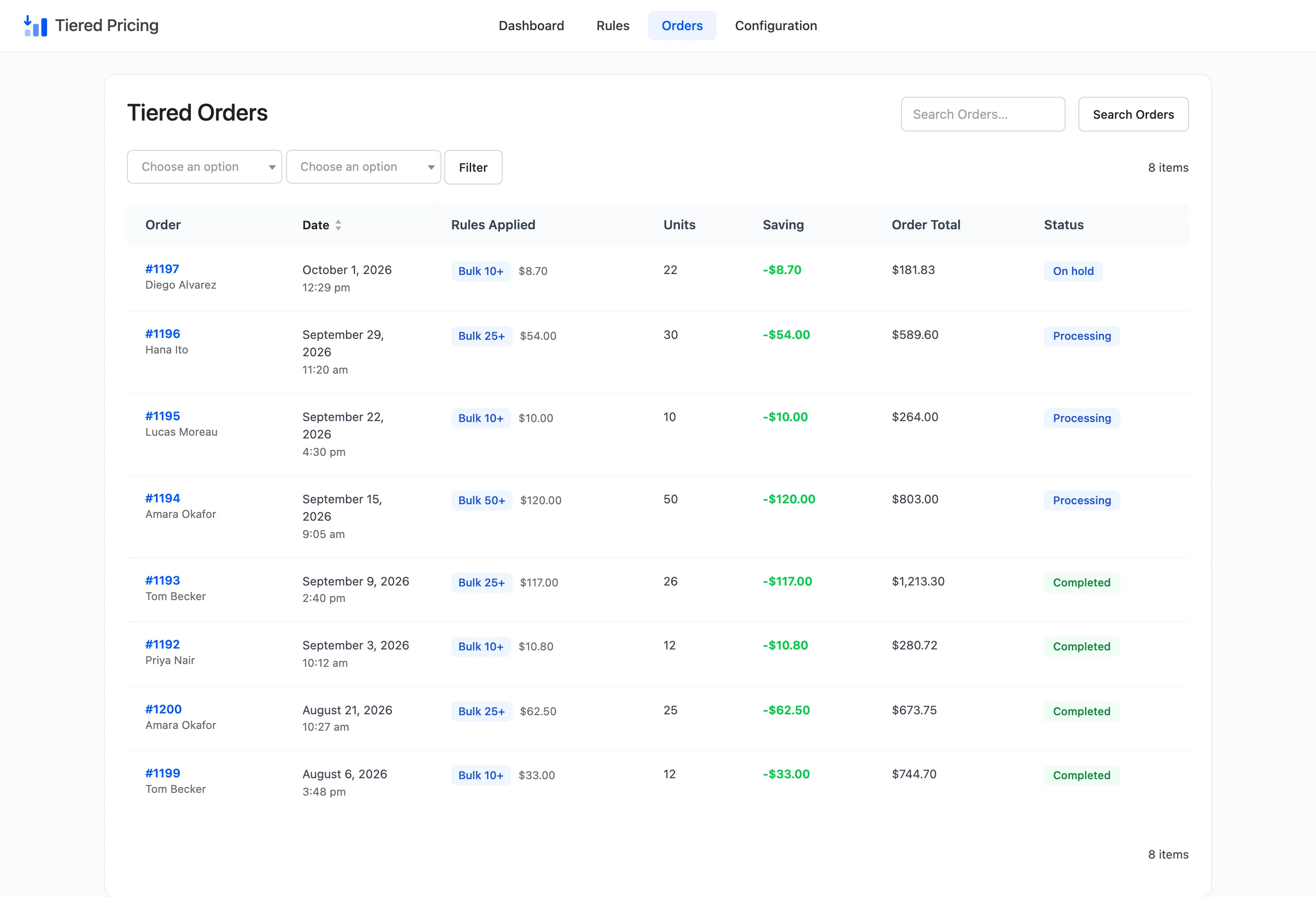
An order lands here when it is placed, whatever its status. The plugin marks it at that moment. An order with no tier price on any line is never marked, so it does not appear.
The columns
Section titled “The columns”- Order: The order number, which opens the order, and the billing name. When there is no name it shows the billing email.
- Date: The day and the time the order was placed.
- Rules Applied: One badge for each rule that discounted a line, with the amount that rule saved.
- Units: The number of units on lines that received a tier price. Units bought at the normal price on the same order are not counted.
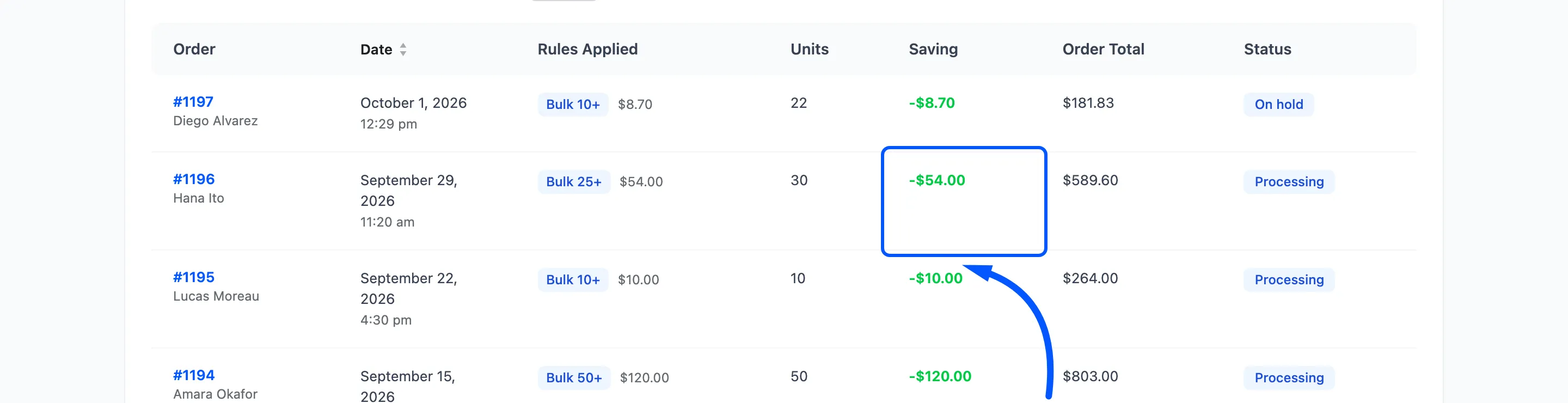
- Saving: The total the order saved, shown as a negative amount.
- Order Total: The full order total, with shipping and tax.
- Status: The WooCommerce order status.
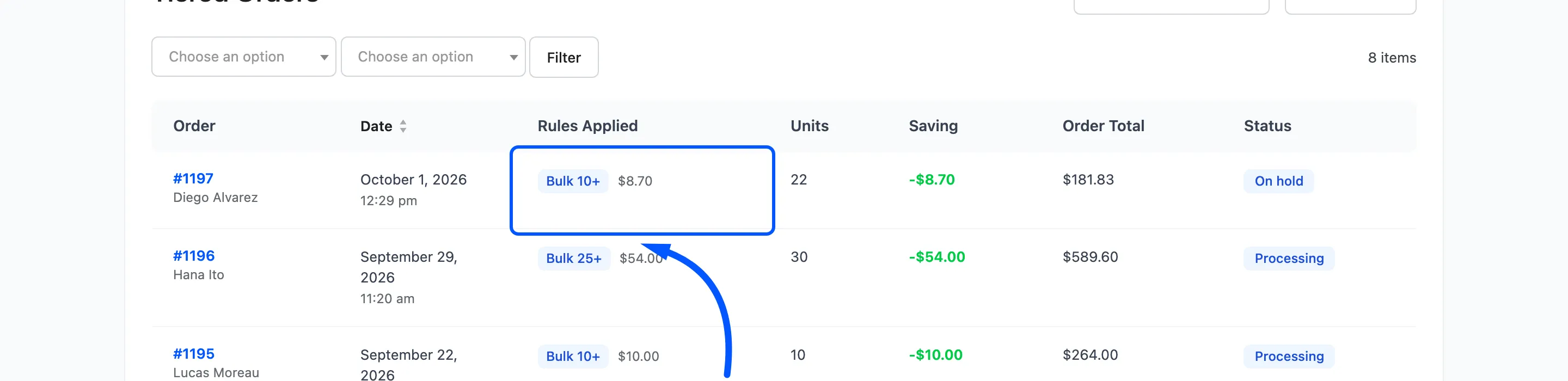
An order that used two rules shows two badges. The demo’s mixed order shows one rule, Bulk 10+, with $8.70 saved across an Album line and a Single line.
Filters
Section titled “Filters”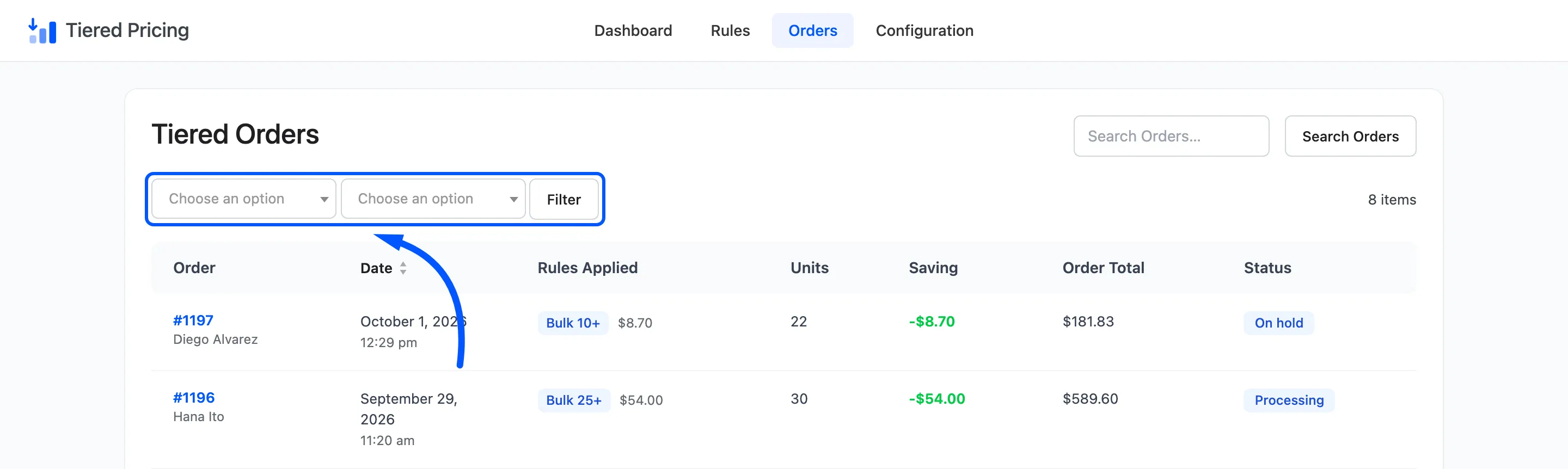
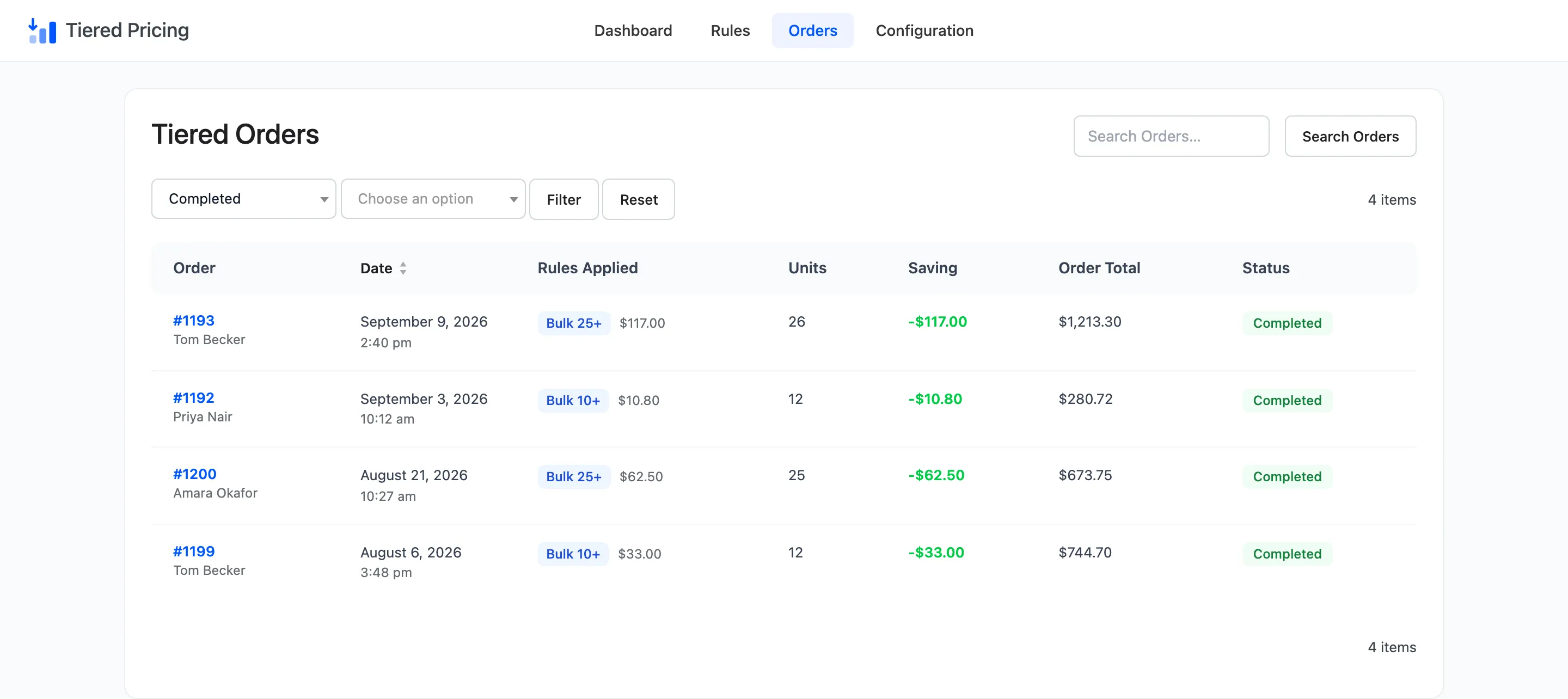
- Filter by order status: Every WooCommerce status, such as Processing, Completed or Cancelled. The default is All statuses.
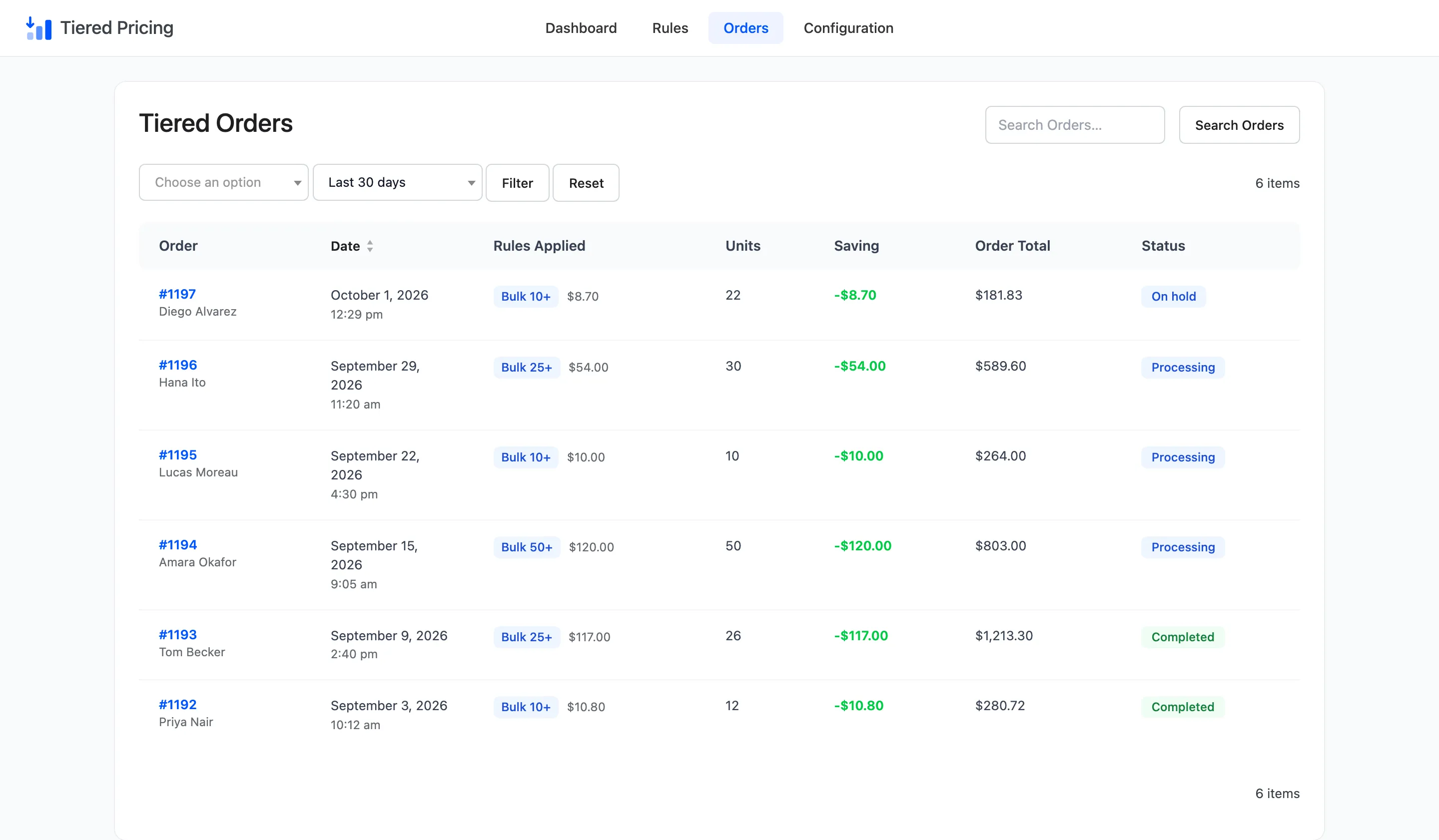
- Filter by date: Any time, Last 7 days, Last 30 days, Last 90 days or Last 12 months.
Choose one or both and click Filter. Reset clears them.
Search and sort
Section titled “Search and sort”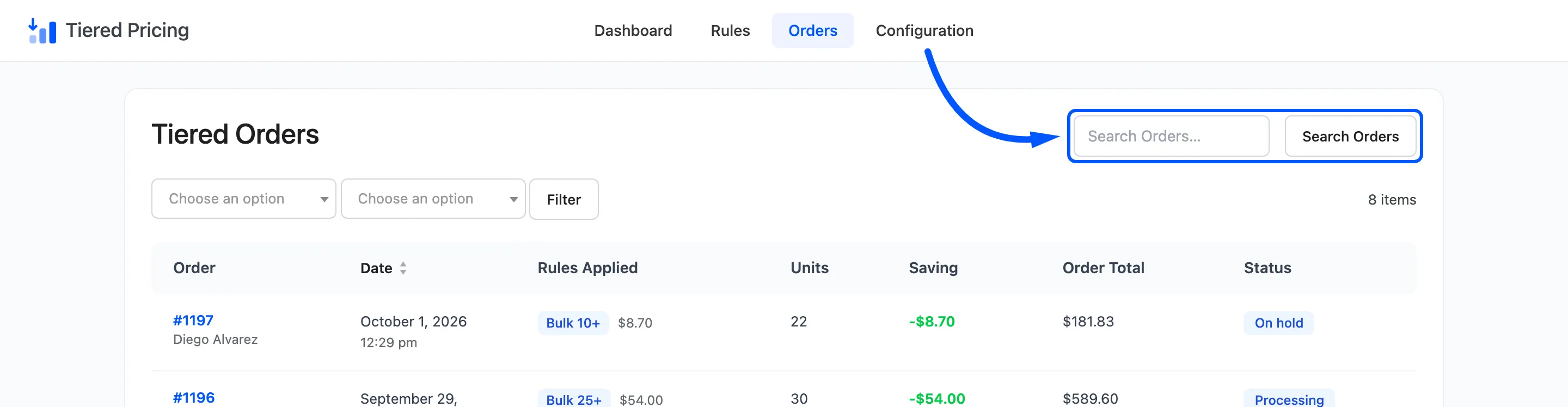
Search Orders uses WooCommerce’s own order search, so a name, an email or an order number works. Click the Date heading to switch between newest first and oldest first. The list starts with the newest order at the top.
Open Screen Options to hide a column or to change Orders Per Page. The default is 20.
Cancelled and refunded orders
Section titled “Cancelled and refunded orders”This screen lists orders of every status, cancelled ones included, because it is a record of what happened. The dashboard behaves differently. It leaves out cancelled, failed and refunded orders, so its totals show money that was really given away.
Expect the two to disagree when an order was cancelled.