

How to Turn Off Two-Factor Authentication
Customers can turn 2FA off again, unless their role is required to use it.
Step 1: Open Turn off
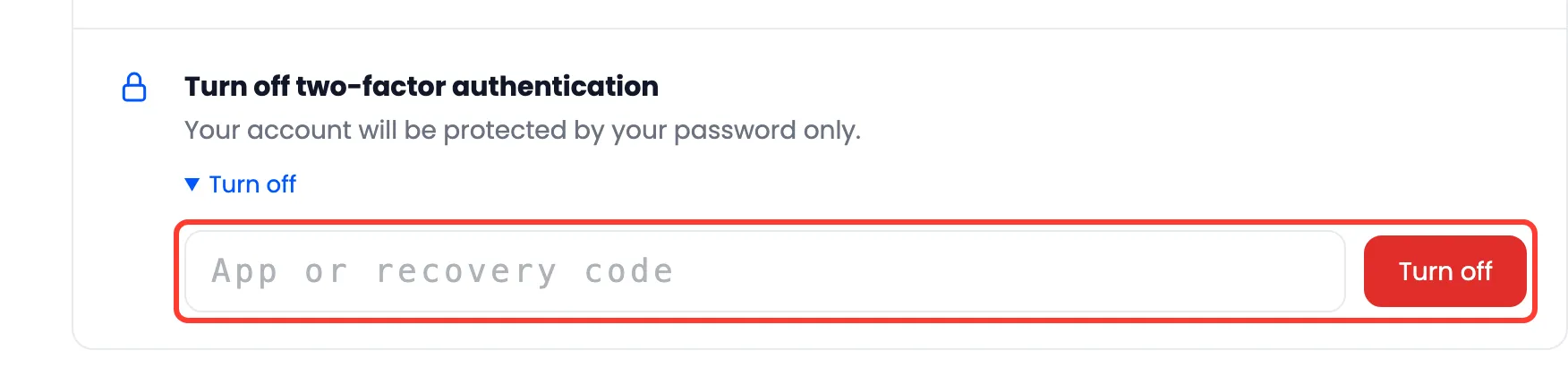
Section titled “Step 1: Open Turn off”On My Account → Two-Factor Authentication, click Turn off in the last row.
Step 2: Type a code
Section titled “Step 2: Type a code”A code from the app or a recovery code proves it is them. Press Turn off.
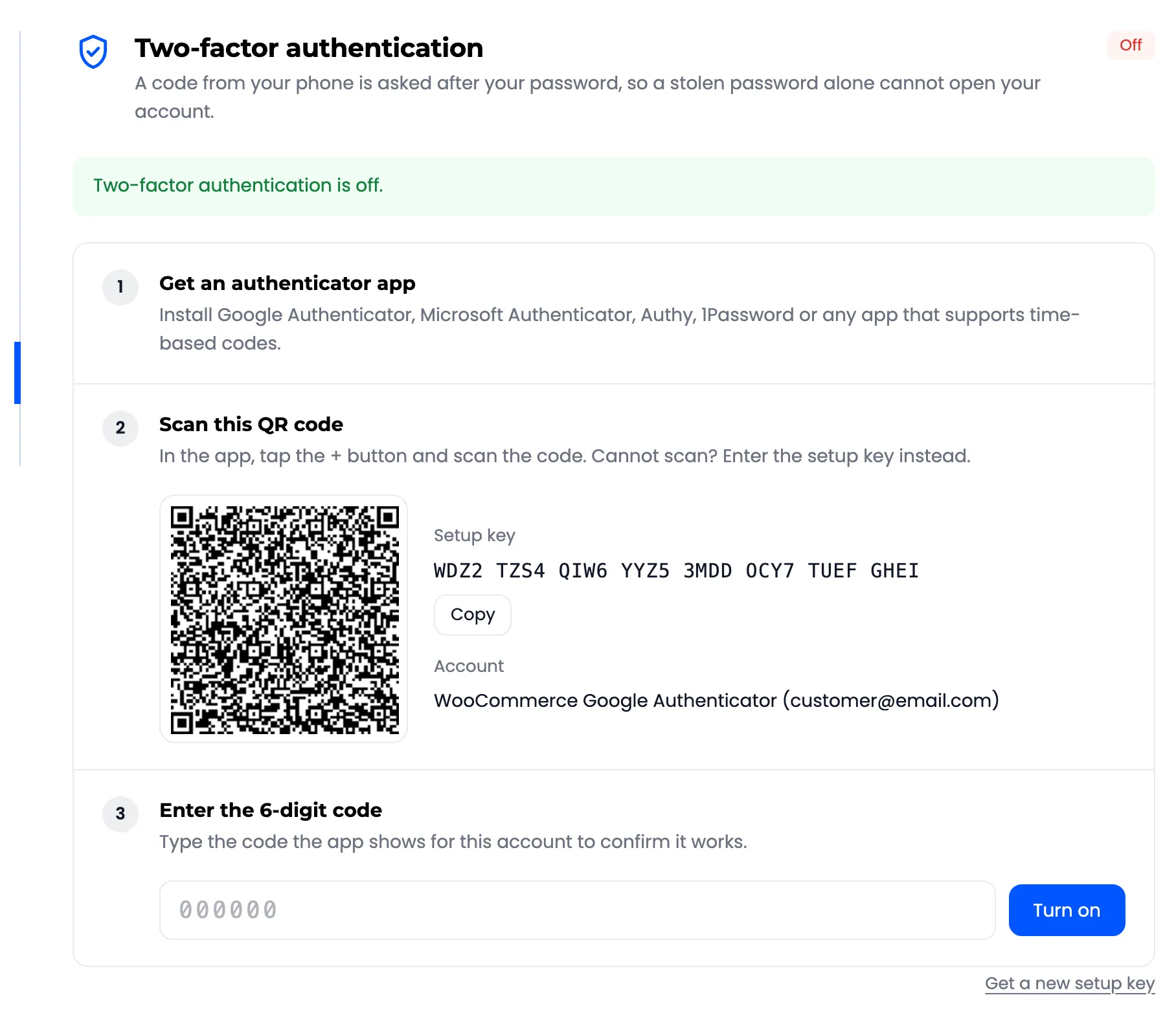
“Two-factor authentication is off.” The setup page is back, with a new QR code.
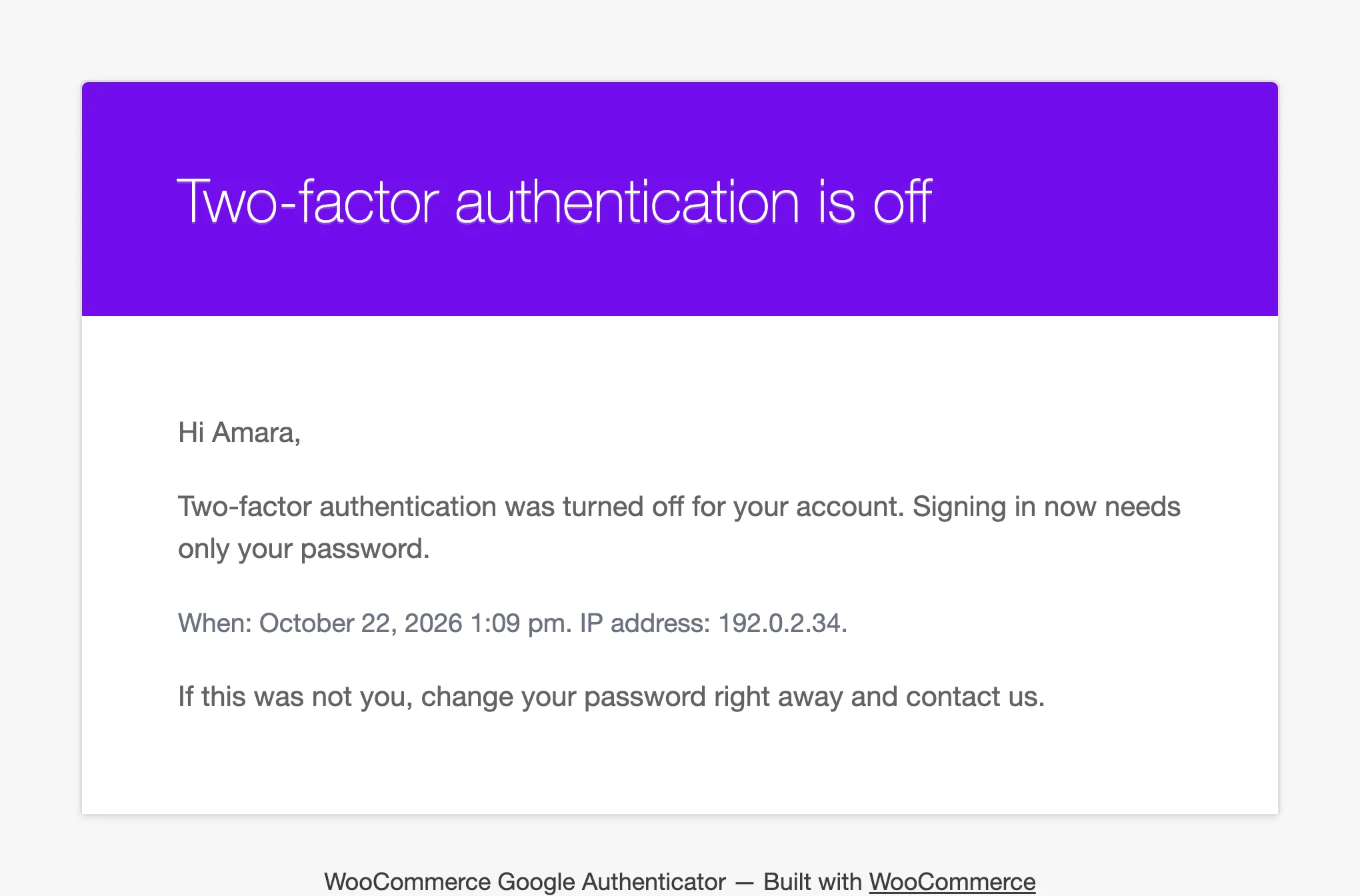
They get an email: “Two-factor authentication was turned off on your account.”
Good to know
Section titled “Good to know”- Turning off deletes the secret, the recovery codes and the trusted devices. Turning it on again means a new scan.
- A wrong code counts towards the lockout.
- In a required role, the row says “Required for your account by the store, so it cannot be turned off.”