

Advanced Settings
The Advanced tab covers the activity log and what happens on uninstall. Open Configuration → Advanced.
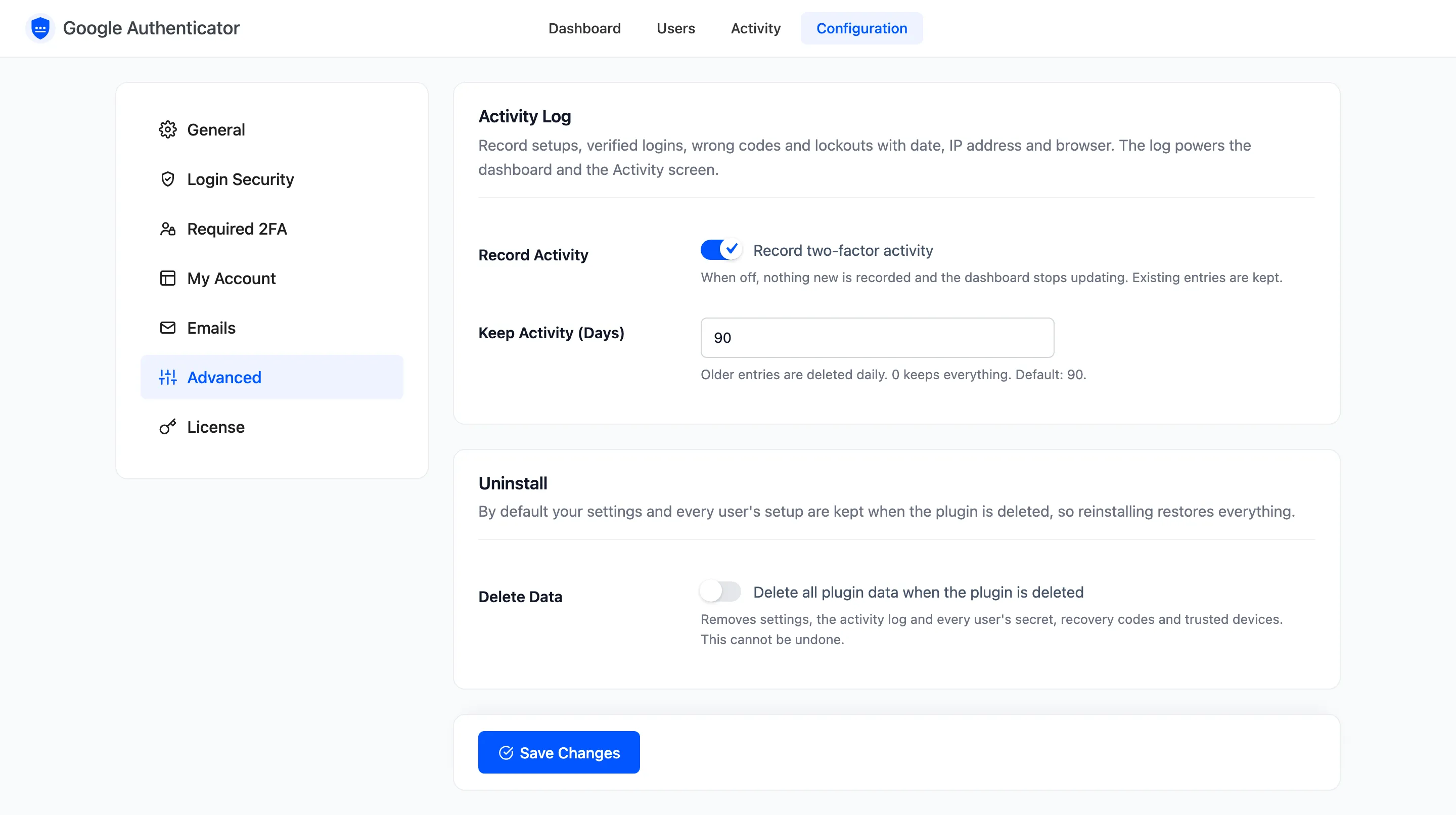
Activity Log
Section titled “Activity Log”- Record Activity: Ticked by default. Records setups, verified logins, wrong codes and lockouts, with the date, IP address and browser. Off, nothing new is recorded and the dashboard stops updating. Existing entries are kept.
- Keep Activity (Days): Default 90. Older entries are deleted once a day. 0 keeps everything.
On the demo, an entry dated 120 days back was gone after the daily cleanup ran.
Lockouts and emails work whether or not activity is recorded.
Uninstall
Section titled “Uninstall”- Delete Data: Off by default. Deleting the plugin then removes its settings, the activity log, and every user’s secret, recovery codes and trusted devices. This cannot be undone.
Left off, deleting and reinstalling the plugin brings everyone’s setup back.