

The Customer Experience
This page walks through every screen a customer sees, on the demo store. Staff see the same screens, plus the WordPress login screen.
The reminder
Section titled “The reminder”Until a customer turns 2FA on, a card at the top of the My Account dashboard invites them to.
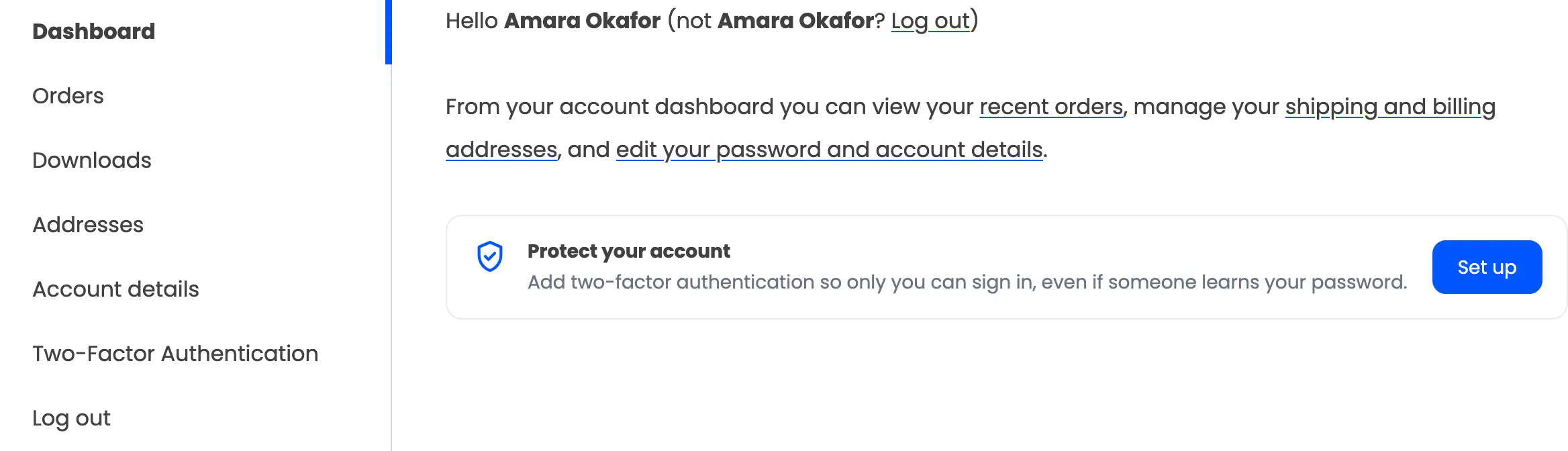
Set up opens the setup page. The card goes once 2FA is on, or for good when you untick Dashboard Reminder under Configuration → My Account.
The menu item
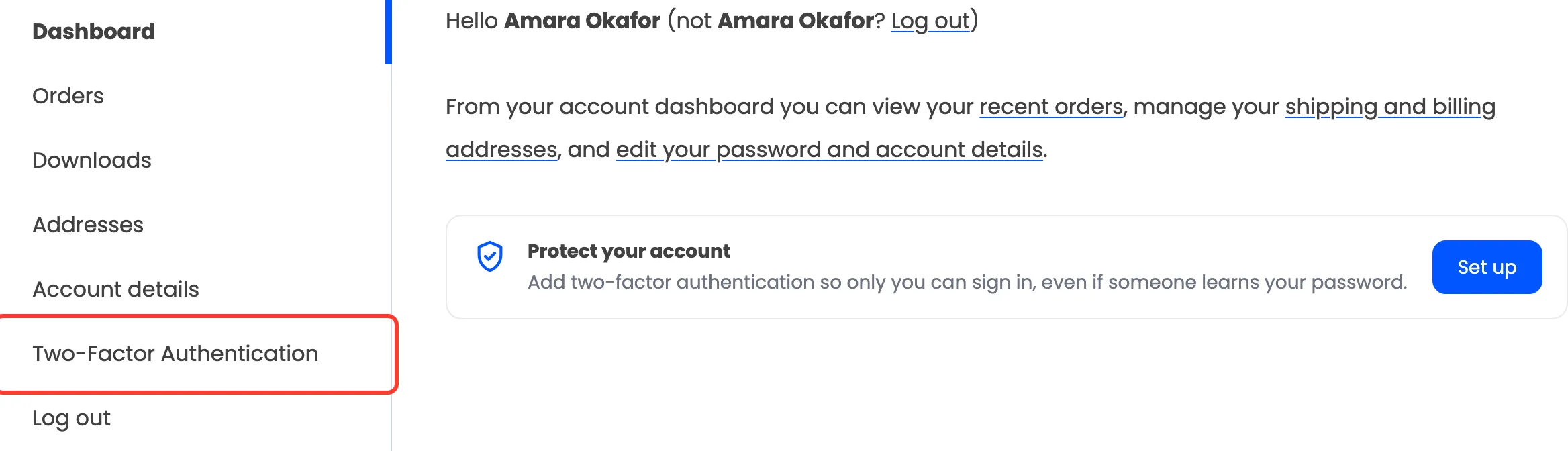
Section titled “The menu item”My Account gets a Two-Factor Authentication item, just above Log out.
The setup page
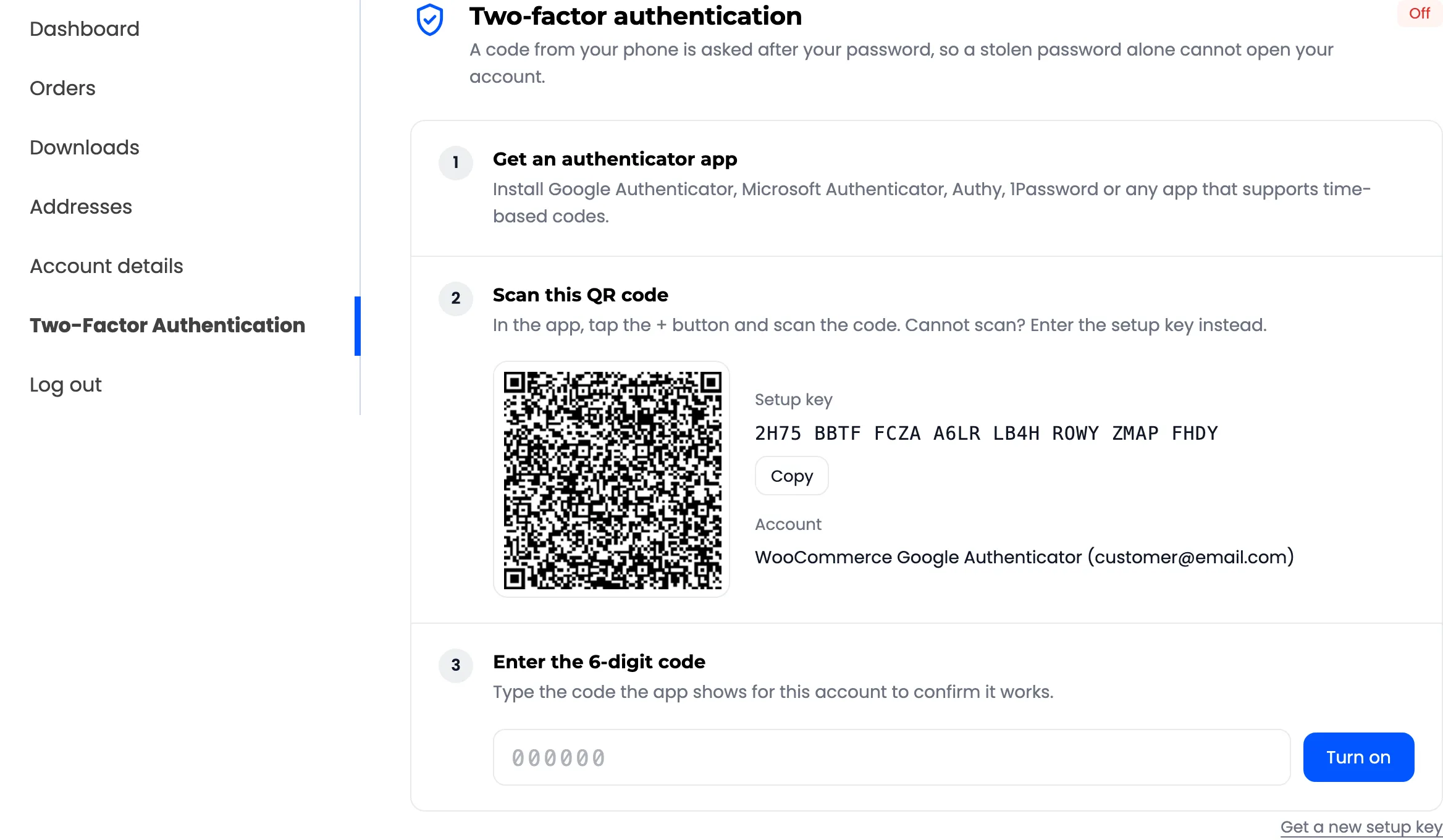
Section titled “The setup page”Three numbered steps: get an app, scan the QR code or type the setup key, type one code.
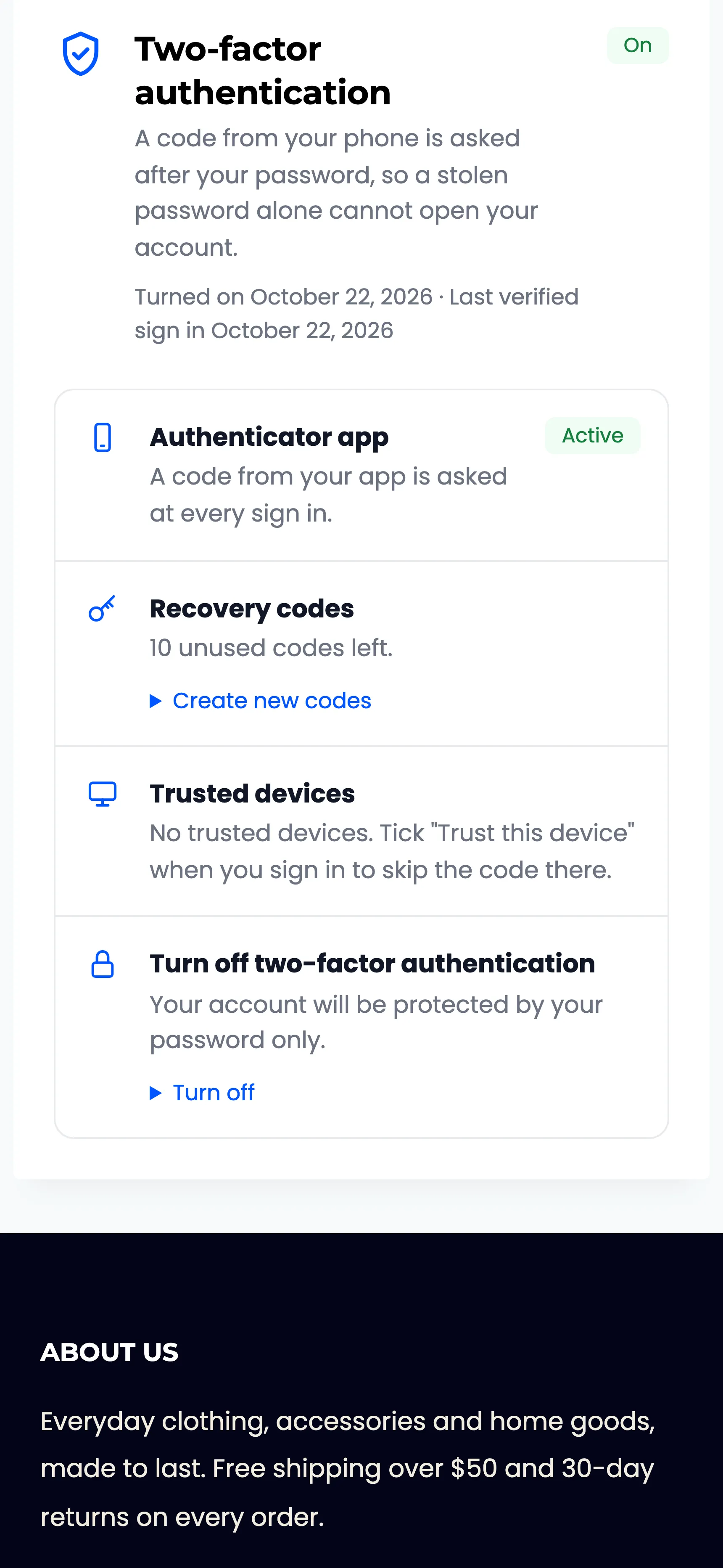
The page once 2FA is on
Section titled “The page once 2FA is on”The same page becomes a summary, with the date 2FA was turned on and the last verified sign in.
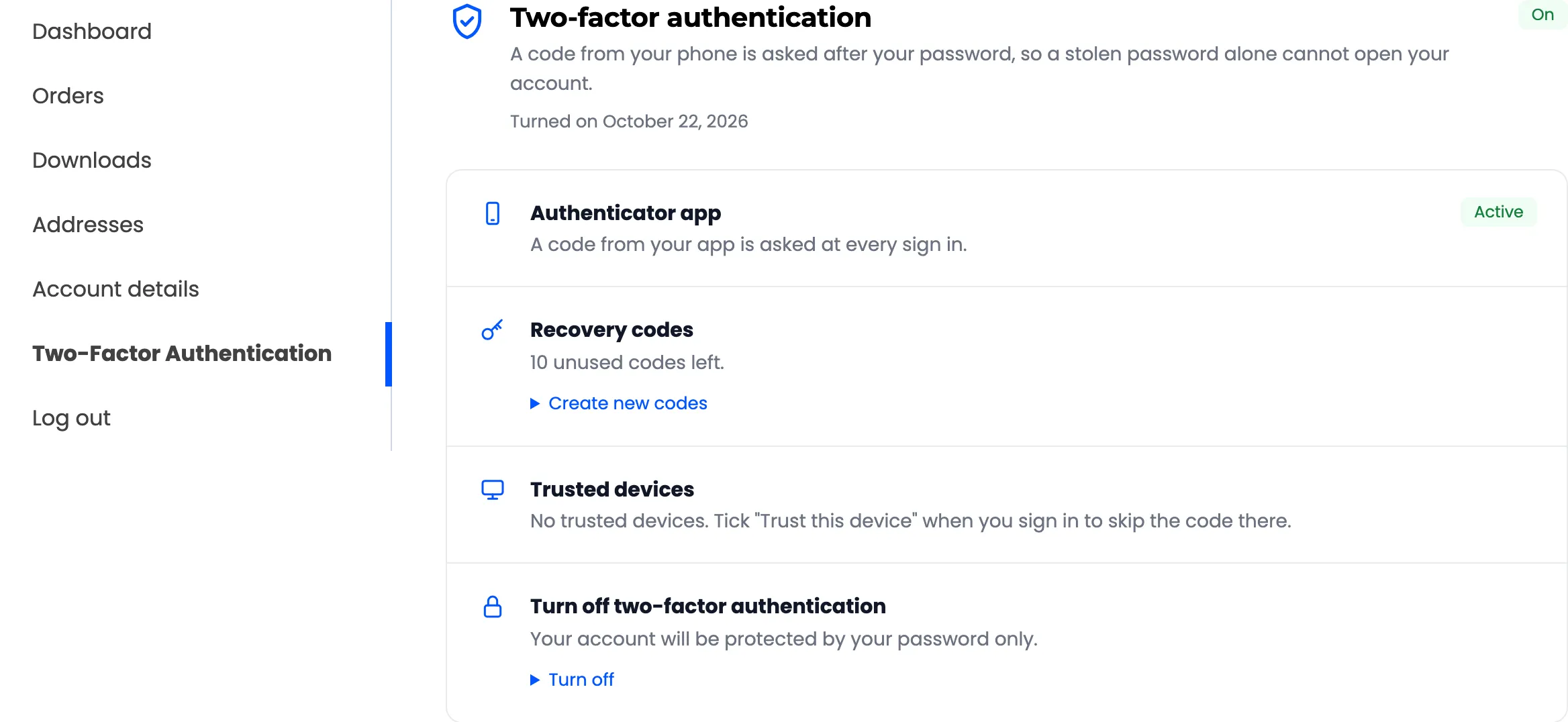
- Authenticator app: Active.
- Recovery codes: How many are left, and Create new codes.
- Trusted devices: How many browsers skip the code, and Remove all.
- Turn off two-factor authentication: Needs a code from the app or a recovery code.
The code screen
Section titled “The code screen”After a correct password, in My Account and at checkout.
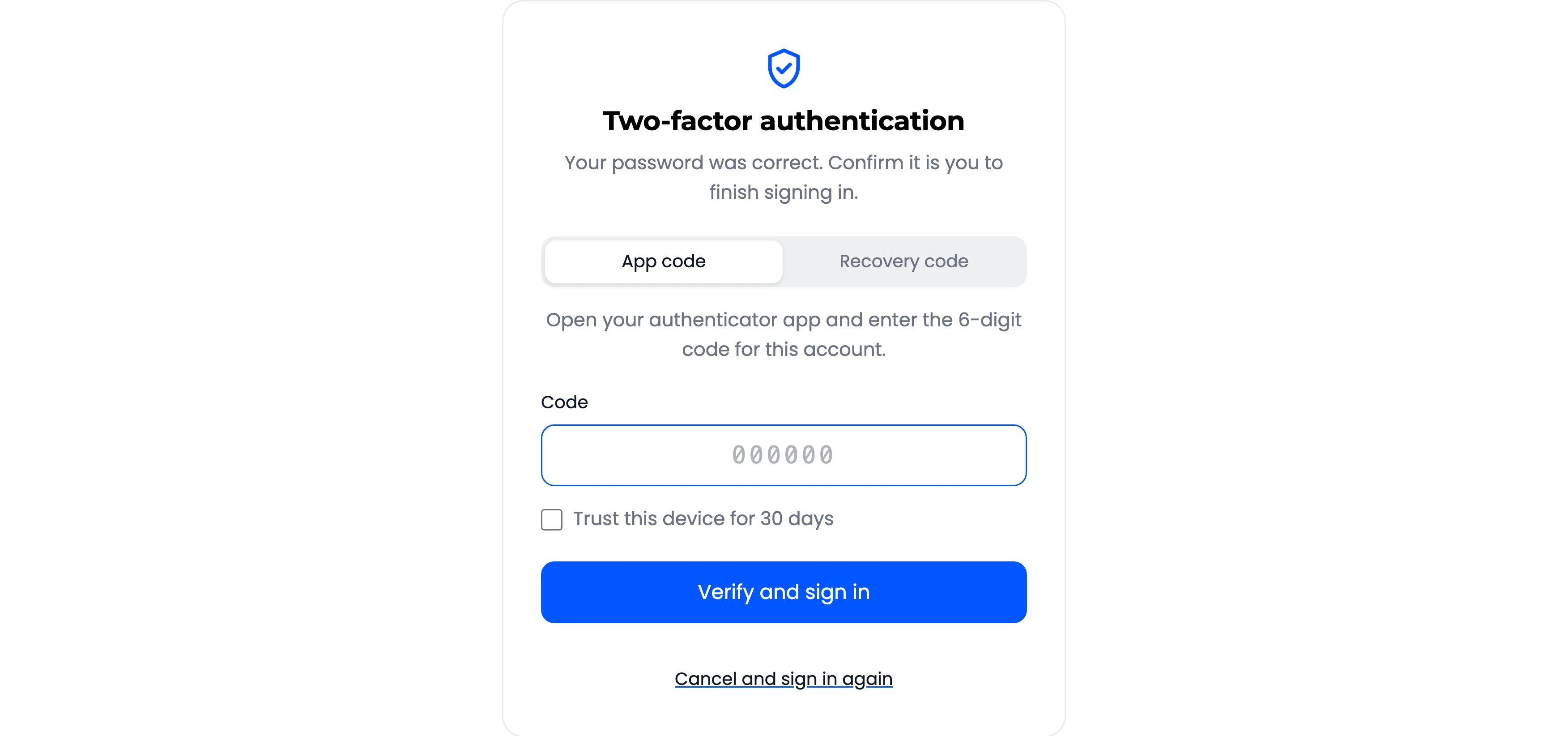
The tabs appear only for the methods this customer can use: App code always, Recovery code while they have codes left, Email code when you allow it.
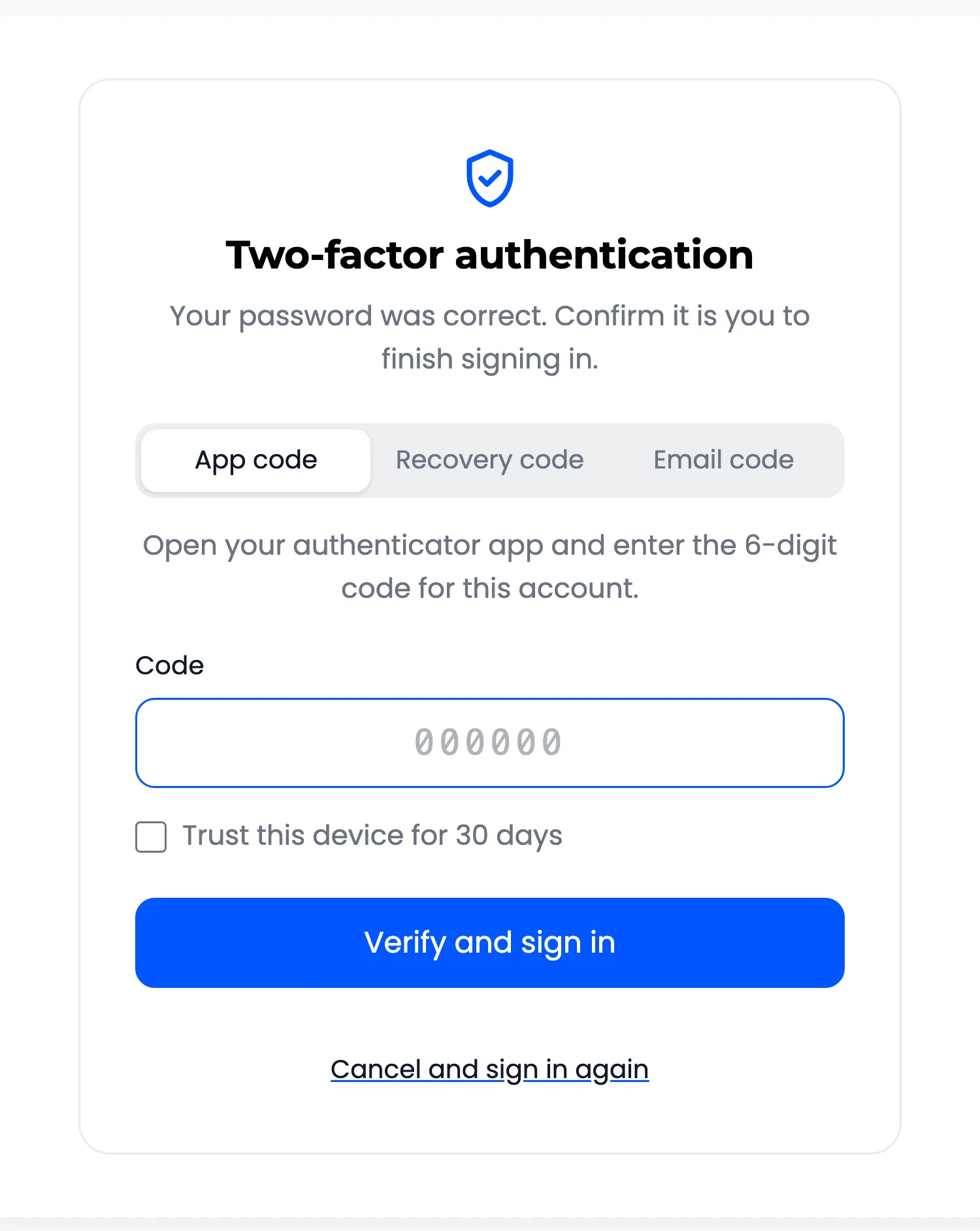
The WordPress login screen
Section titled “The WordPress login screen”Staff who sign in at wp-login.php get the same card, styled for that screen.
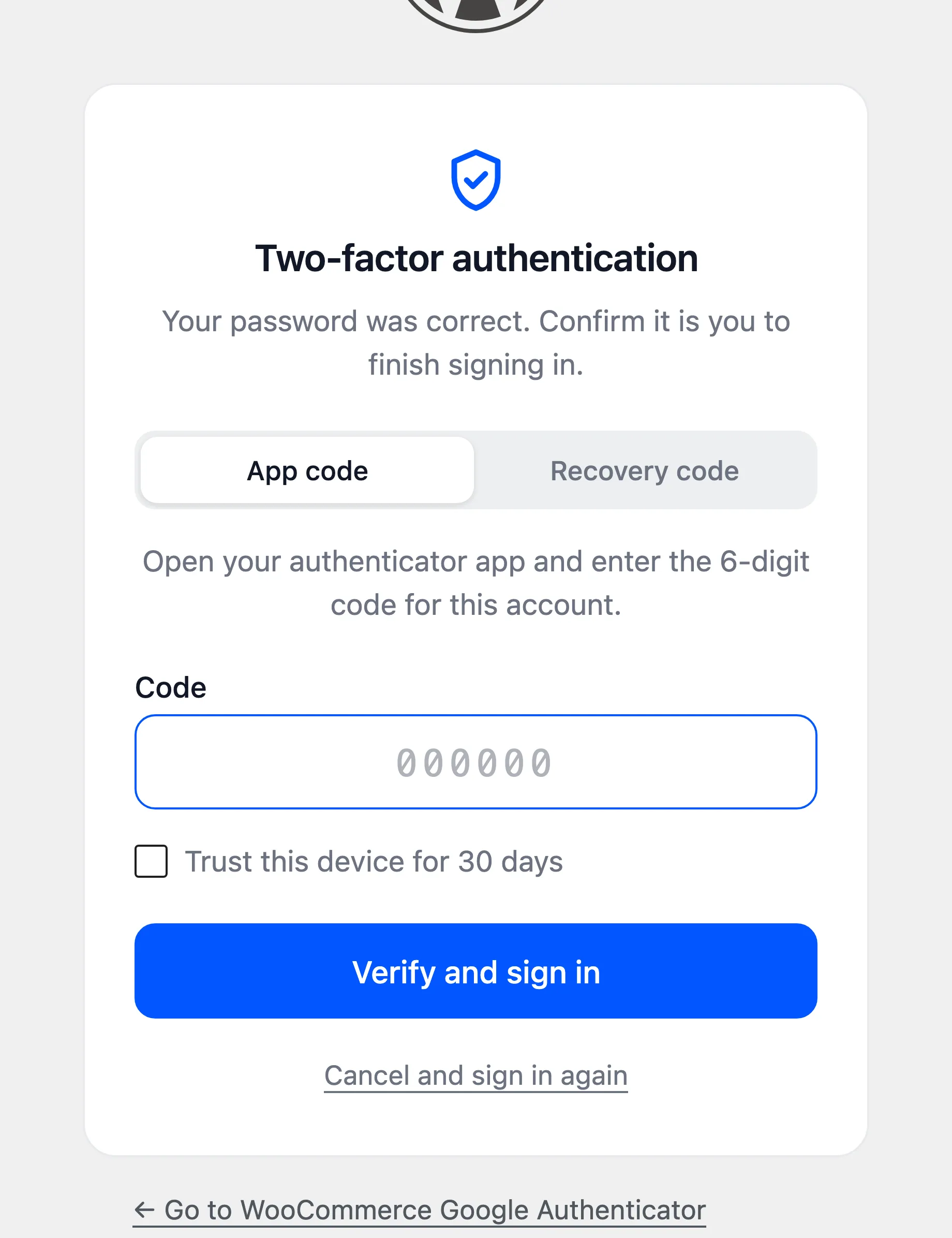
On a phone
Section titled “On a phone”Both pages fit a narrow screen.
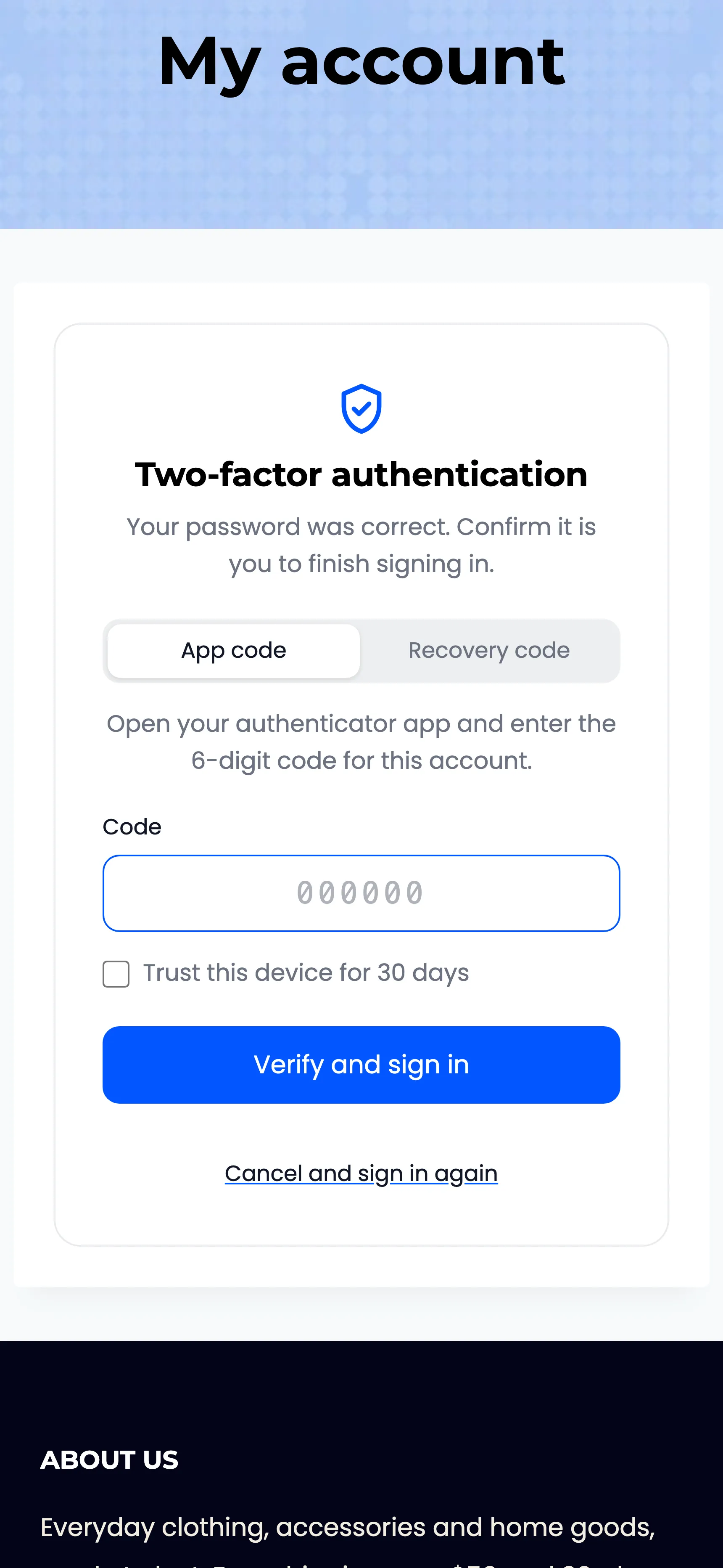
Messages customers can see
Section titled “Messages customers can see”- That code is not valid. Use the newest code from your app… The code did not match, or was used before.
- That recovery code is not valid or was already used.
- We sent a 6-digit code to c***@e***.com. An email code is on its way. The address is partly hidden.
- Please wait a minute before asking for another code.
- Too many wrong codes. Sign in to this account is blocked for 15 minutes.
- Your sign in session expired. Please sign in again. More than 10 minutes passed, or the link was old.
- Two-factor authentication is required for your account. Their role must use 2FA.