

How to Trust a Device and Remove Trusted Devices
On a computer only they use, customers can skip the code for a while.
Step 1: Tick Trust this device
Section titled “Step 1: Tick Trust this device”On the code screen, tick Trust this device for 30 days before typing the code.
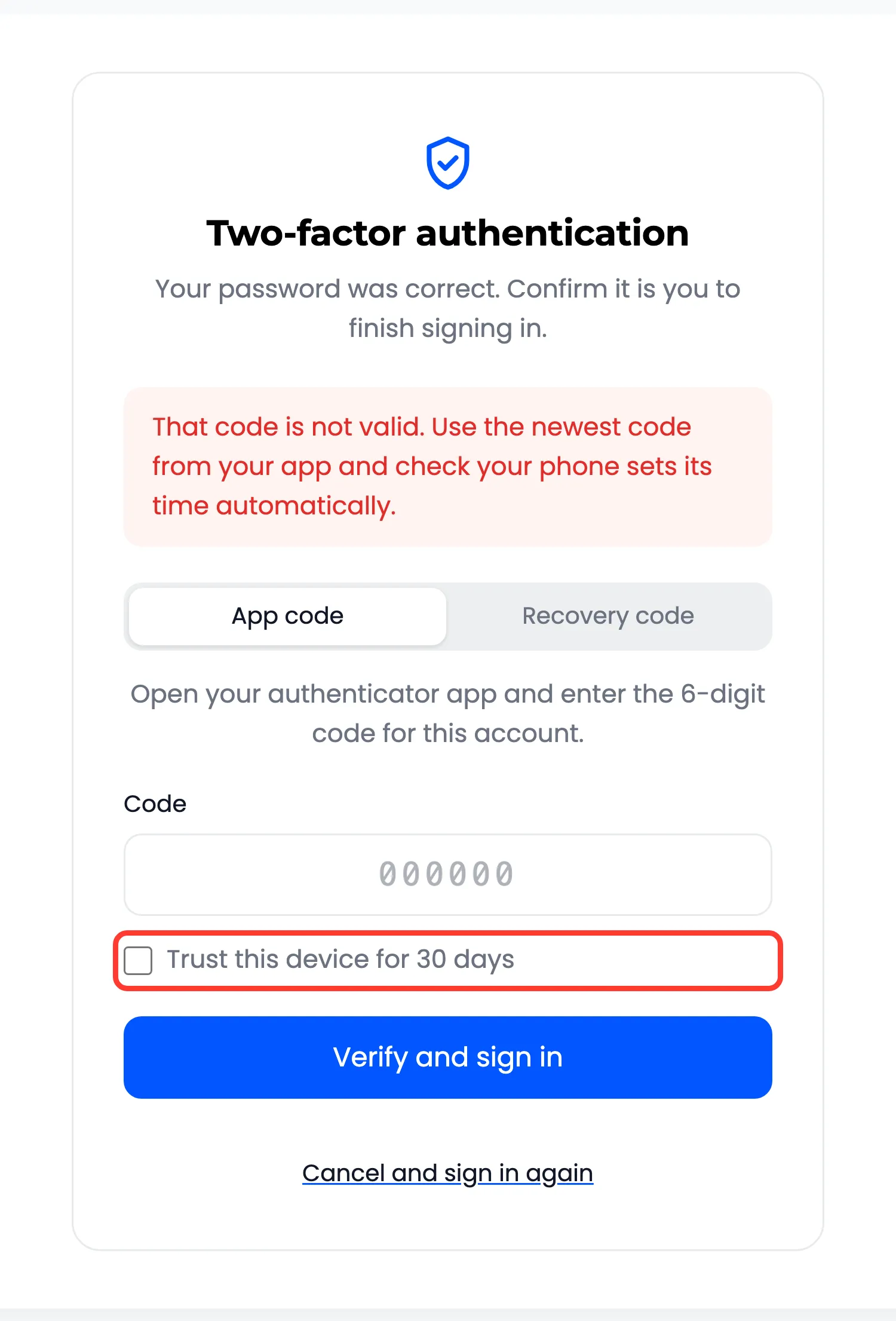
The browser keeps a random cookie that scripts cannot read. Your site stores only a scrambled copy.
Step 2: Sign in without a code
Section titled “Step 2: Sign in without a code”On that browser, the password alone signs in until the time is up. Every other browser still asks for the code. The activity log records Trusted device login.
Step 3: Remove all trusted devices
Section titled “Step 3: Remove all trusted devices”My Account → Two-Factor Authentication shows how many browsers skip the code.
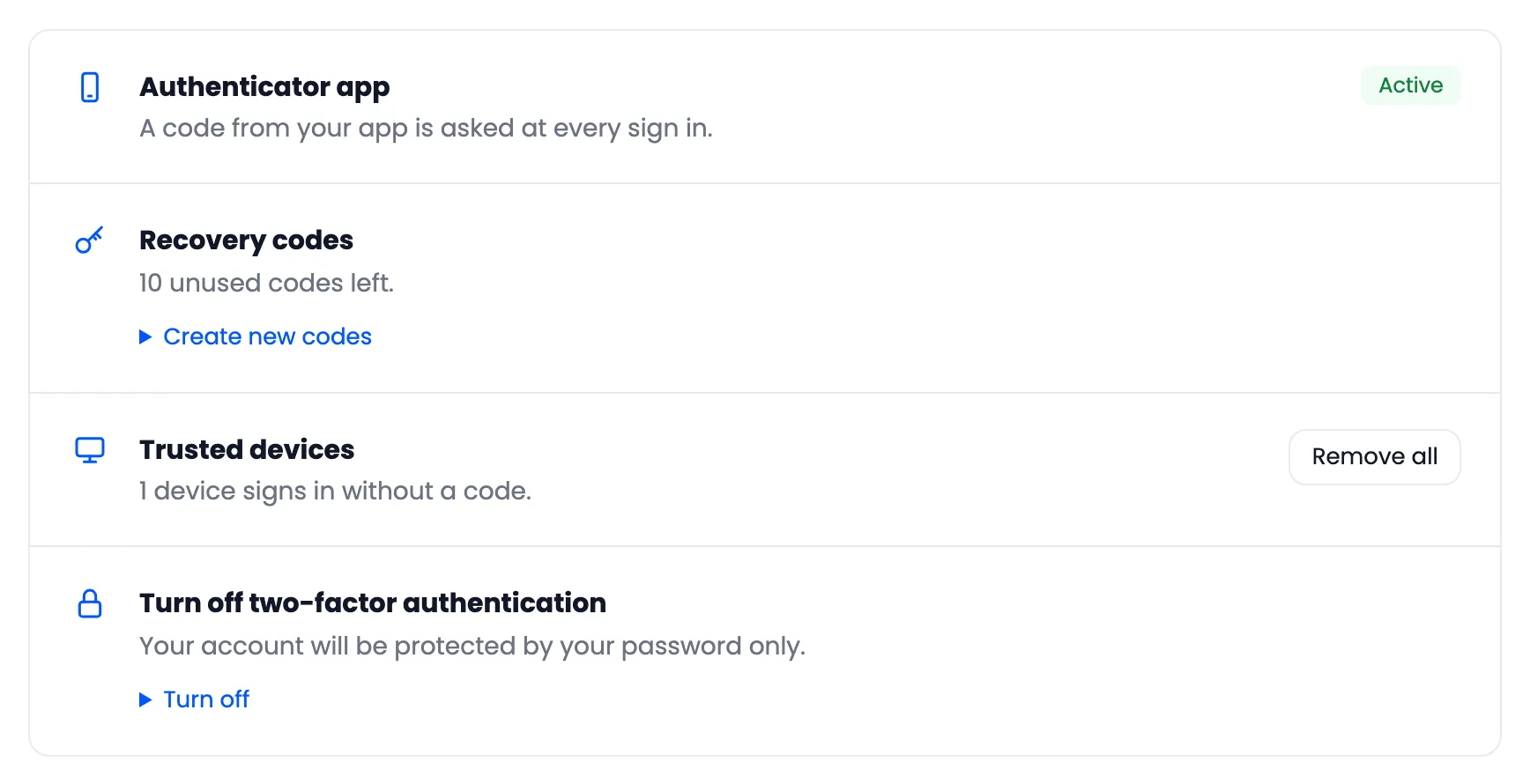
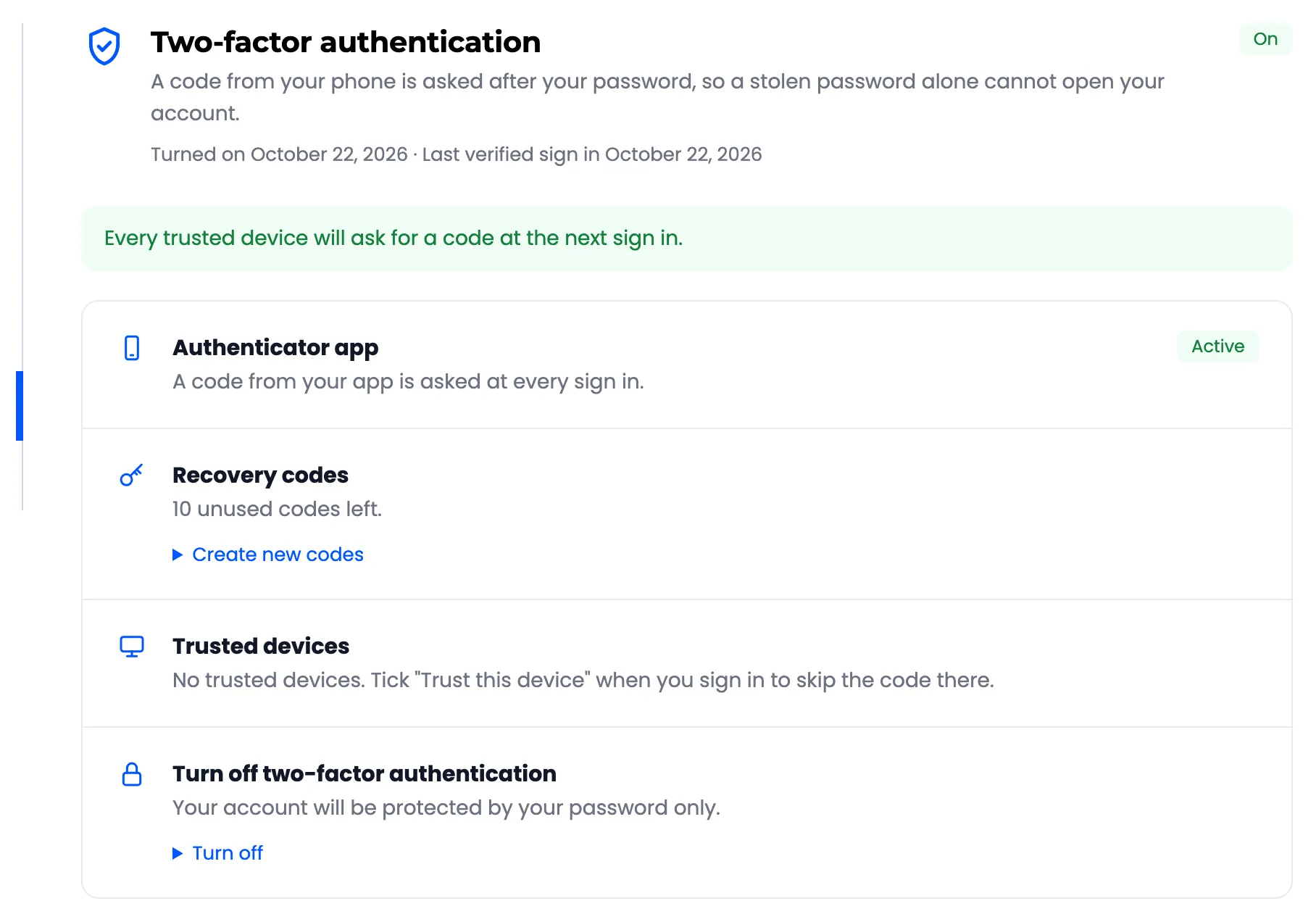
Remove all ends them all: “Every trusted device will ask for a code at the next sign in.” On the demo, the next sign in on the trusted browser asked for the code again.
Good to know
Section titled “Good to know”- The number of days follows Trust Duration (Days) under Configuration → Login Security.
- Unticking Trusted Devices there makes every device ask for the code again.
- A reset by you, or turning 2FA off, removes the trusted devices too.