

How to Place the Security Page Anywhere
The shortcode shows the same page as My Account → Two-Factor Authentication, wherever you put it.
Step 1: Copy the shortcode
Section titled “Step 1: Copy the shortcode”[ddwcga_google_authentication_register_form_shortcode], unless you set a shorter tag under Configuration →
My Account → Security Page Shortcode.
Step 2: Add it to a page
Section titled “Step 2: Add it to a page”Add a Shortcode block and paste it. On the demo it went on a page called Account Security, under a line of text.
Step 3: Publish and check
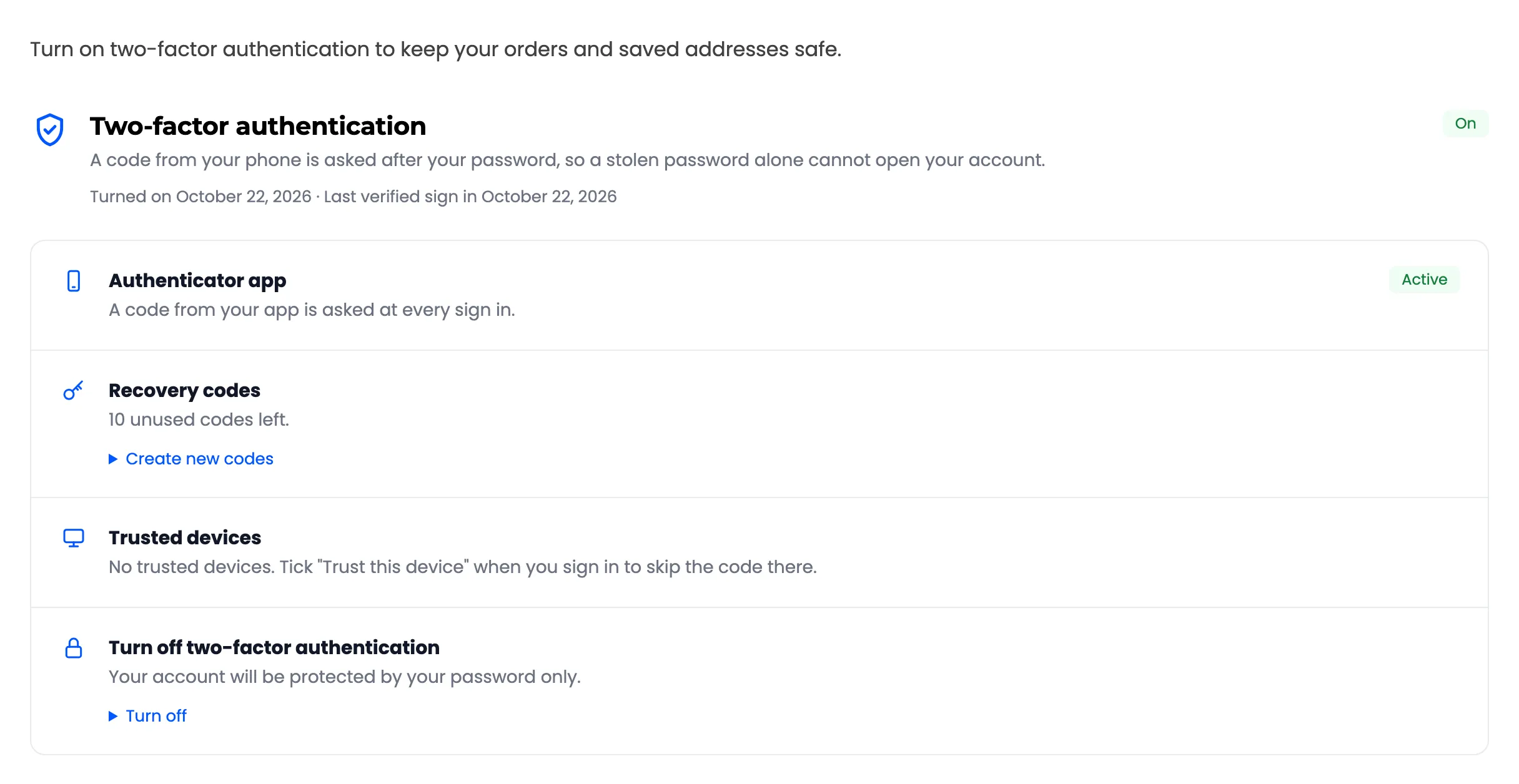
Section titled “Step 3: Publish and check”A signed in customer sees their own setup, or their status once 2FA is on.
A signed out visitor sees “Please sign in to manage two-factor authentication.”
Excluded users see nothing.