How to Invite Customers to Turn On 2FA
2FA is optional for customers unless you require it. A gentle nudge goes a long way.
Step 1: Keep the reminder on
Section titled “Step 1: Keep the reminder on”With Dashboard Reminder ticked under Configuration → My Account, customers without 2FA see a card at the top of their My Account dashboard.
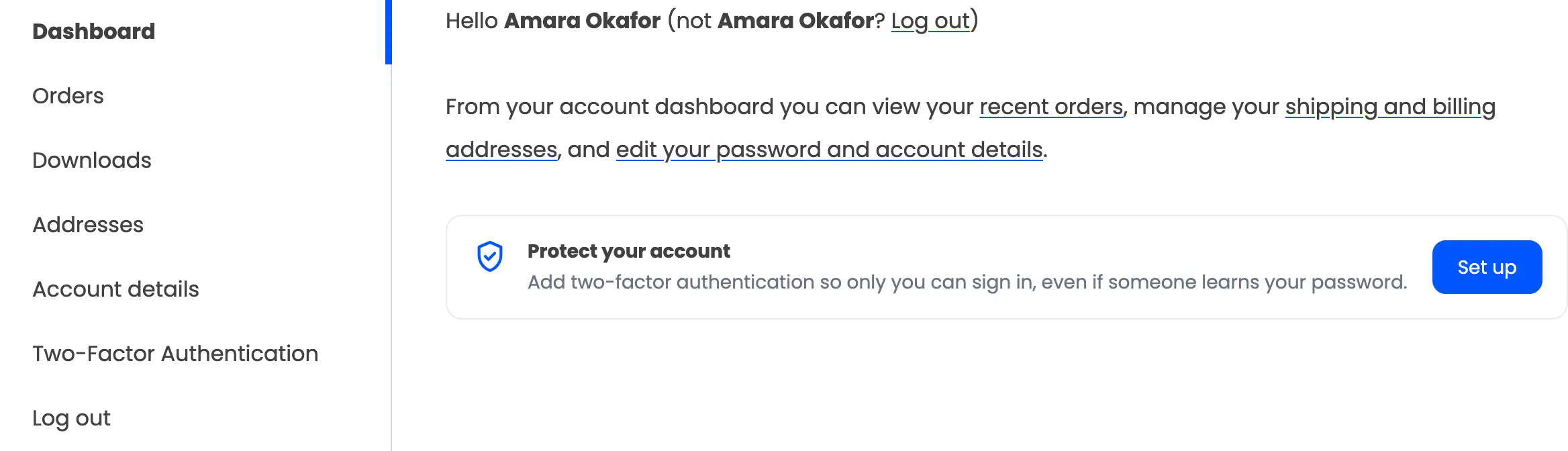
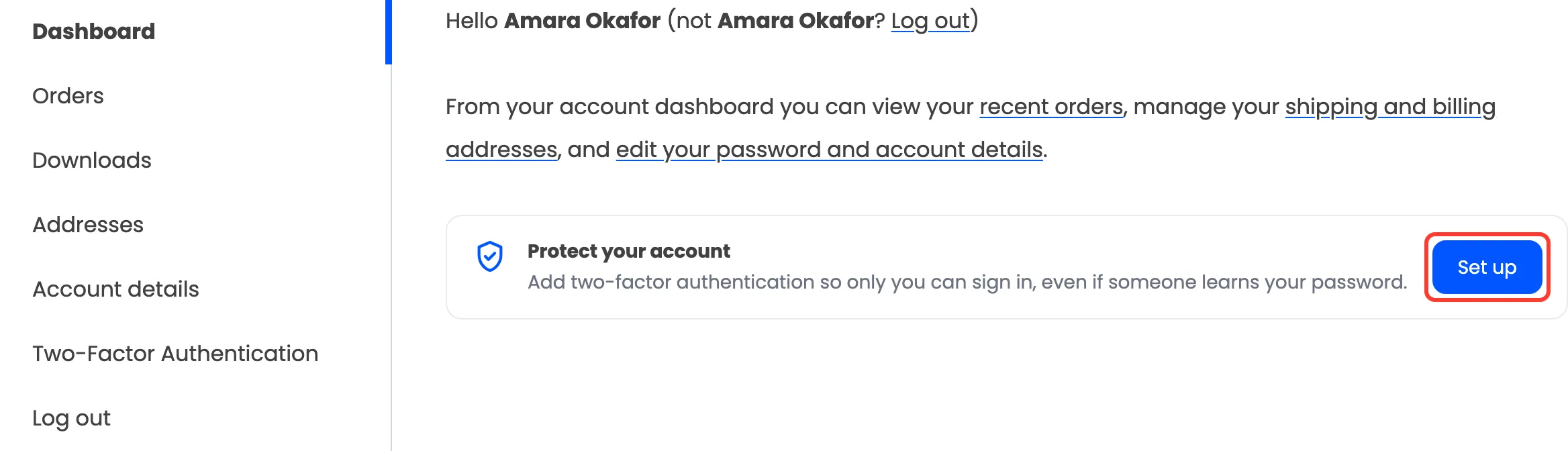
Set up takes them straight to the setup page. The card goes once 2FA is on.
Step 2: Link to the setup page
Section titled “Step 2: Link to the setup page”The page address is your My Account address plus the Page Slug, by default
/my-account/ddwc-google-authenticator/. Customers who are signed out are asked to sign in first.
Or place the page on any page of your own with the shortcode. See How to Place the Security Page Anywhere.
Step 3: Watch adoption
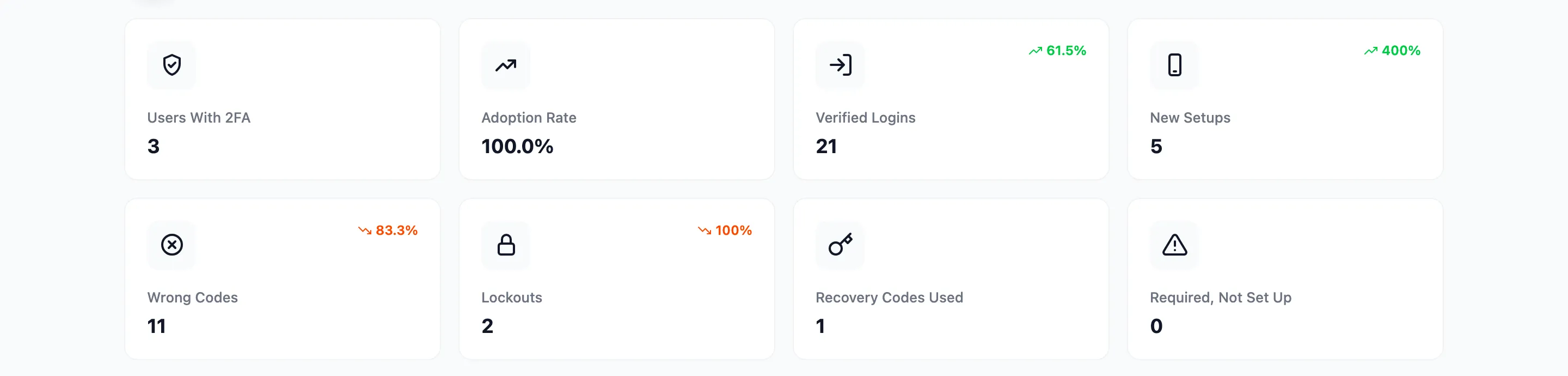
Section titled “Step 3: Watch adoption”The dashboard’s Adoption Rate and New Setups show who acted, and Coverage by Role shows it per role.