

How to Pause Two-Factor Authentication
Pausing helps while you test a new login plugin, or if something goes wrong and staff need in fast.
Step 1: Untick the switch
Section titled “Step 1: Untick the switch”Open Configuration → General, untick Two-Factor Authentication, and press Save Changes.
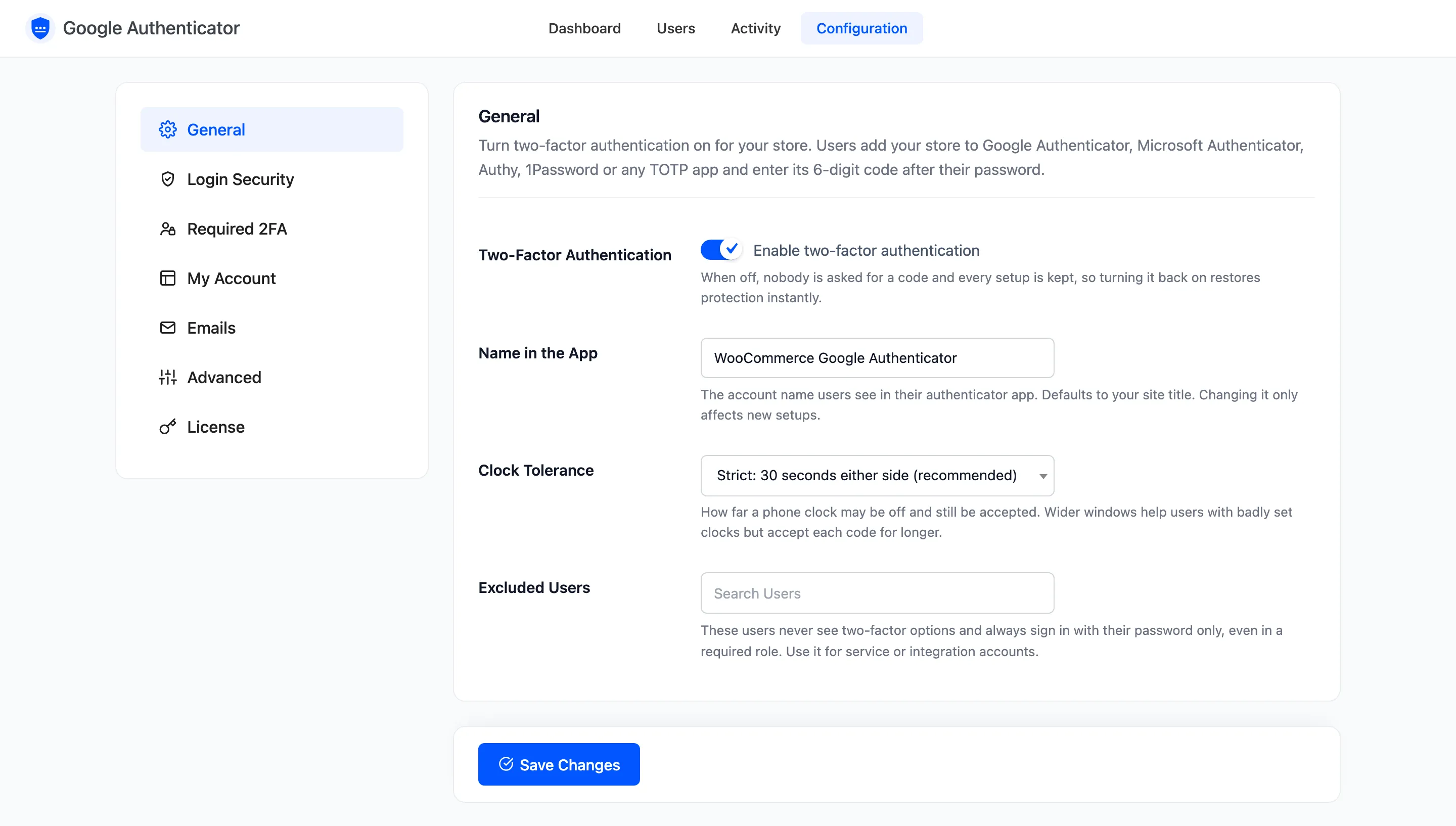
While it is off, on the demo:
- The password alone signed Amara in.
- The Two-Factor Authentication item left her My Account menu, and its address showed her dashboard.
- The plugin’s dashboard showed a banner with Turn On.
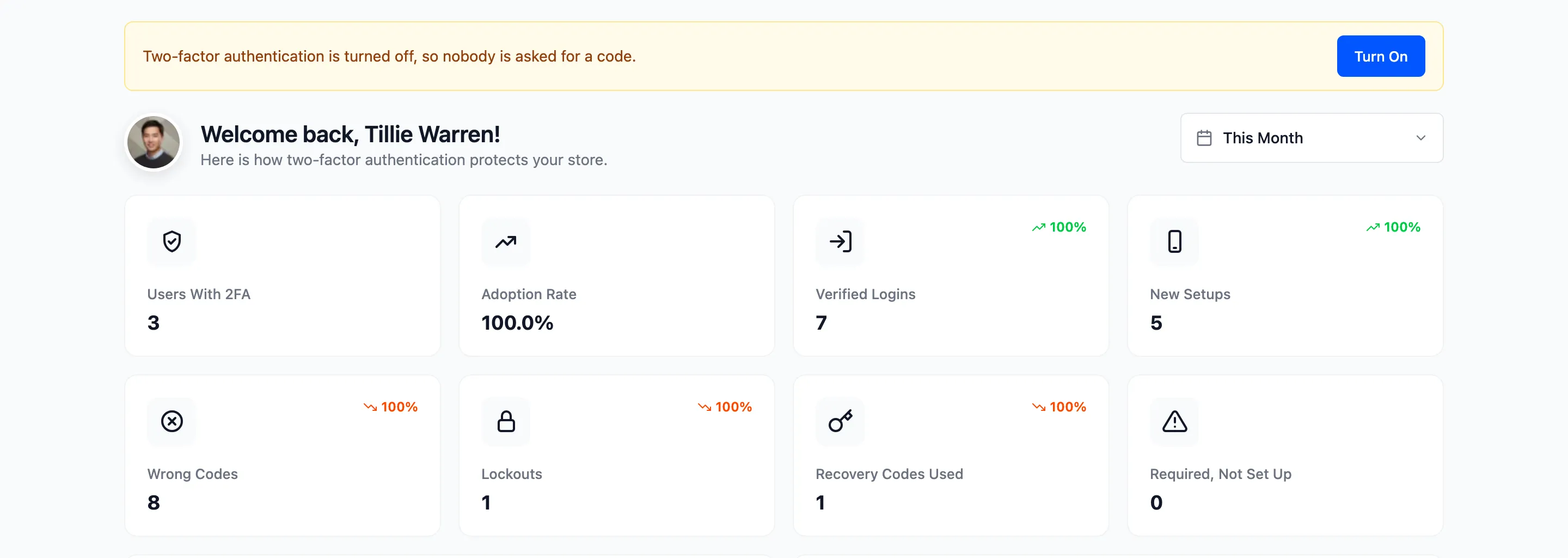
Every user’s secret, recovery codes and trusted devices are kept.
Step 2: Switch it back on
Section titled “Step 2: Switch it back on”Tick it again and save. Amara’s next sign in asked for her code again.
Locked out of wp-admin yourself
Section titled “Locked out of wp-admin yourself”If you cannot reach the settings, sign in with a recovery code. With no codes, rename the plugin’s folder in
wp-content/plugins over FTP or your host’s file manager. WordPress deactivates it, and every setup is kept
for when you rename it back.