

License Activation
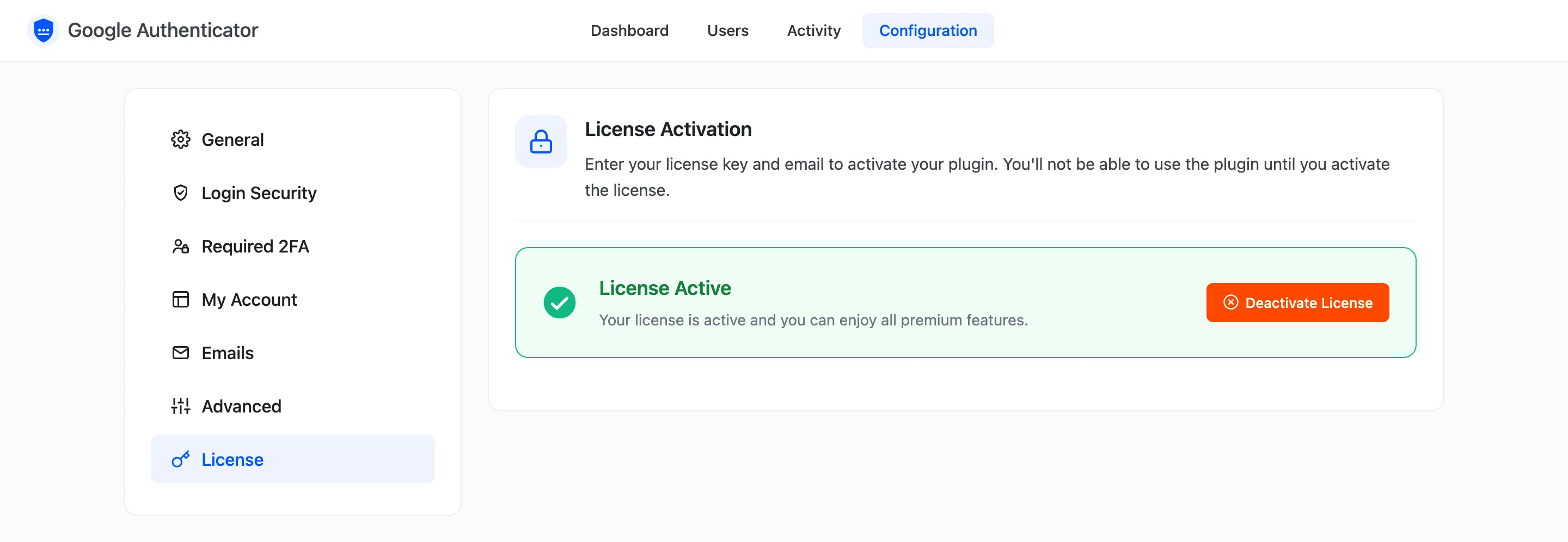
The license keeps updates coming and turns protection on. Open Configuration → License.
Activate
Section titled “Activate”- Copy the purchase code from your DevDiggers order email or your account on devdiggers.com.
- Paste it, with the email you bought with, into the License tab.
- Press Activate. The tab then shows the license as active.
The setup wizard has the same step and does not move on until the license is active.
While the license is not active
Section titled “While the license is not active”- Nobody is asked for a code, on any login form.
- The Two-Factor Authentication page and menu item do not show in My Account.
- The dashboard shows a banner with Activate License.
Every user’s setup, recovery codes and trusted devices are kept. Activating the license protects them again straight away.